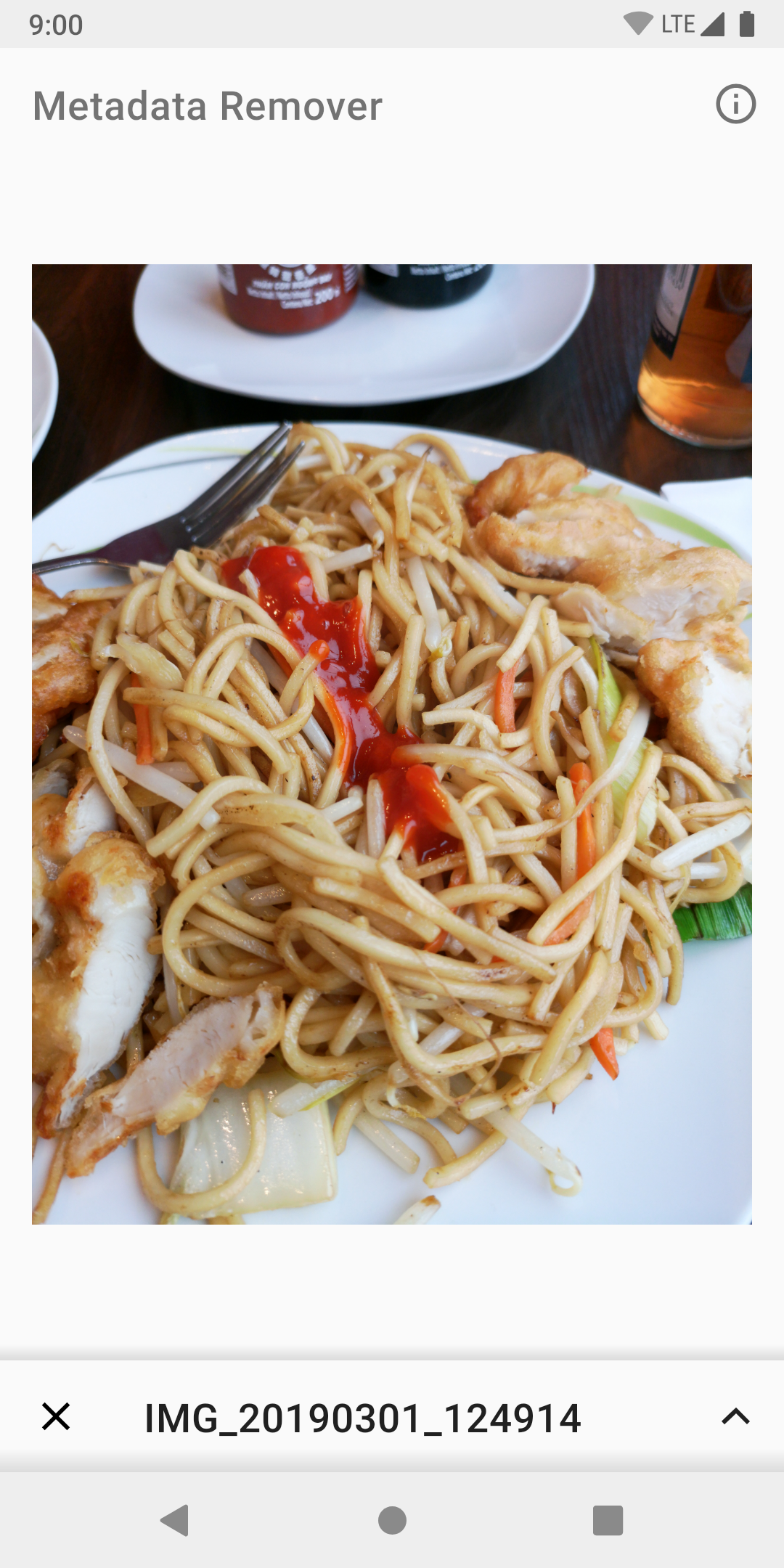
Protect your privacy by removing metadata from your photos!
Protect your privacy by removing metadata from your photos, before sharing them on the Internet.
Features:
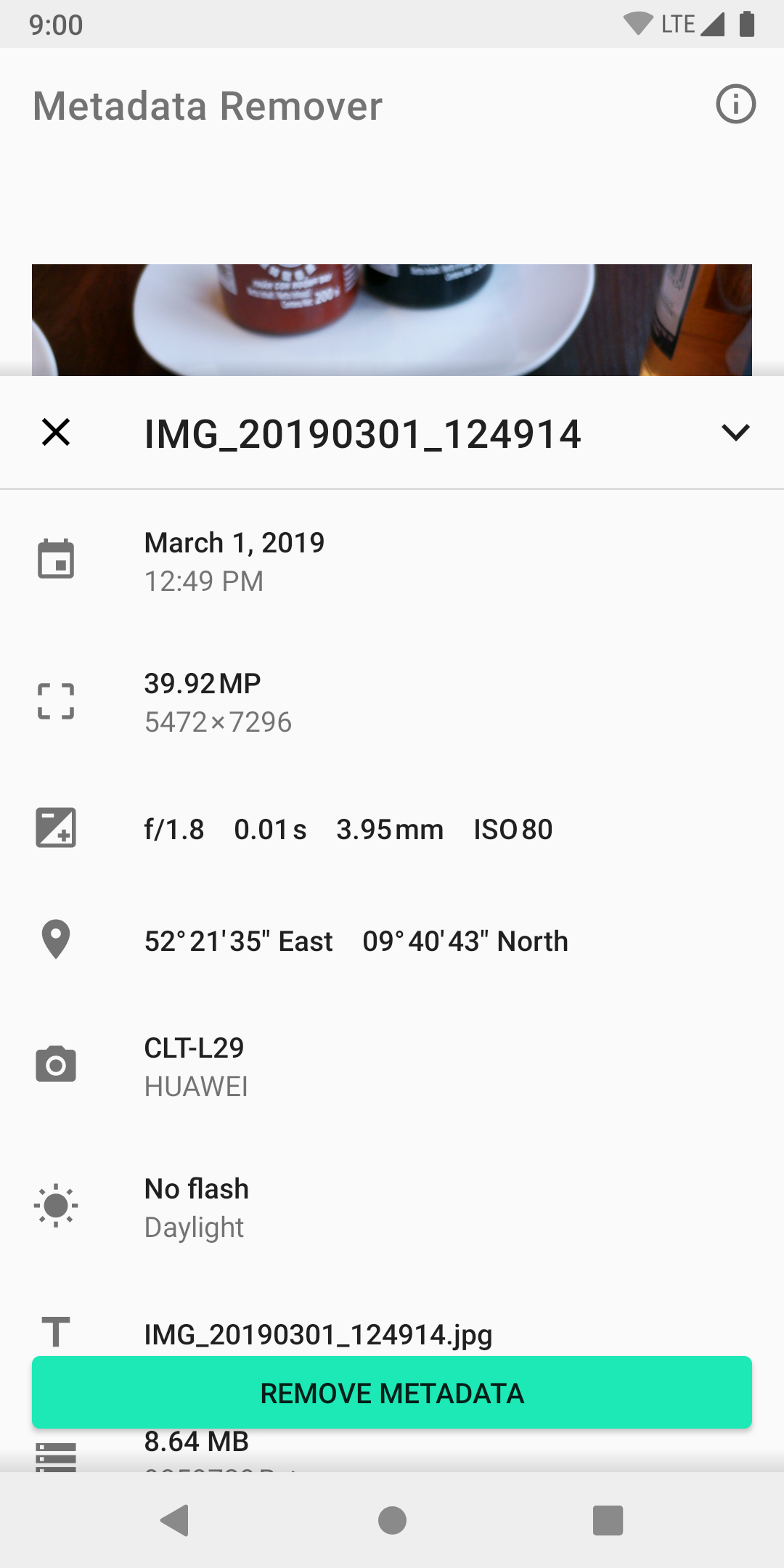
✔️ View metadata
✔️ Image preview
✔️ Remove metadata
✔️ Simple and intuitive interface
✔️ Share directly from the app
Learn more:
Whenever you take a picture, additional metadata is saved in the image file.
Most smartphones do not inform you about this.
Metadata can look like this:
🕑 On which day was the picture taken, and at what time?
🗺️ And where exactly?
📷 Which camera or smartphone was used?
🔧 What camera settings were used?
📝 Notes of the photographer or the camera?
📌 More and more often, even exact GPS coordinates are saved in your photo.
Metadata is sometimes very useful — for instance when sorting holiday photos.
As soon as you share photos with others via social media, all this info is visible publicly.
Data collectors and stalkers are more easily able to discover your place of residence or workplace from the metadata or draw conclusions about your daily routine.
Tracking services create more comprehensive advertising profiles and sell your data to other organizations.
Use the Metadata Remover to easily view all that data, remove it entirely, and then share the anonymized photo directly!
That way you stay anonymous and safe on the Internet, while your friends can still admire your cute cat.
Happy sharing! 😽
Screenshots
What’s new
- Optimize RTL Layout 🎨
How to install
Download the APK from the button at the top of this page.
Allow “Install unknown apps” for your browser or file manager only, not for every app.
Open the downloaded file and confirm the installation.
If installation fails with “App not installed,” remove an earlier build of the same app first. A signature conflict is the usual cause.
Data safety
Every file is checked against its published SHA-256 before it is listed.
Files are scanned for malware on every update.
The permissions each app requests are listed on its own page.
Read the full safety policy for how we test, flag, and delist files.
Frequently asked questions
What is Metadata Remover?
Protect your privacy by removing metadata from your photos!
Who develops Metadata Remover?
Metadata Remover is developed by Crazy Marvin & Contributors.
Which Android version does Metadata Remover require?
Metadata Remover requires Android API 21 or later.