Ojo is a basic IP Camera surveillance wall.
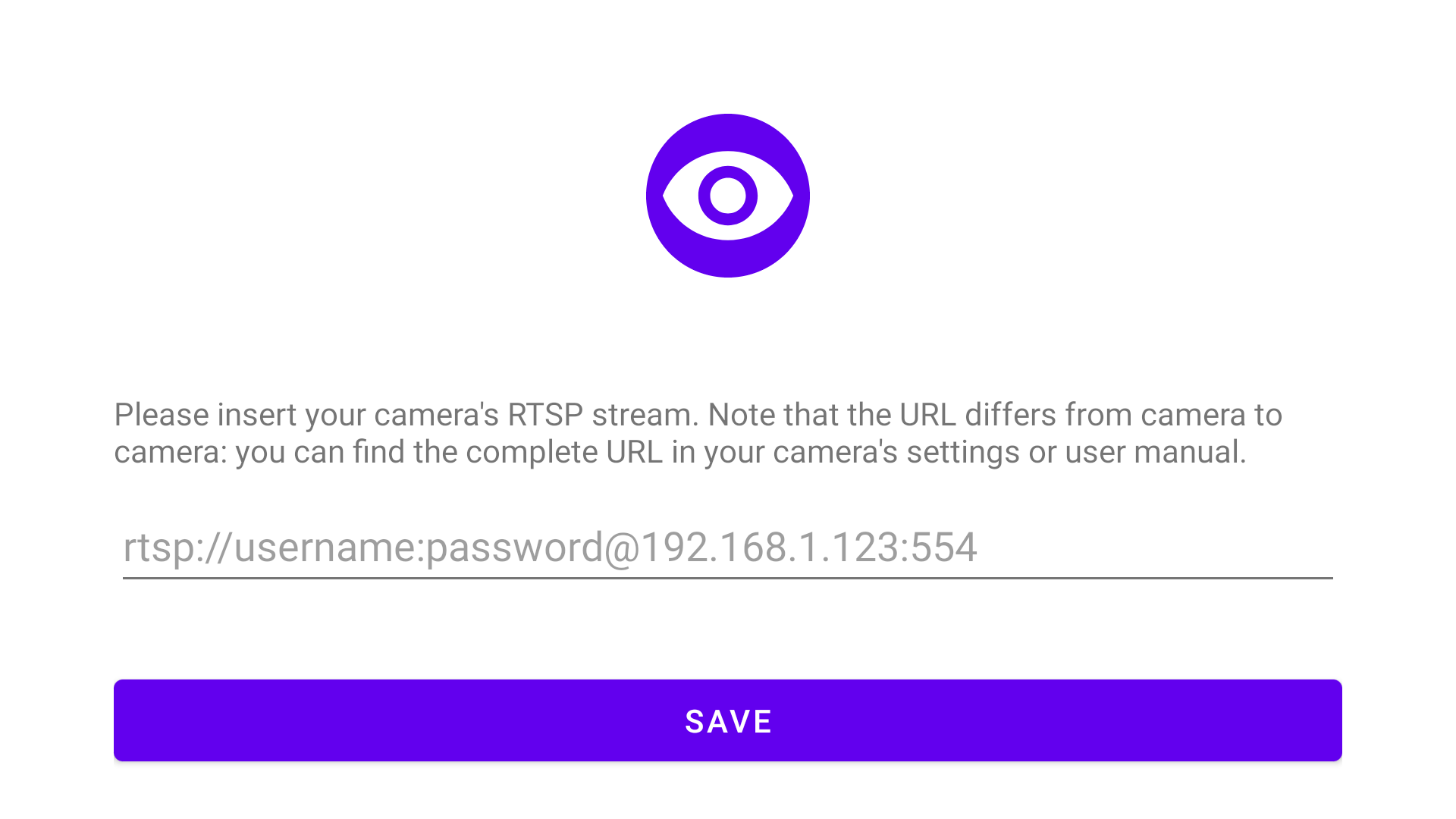
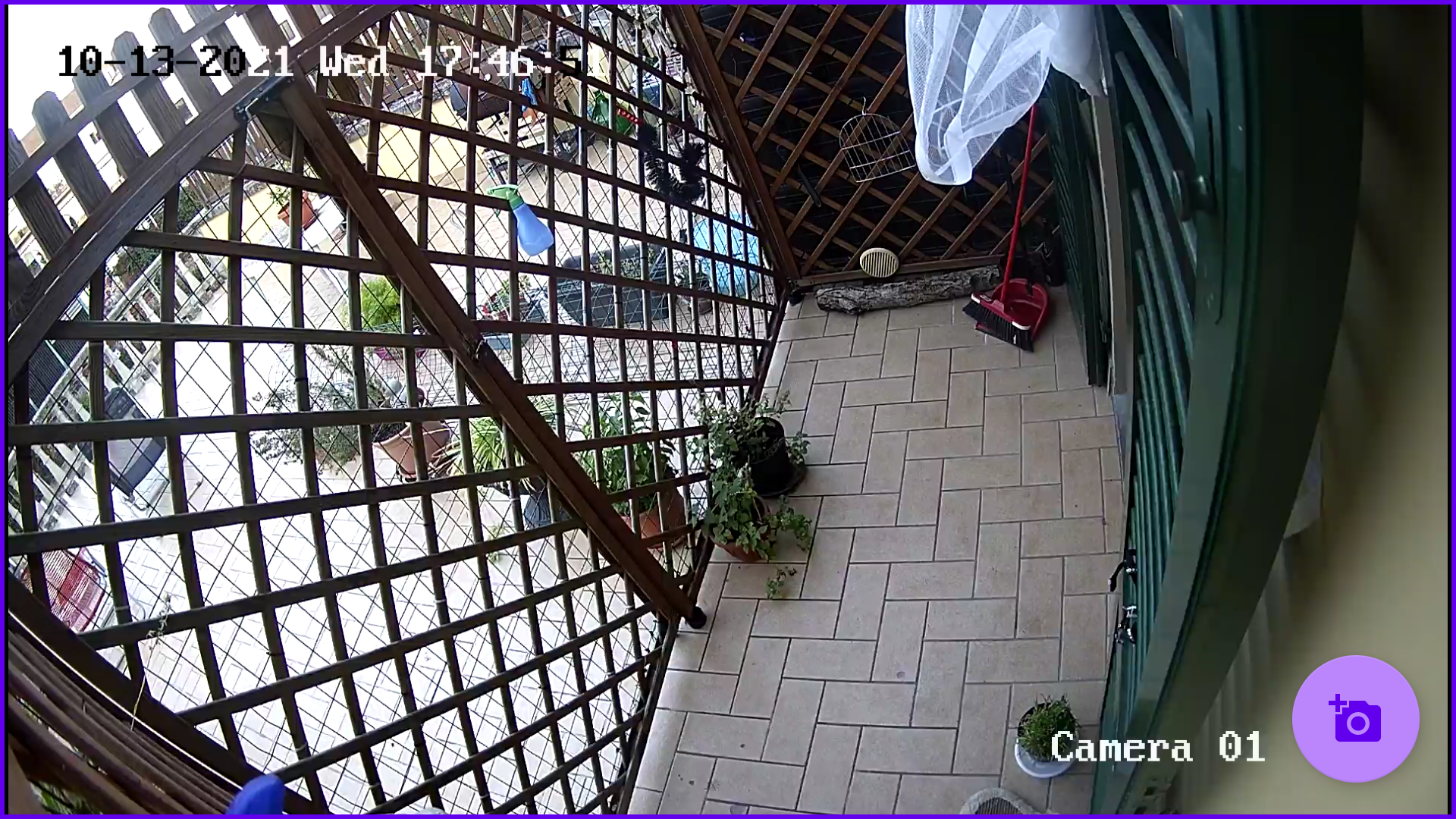
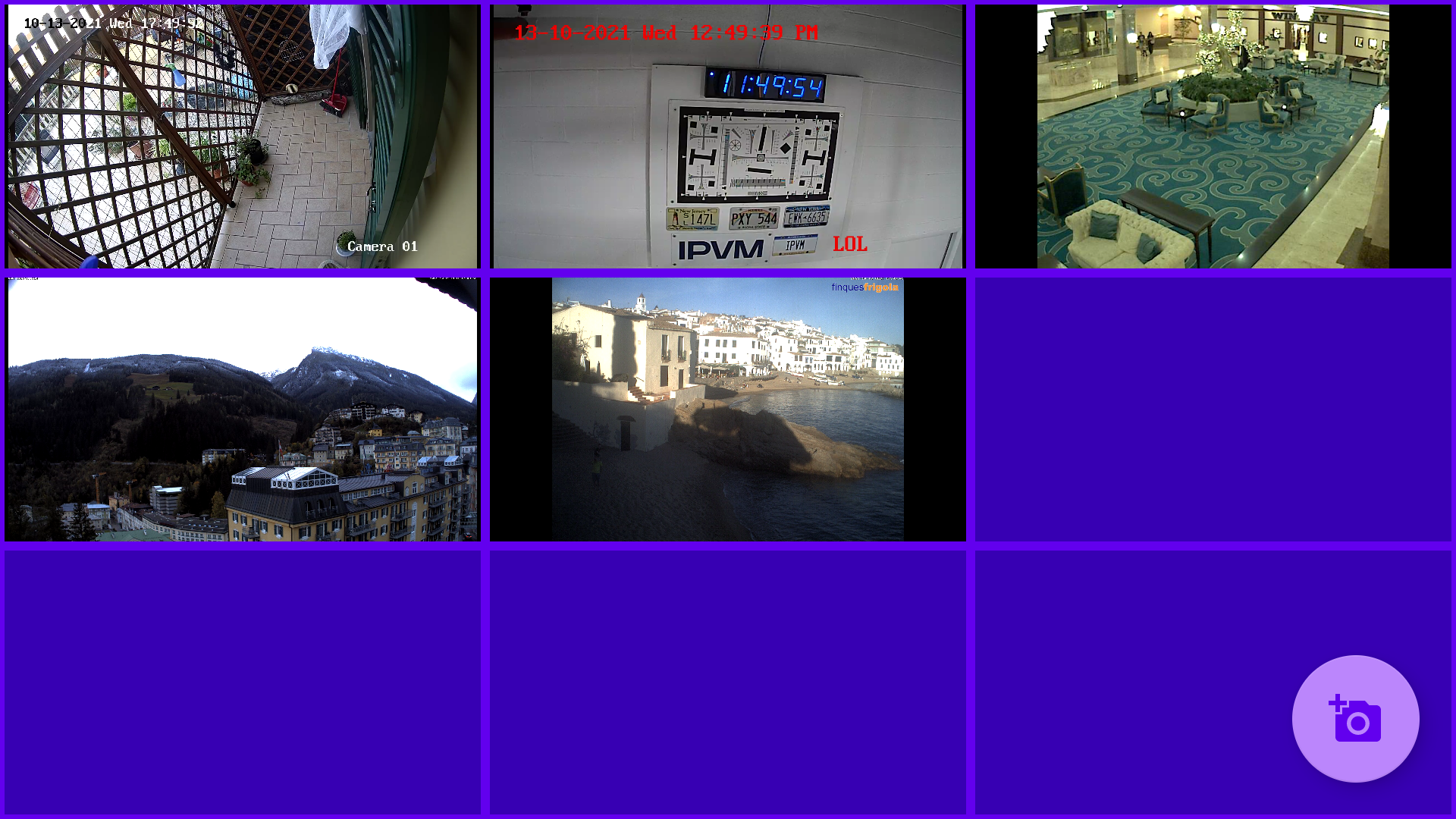
IP camera's RTSP streams are added via its url and shown in the classic tile configuration. The number of tiles is automatically chosen based on the number of configured cameras: a single camera goes full screen, adding more cameras the app switches to a grid view: 2x2, 3x3, 4x4 and so on.
The maximum number of cameras is determined by the device's capabilities.
The stream decoding and rendering is demanded to VLC's library: without their effort this app wouldn't be possible.
This app was specifically developed for F-Droid, as I couldn't find any open source RTSP viewers in the main repository.
The app can be opened deeplinking to url ojo://view
To open the app with focus on a specific camera, you can use an intent (it.danieleverducci.ojo.OPEN_CAMERA) to specify which camera you want to view.
The extra argument it.danieleverducci.ojo.CAMERA_NAME will open the app with the camera with the name you specified while adding the camera.
The extra argument it.danieleverducci.ojo.CAMERA_NUMBER starting at 1 could be used as well, if you have multiple cameras with the same name.
See below an example how to use the intent. The flag (-f 268468224) could be useful if you want to switch to another camera while the app is running:
adb -s shell am start -a it.danieleverducci.ojo.OPEN_CAMERA -f 268468224 --es it.danieleverducci.ojo.CAMERA_NAME
adb -s shell am start -a it.danieleverducci.ojo.OPEN_CAMERA -f 268468224 --es it.danieleverducci.ojo.CAMERA_NUMBER
Screenshots
What’s new
Added russian translation (thanks to Yurt Page!)
How to install
Download the APK from the button at the top of this page.
Allow “Install unknown apps” for your browser or file manager only, not for every app.
Open the downloaded file and confirm the installation.
If installation fails with “App not installed,” remove an earlier build of the same app first. A signature conflict is the usual cause.
Data safety
Every file is checked against its published SHA-256 before it is listed.
Files are scanned for malware on every update.
The permissions each app requests are listed on its own page.
Read the full safety policy for how we test, flag, and delist files.
Frequently asked questions
What is Ojo RTSP IP Camera viewer?
Ojo is a basic IP Camera surveillance wall.
Who develops Ojo RTSP IP Camera viewer?
Ojo RTSP IP Camera viewer is developed by Daniele Verducci.
Which Android version does Ojo RTSP IP Camera viewer require?
Ojo RTSP IP Camera viewer requires Android API 15 or later.
What is the current version of Ojo RTSP IP Camera viewer?
The synchronized F-Droid version is 0.1.4.
Which license does Ojo RTSP IP Camera viewer use?
The signed F-Droid metadata lists GPL-3.0-only.
Where is the source code for Ojo RTSP IP Camera viewer?