
Quick answer
Offline image editor, compressor, resizer and converter.
Kompact is a privacy-first, fully offline image editor and compressor for Android. Edit and compress your photos directly on your device, without relying on cloud services.
Editing tools:
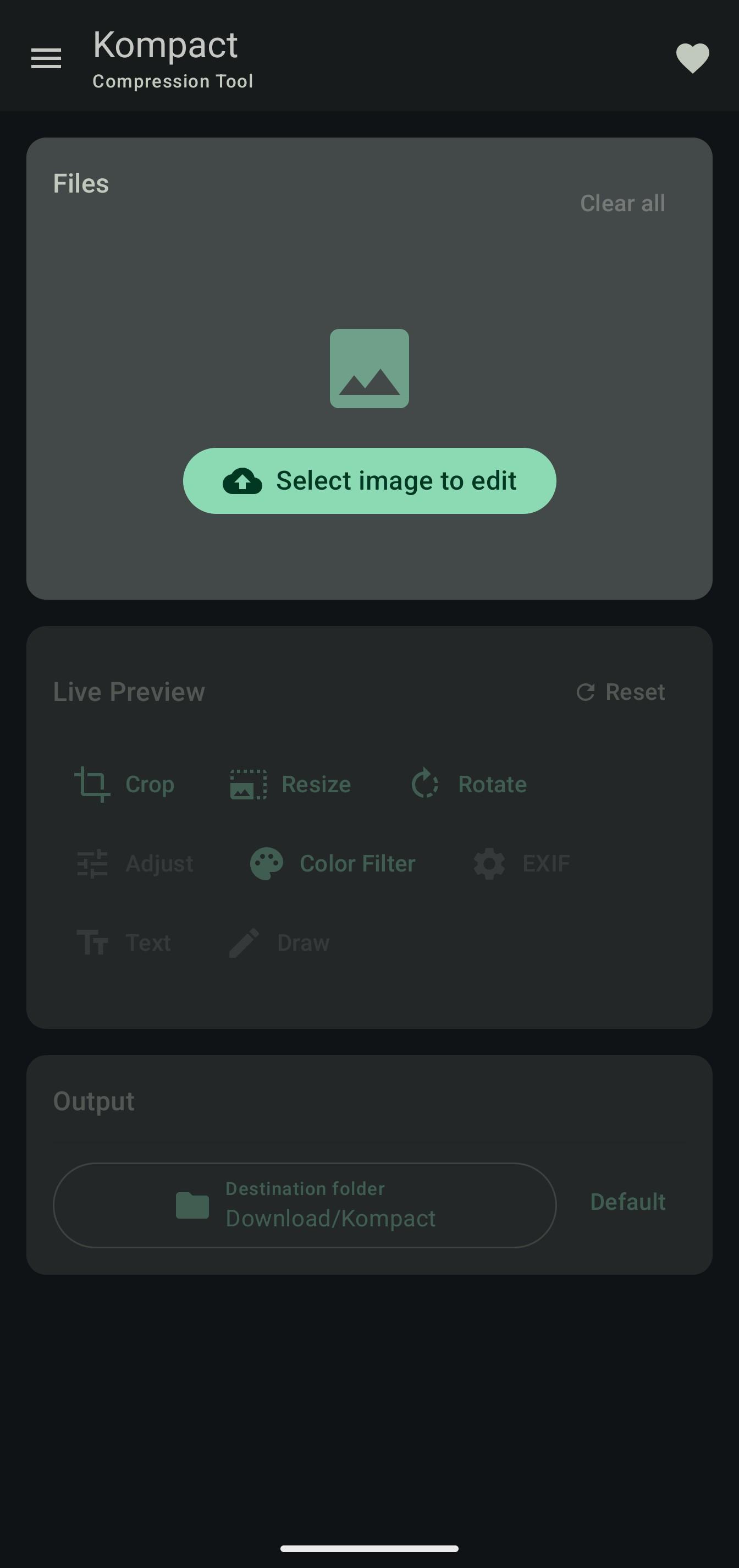
* Crop, resize (pixels or percentage) and rotate images
* Multiple text overlays with custom size, color and position
* Draw with pen and highlighter tools
* Color filters: grayscale, sepia, vintage, cool, warm and custom hue
* Adjust brightness, contrast, saturation, warmth, shadows and highlights
* Transparent or custom background
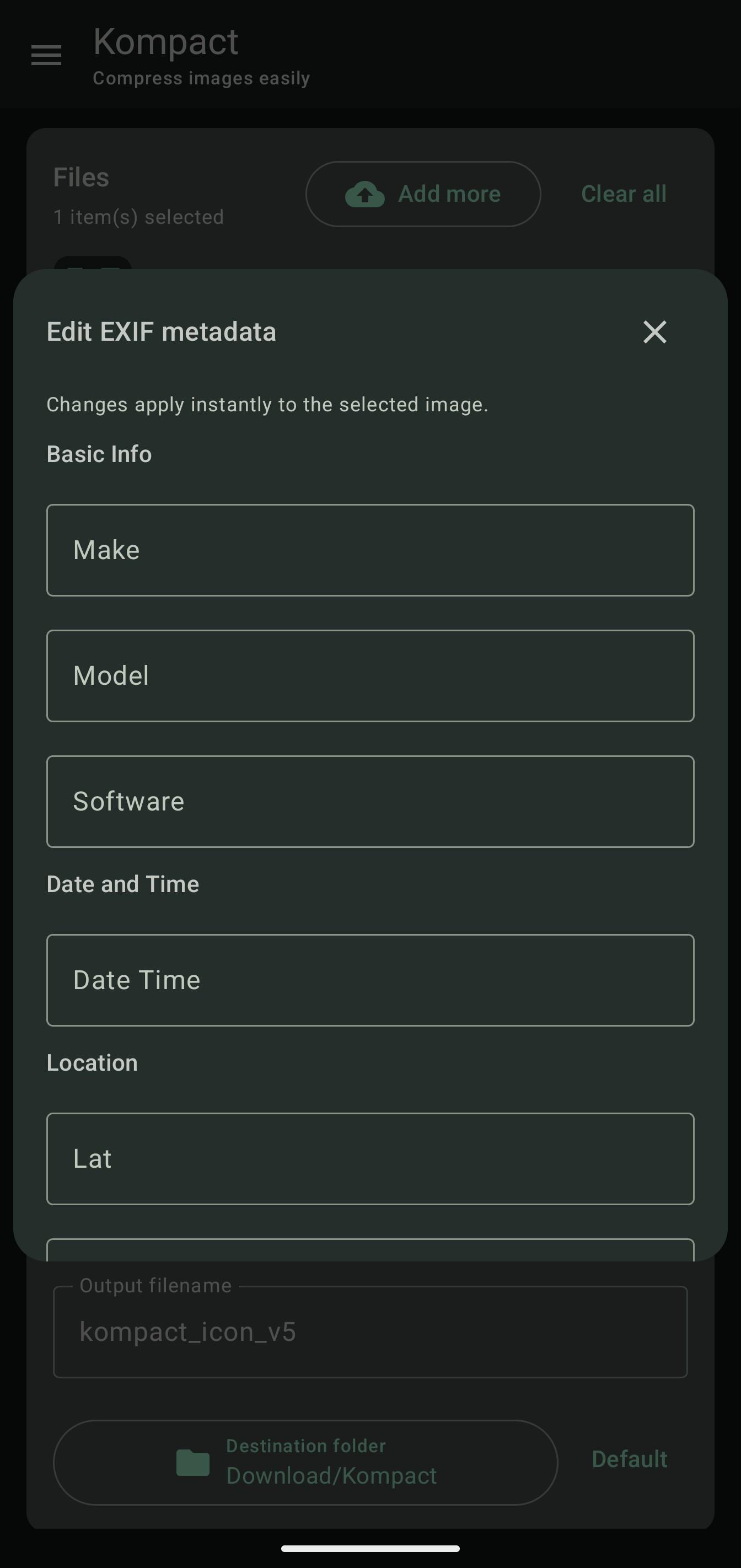
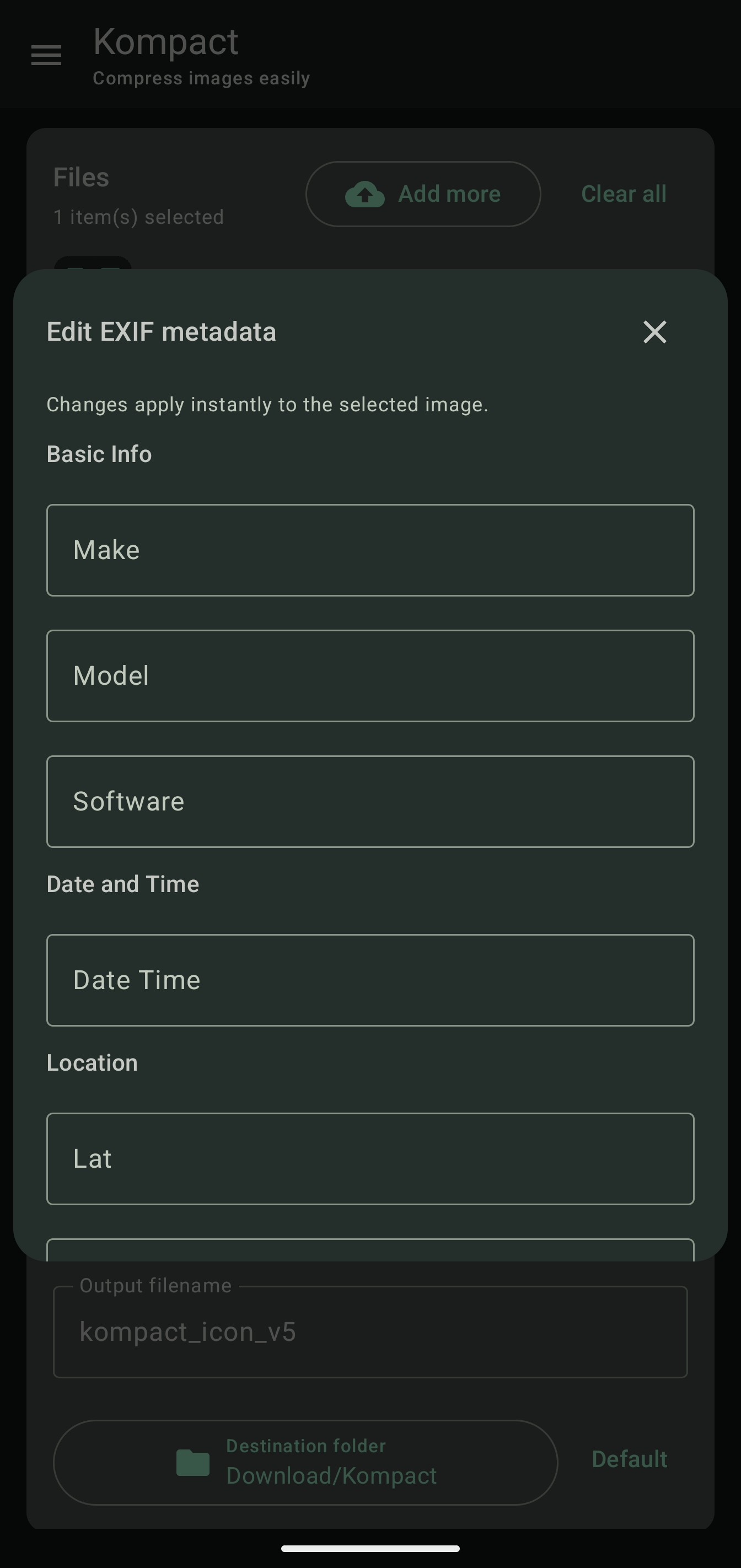
* Edit or strip EXIF metadata, including GPS position
Compression and conversion:
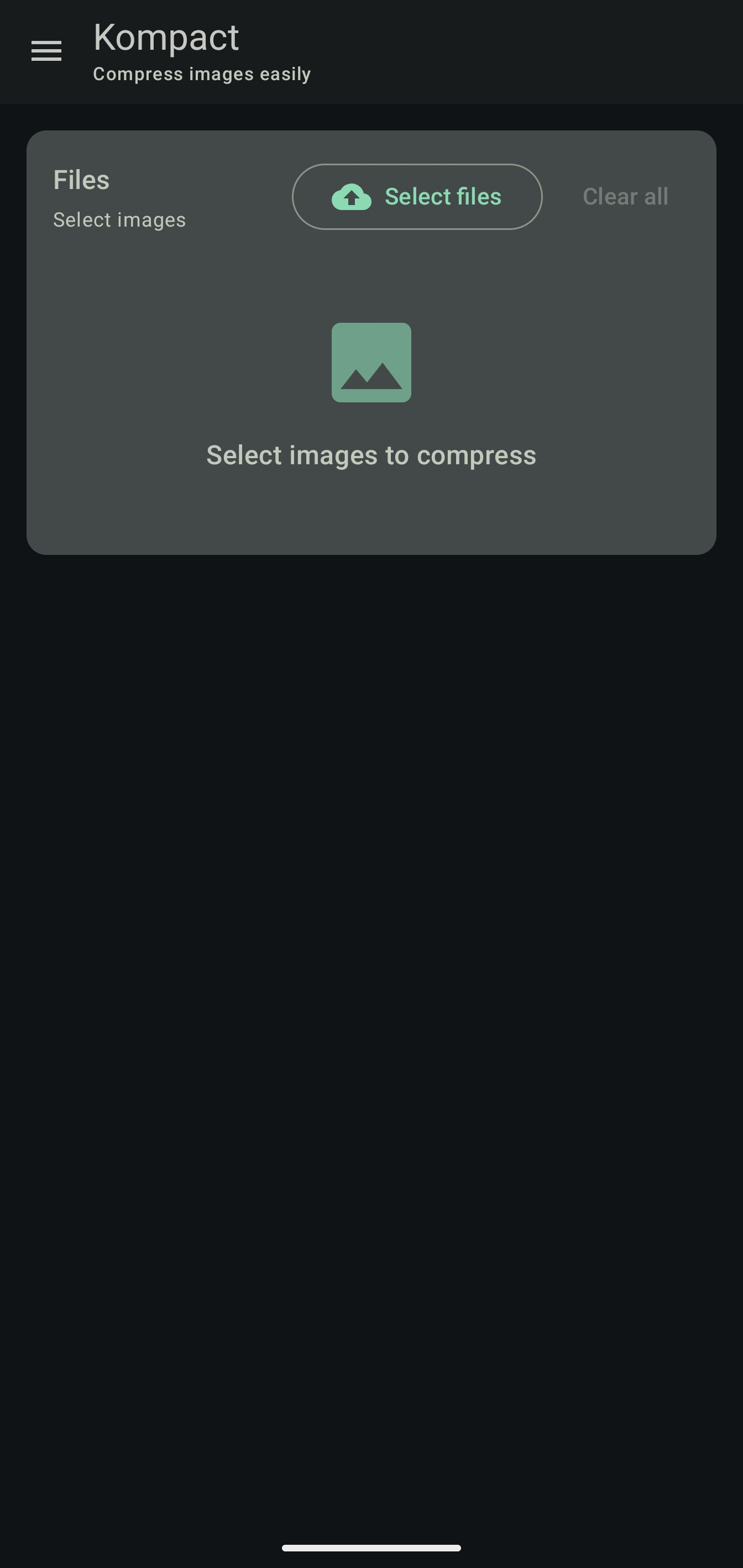
* Batch processing of multiple images at once
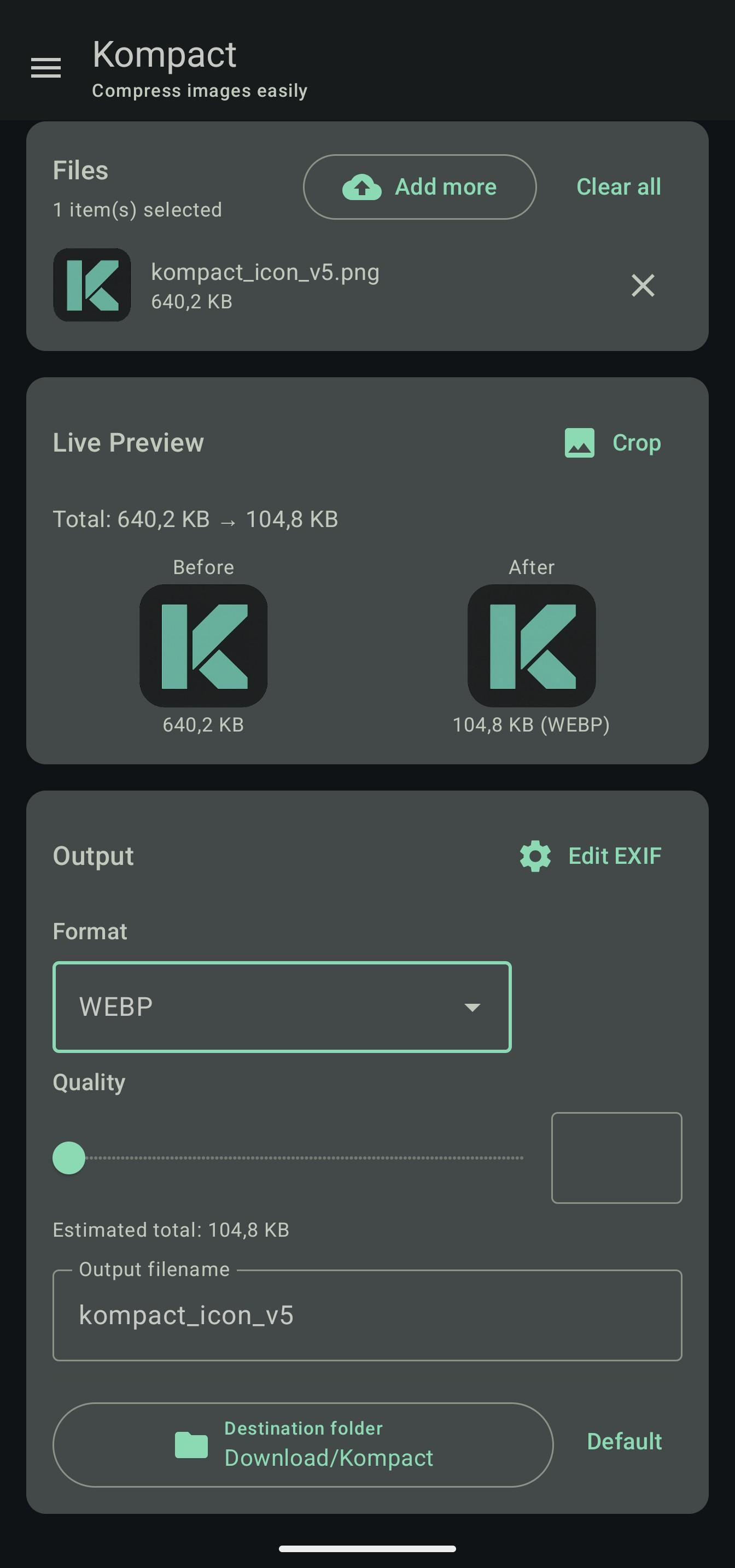
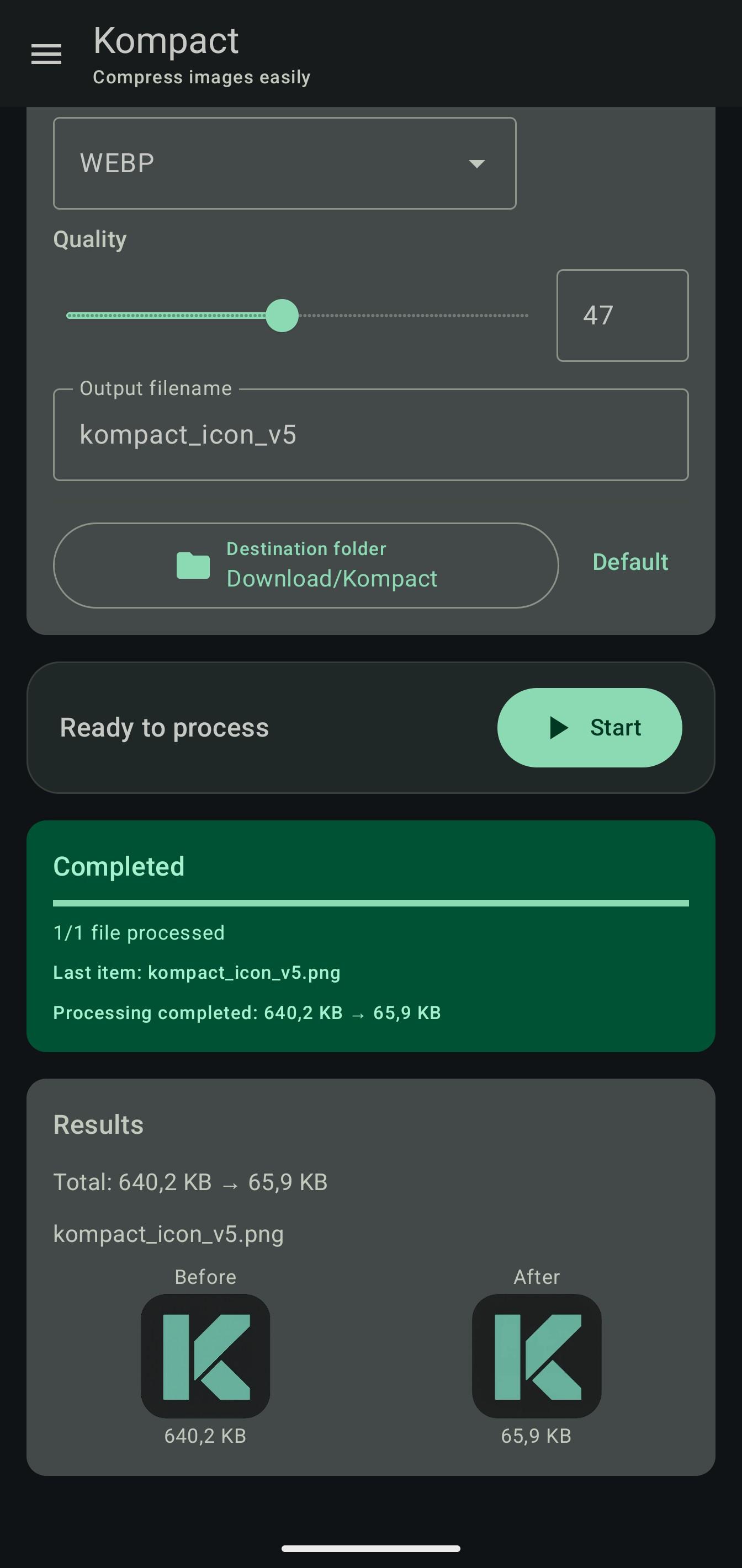
* Compress by quality percentage (default: original quality) or target file size
* Convert between JPEG, PNG, WebP, BMP, GIF, TIFF, ICO and Telegram PNG (the original format is kept when no edit requires re-encoding)
* Live preview with estimated output size before processing
* Custom output file name (defaults to -edit) and destination folder
* Option to delete original files and preserve the source file date
* Detailed per-file report with original vs processed size
Kompact provides essential image editing and compression tools in a lightweight, open-source package. 100% offline: no analytics, no network telemetry, and no advertisements. Material Design 3 interface with dynamic theming and dark mode.
Screenshots
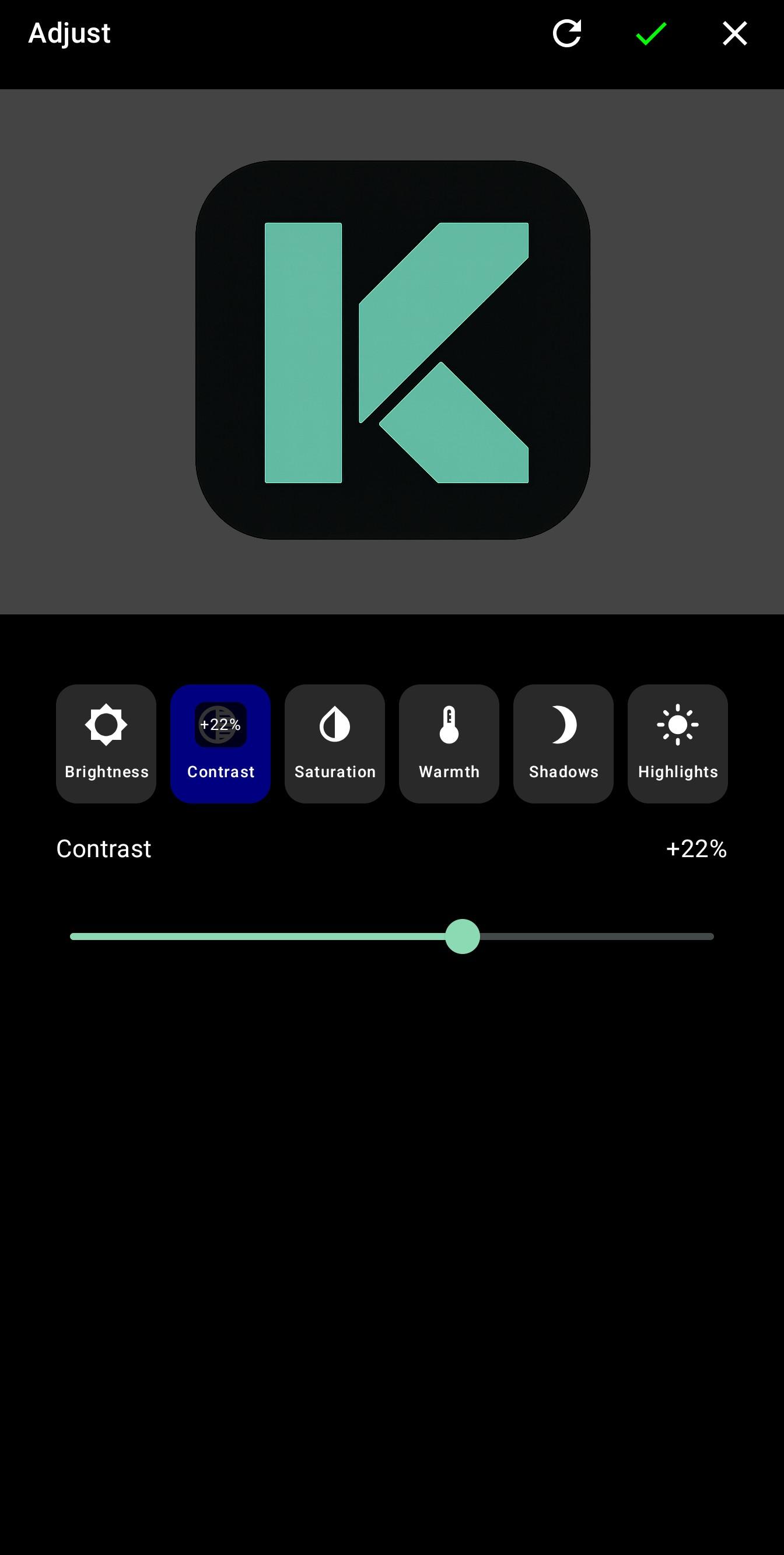
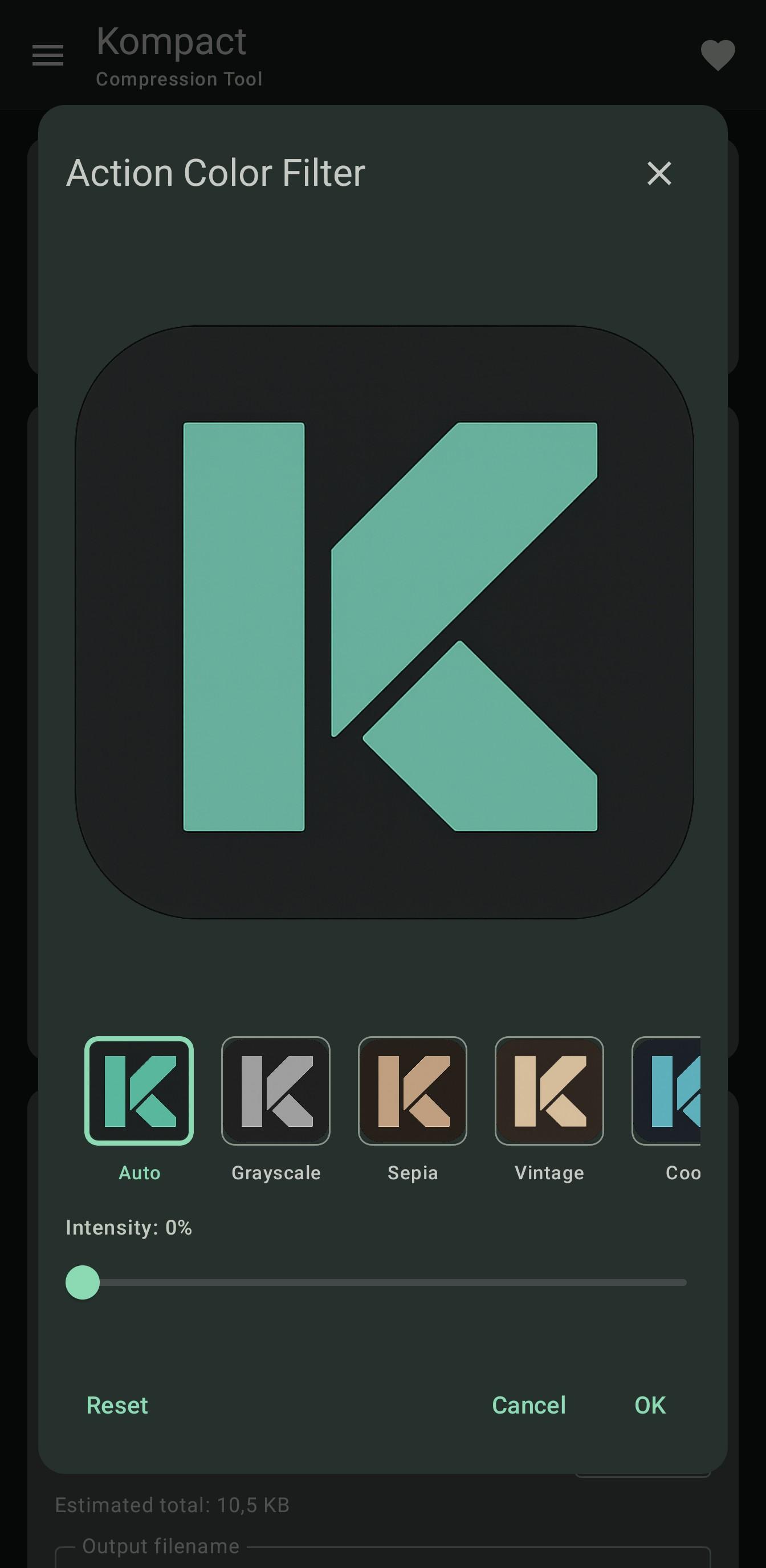
How to install
- Download the APK from the button at the top of this page.
- Allow “Install unknown apps” for your browser or file manager only, not for every app.
- Open the downloaded file and confirm the installation.
- If installation fails with “App not installed,” remove an earlier build of the same app first. A signature conflict is the usual cause.
Data safety
- Every file is checked against its published SHA-256 before it is listed.
- Files are scanned for malware on every update.
- The permissions each app requests are listed on its own page.
- Read the full safety policy for how we test, flag, and delist files.
Frequently asked questions
What is Kompact - Image Editor?
Offline image editor, compressor, resizer and converter.
Who develops Kompact - Image Editor?
Kompact - Image Editor is developed by Naxod.
Which Android version does Kompact - Image Editor require?
Kompact - Image Editor requires Android API 24 or later.
What is the current version of Kompact - Image Editor?
The synchronized F-Droid version is 2.1.1.
Which license does Kompact - Image Editor use?
The signed F-Droid metadata lists AGPL-3.0-or-later.
Where is the source code for Kompact - Image Editor?
https://git.naxod.com/luca/Kompact
Comments
Recent approved comments · sorted by newest
View all comments