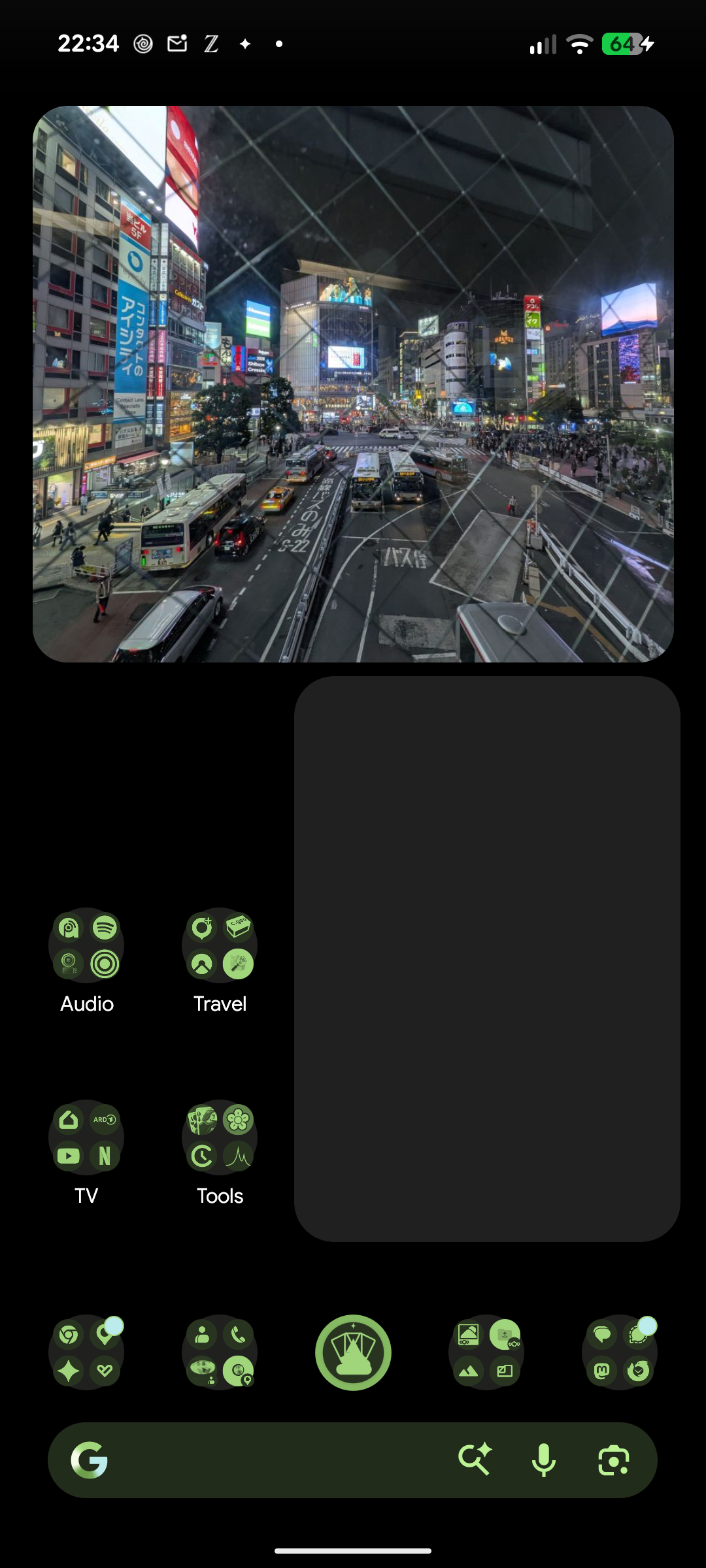
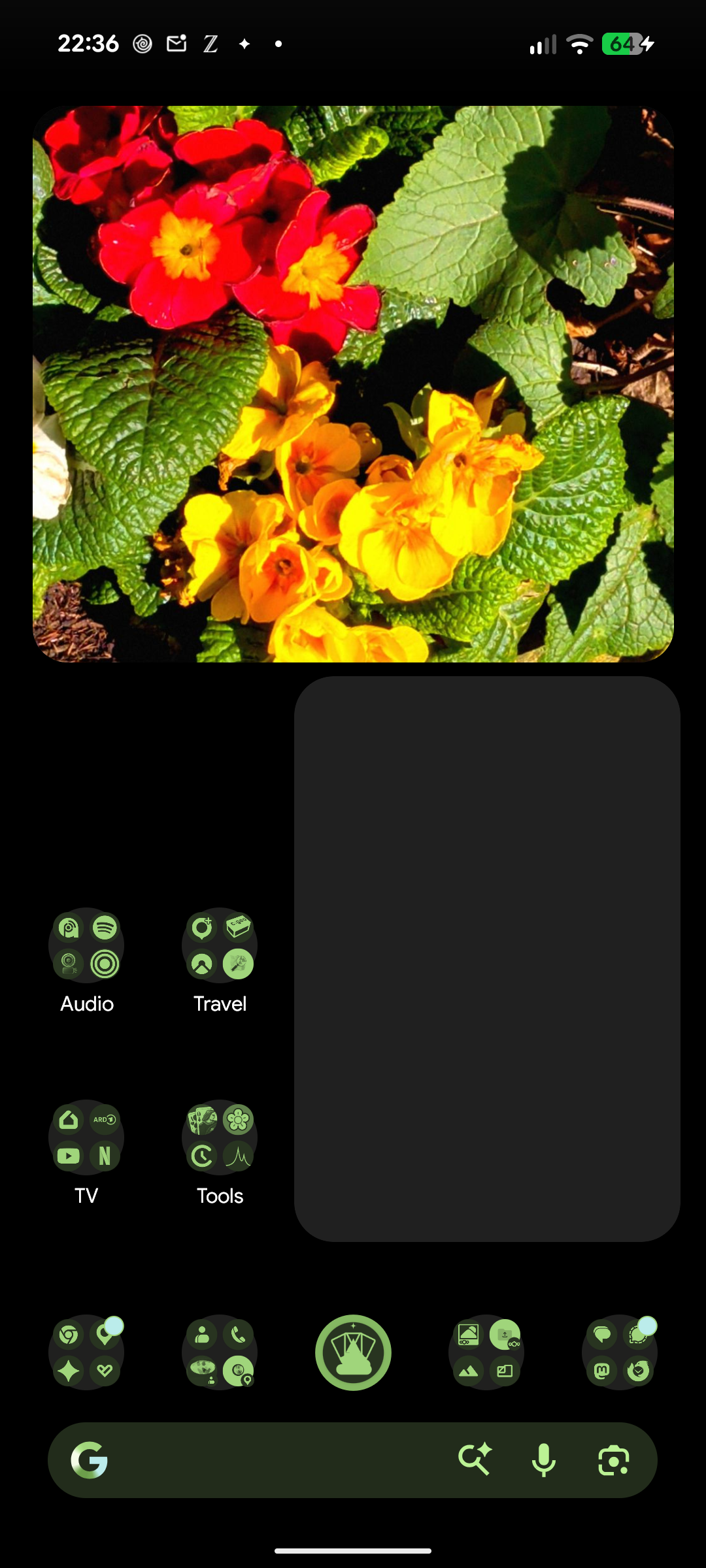
Home screen widget showing random photos from your Nextcloud
Shows a random picture from a folder on your Nextcloud server as a home screen widget, without syncing your photo library to the phone. Only one downscaled preview is stored at a time.
Features
Any number of widgets, each with its own folders, tags, interval, shape and filter
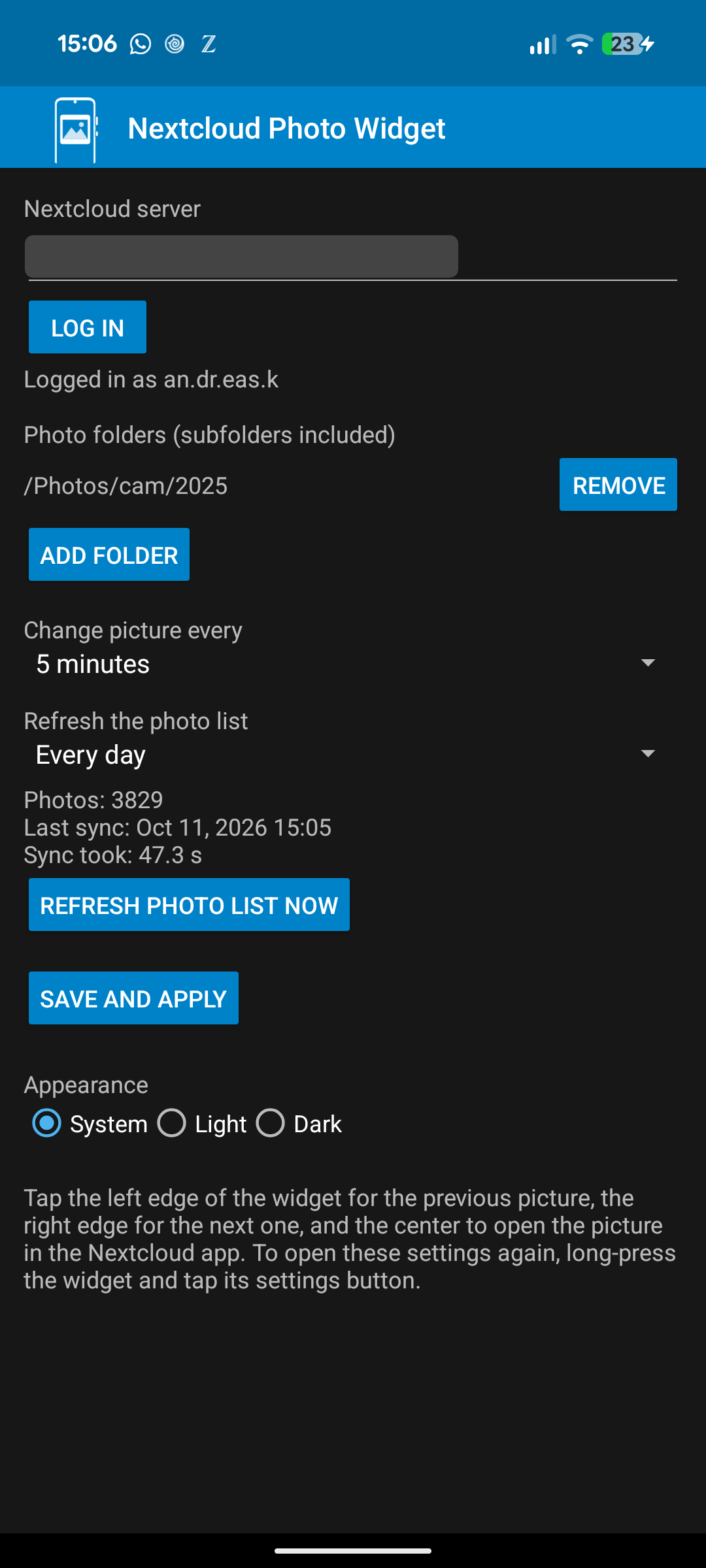
Random photo from one or more Nextcloud folders, subfolders included
Tag filter: photos with any of some tags and all of others
Time span filter: photos of the last days, optionally also of the same days in every earlier year
Widget shapes: rounded corners, square, circle, oval, pill or cut corners; resizable down to one tile
Picture changes automatically every 15 minutes to 24 hours, or only on tap
Configurable photo list refresh, with photo count, last sync time and sync duration
Picture filters such as grayscale, sepia or a faded film look; pictures with "snapseed" in the file name are shown unfiltered, as they already have a look
Tap the left edge for the previous picture, the right edge for the next one; the recent history is kept on the device, also for offline use
Tap the center to open the picture in the official Nextcloud app
Light, dark or system theme
Privacy
The app only talks to the Nextcloud server you configure. Login uses Nextcloud Login Flow v2, so a revocable app password is stored on the device and never your real password. There is no tracking and no analytics.
Requires Android 8.0 or newer and a Nextcloud server reachable over HTTPS. This is an unofficial app and is not affiliated with Nextcloud GmbH.
Screenshots
What’s new
Every widget now has its own settings: folders, tags, change interval, shape and picture filter. New: widget shapes (rounded, square, circle, oval, pill, cut corners), picture filters, tag filter with any-of and all-of, time span filter (last days, optionally also in earlier years), offline back and forward through the history, a red mark when loading failed, and widgets down to 1x1. Login now finishes even if you leave the settings.
How to install
Download the APK from the button at the top of this page.
Allow “Install unknown apps” for your browser or file manager only, not for every app.
Open the downloaded file and confirm the installation.
If installation fails with “App not installed,” remove an earlier build of the same app first. A signature conflict is the usual cause.
Data safety
Every file is checked against its published SHA-256 before it is listed.
Files are scanned for malware on every update.
The permissions each app requests are listed on its own page.
Read the full safety policy for how we test, flag, and delist files.
Frequently asked questions
What is Nextcloud Photo Widget?
Home screen widget showing random photos from your Nextcloud
Who develops Nextcloud Photo Widget?
Nextcloud Photo Widget is developed by Andreas Kirschner.
Which Android version does Nextcloud Photo Widget require?
Nextcloud Photo Widget requires Android API 26 or later.
What is the current version of Nextcloud Photo Widget?
The synchronized F-Droid version is 1.1.
Which license does Nextcloud Photo Widget use?
The signed F-Droid metadata lists MIT.
Where is the source code for Nextcloud Photo Widget?