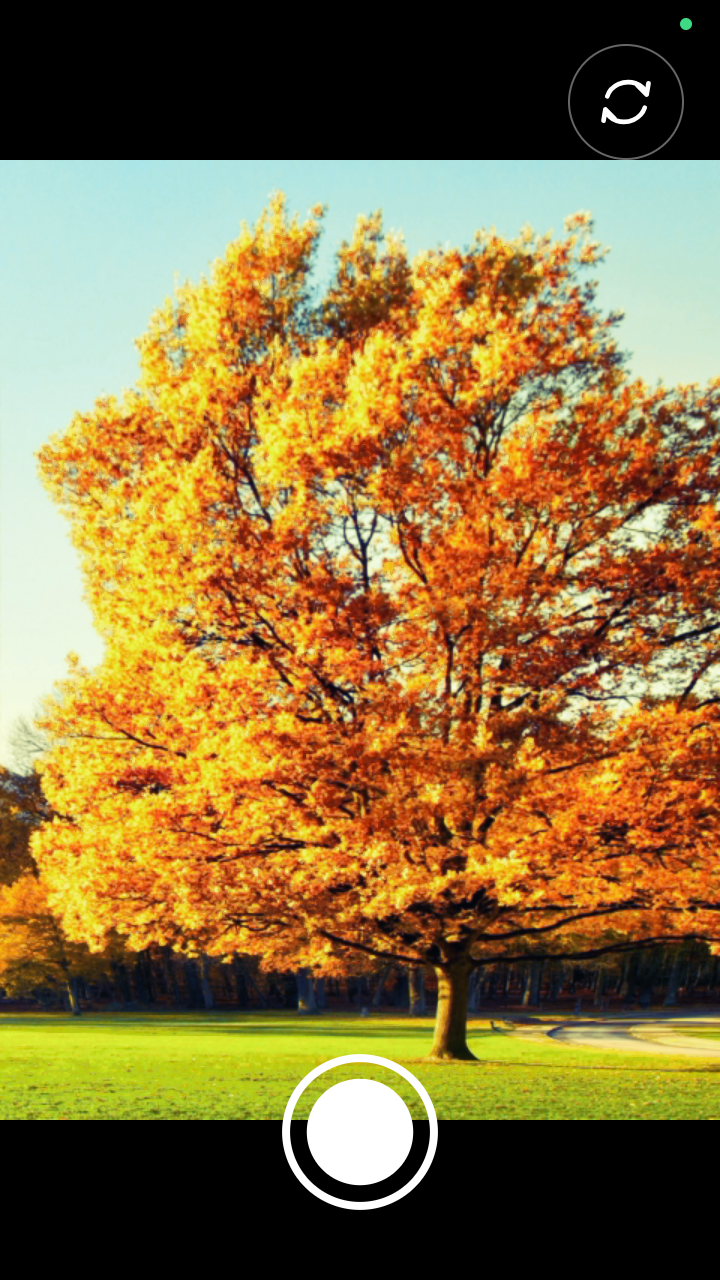
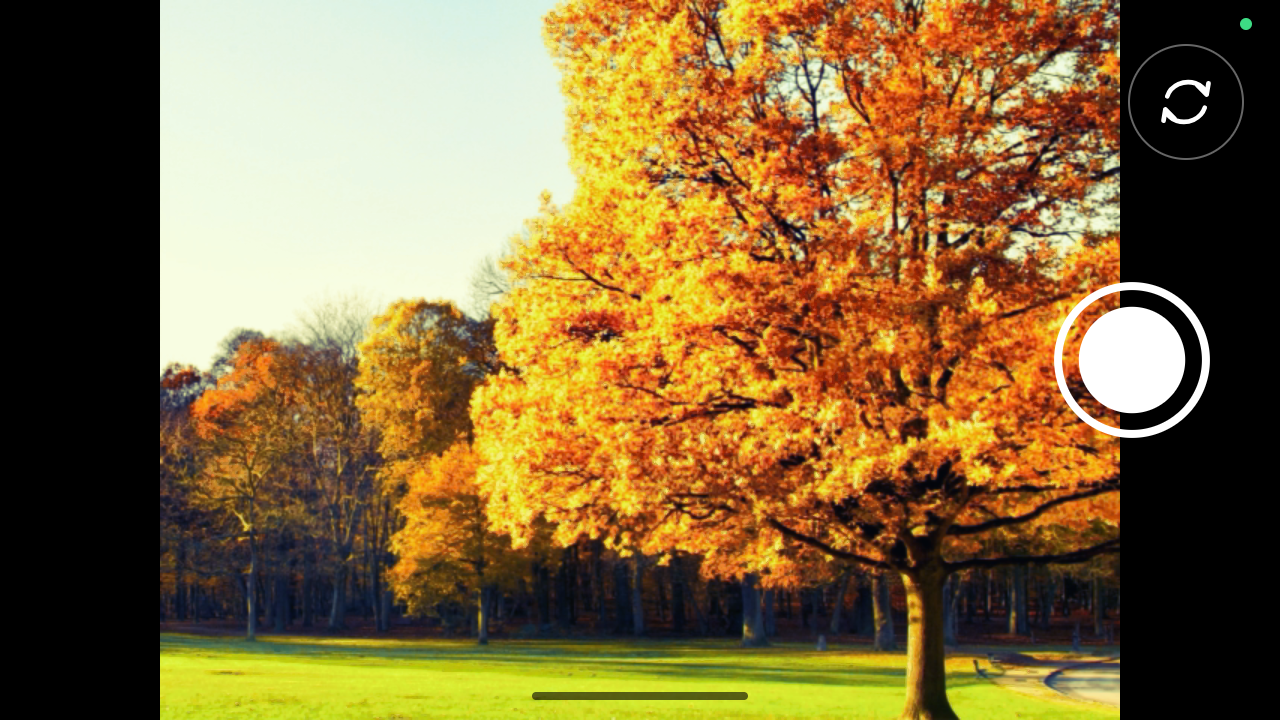
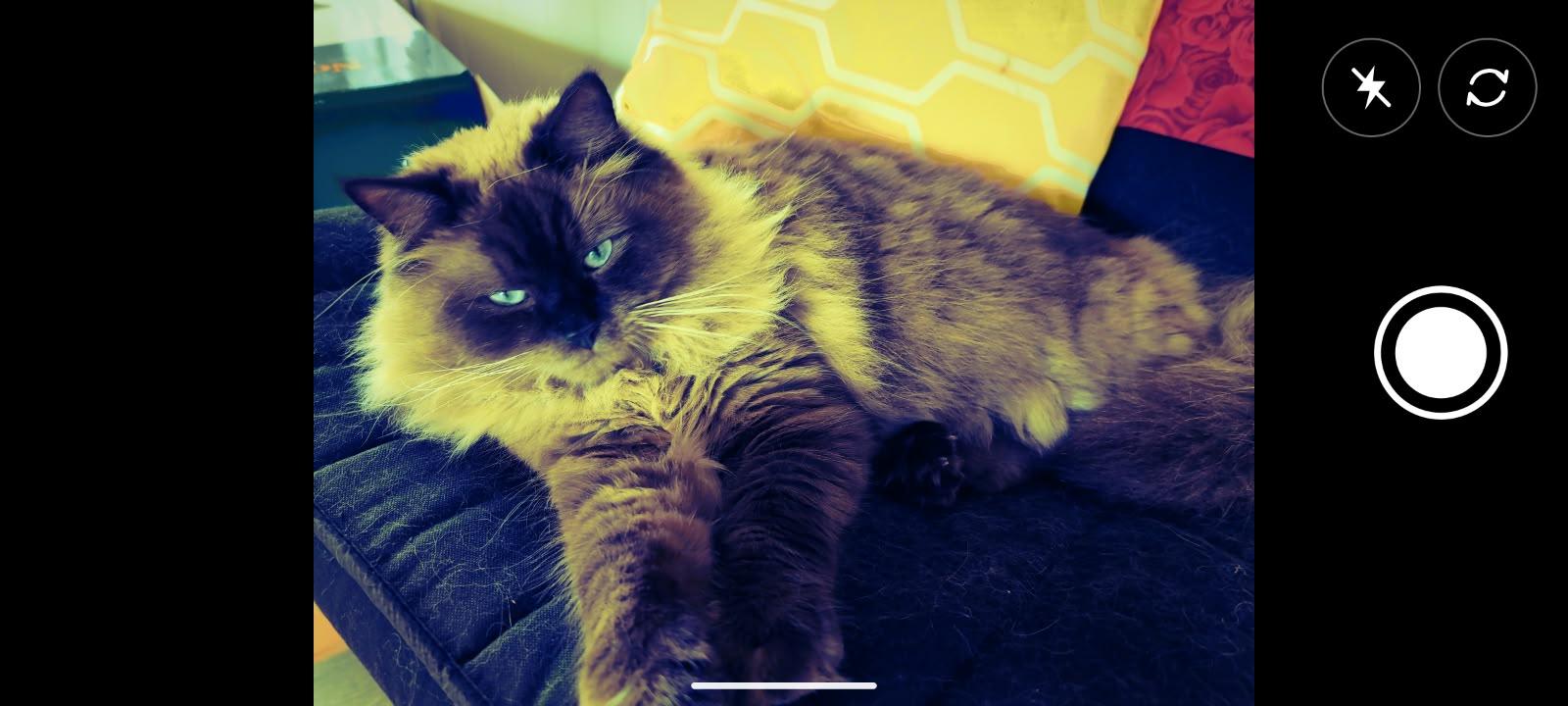
Lomo Camera icon

Lomo Camera

Harristown Apps
Multimedia
Version
1.3
Size
137.7 KB
Requires
Android API 33+
3.9 / 5 · 8,270 ratings 54,697 downloads

Updated Oct 8, 2026

Quick answer

A tiny camera that shoots vivid, cross-processed Lomo-style photos

Lomo Camera is a deliberately tiny, single-purpose Android camera. It opens straight into a live cross-processed Lomo-style preview and saves the same look to the final JPEG.

There are no filter menus, accounts, analytics, ads, gallery browser or network features. The app is designed to behave like a dedicated camera rather than a general-purpose photo editor.

Features: • live Lomo-style preview with adjustable effect intensity (0–200%) using an invisible right-edge swipe gesture • original Lomo look at 100%, subtle or unfiltered shots at lower settings, and an extra-vivid high-intensity option • full-resolution JPEG capture • tap anywhere on the preview to focus • pinch to zoom • flash off, automatic and forced on • front/rear camera switch • portrait and landscape controls • brief visual and haptic shutter feedback • Lomo strength setting remembered between launches • photos saved to DCIM/Lomo

Privacy: Lomo Camera requests only the Android CAMERA permission. It has no INTERNET permission and does not request location access. Photos remain on the device and are saved using Android MediaStore.

The colour treatment is implemented with an independently generated RGB lookup table fitted from user-supplied before/after calibration photographs. No third-party camera application code or assets are included.

Lomo Camera is free software released under the GNU General Public License v3.0.

Screenshots

Lomo Camera screenshot 1
Lomo Camera screenshot 2
Lomo Camera screenshot 3

What’s new

Version 1.3

- Added EXIF metadata to captured photographs.
- Recorded Lomo effect strength in photo metadata.
- Improved high-strength Lomo photo processing performance.
- Preserved full-resolution photo capture and existing colour treatment.

How to install

  1. Download the APK from the button at the top of this page.
  2. Allow “Install unknown apps” for your browser or file manager only, not for every app.
  3. Open the downloaded file and confirm the installation.
  4. If installation fails with “App not installed,” remove an earlier build of the same app first. A signature conflict is the usual cause.

Data safety

  • Every file is checked against its published SHA-256 before it is listed.
  • Files are scanned for malware on every update.
  • The permissions each app requests are listed on its own page.
  • Read the full safety policy for how we test, flag, and delist files.

Frequently asked questions

What is Lomo Camera?
A tiny camera that shoots vivid, cross-processed Lomo-style photos
Who develops Lomo Camera?
Lomo Camera is developed by Harristown Apps.
Which Android version does Lomo Camera require?
Lomo Camera requires Android API 33 or later.
What is the current version of Lomo Camera?
The synchronized F-Droid version is 1.2.1.
Which license does Lomo Camera use?
The signed F-Droid metadata lists GPL-3.0-only.
Where is the source code for Lomo Camera?
https://github.com/penno2/lomo-camera

Comments

Recent approved comments · sorted by newest

Verification code
Be specific and keep it about the app. No links. Comments are reviewed before publication. Device and Android details are recorded automatically. Privacy policy.

Loading recent comments...

View all comments