What’s new
New: Daily backup of History, cards and settings to a folder you pick.
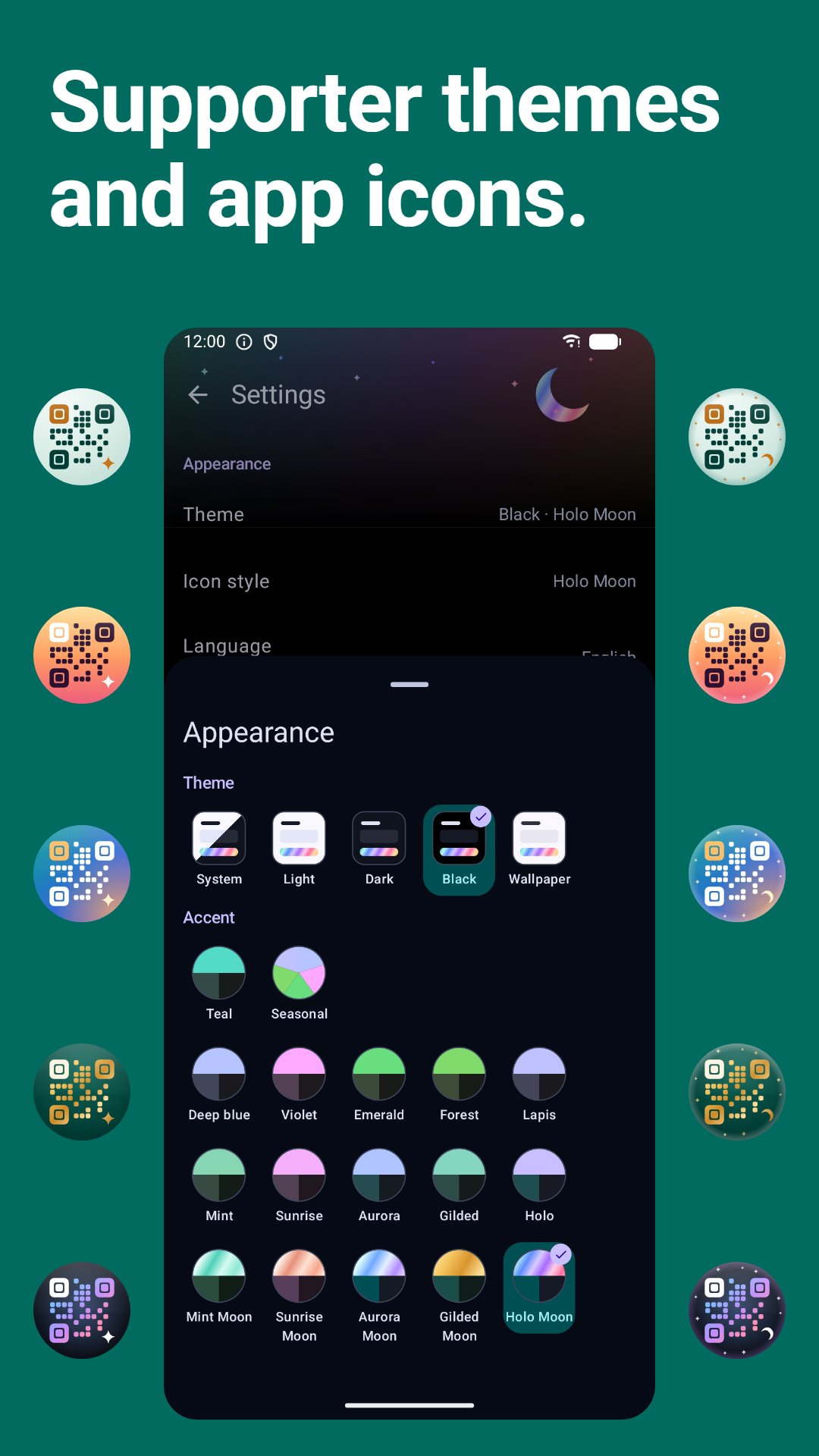
New: Choose the app icon's look.
New: Payment codes from more countries read as payments.
New: Select all in History.
Tell me what breaks: [email protected].
Updated Oct 7, 2026
QR & barcode scanner. See the link before it opens.
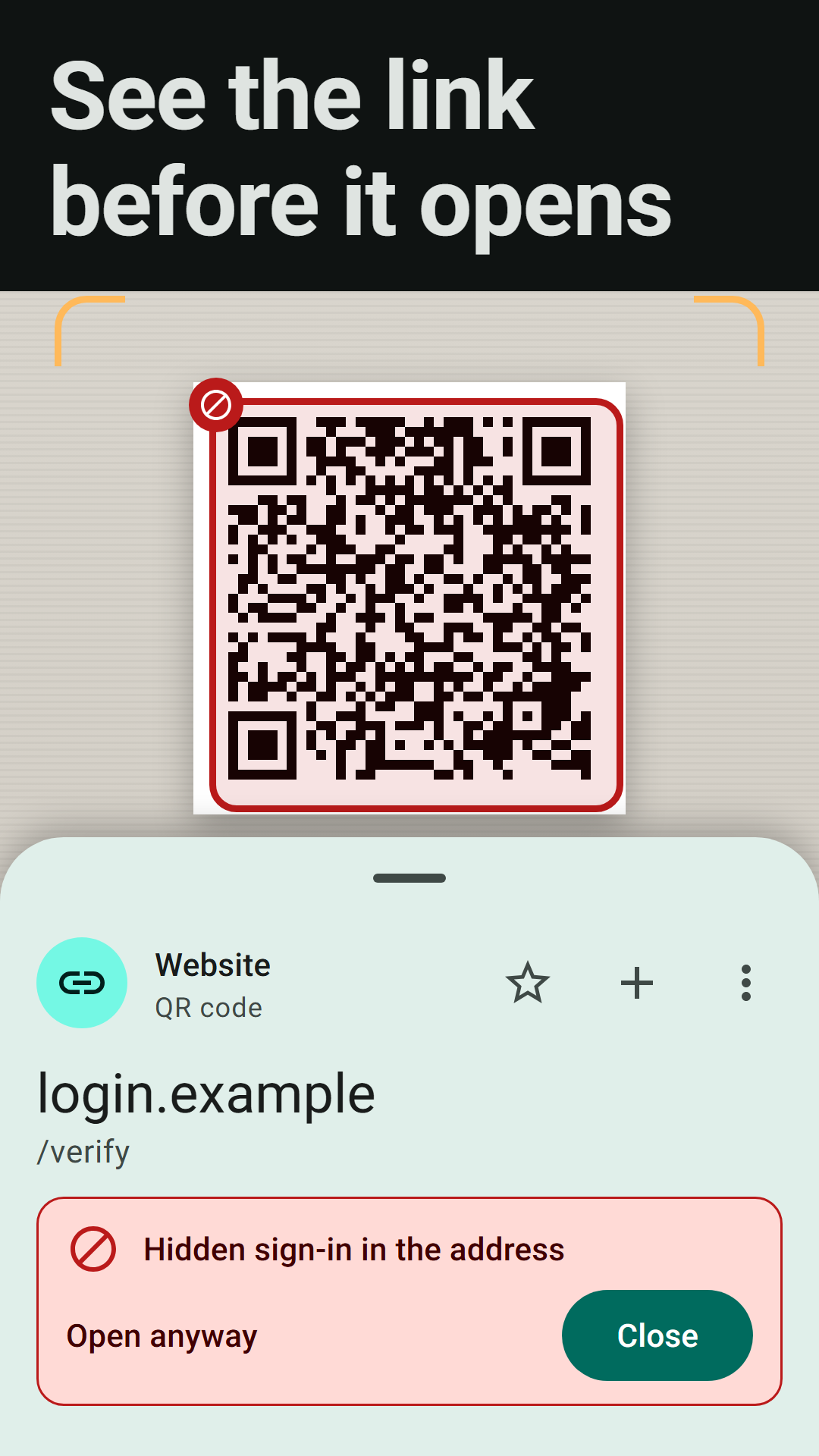
Verdetto is a free QR code and barcode scanner for Android with no ads and no fake buttons. It shows the link before it opens, is built to read damaged codes, and checks scanned content for warning signs on the phone. It never says anything is safe: "No warnings found" means none of its checks matched.
• See the link before it opens. The address, the network name or the contact is shown before anything opens. The result is one line: Danger, Caution, or No warnings found. A link never opens by itself unless you turn that on, and then only after a three-second cancel.
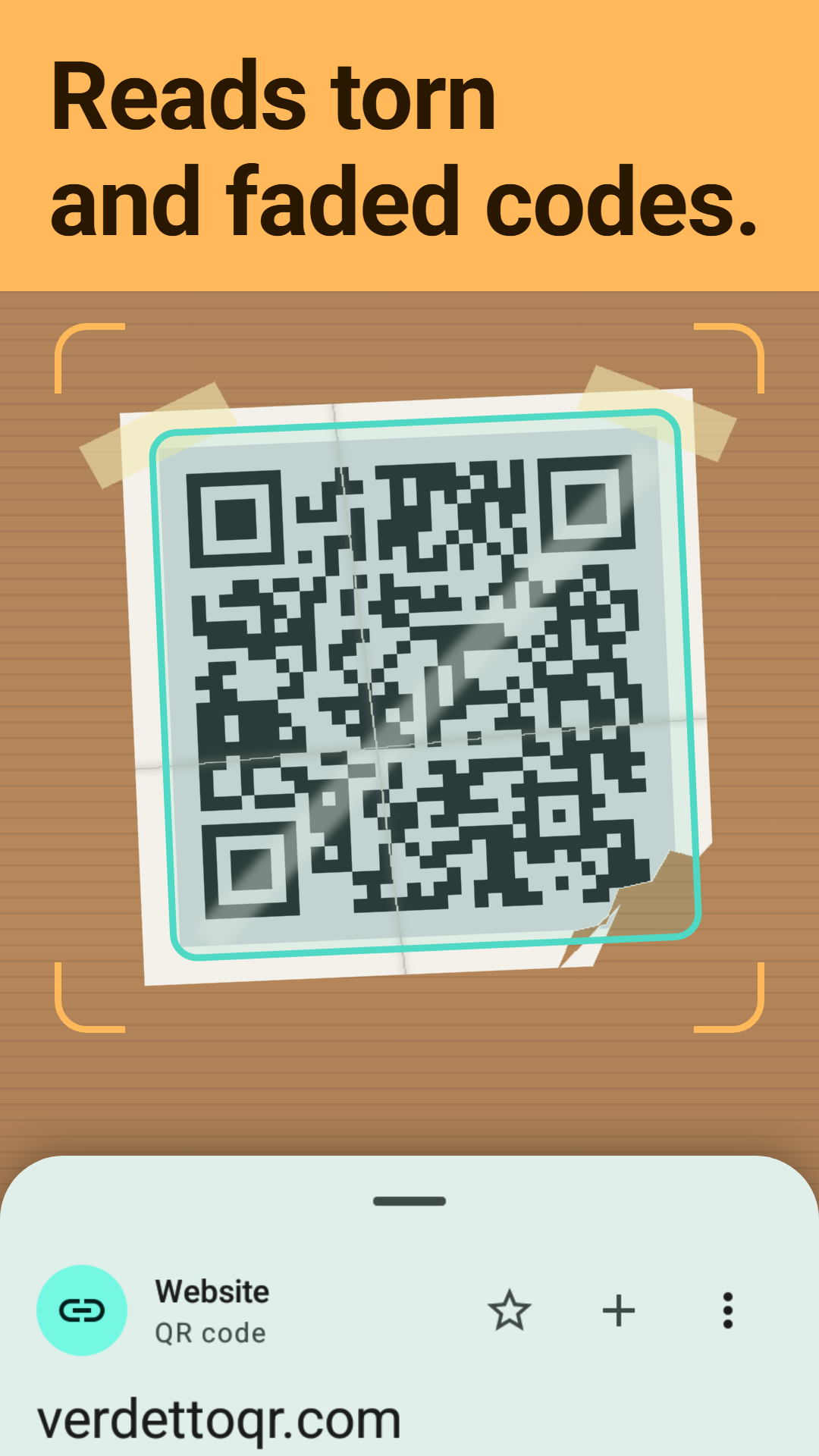
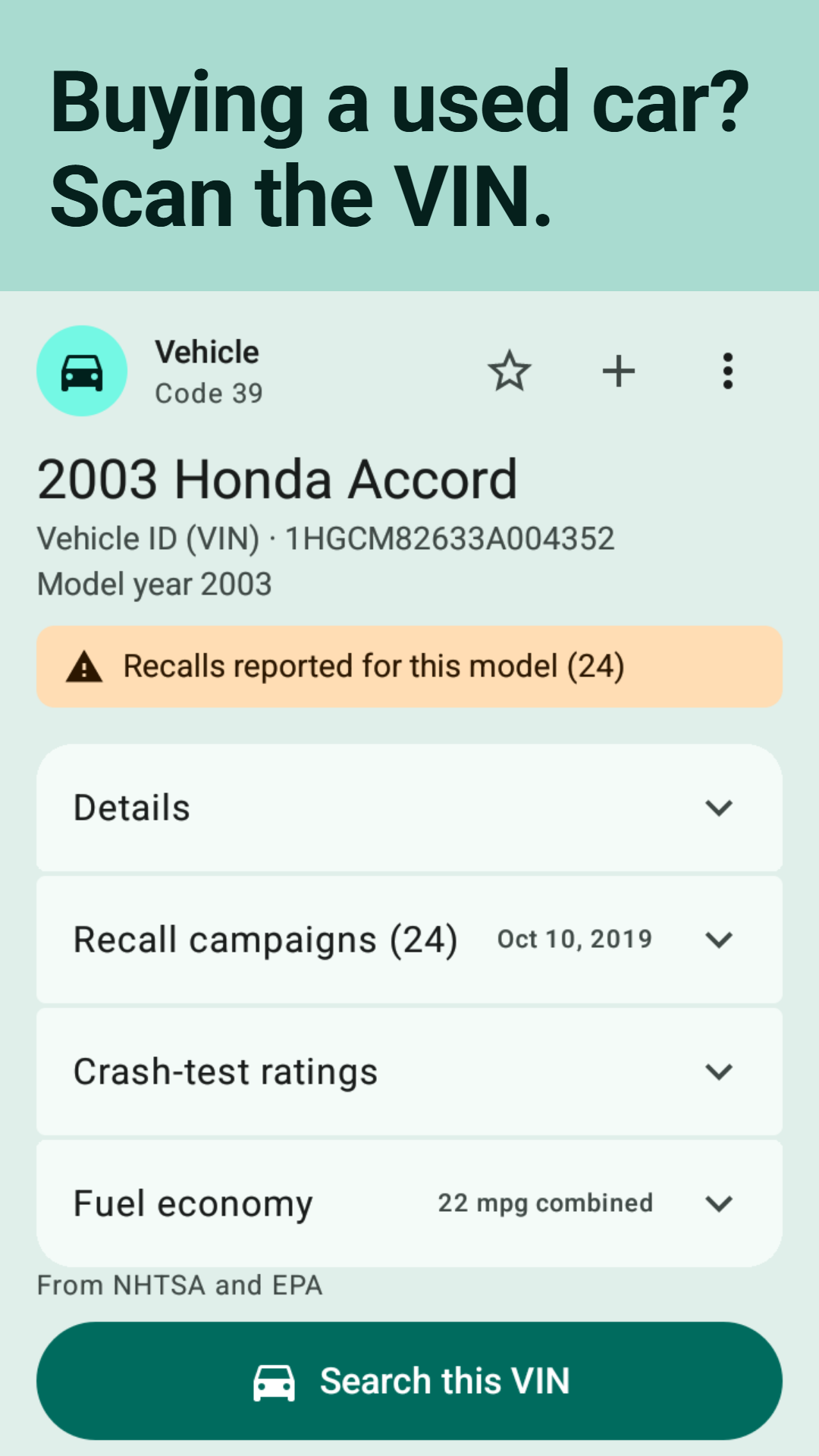
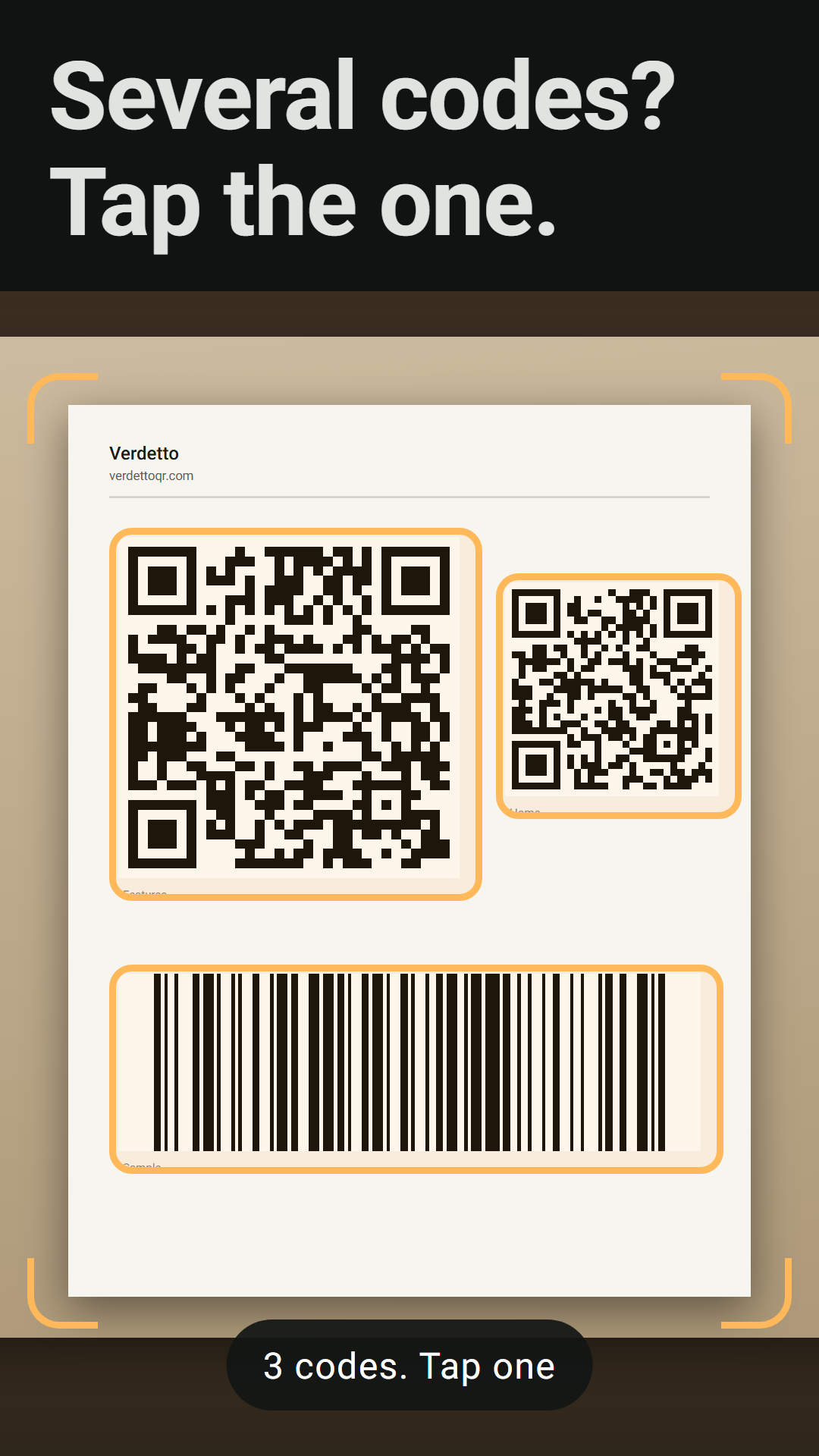
• Reads torn, faded and creased codes. Faded, torn, tilted or inverted: keep aiming and it keeps trying across frames instead of asking you to hold still. Tap to focus, pinch to zoom, or scan a photo or a shared image. It reads QR, Micro QR and rMQR codes, Data Matrix, Aztec, PDF417, MaxiCode, the retail and industrial barcodes, GS1 packs, boarding passes, driver's licenses and vehicle identification numbers (VINs).
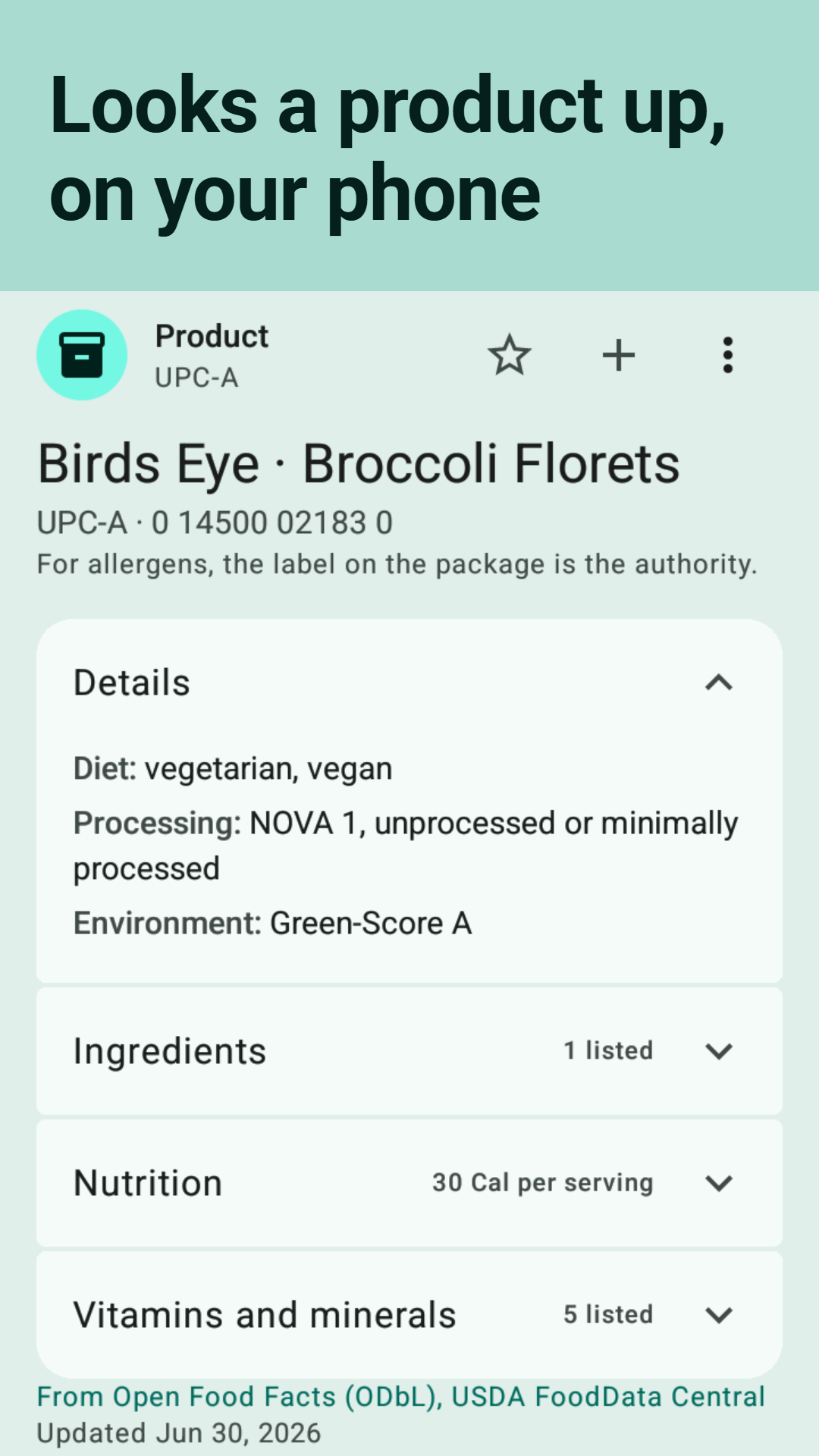
• Online lookups you can turn off. With them on, a product, book, record, journal or device is looked up in a small file your phone fetches and reads itself, so the number goes to no database. A medicine number of one national register, a device number the file does not know and a vehicle number go to their public registers. The privacy policy names every request the app makes and who receives it.
Sources: fdc.nal.usda.gov, fda.gov, nlm.nih.gov, cpsc.gov, nhtsa.gov, fueleconomy.gov, cima.aemps.es, aifa.gov.it, medicaments.gouv.fr, ec.europa.eu. Verdetto is not a government or political app.
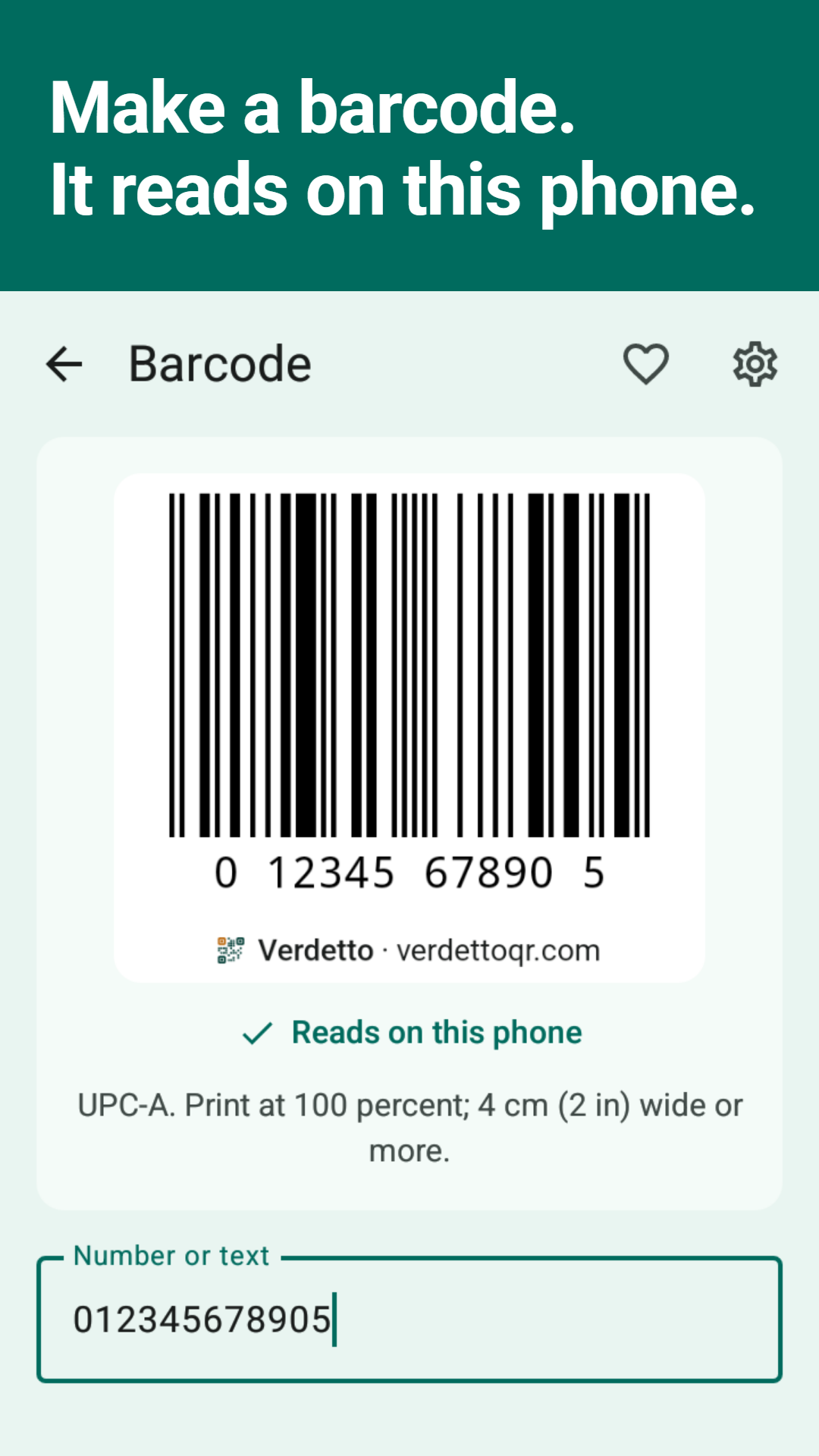
• Make your own codes. A code from text, a website, Wi-Fi, a contact, a calendar event, an email, a phone number, an SMS, a location or your own card, as a QR code or a barcode, with a check that it scans on this phone before you print or share it.
• History that is yours. Search, filters, favorites that always stay, a keep-for setting, and a private session that saves nothing to history. Export it all as CSV, never with a password or a sign-in secret in it, and import a CSV back.
• Made for the hand. A Quick Settings tile and two home-screen widgets, list mode with a CSV export, a left-handed layout, results read aloud, light, dark and pure black themes, 34 languages. Android 8 and later.
• Free, no ads, no tracking by Verdetto. No accounts, no analytics in the app. Camera frames are read on the phone and dropped. Every check and every decode is free for everyone, kept that way by the people who use it: an optional contribution, once or monthly, earns a thank-you badge and the small extras; nothing you need is behind it. It never nags: no rating prompts.
The safety list, the app's code and its scanner engine are open source; the addresses are at verdettoqr.com/source. The checks are limited by design and no check catches every scam; the full wording is under Terms of use in the app.
On Mastodon: @[email protected]. On Bluesky: @verdettoqr.com.
New: Daily backup of History, cards and settings to a folder you pick.
New: Choose the app icon's look.
New: Payment codes from more countries read as payments.
New: Select all in History.
Tell me what breaks: [email protected].
Recent approved comments · sorted by newest
View all comments