Learn letters with animal pictures: a simple, offline game for young children
F-Droid repository metadata
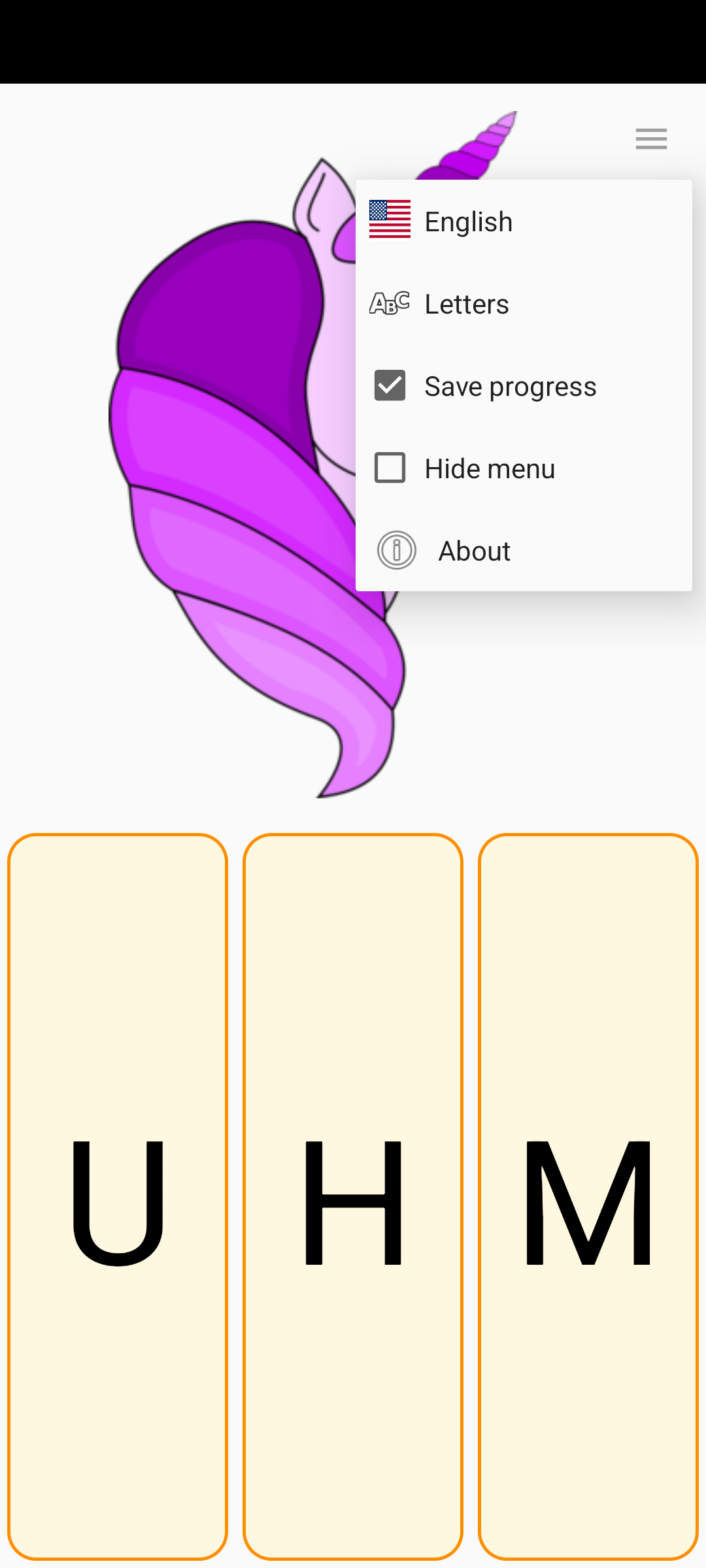
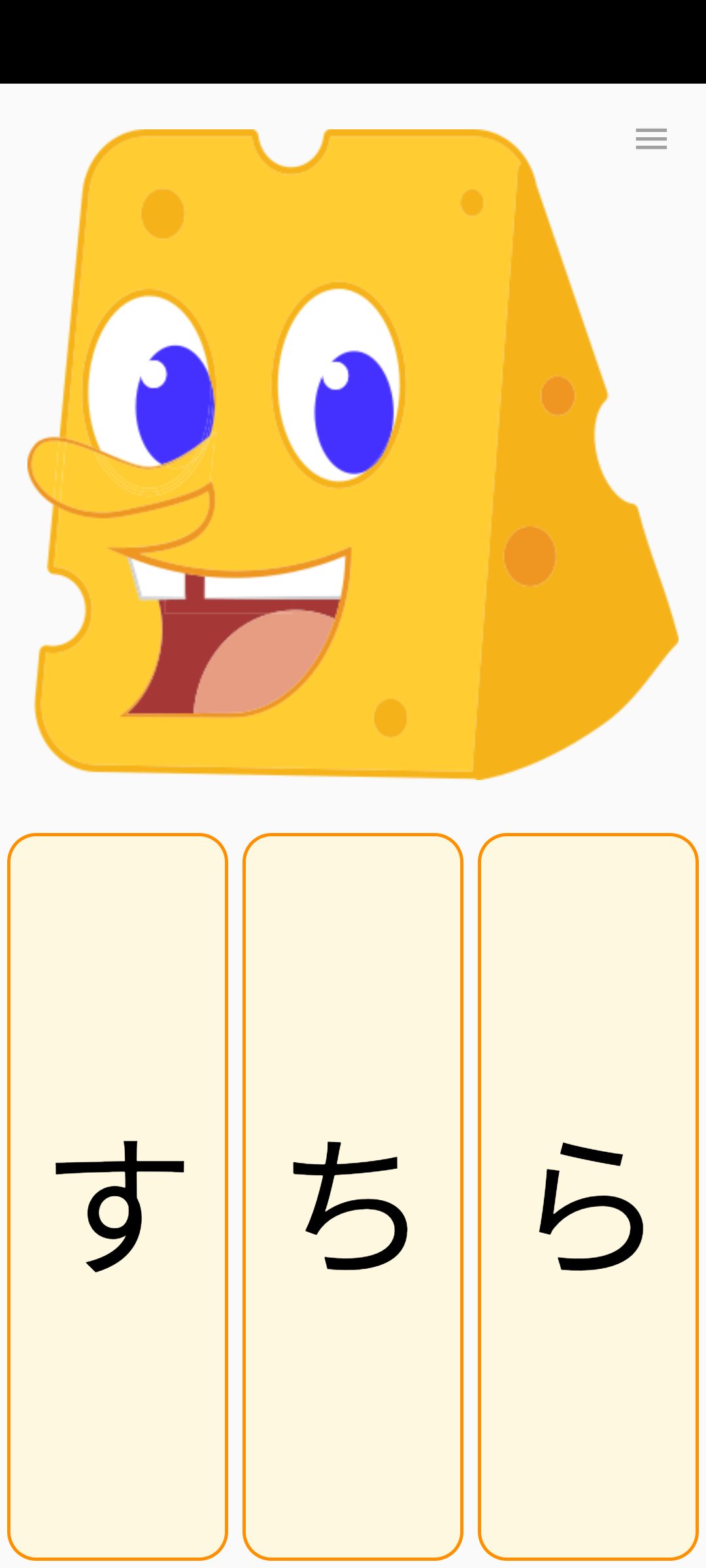
LetterBox is a game for young children who are learning their letters. It shows a picture, usually an animal, and three letters. Tap the letter the word starts with. Tap the picture to hear its name; after a correct answer, the name is spoken aloud as well.
After a wrong answer, the same picture comes back so your child can try again. There are no scores, timers, or penalties.
Features
Nine languages: English, German, French, Spanish, Italian, Polish, Brazilian Portuguese, Japanese (hiragana), and Korean (hangul). The language can be changed in the menu, independently of the system language.
About 70 pictures, with several pictures for many letters, so rounds stay varied.
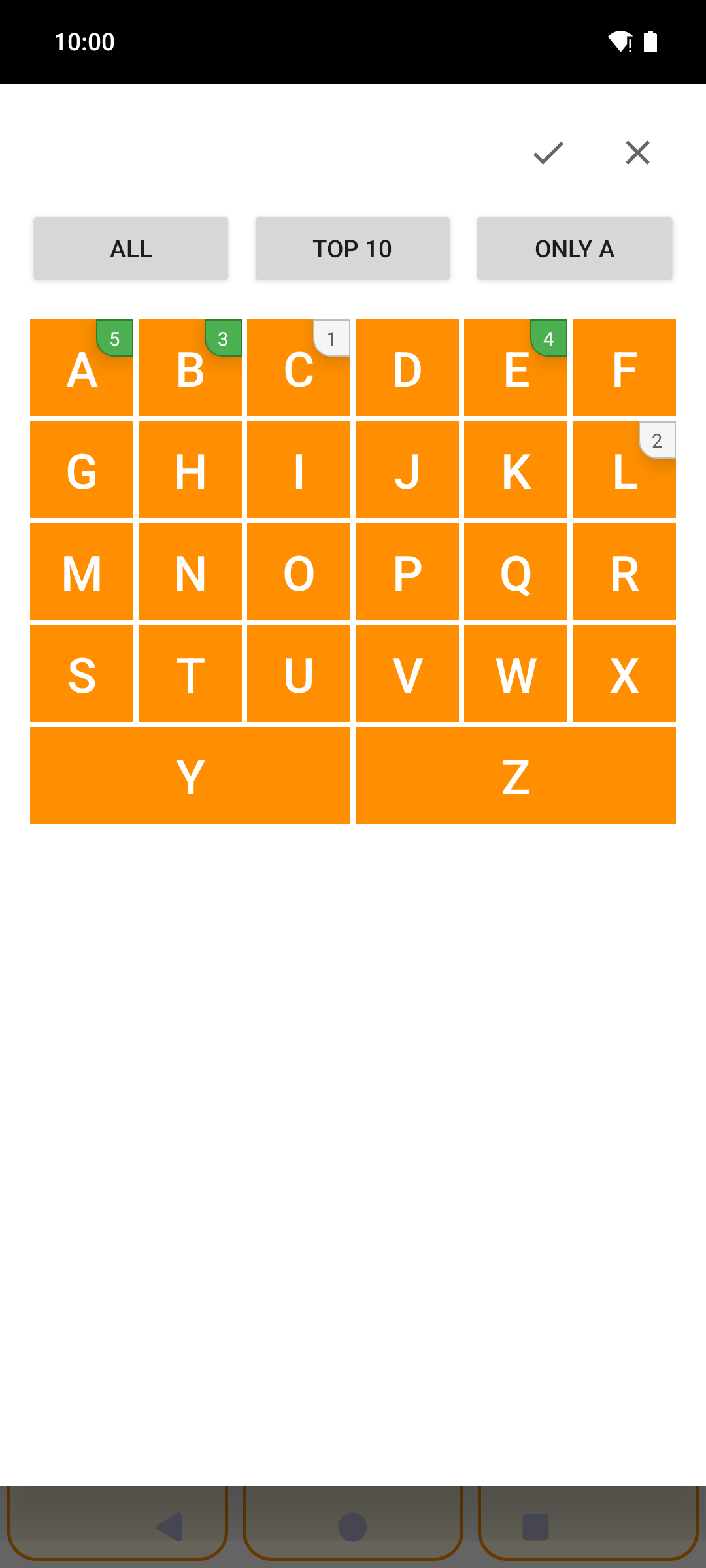
Practise a selection of letters: all of them, the ten most common, or just one.
Optional progress tracking: letters your child knows well come up less often. Progress fades gently after a few weeks without practice, so forgotten letters return.
Works with a physical keyboard: press 1, 2, or 3, or the letter itself.
The menu button can be hidden until the app is closed, so small hands do not change settings by accident. Press and hold the top-right corner to bring it back.
Privacy
LetterBox requests no permissions and has no internet access. There are no ads and no tracking. Progress is stored only on the device and is excluded from cloud backups.
Screenshots
What’s new
- After a correct answer, the animal's name is spoken aloud. - The feedback jingle is quieter, so it no longer drowns out the spoken name. - The same picture no longer appears twice in a row. - About now links to the issue tracker for feature requests; a long press opens it, so children cannot reach the browser by accident. - Fixed the German, Italian, US, and Korean flags; Spain now shows the civil flag.
How to install
Download the APK from the button at the top of this page.
Allow “Install unknown apps” for your browser or file manager only, not for every app.
Open the downloaded file and confirm the installation.
If installation fails with “App not installed,” remove an earlier build of the same app first. A signature conflict is the usual cause.
Data safety
Every file is checked against its published SHA-256 before it is listed.
Files are scanned for malware on every update.
The permissions each app requests are listed on its own page.
Read the full safety policy for how we test, flag, and delist files.
Frequently asked questions
What is LetterBox?
Learn letters with animal pictures: a simple, offline game for young children