Seeneva: smart comic reader icon

Seeneva: smart comic reader

Sergei Solodovnikov
OCR Reading Science & Education
Version
0.1.2-fdroid
Size
25.9 MB
Requires
Android API 16+
4.5 / 5 · 2,534 ratings 14,566 downloads

Updated Nov 7, 2026

Quick answer

Fully open source smart comic book reader with the ability to use OCR and TTS.

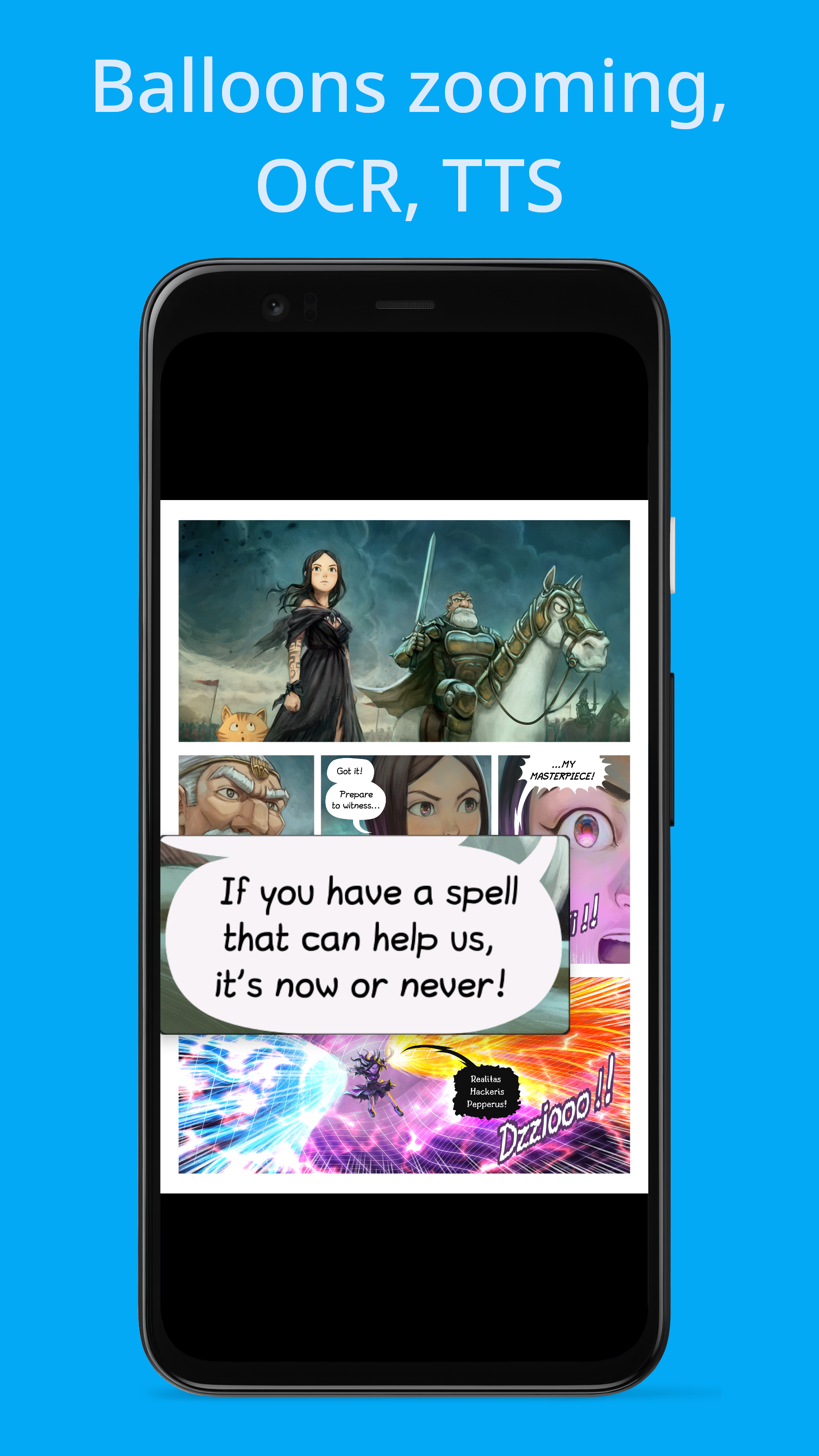
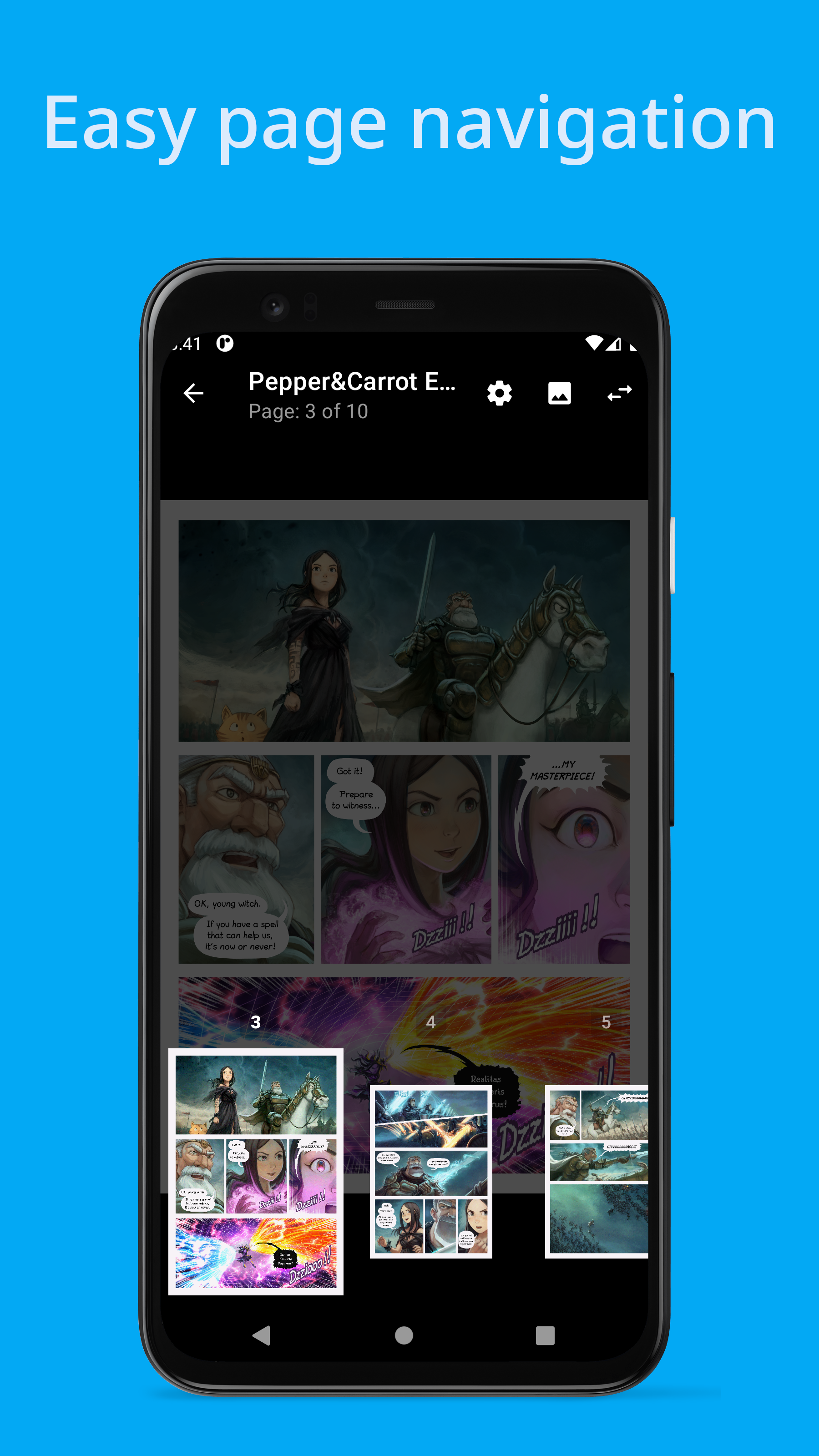
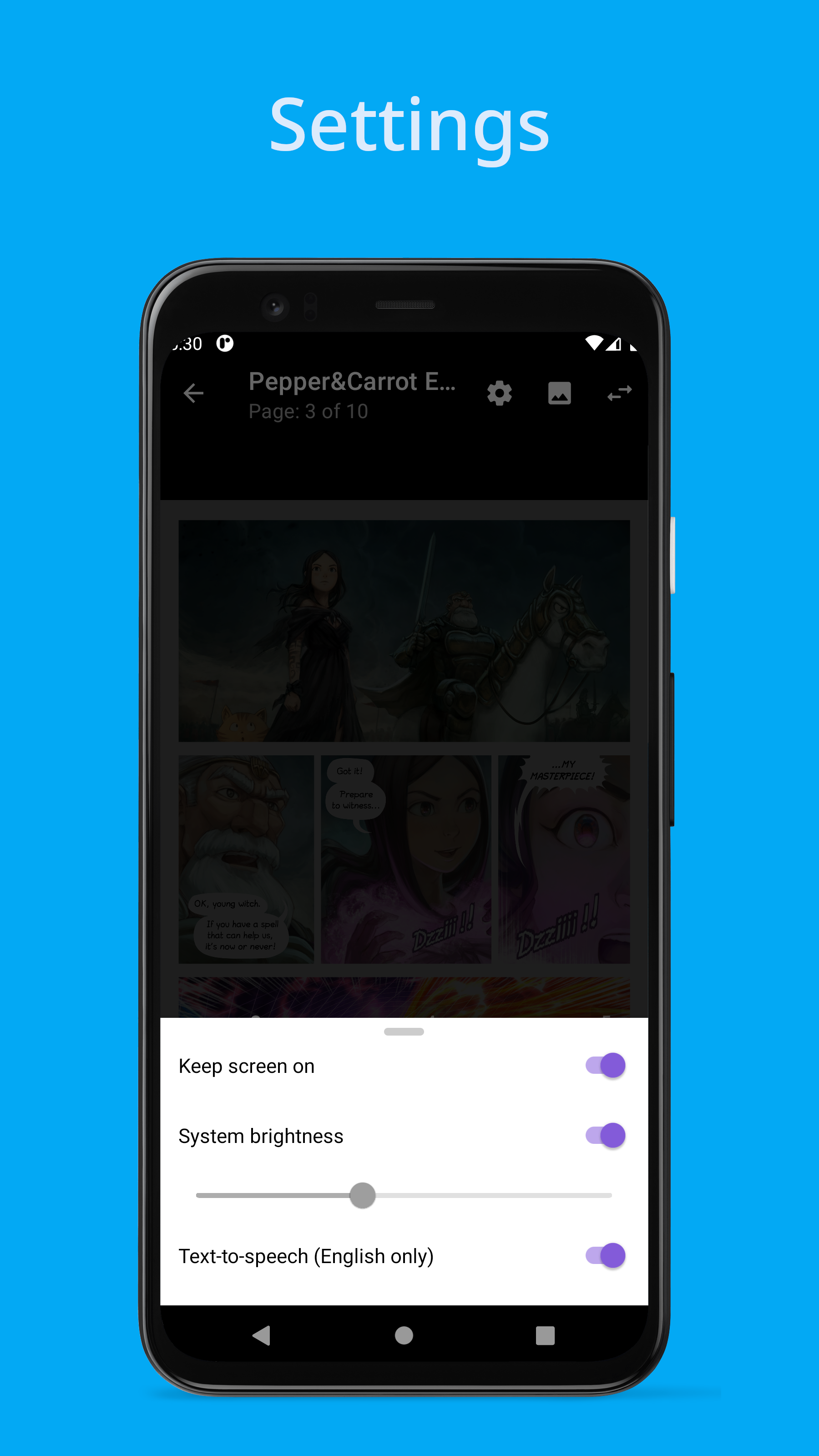
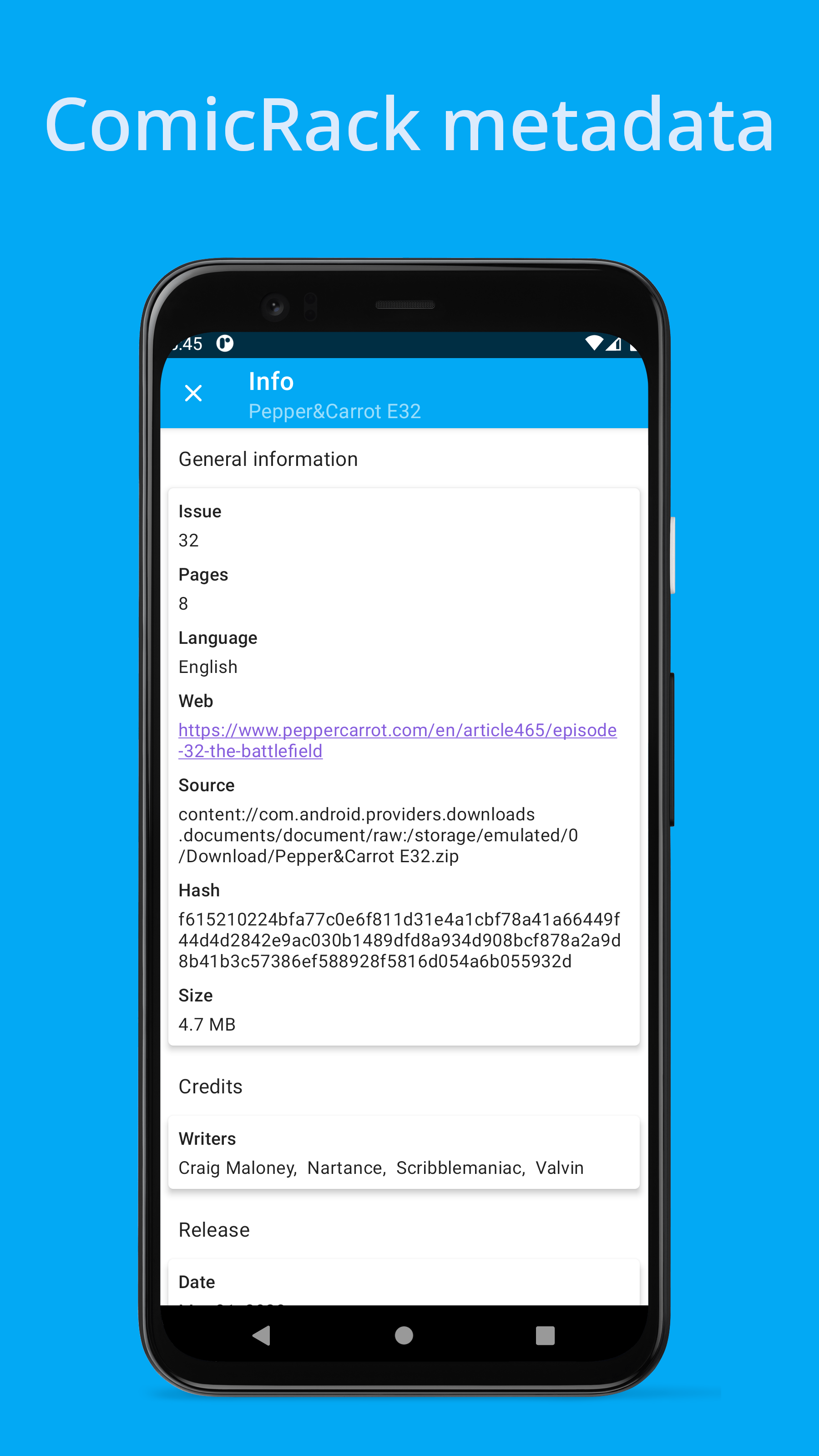
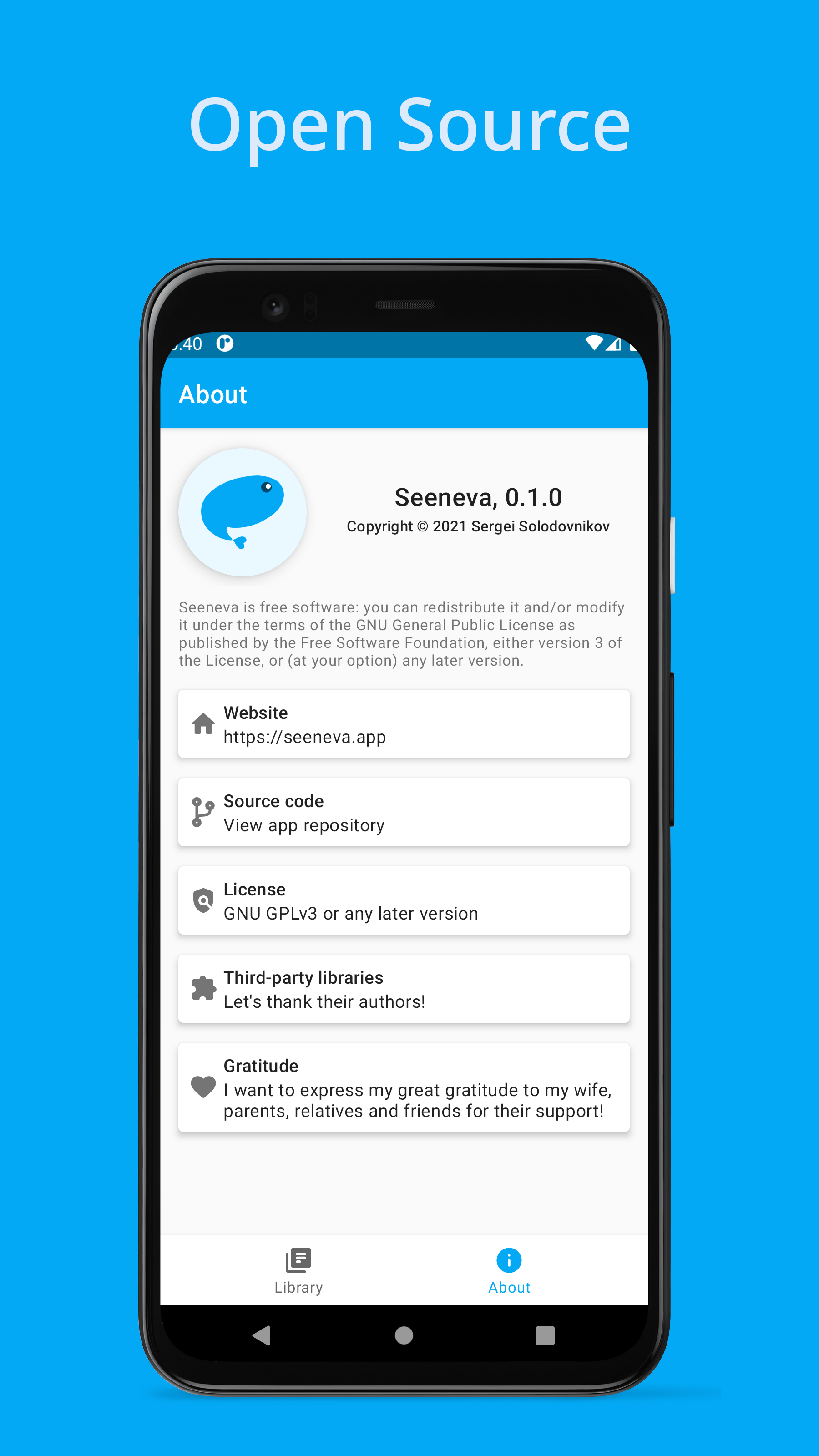
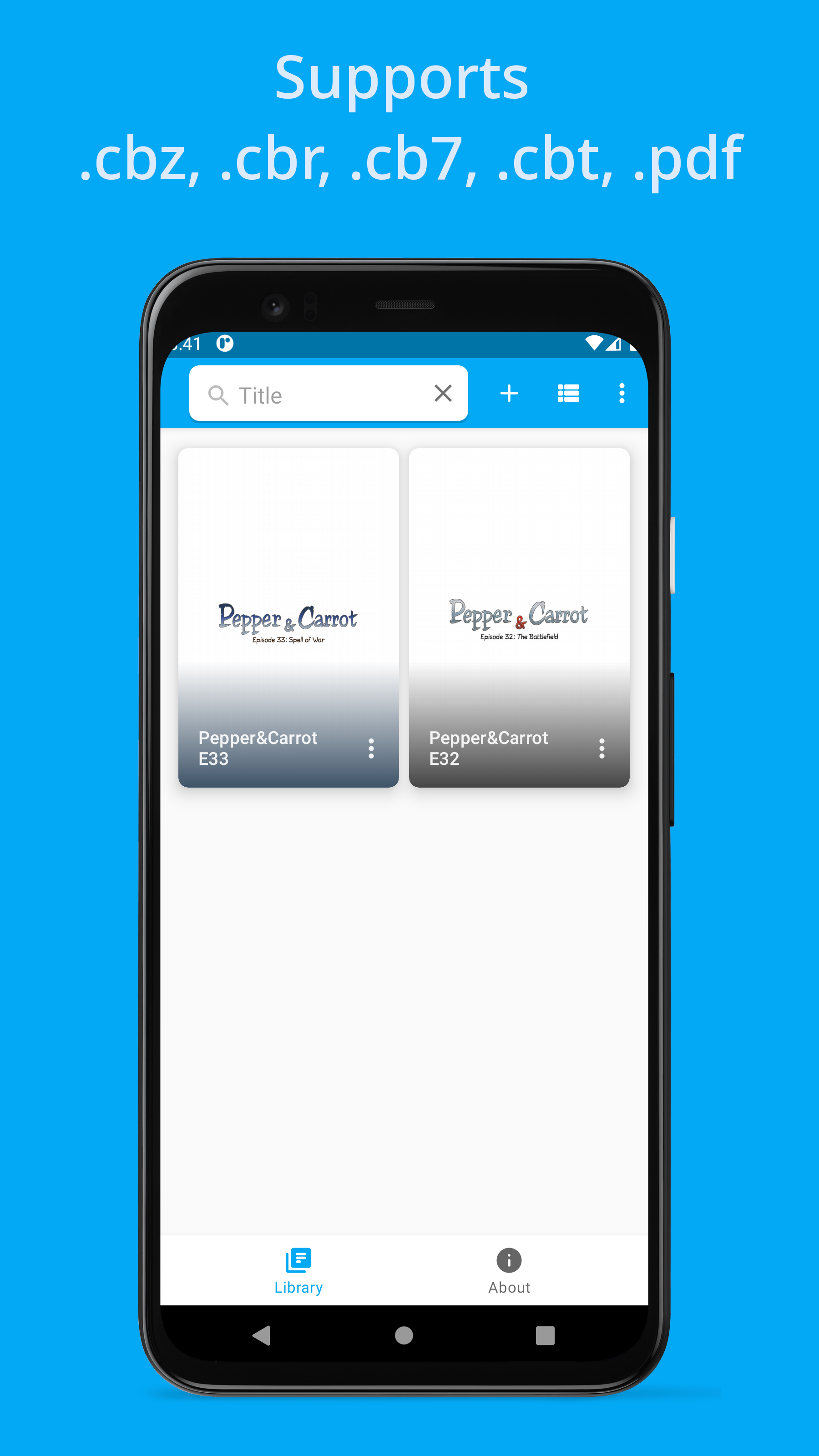
A libre smart powered comic book reader. Features: • Smart speech balloons zooming. 💬 • Speech balloons OCR and TTS. 👀 • Supports CBZ (.zip), limited CBR (.rar), CB7 (.7z), CBT (.tar) and PDF comic book archives. • Supports different image formats on any Android device. • View ComicRack metadata. • Supports Left-to-Right (LTR) and Right-to-Left (RTL) read directions. • Supports Android 4.1+ and all available Android ABIs arm64-v8a, armeabi-v7a, x86_64 and x86. • Smart functionality performs locally on the device. • Libre application under GPLv3 or later license. • No ads, no personal data collection. 💬 Speech balloons zooming Read digital comic books on mobile devices can be difficult especially if they have small screen. Seeneva to the rescue! Built-in Machine Learning model trained to detect speech balloons on pages allows you easily zooming and navigate through them with a touch of a finger. 👀 OCR and TTS Have you ever wanted to copy text from speech balloons? Seeneva make it possible to use Optical Character Recognition on all founded speech balloons to extract text from them. And the built-in Android Text-To-Speech allows you to use Seeneva like audio comic book reader. ❗Note: • No comic book included. • OCR and TTS features are only available for English language right now. Please read app repository https://github.com/Seeneva/seeneva-reader-android for more information about the app and known issues.

Screenshots

Seeneva: smart comic reader screenshot 1
Seeneva: smart comic reader screenshot 2
Seeneva: smart comic reader screenshot 3
Seeneva: smart comic reader screenshot 4
Seeneva: smart comic reader screenshot 5
Seeneva: smart comic reader screenshot 6

What’s new

New:
- Added support for Android 13.
- New translations added. Thanks to the contributors!

How to install

  1. Download the APK from the button at the top of this page.
  2. Allow “Install unknown apps” for your browser or file manager only, not for every app.
  3. Open the downloaded file and confirm the installation.
  4. If installation fails with “App not installed,” remove an earlier build of the same app first. A signature conflict is the usual cause.

Data safety

  • Every file is checked against its published SHA-256 before it is listed.
  • Files are scanned for malware on every update.
  • The permissions each app requests are listed on its own page.
  • Read the full safety policy for how we test, flag, and delist files.

Frequently asked questions

What is Seeneva: smart comic reader?
Fully open source smart comic book reader with the ability to use OCR and TTS.
Who develops Seeneva: smart comic reader?
Seeneva: smart comic reader is developed by Sergei Solodovnikov.
Which Android version does Seeneva: smart comic reader require?
Seeneva: smart comic reader requires Android API 16 or later.
What is the current version of Seeneva: smart comic reader?
The synchronized F-Droid version is 0.1.2-fdroid.
Which license does Seeneva: smart comic reader use?
The signed F-Droid metadata lists GPL-3.0-or-later.
Where is the source code for Seeneva: smart comic reader?
https://github.com/Seeneva/seeneva-reader-android

Comments

Recent approved comments · sorted by newest

Verification code
Be specific and keep it about the app. No links. Comments are reviewed before publication. Device and Android details are recorded automatically. Privacy policy.

Loading recent comments...

View all comments