Make organizing, navigating and manipulating documents and media more efficient
The FileManagerSphere is a powerful file management tool designed to simplify and enhance your experience when dealing with documents, media, and other file types. With advanced features and an intuitive interface, FileManagerSphere provides a comprehensive solution for organizing, navigating, searching, and manipulating your files with ease.
Features
- Open source: Lightweight, clean, and secure.
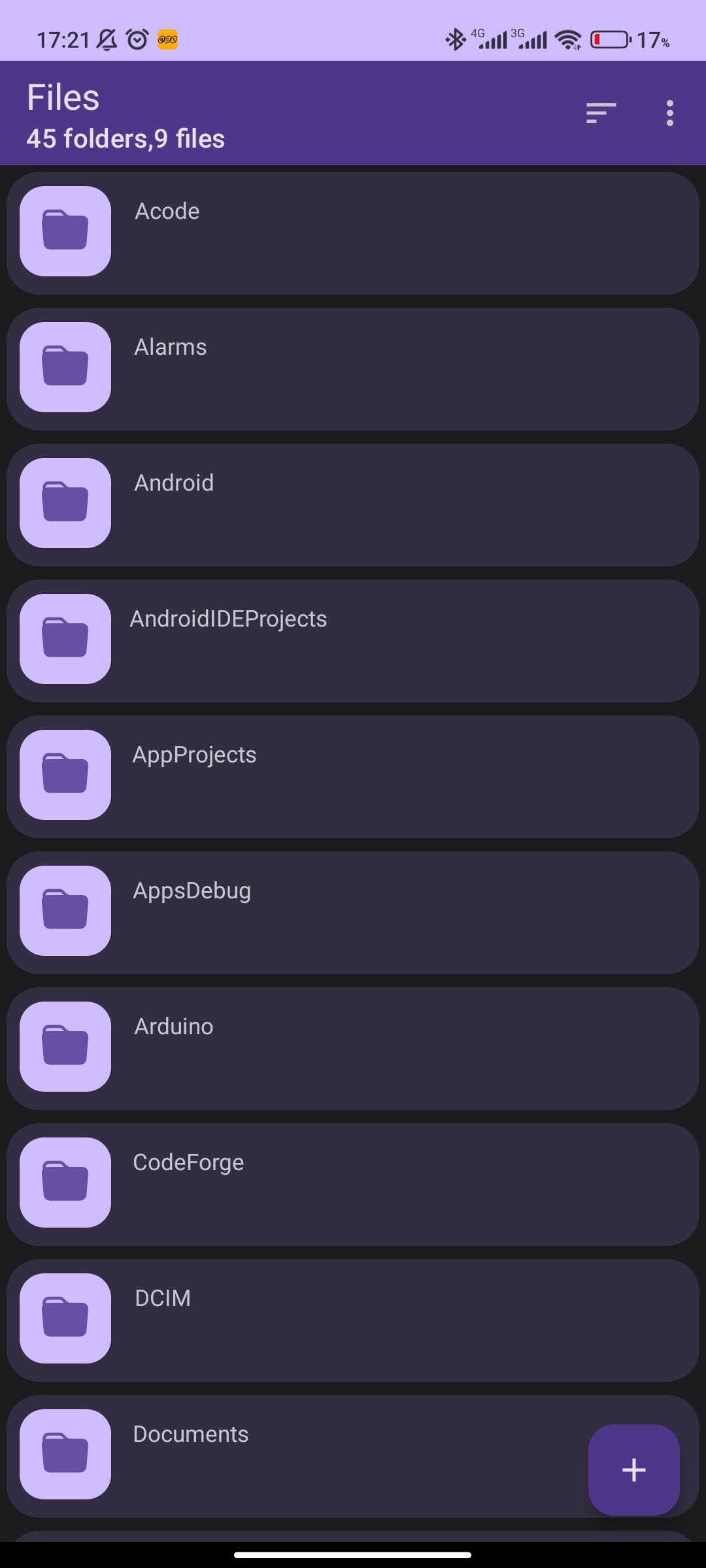
- Material Design: Follows the Material Design guidelines, with attention to details.
- File support: View, extract, and create common compressed files.
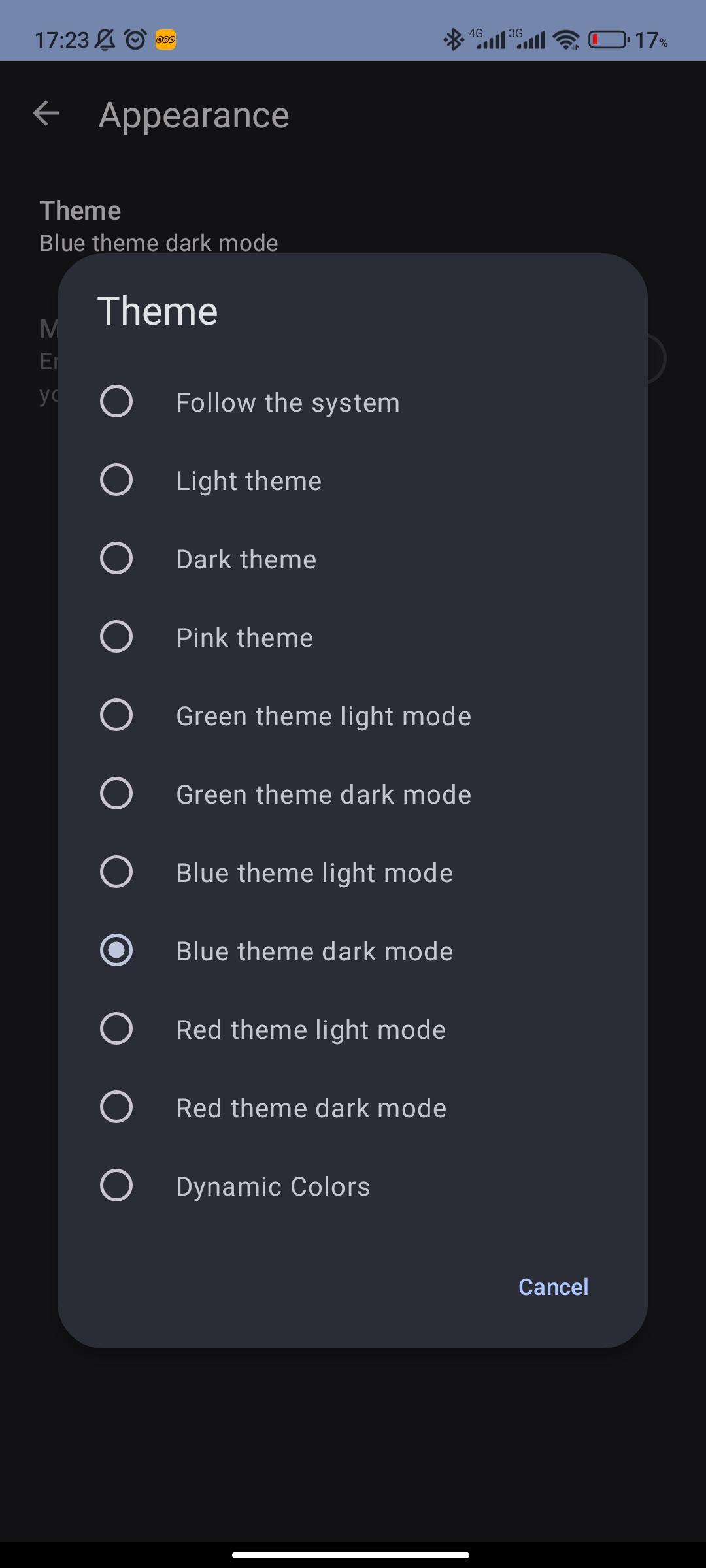
- Themes: Customizable user interface colors, plus optional true black night mode.
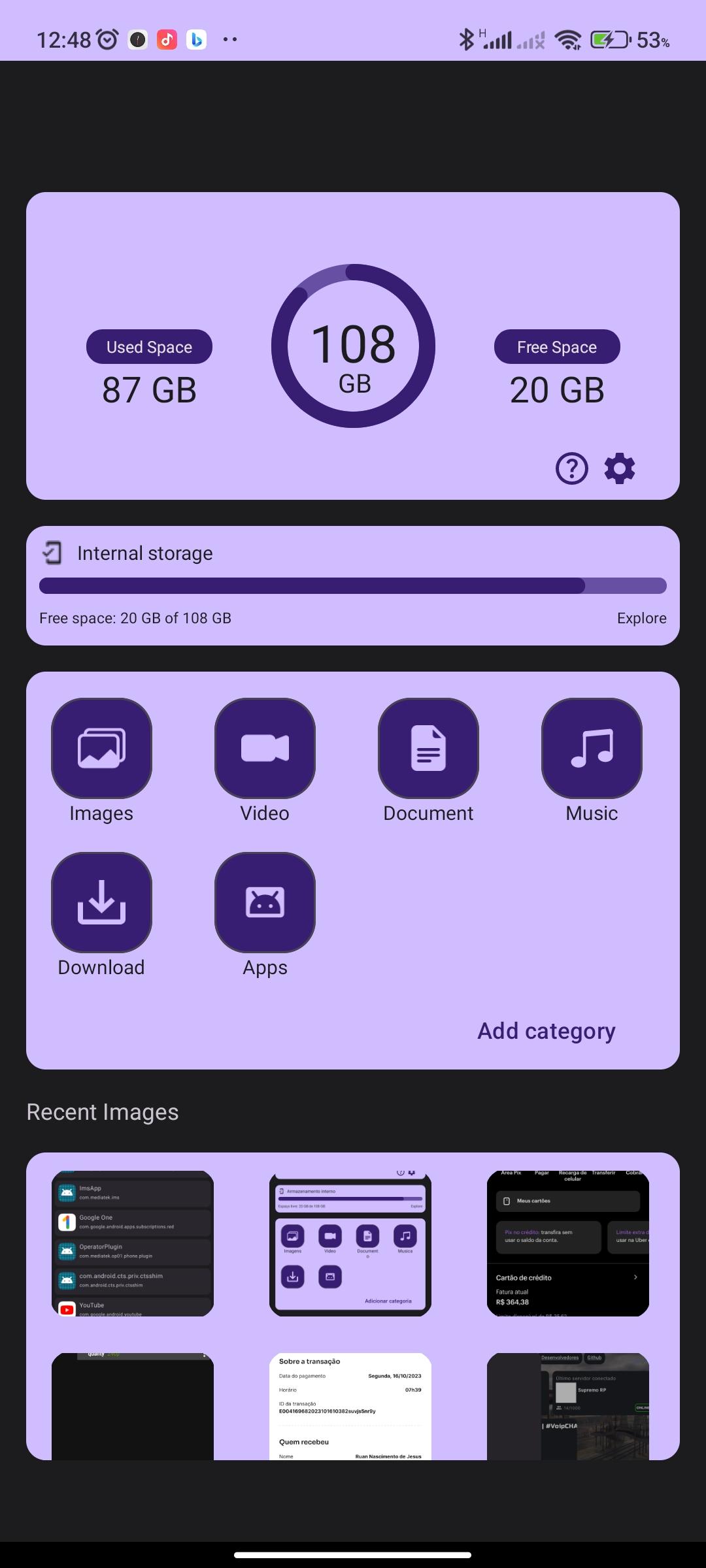
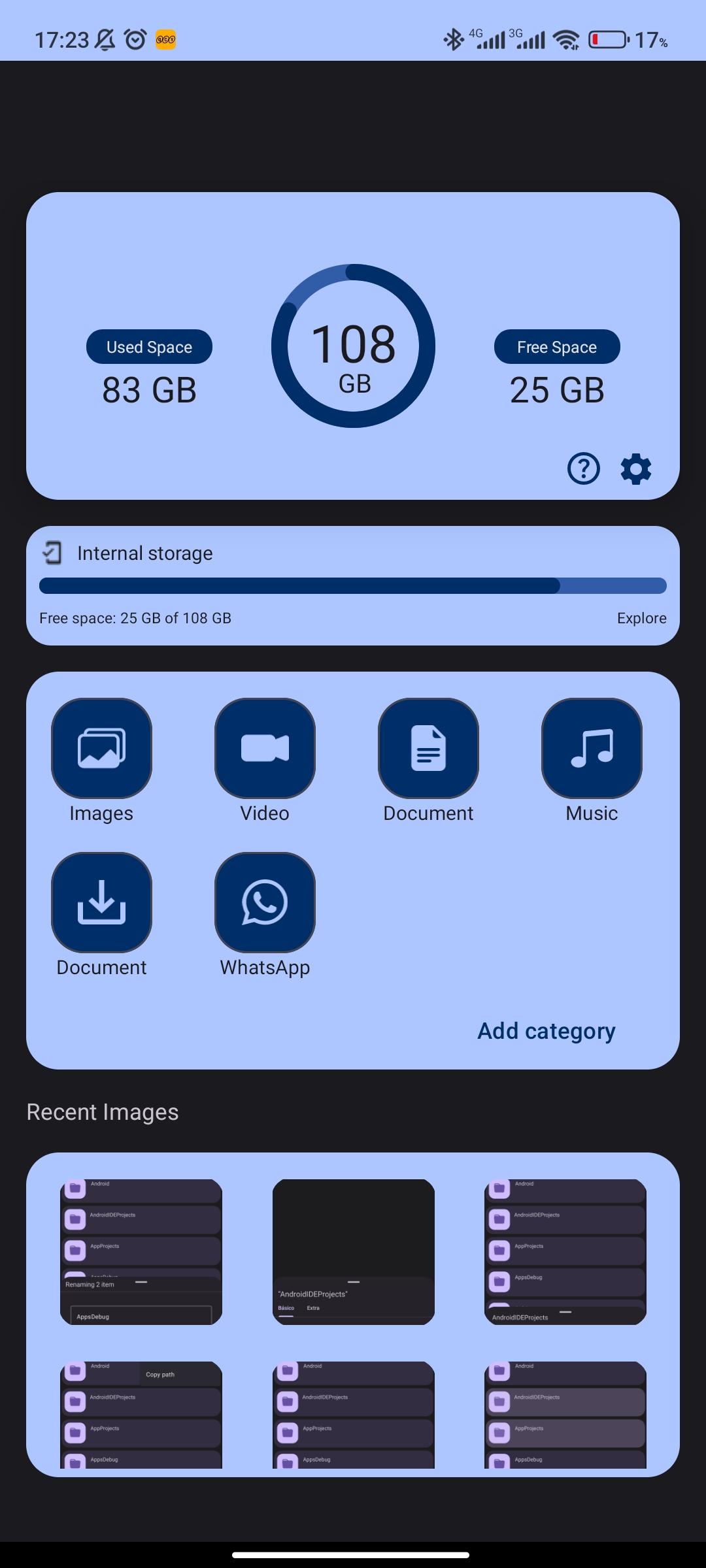
- Elegant widgets that automatically adapt to your size
- Well-implemented: Built upon the right things, including Java NIO File API and LiveData.
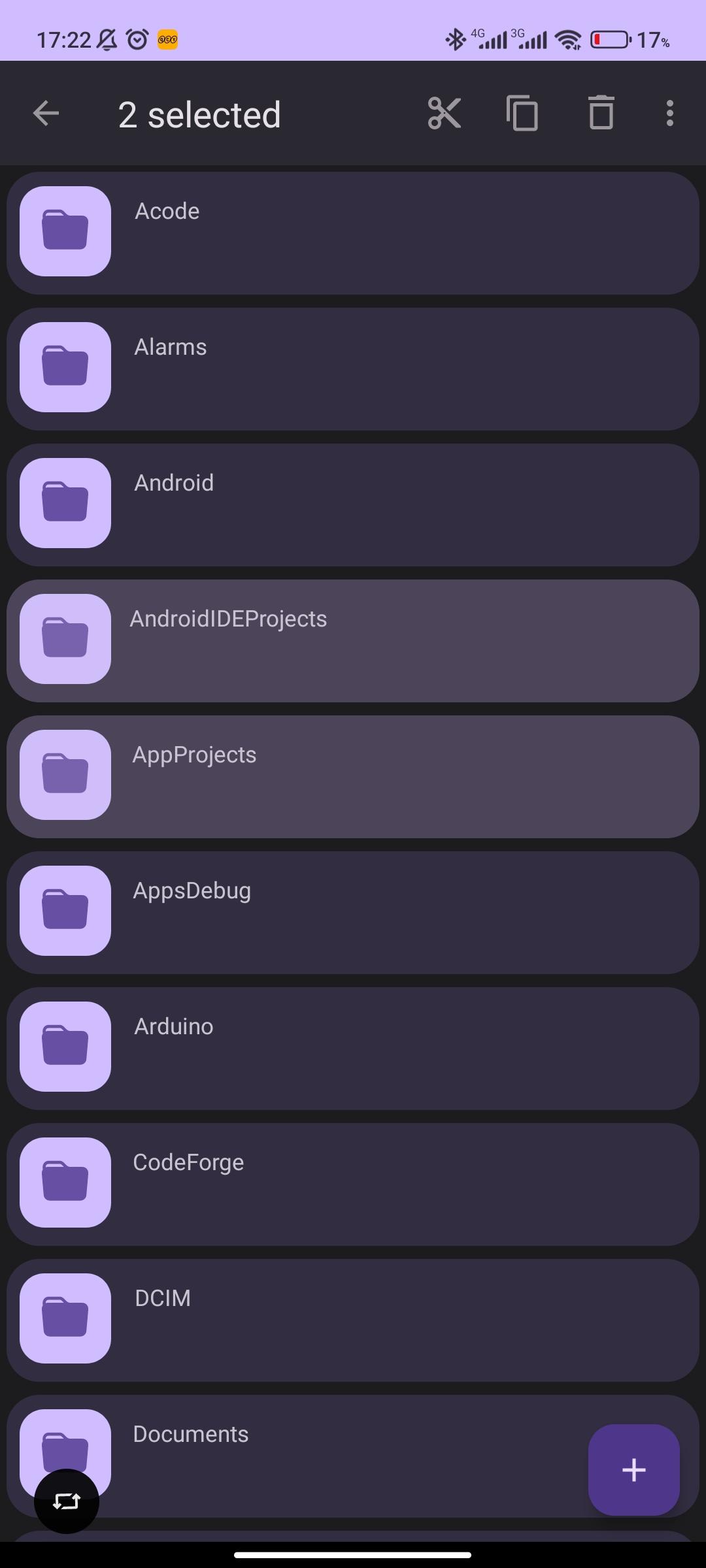
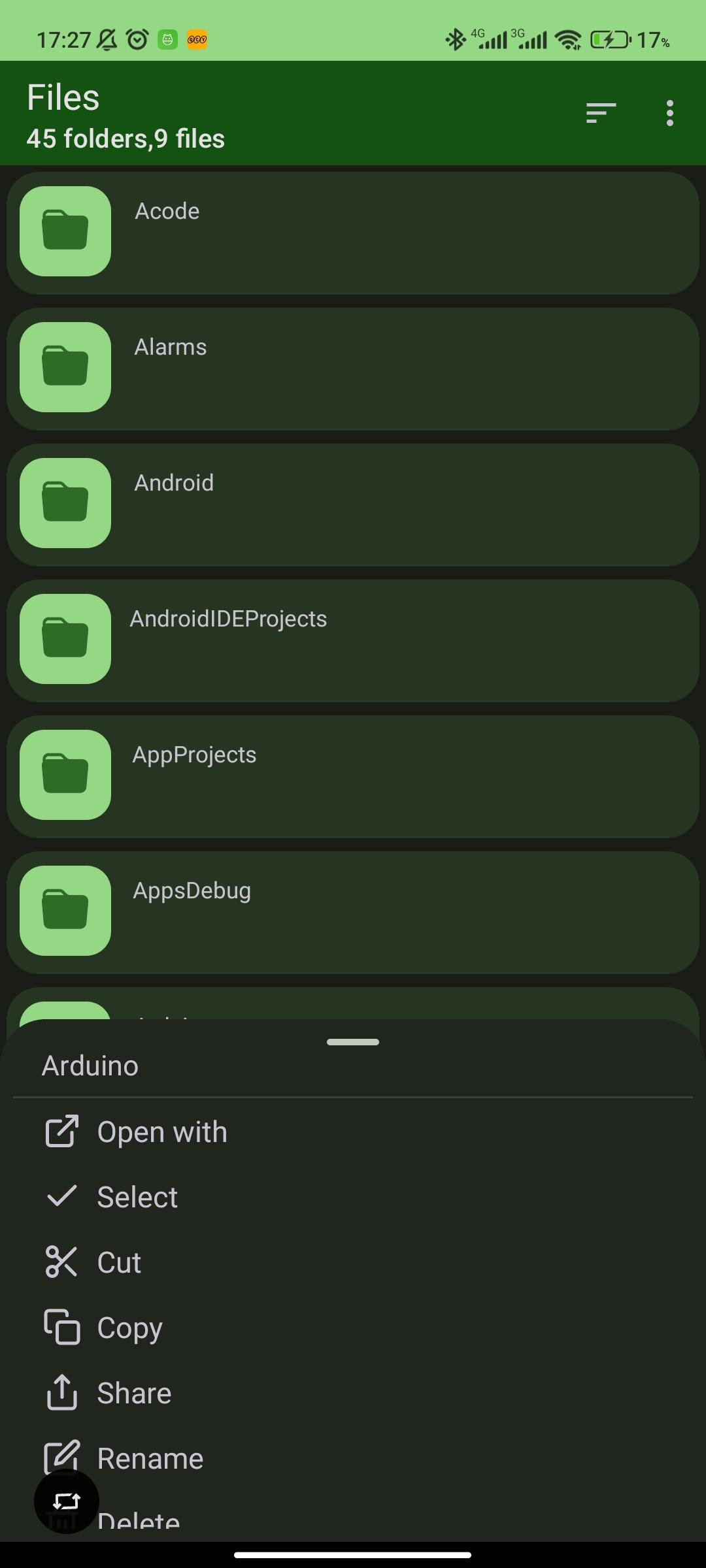
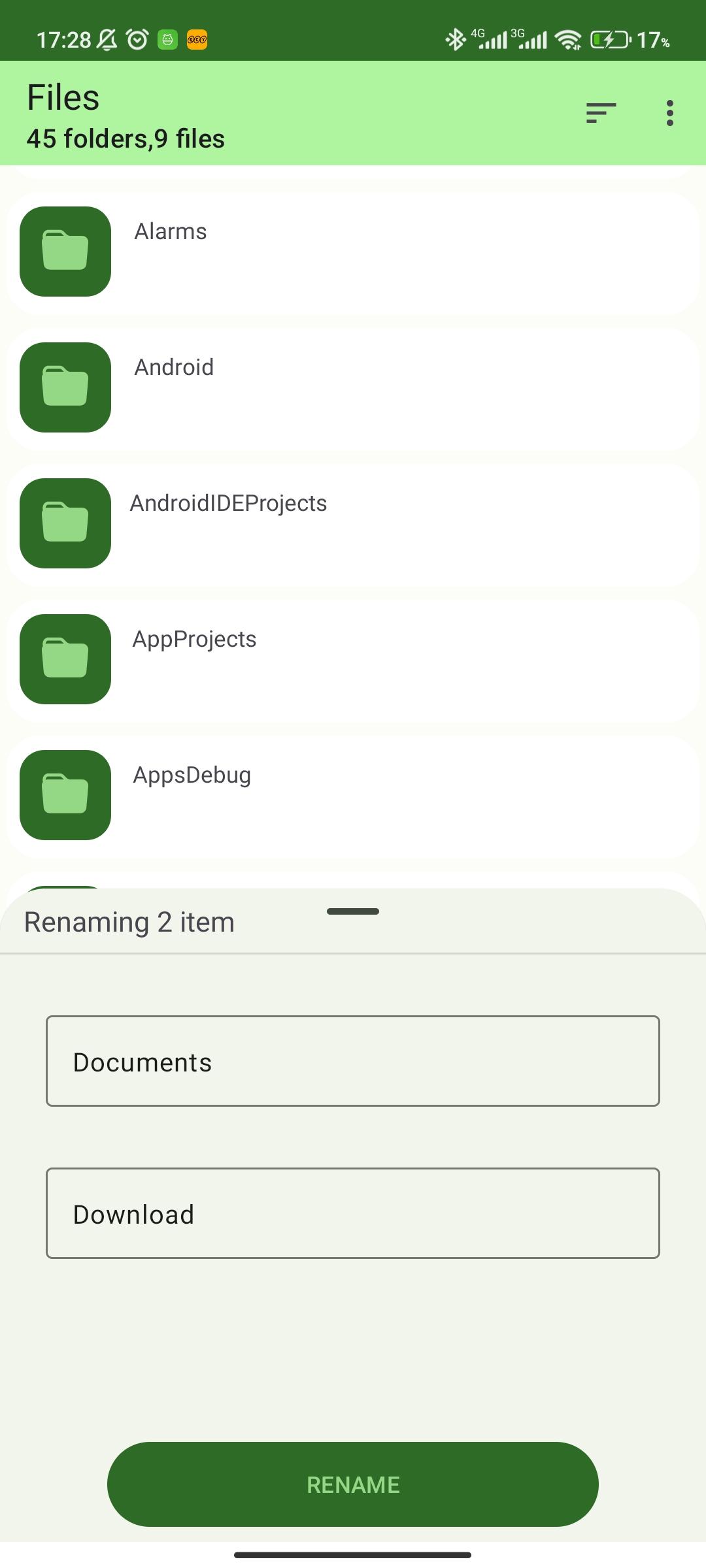
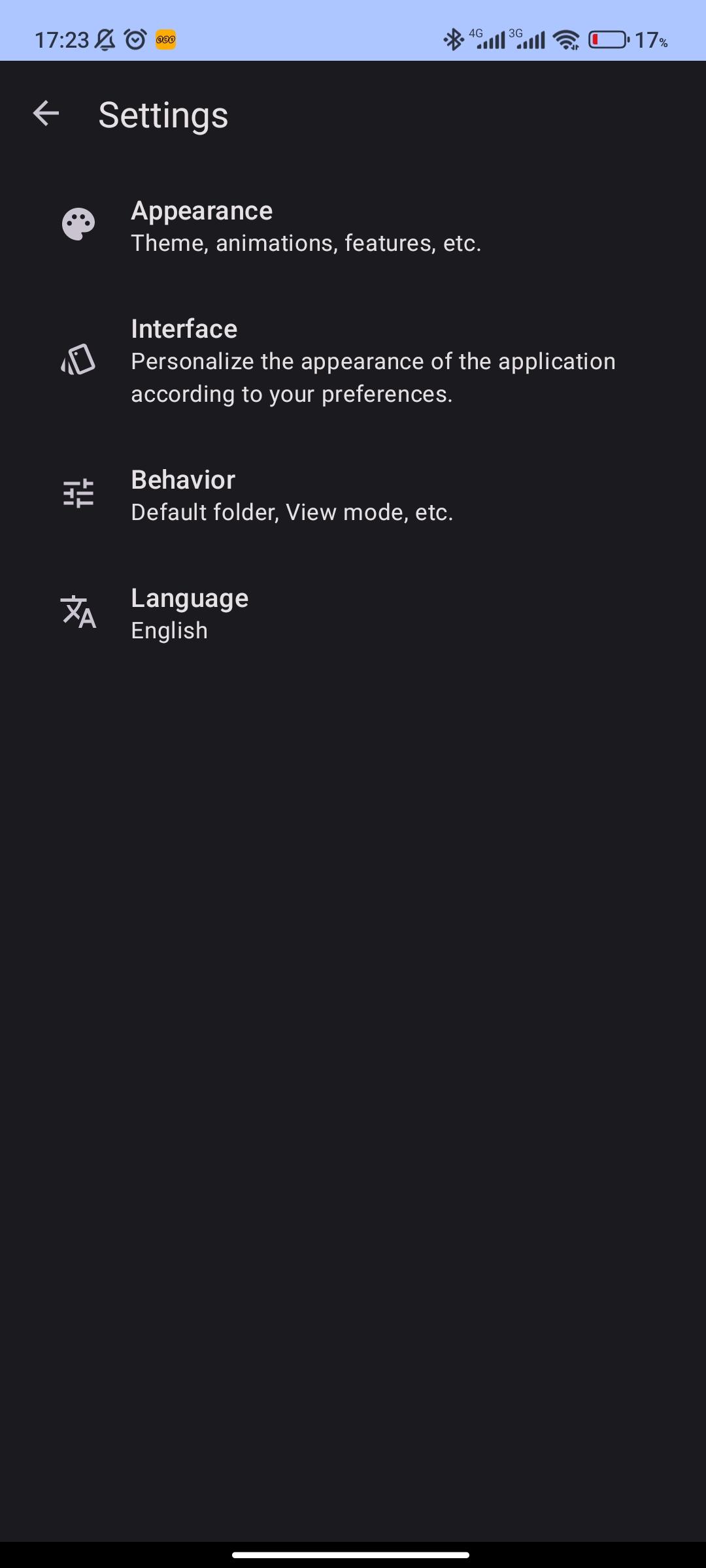
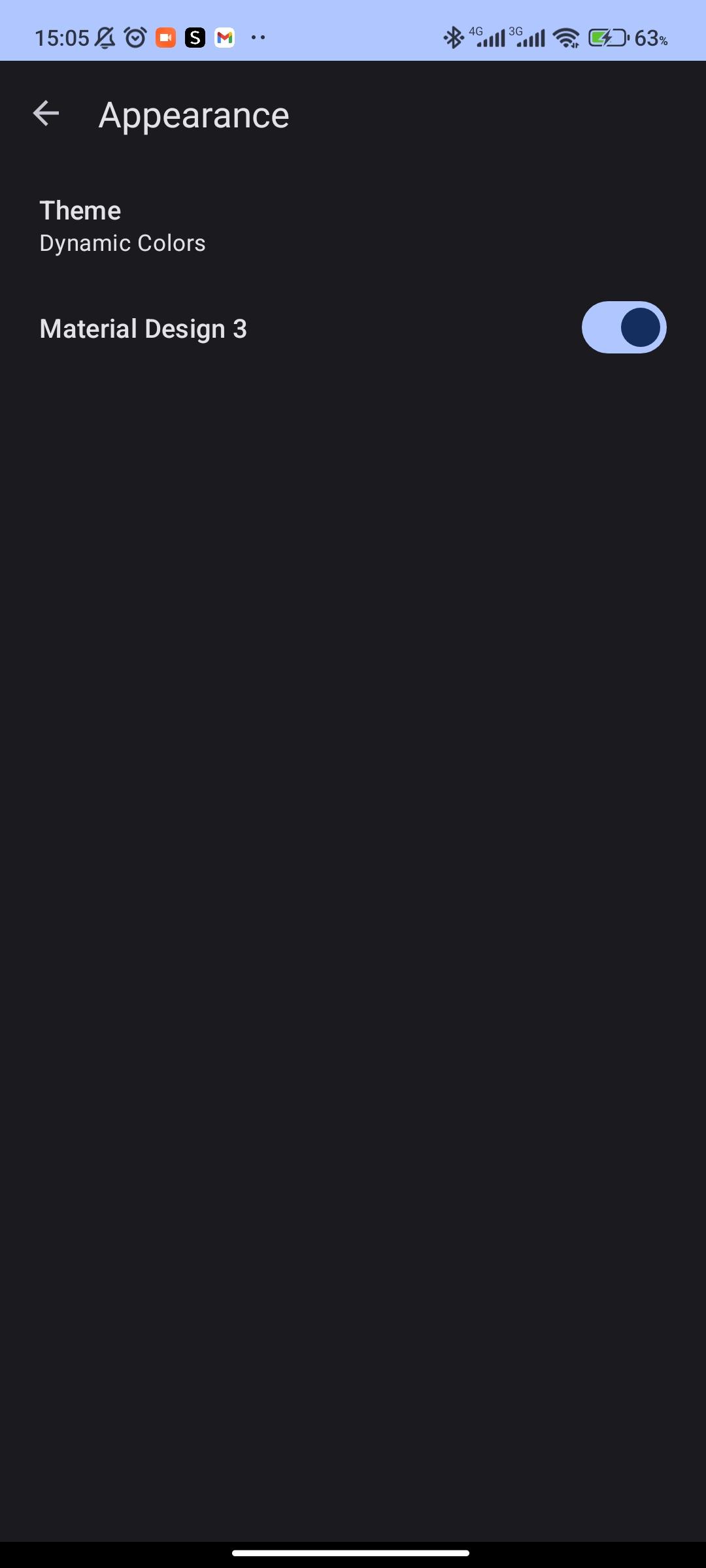
Screenshots
What’s new
- Added support for new languages, expanding accessibility to more users. - Implemented a function to seamlessly switch between Material Design 3 and Material Design 2. - Fixed a critical issue related to permission prompts on Android versions below 11. - Removed unnecessary permissions, improving user privacy and security. - Various bug fixes and performance improvements for a smoother experience.
How to install
Download the APK from the button at the top of this page.
Allow “Install unknown apps” for your browser or file manager only, not for every app.
Open the downloaded file and confirm the installation.
If installation fails with “App not installed,” remove an earlier build of the same app first. A signature conflict is the usual cause.
Data safety
Every file is checked against its published SHA-256 before it is listed.
Files are scanned for malware on every update.
The permissions each app requests are listed on its own page.
Read the full safety policy for how we test, flag, and delist files.
Frequently asked questions
What is FileManagerSphere?
Make organizing, navigating and manipulating documents and media more efficient
Who develops FileManagerSphere?
FileManagerSphere is developed by Juan Nascimento.
Which Android version does FileManagerSphere require?
FileManagerSphere requires Android API 26 or later.
What is the current version of FileManagerSphere?
The synchronized F-Droid version is 1.1.1.
Which license does FileManagerSphere use?
The signed F-Droid metadata lists GPL-3.0-or-later.