Amarok icon

Amarok

deltazefiro
File Encryption & Vault Security System Tools
Version
0.9.3
Size
6.1 MB
Requires
Android API 26+
4.5 / 5 · 1,431 ratings 8,858 downloads

Updated Nov 6, 2026

Quick answer

Hide your private Files and APPs with a single click.

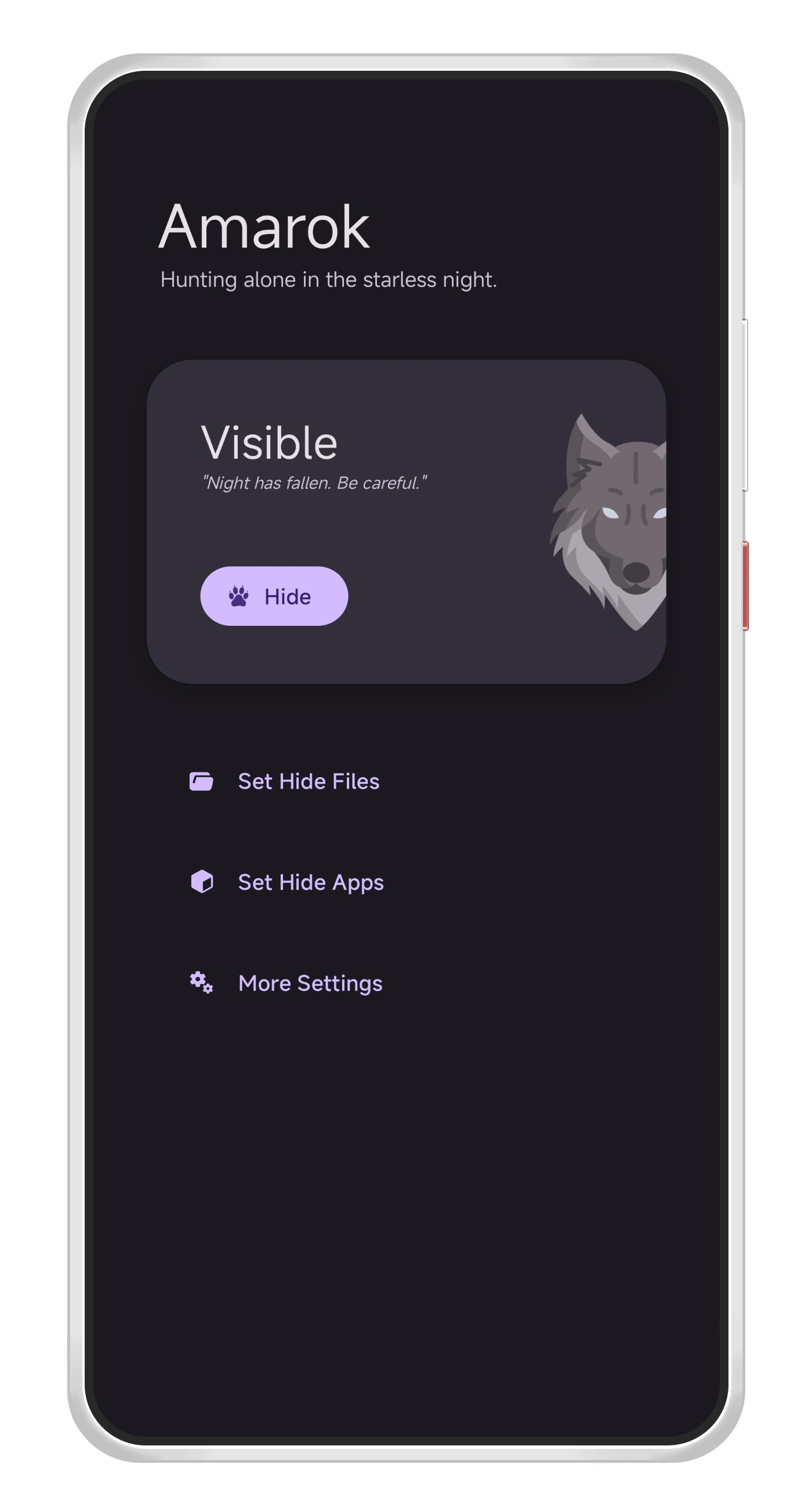
Amarok is an Android application which enables you to hide your private files & apps with just one click.

Often, we resort to complex encryptors to secure our files and apps, aiming to shield them from prying eyes. These encryptors, while effective, tend to be slow and resource-intensive, making the encryption of large files such as videos and music a daunting task. Despite their robust security, these methods are often overkill for the average user who simply wish to keep their private files and apps out of unintentional reach.

Amarok is designed to be a light-weight hider. It disguises file names and headers, causing them to seem "corrupted" and unopenable. Amarok also deactivates applications, rendering them invisible in the launcher and system menu.

Features

  • User-Friendly: Easily hide files and applications with a single click.
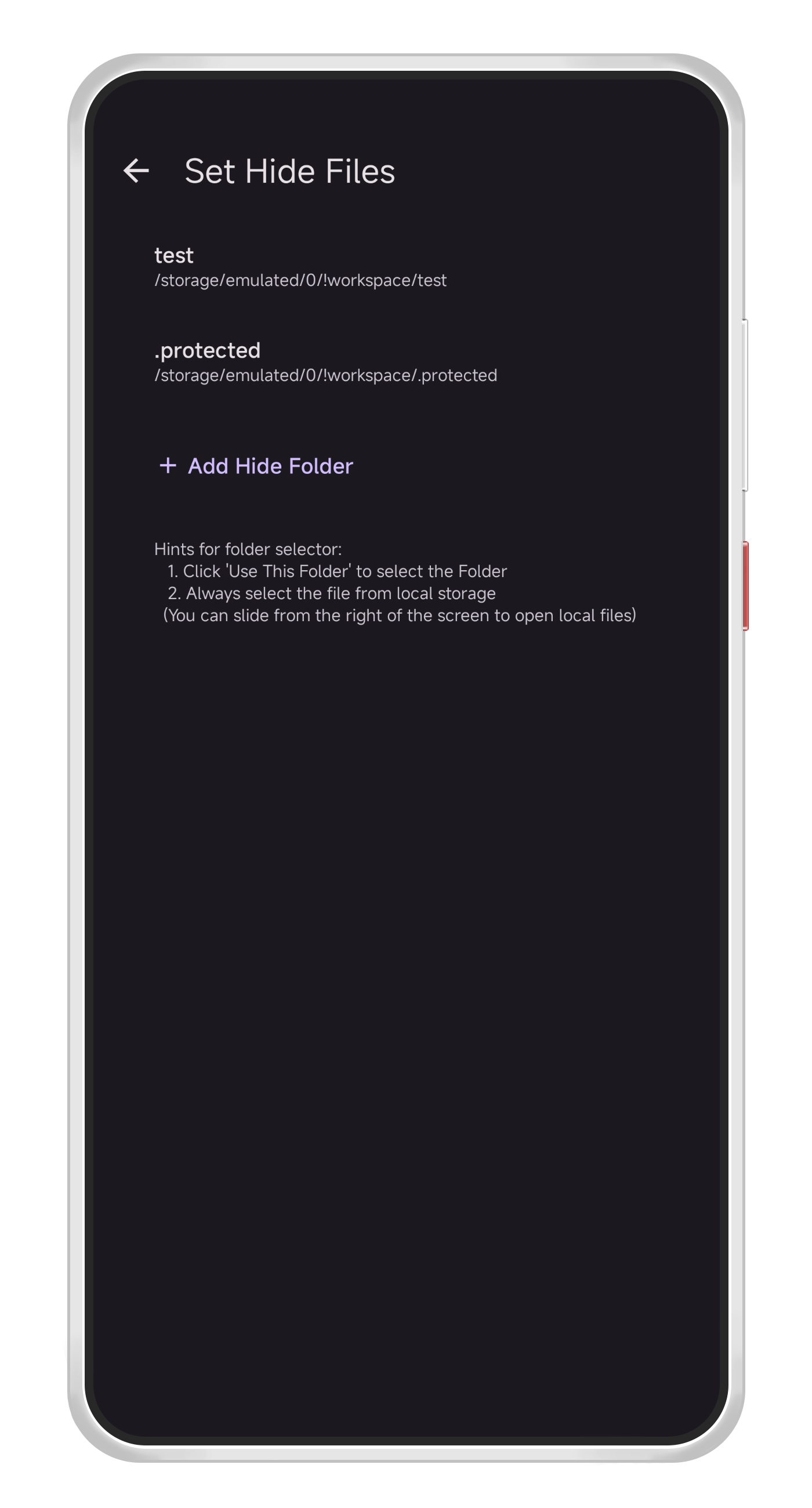
  • Rapid and Efficient Large File Hiding: Hides by altering only file name and signature, unaffected by file size.
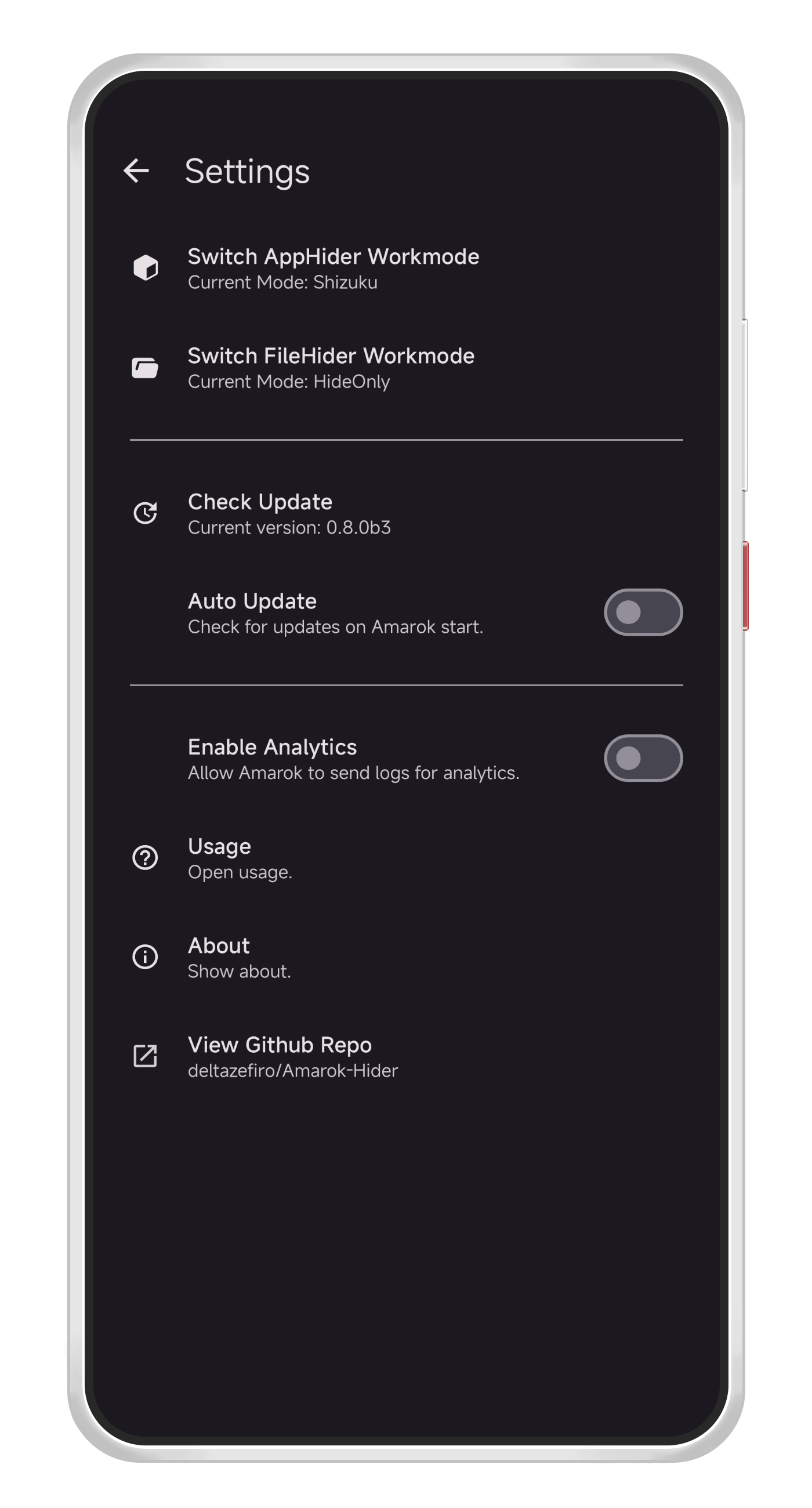
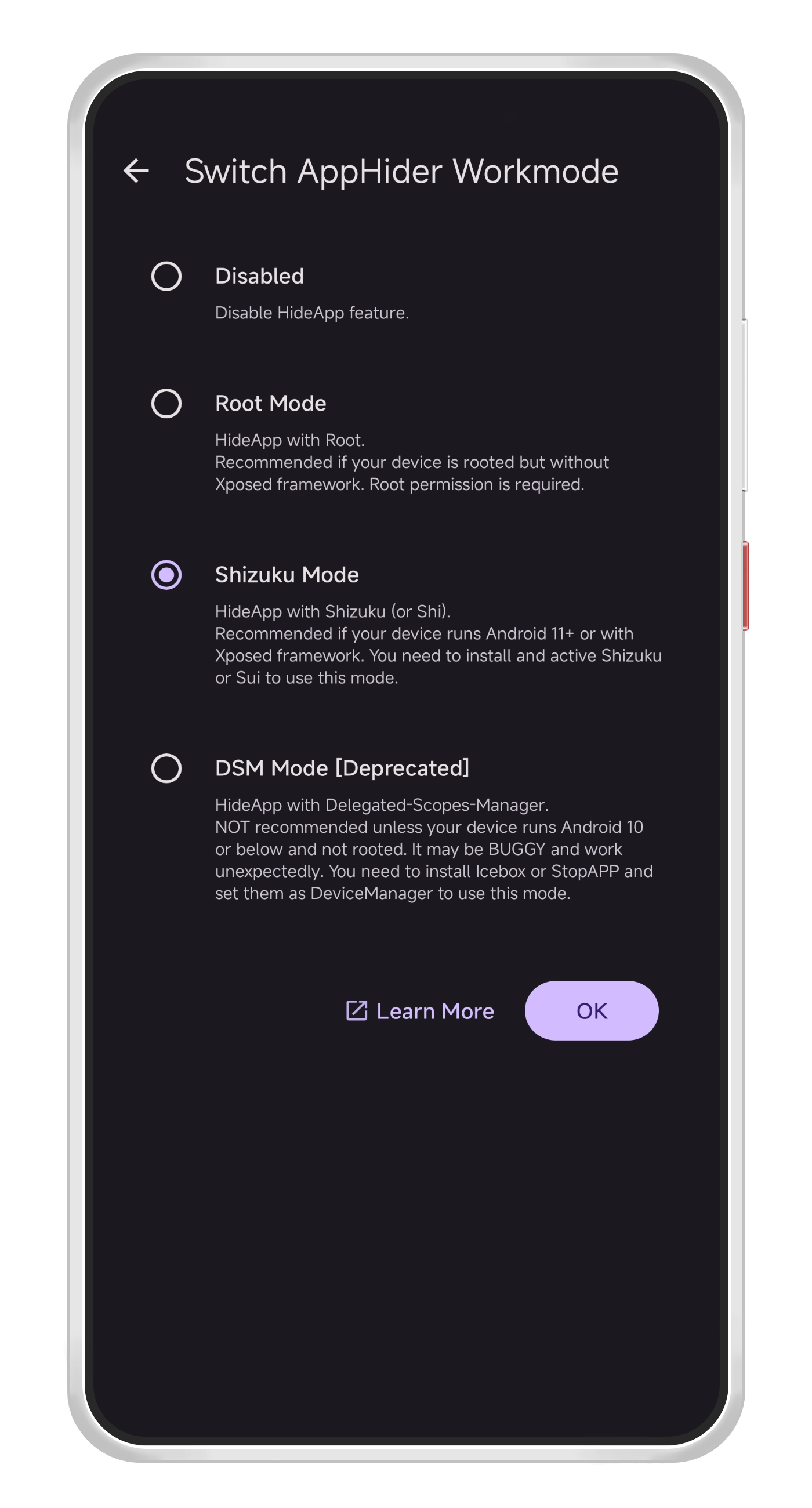
  • Root-Free Application Hiding: Makes apps vanish from the launcher. Compatible with Root, Shizuku, Dhizuku, and DSM modes.
  • Panic button: Use a floating button to quickly hide applications and files in urgent scenarios.
  • Quick Settings Tile: A control center toggle for immediate hiding, bypassing the need to launch the app.
  • App Lock: Secure Amarok access with a password or fingerprint.
  • Pleasant Interface: Clean Material3 design.

Please be aware that Amarok is not an encryption software, but rather a tool for hiding things. We strongly advise against using Amarok to protect confidential files and applications.

Screenshots

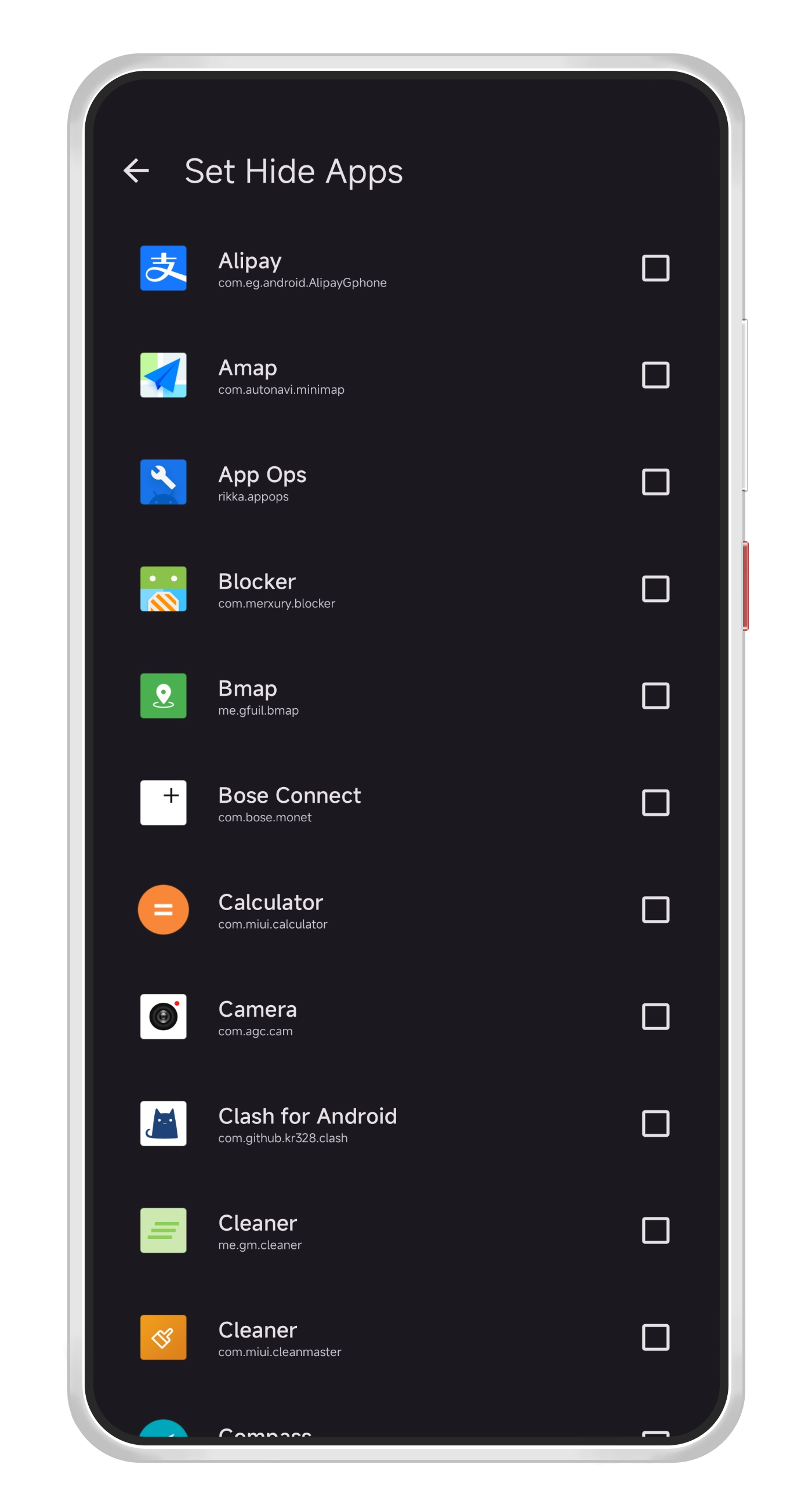
Amarok screenshot 1
Amarok screenshot 2
Amarok screenshot 3
Amarok screenshot 4
Amarok screenshot 5

What’s new

v0.9.3
- Support invert tile color (#167)
- Add warning when user attempts to hide root related apps
- Community translations update (see GitHub for the full list)

How to install

  1. Download the APK from the button at the top of this page.
  2. Allow “Install unknown apps” for your browser or file manager only, not for every app.
  3. Open the downloaded file and confirm the installation.
  4. If installation fails with “App not installed,” remove an earlier build of the same app first. A signature conflict is the usual cause.

Data safety

  • Every file is checked against its published SHA-256 before it is listed.
  • Files are scanned for malware on every update.
  • The permissions each app requests are listed on its own page.
  • Read the full safety policy for how we test, flag, and delist files.

Frequently asked questions

What is Amarok?
Hide your private Files and APPs with a single click.
Who develops Amarok?
Amarok is developed by deltazefiro.
Which Android version does Amarok require?
Amarok requires Android API 26 or later.
What is the current version of Amarok?
The synchronized F-Droid version is 0.9.3.
Which license does Amarok use?
The signed F-Droid metadata lists Apache-2.0.
Where is the source code for Amarok?
https://github.com/deltazefiro/Amarok-Hider

Comments

Recent approved comments · sorted by newest

Verification code
Be specific and keep it about the app. No links. Comments are reviewed before publication. Device and Android details are recorded automatically. Privacy policy.

Loading recent comments...

View all comments