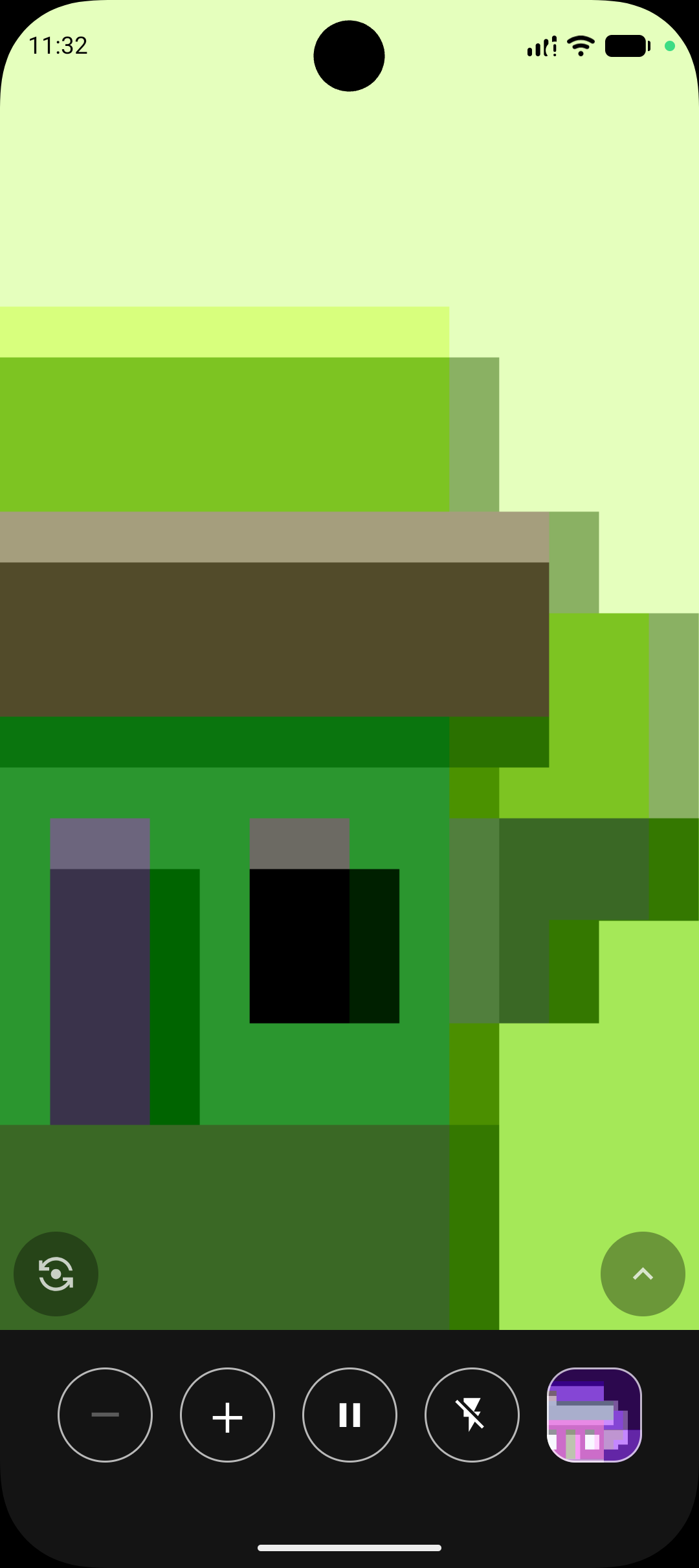
Magnifica is a magnifier app I built because sometimes text is tiny, labels are impossible to read, and product designers apparently enjoy using microscopic fonts.
The name is a little bilingual joke, born of a glorious act of linguistic optimism. I'm Spanish, and "Magnifica" sounds a bit like "magnify" in English. At the same time it brings to mind magnífica in Spanish, which means "magnificent." So the goal was obvious: build a magnifier app that's, well... magnificent.
Features
▸ Magnifies stuff. The tiny print on a medicine box, the impossible serial number on a router, the ingredients list written by someone who clearly hates you — or that suspicious little dot on your kid's leg that you really, really need to know is a freckle and not a tick. Point, zoom, see.
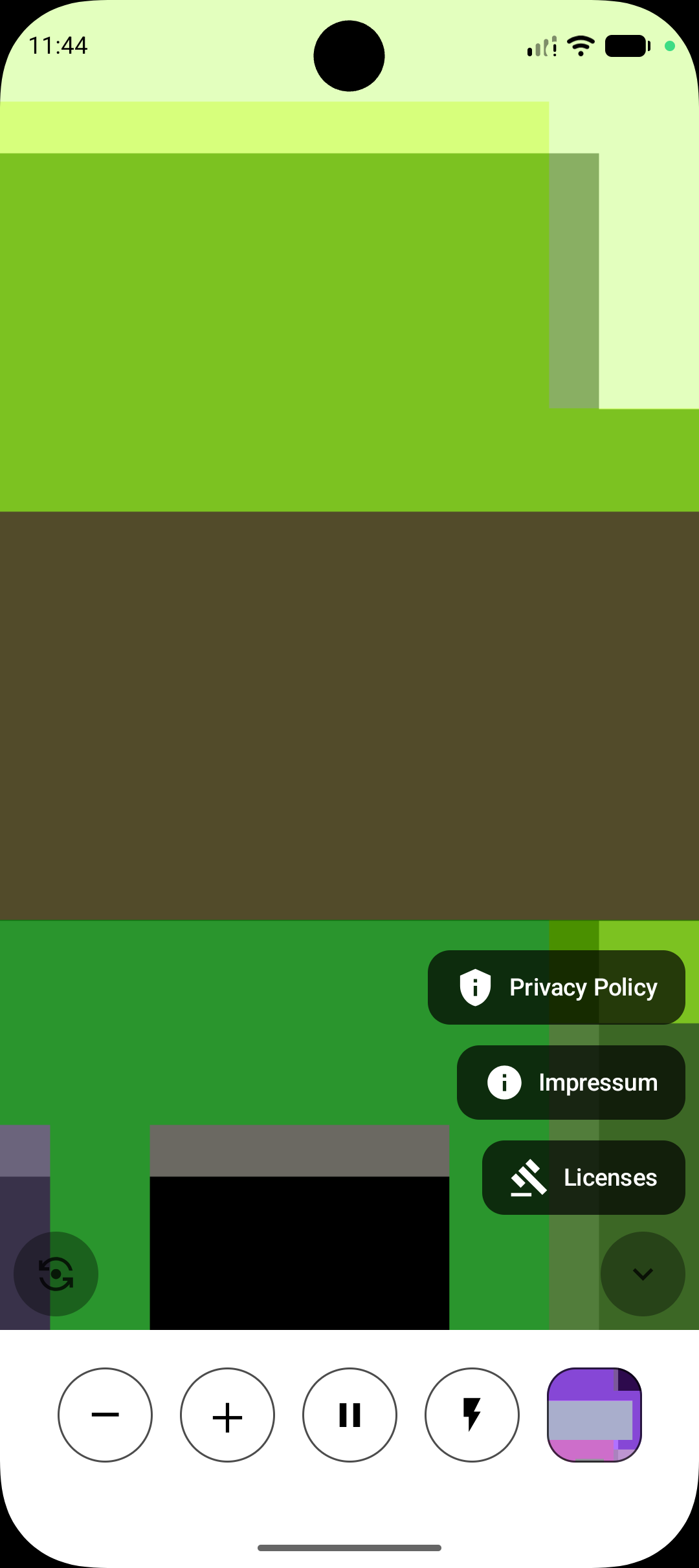
▸ Freeze. Tap to hold a full-resolution still. While frozen, zoom in further and pan around to examine detail you couldn't see in the live view. Tap again to unfreeze. The volume buttons work too — either one freezes or unfreezes without touching the screen.
▸ Share. While frozen, tap to send the image to any app — the file is a plain JPEG with the active colour effect applied and no EXIF, no GPS, no timestamps, no device information.
▸ Sensible zoom. Tap plus and minus to snap through powers of two (1×, 2×, 4×, 8×…), or pinch to zoom smoothly anywhere in between. Zoom level is remembered when you switch away and come back.
▸ Tap to focus. See a blurry thing, tap it, it becomes a readable thing.
▸ A torch. On the back camera it's your real flashlight. The front camera has no flash, so it turns the whole screen blindingly white and calls that a "flash." It's a hack. It works.
▸ Front and back cameras, one button to flip between them.
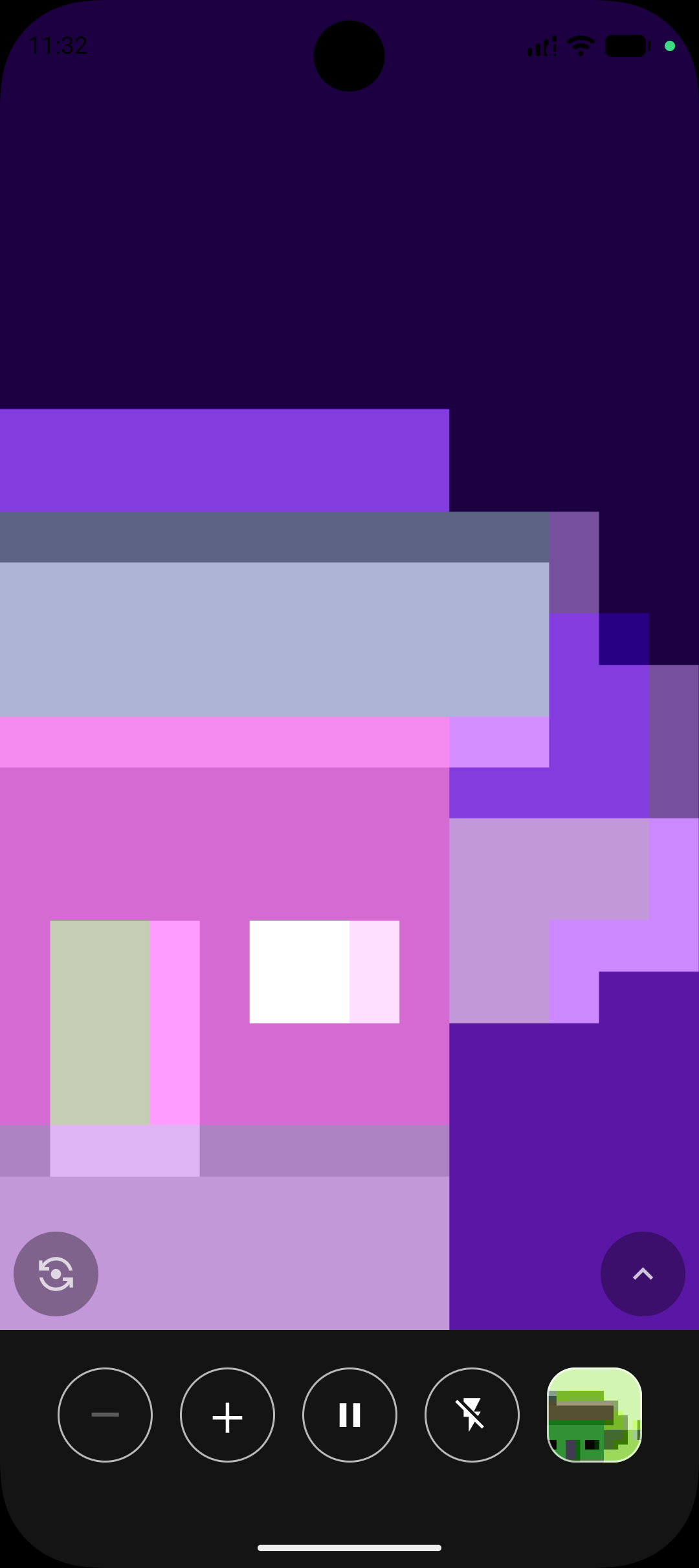
▸ Color effects. Six filters applied live — negative, grayscale, high contrast, yellow on black, color-blind assist, or none. Tap to toggle; long-press to preview all six on a live thumbnail of your current view.
▸ Screen stays on. The display doesn't dim while the app is open.
No accounts. No ads. No mysterious permissions. It wants the camera, because it's a camera app, and then it would like to be left alone to do its job.
Magnifica is open source and released under the GPLv3 license[1]. Check out the code[2] if you like.
Get it
You can download it for free in F-Droid[3].
Translations are always welcome! :)
The app is available for translation on Transifex[4].
Magnifica: a magnificent way to make small things bigger.
[1] https://www.gnu.org/licenses/gpl-3.0.en.html
[2] https://gitlab.com/juanitobananas/magnifica
[3] https://f-droid.org/packages/com.jarsilio.android.magnifica/
[4] https://explore.transifex.com/juanitobananas/magnifica
Screenshots
What’s new
New in 1.4
★ Added a button to share the frozen image (without any metadata).