What’s new
* Add option to move searchbar to bottom of screen
* Add Brave to list of search engines
* Update target Android SDK to 36

Updated Sep 22, 2026
Simple and customizable search bar
F-Droid repository metadata
A very basic app designed for people who want to use a search widget with their preferred search engine.
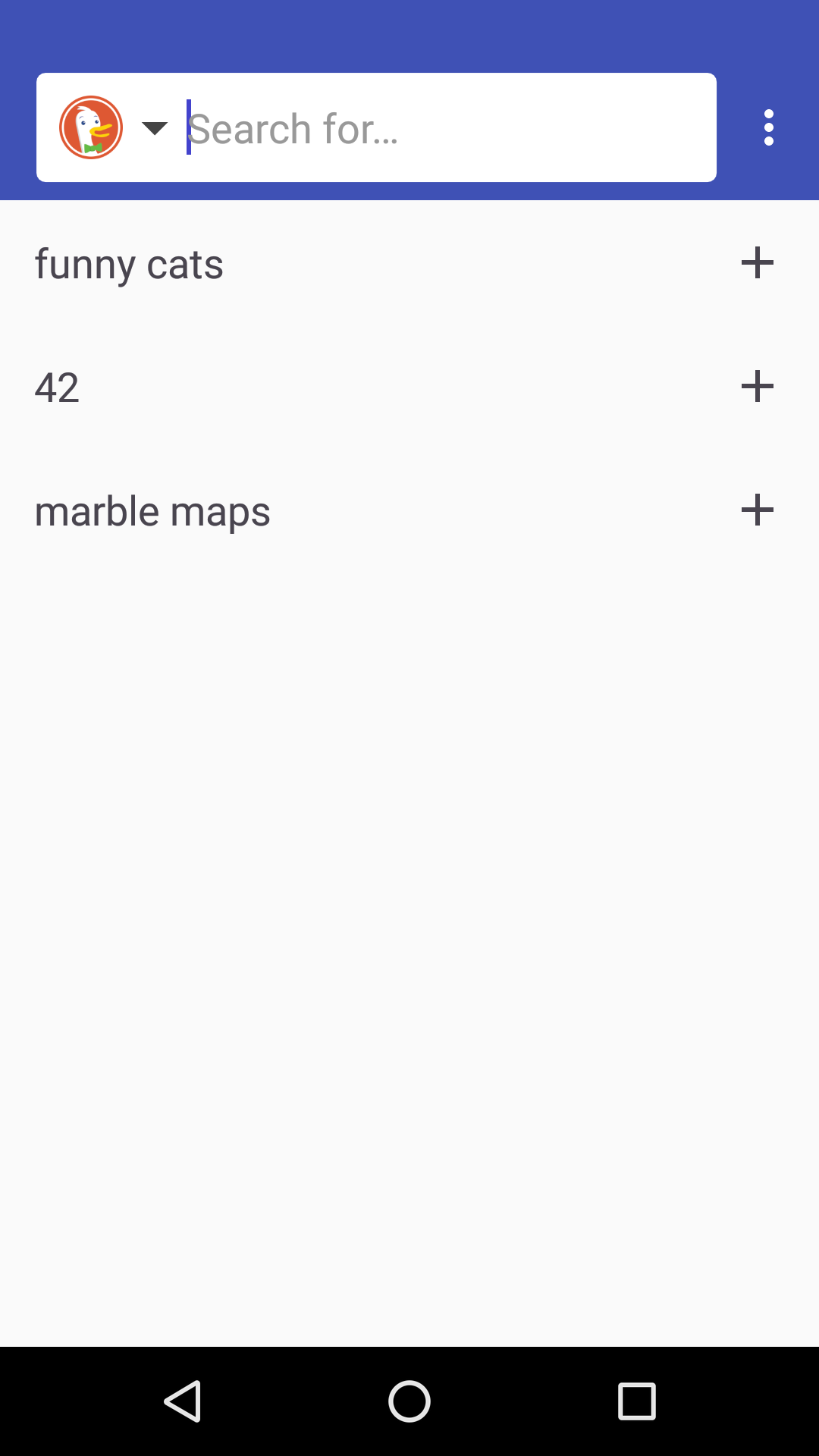
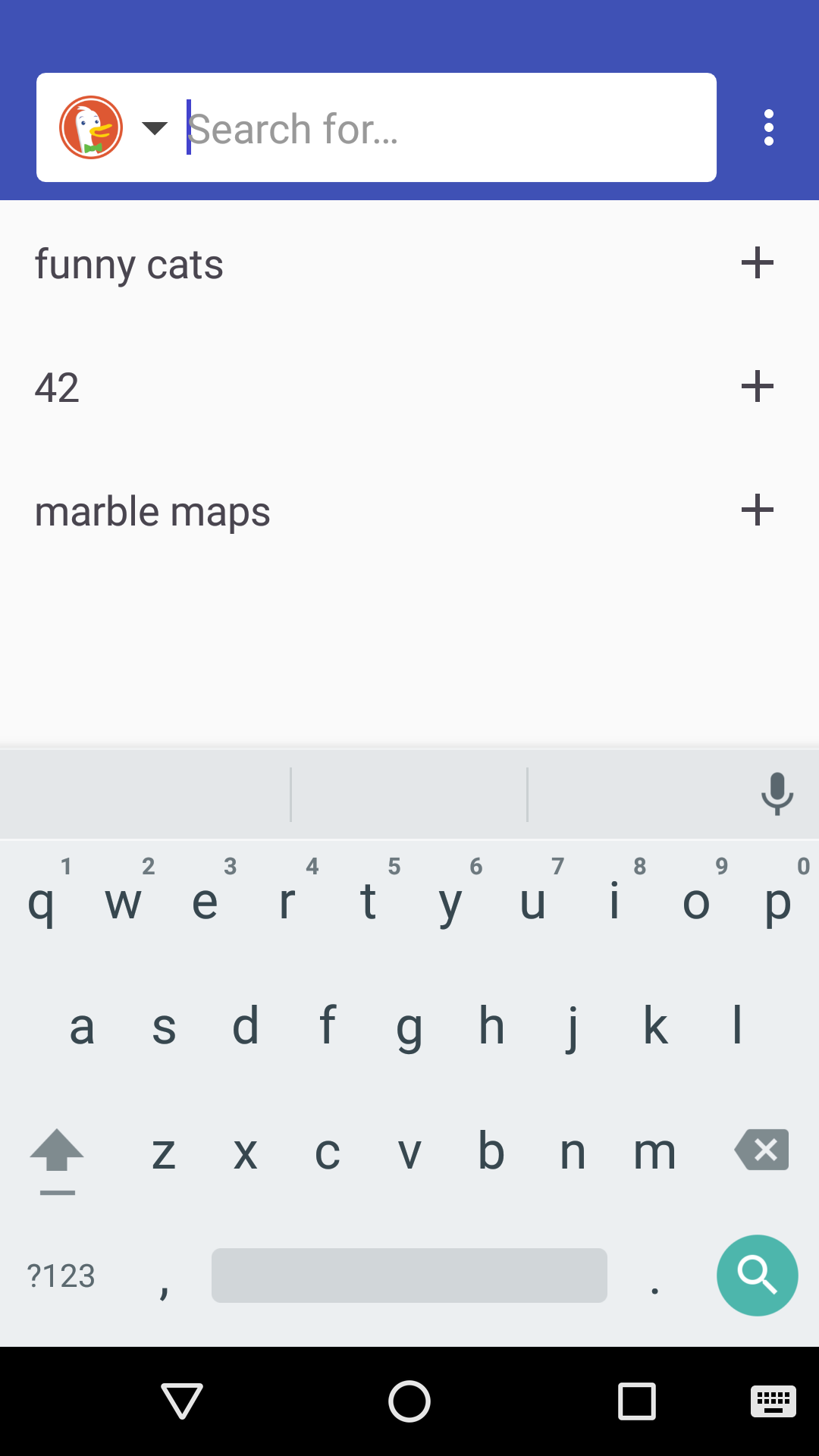
This app contains a search bar to type in a search query, which will be opened in the Internet browser. A widget for the home screen will simply start the app.
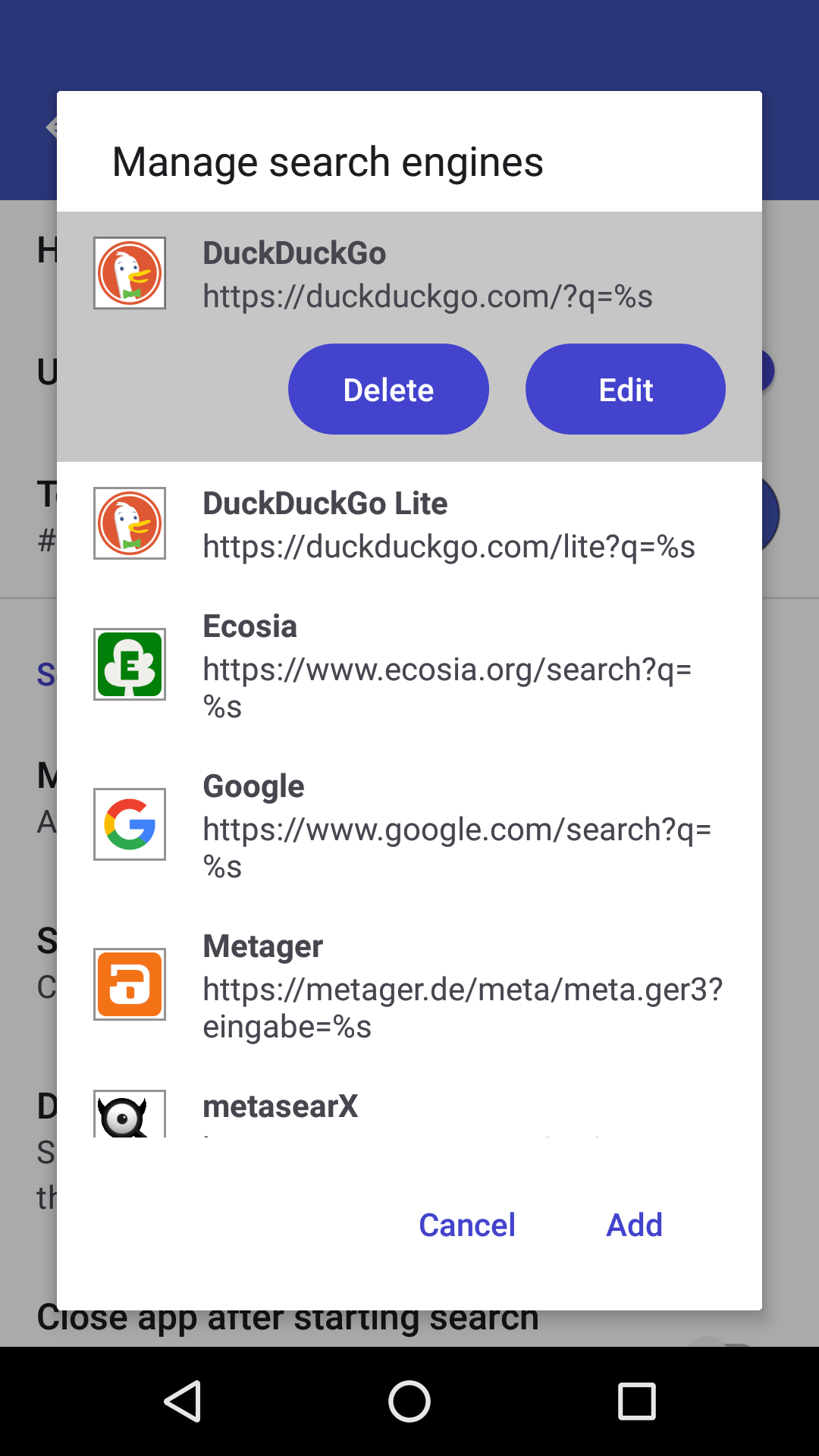
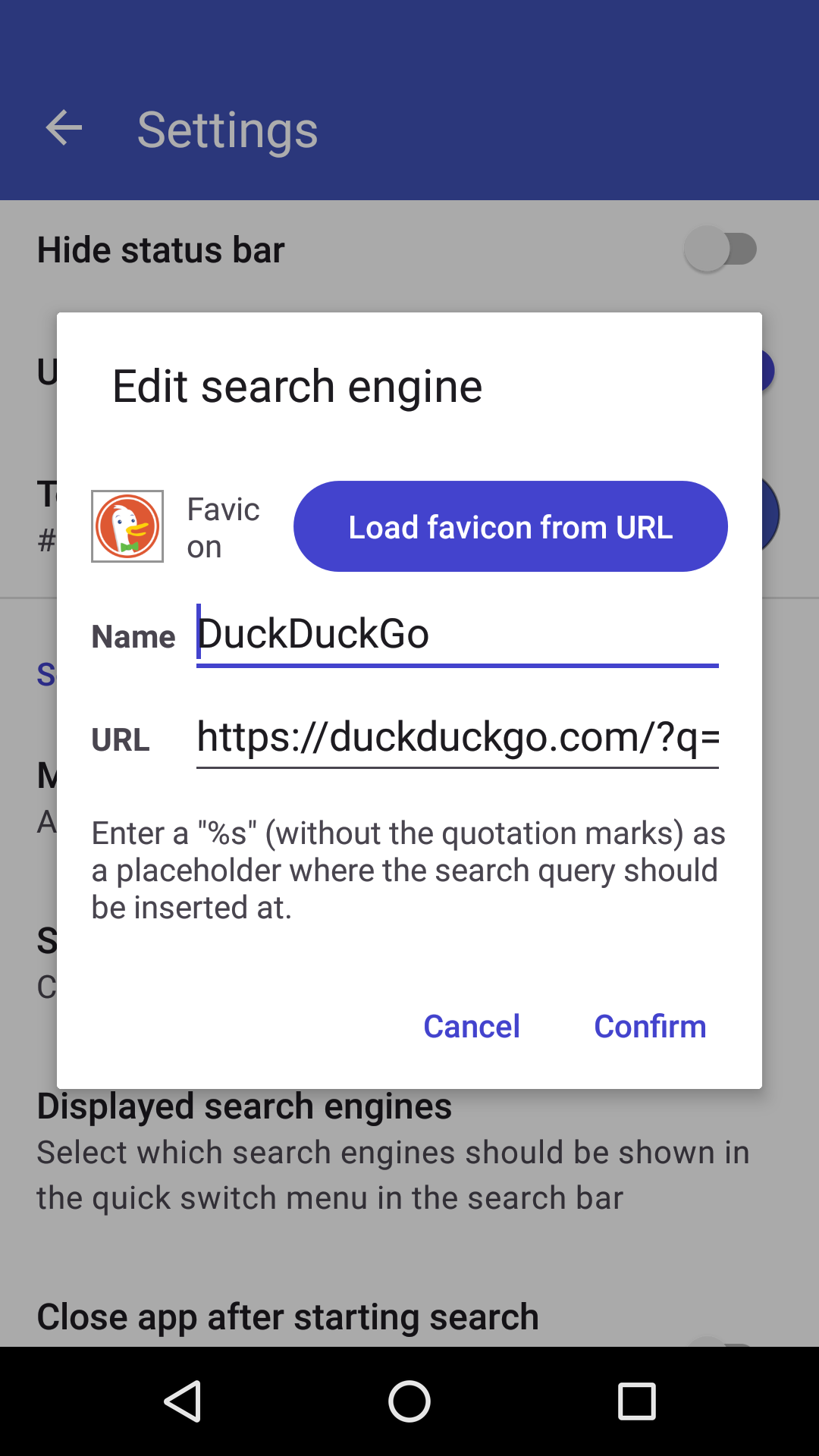
You can change the search engine in the settings (Default is DuckDuckGo) or type in a custom search string. The app also saves the search queries as a history.
* Add option to move searchbar to bottom of screen
* Add Brave to list of search engines
* Update target Android SDK to 36
Recent approved comments · sorted by newest
View all comments