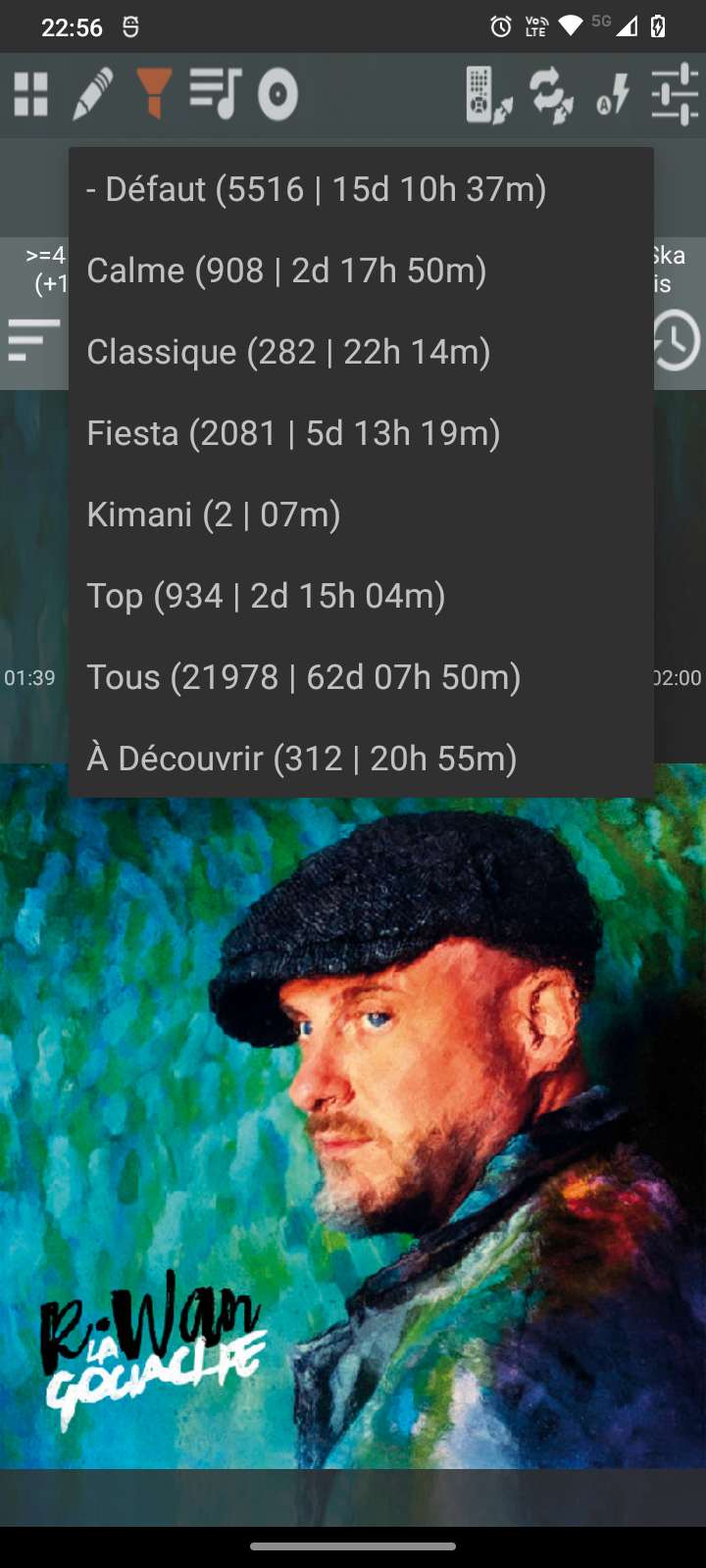
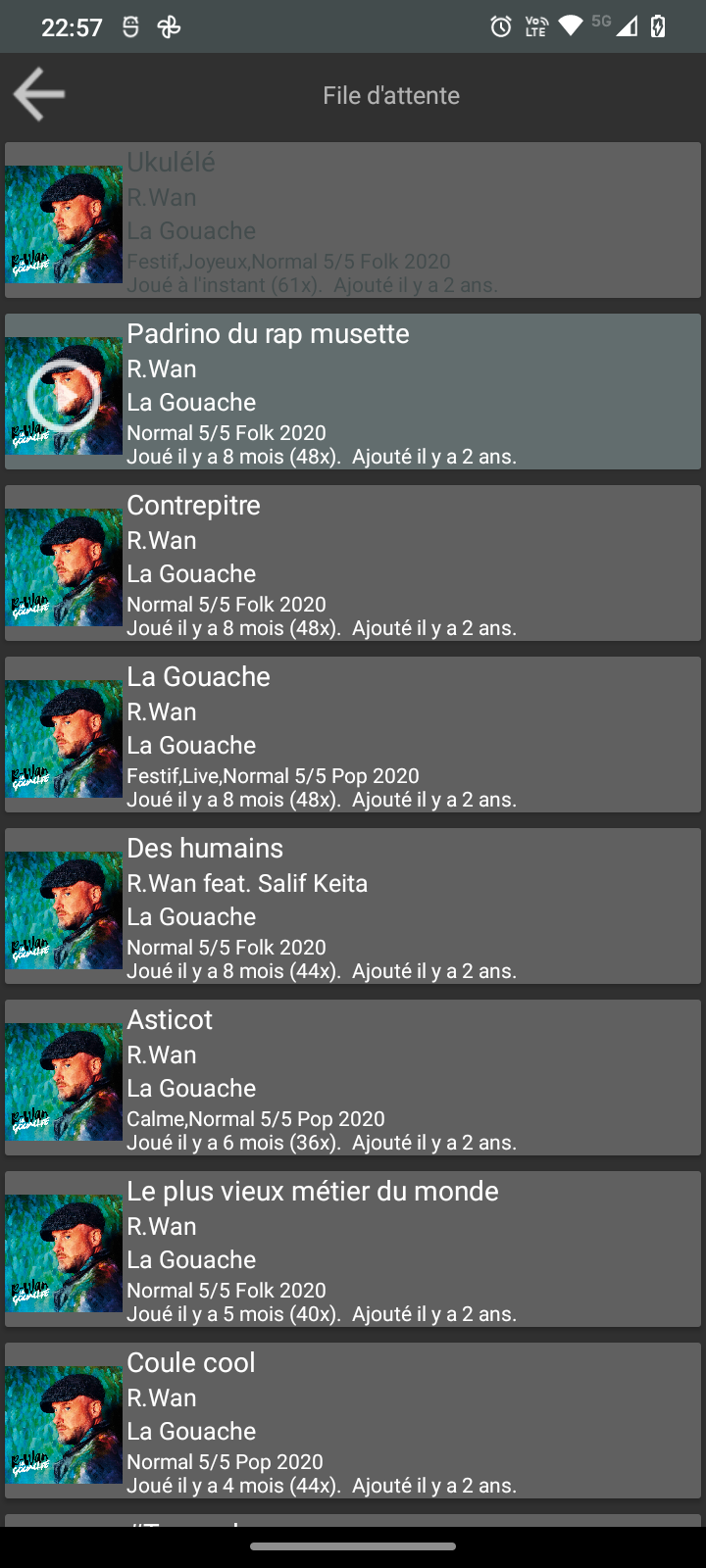
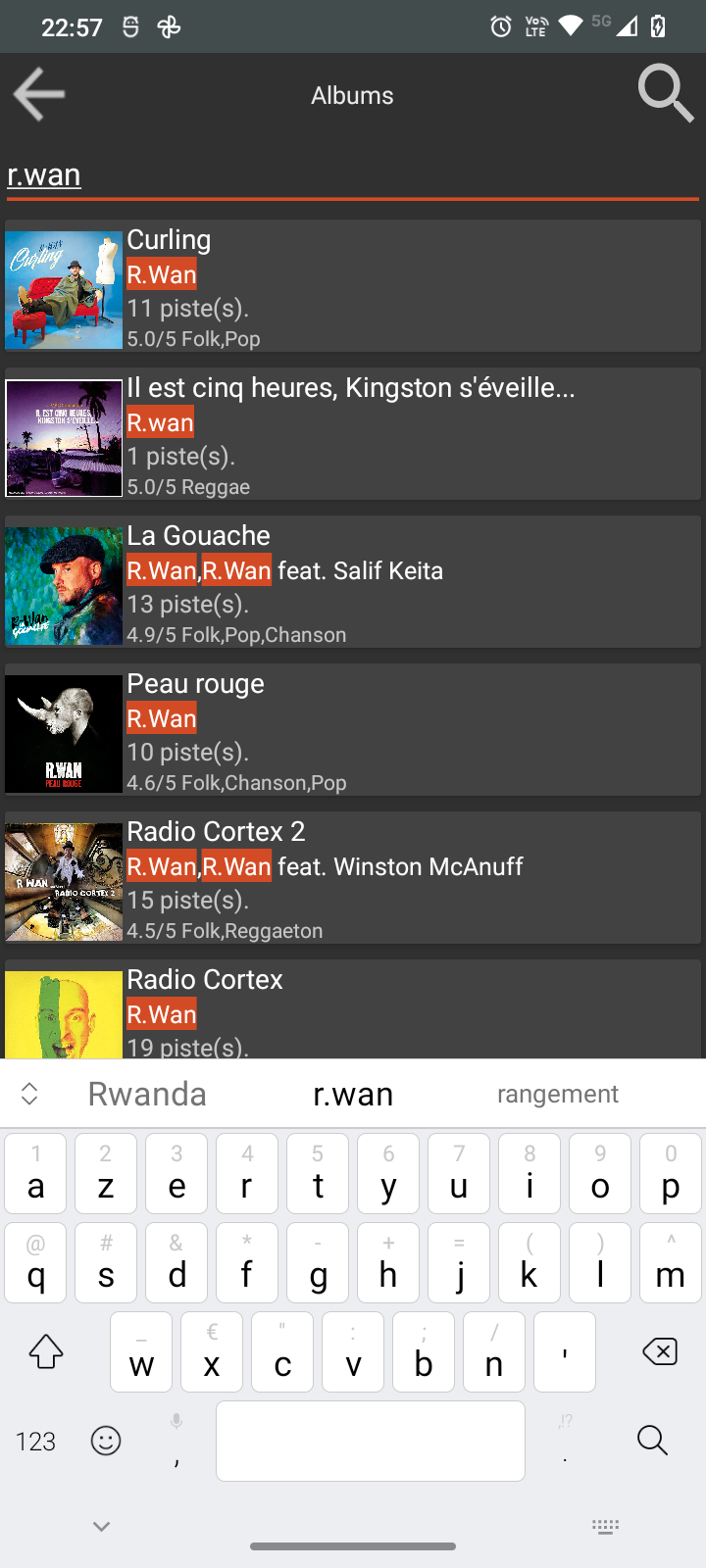
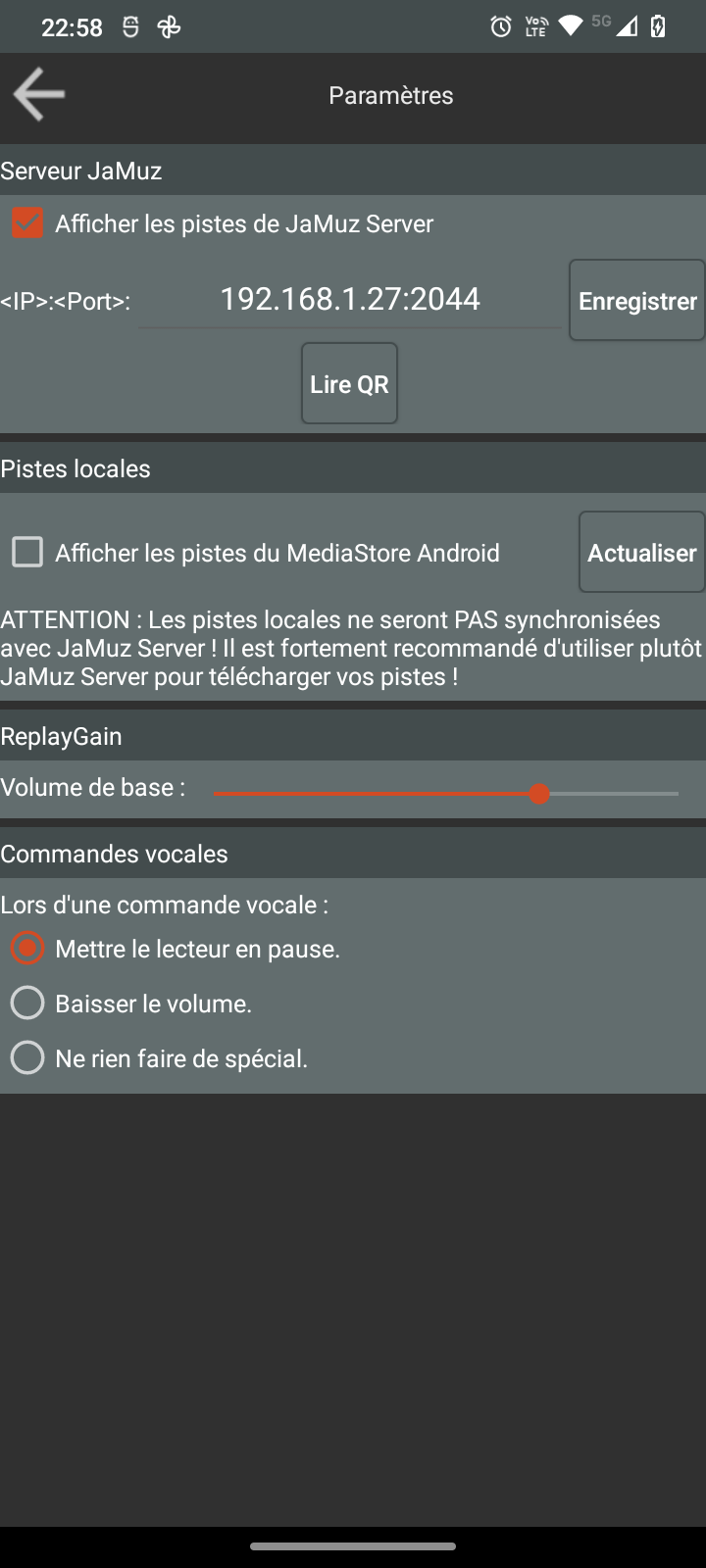
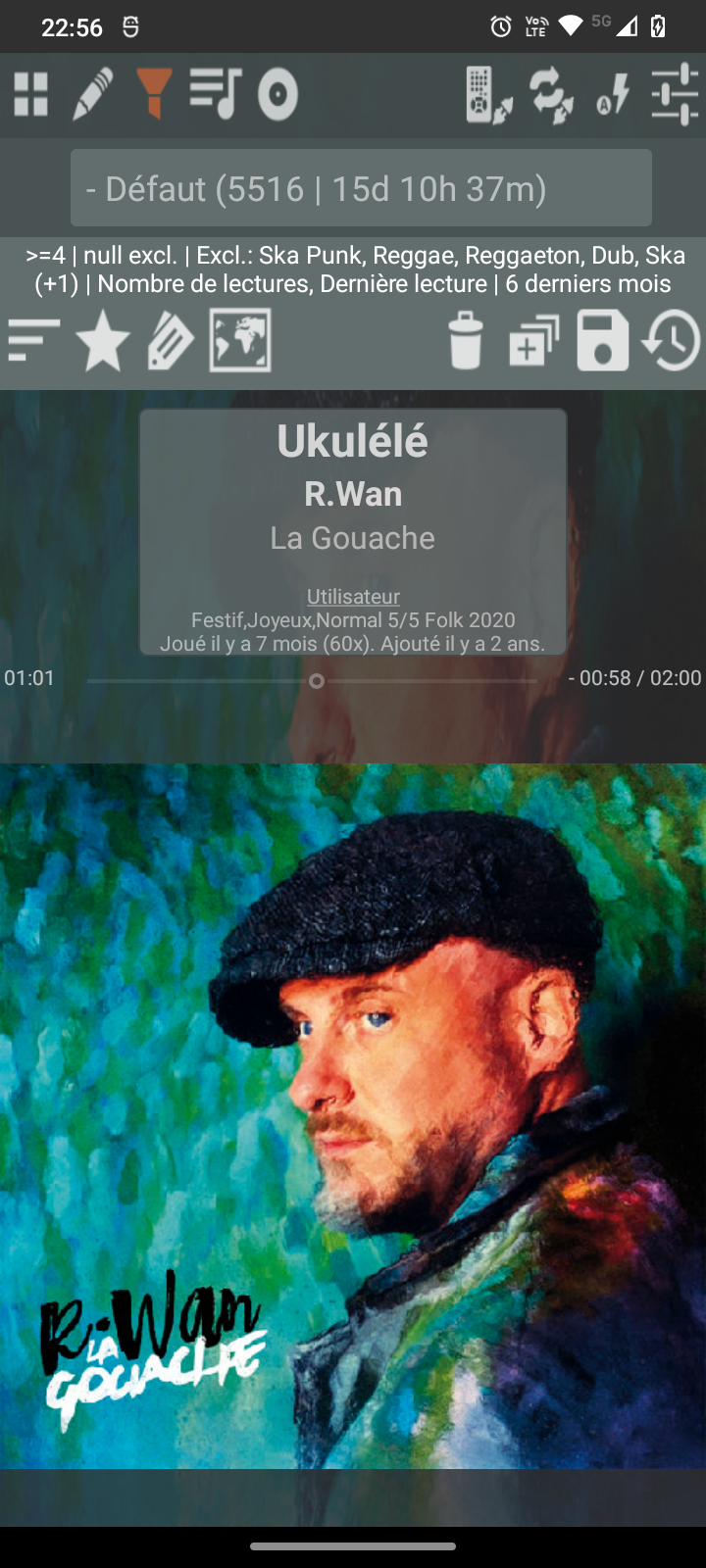
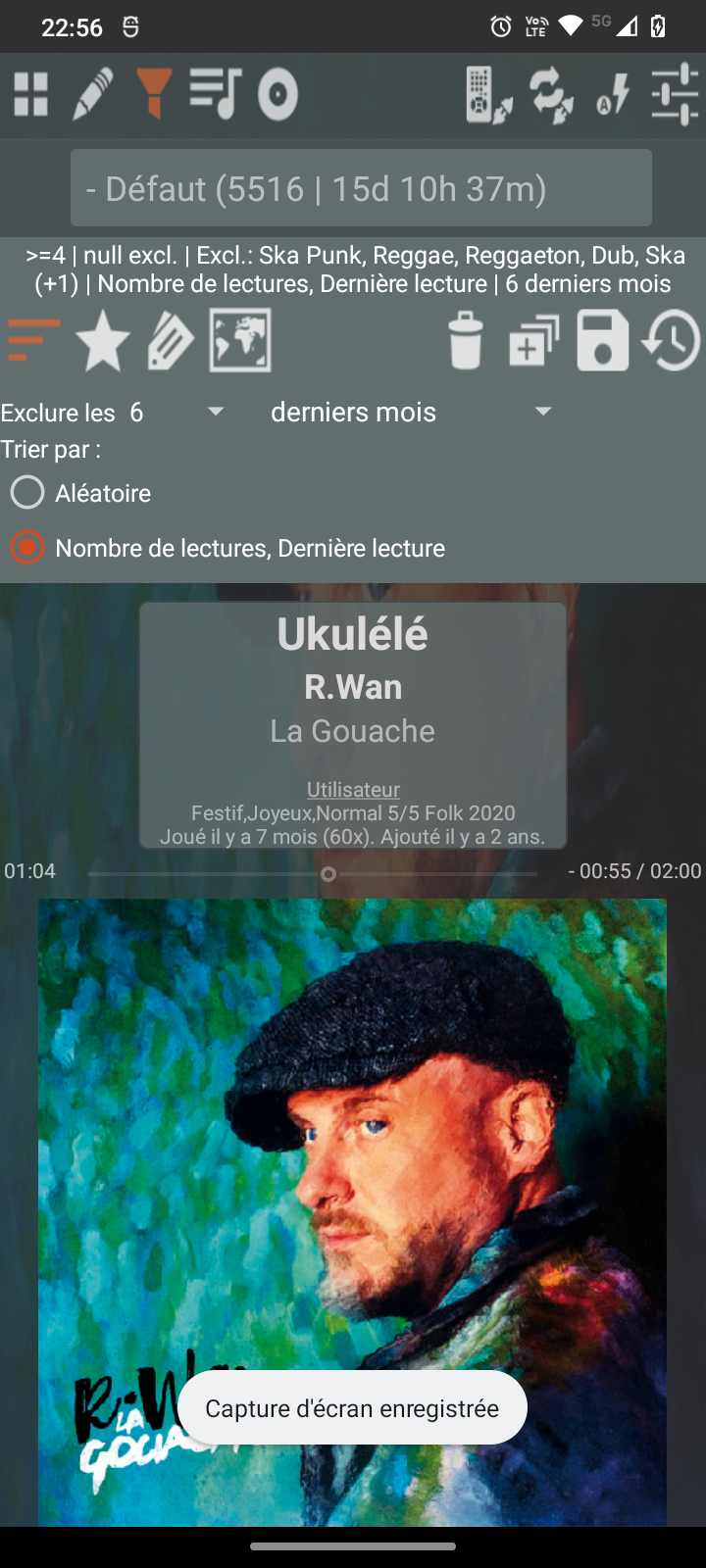
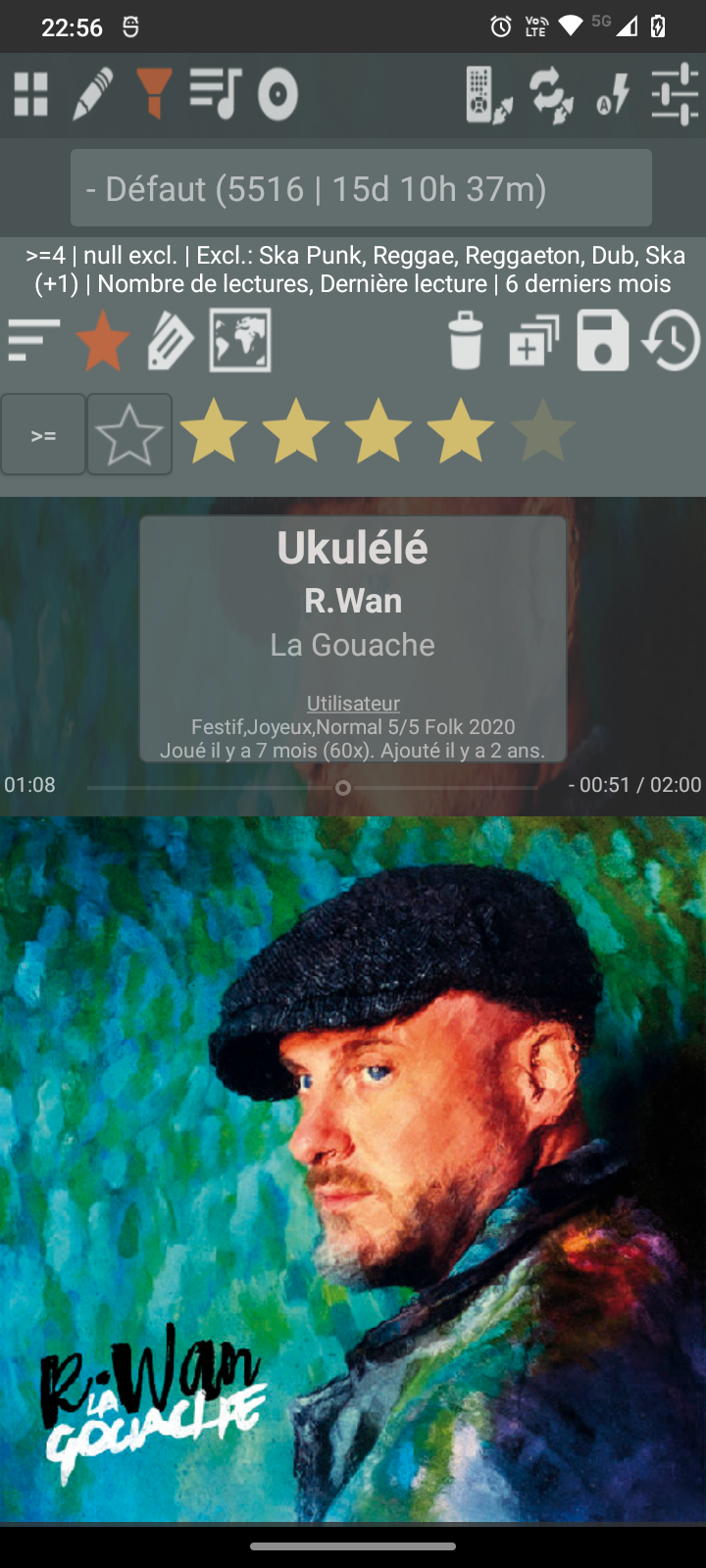
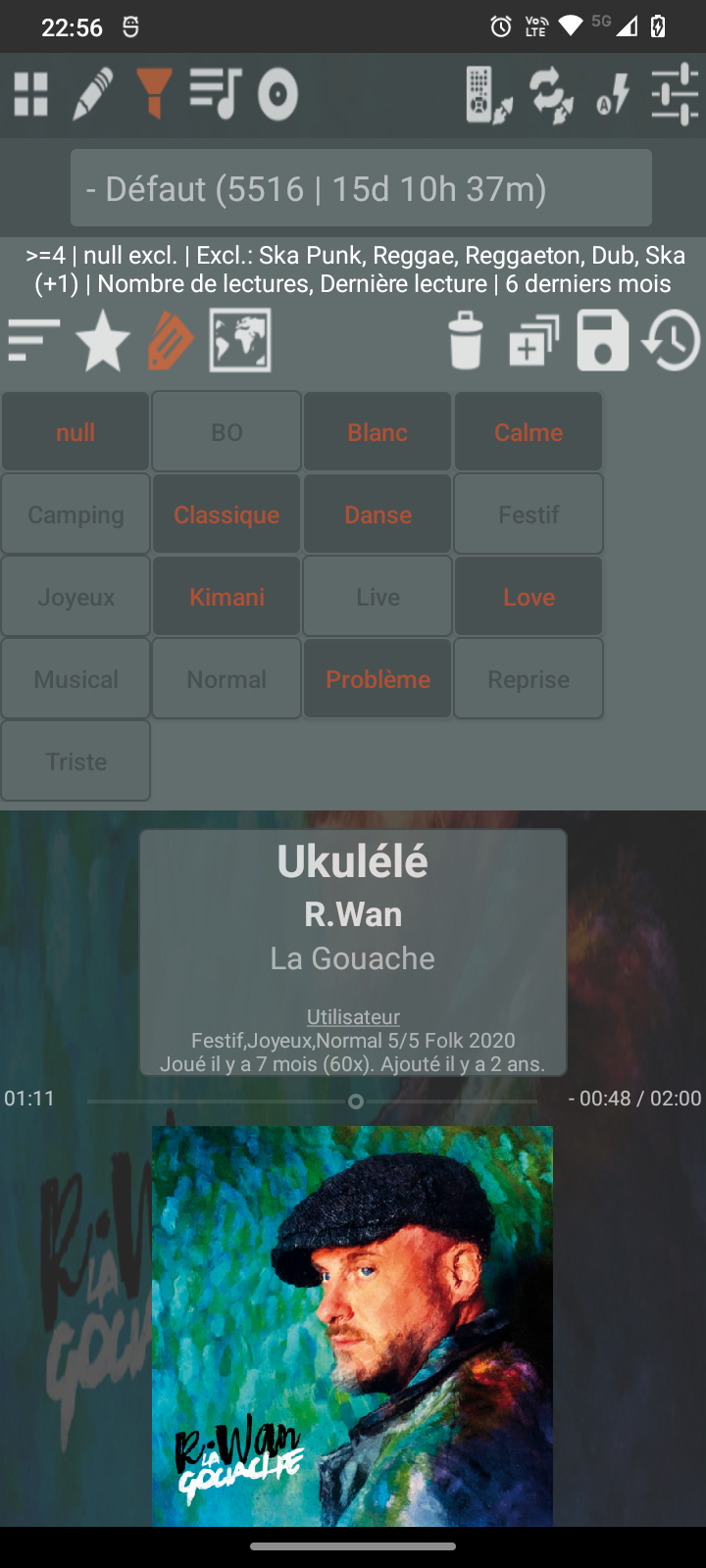
Audio Player:
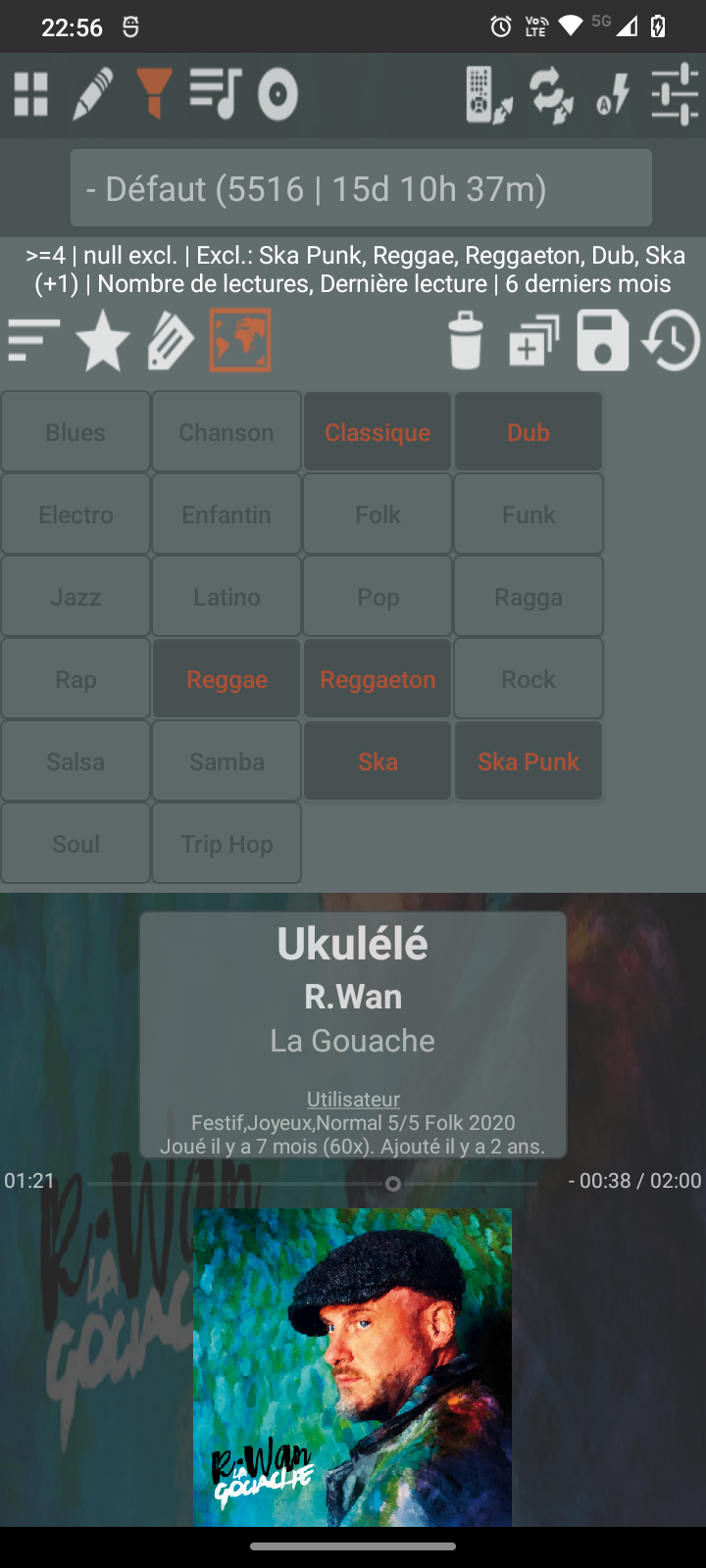
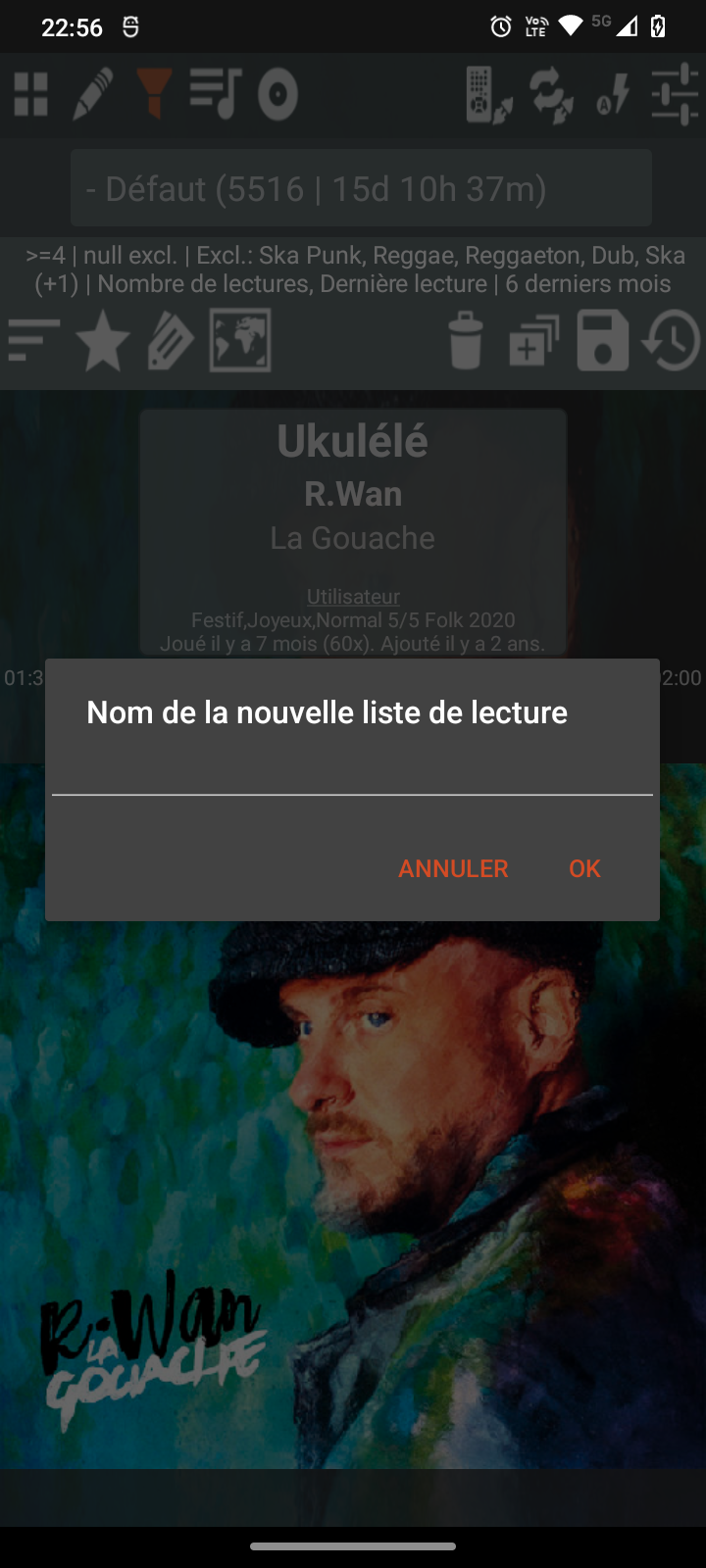
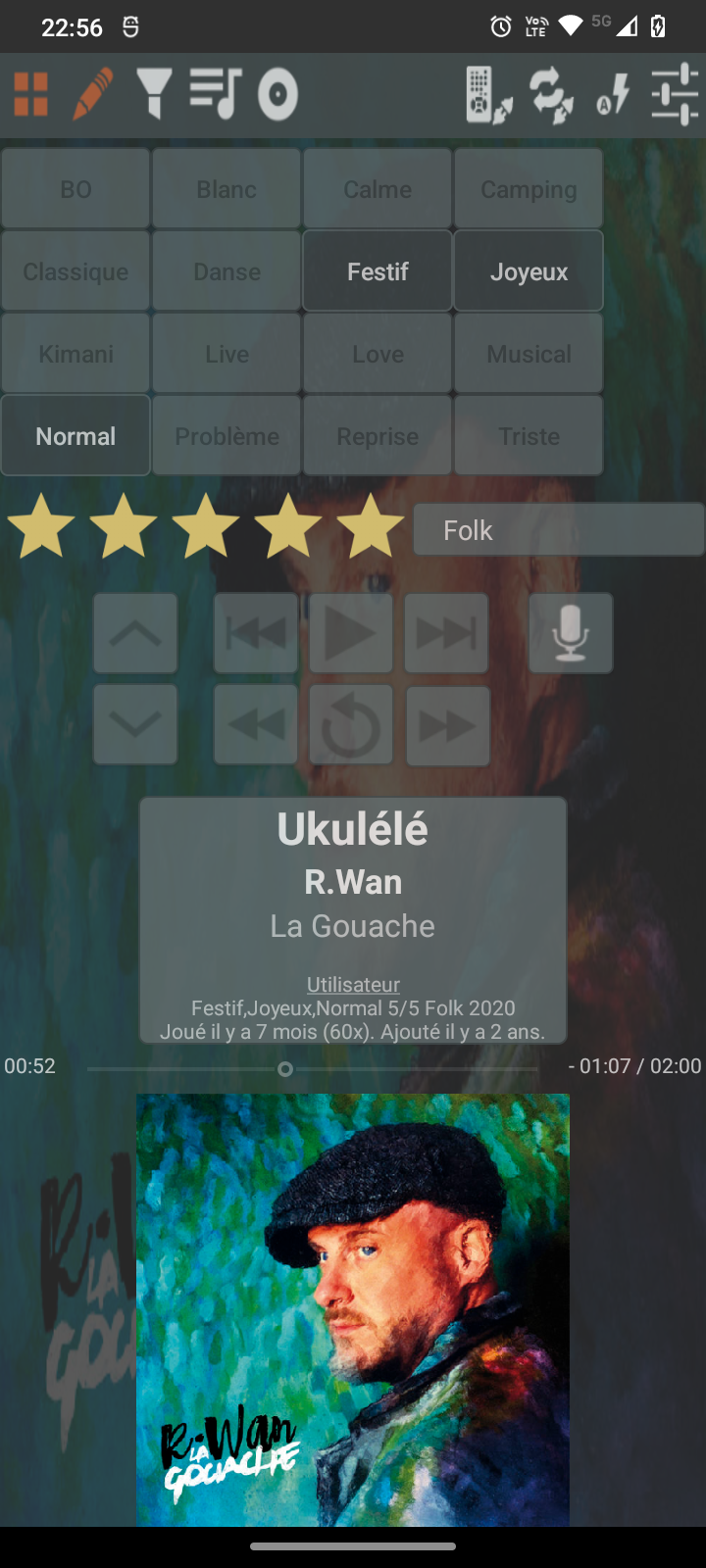
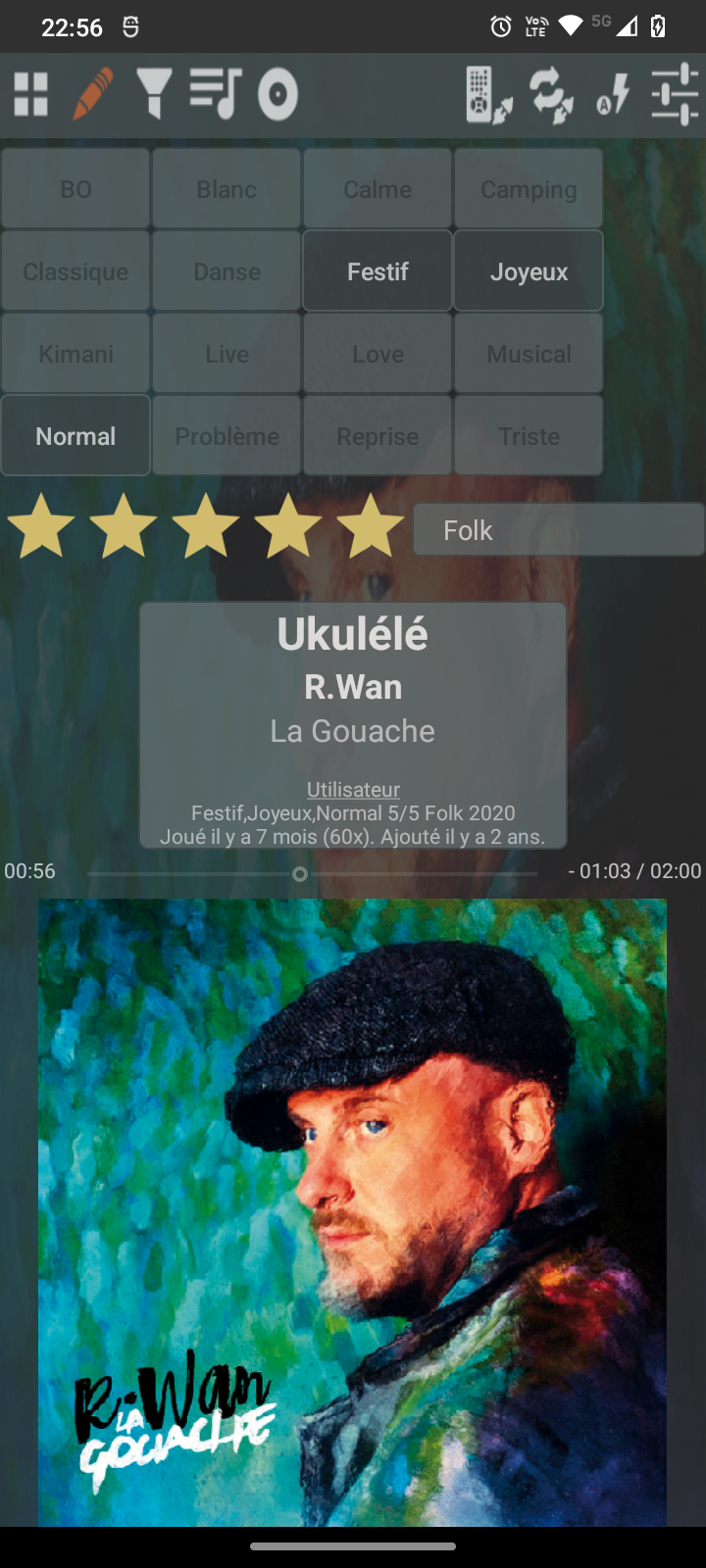
- Playlist editor (user tags, rating and genre)
- Tag editor (user tags, rating and genre)
- Replaygain support (MP3 only, FLAC on its way)
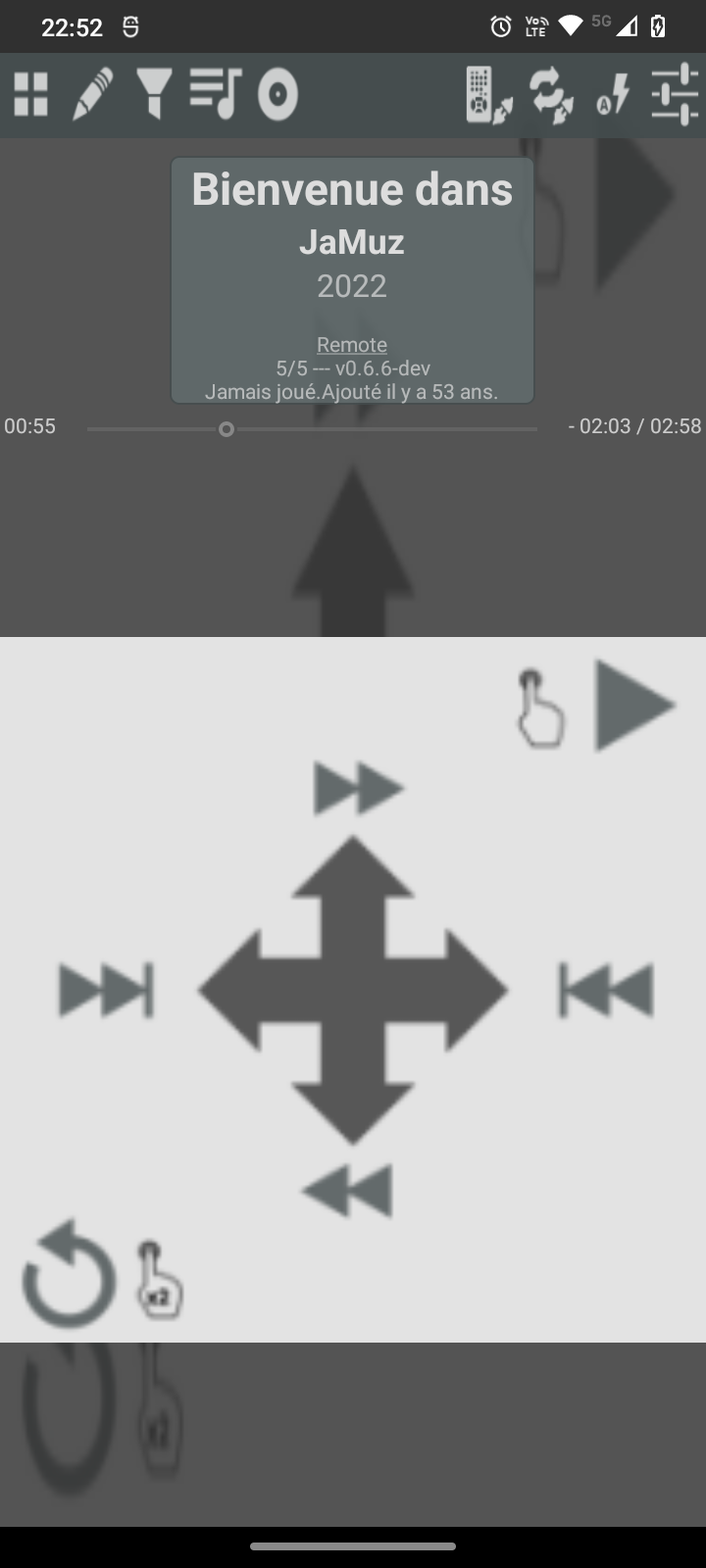
- One finger control
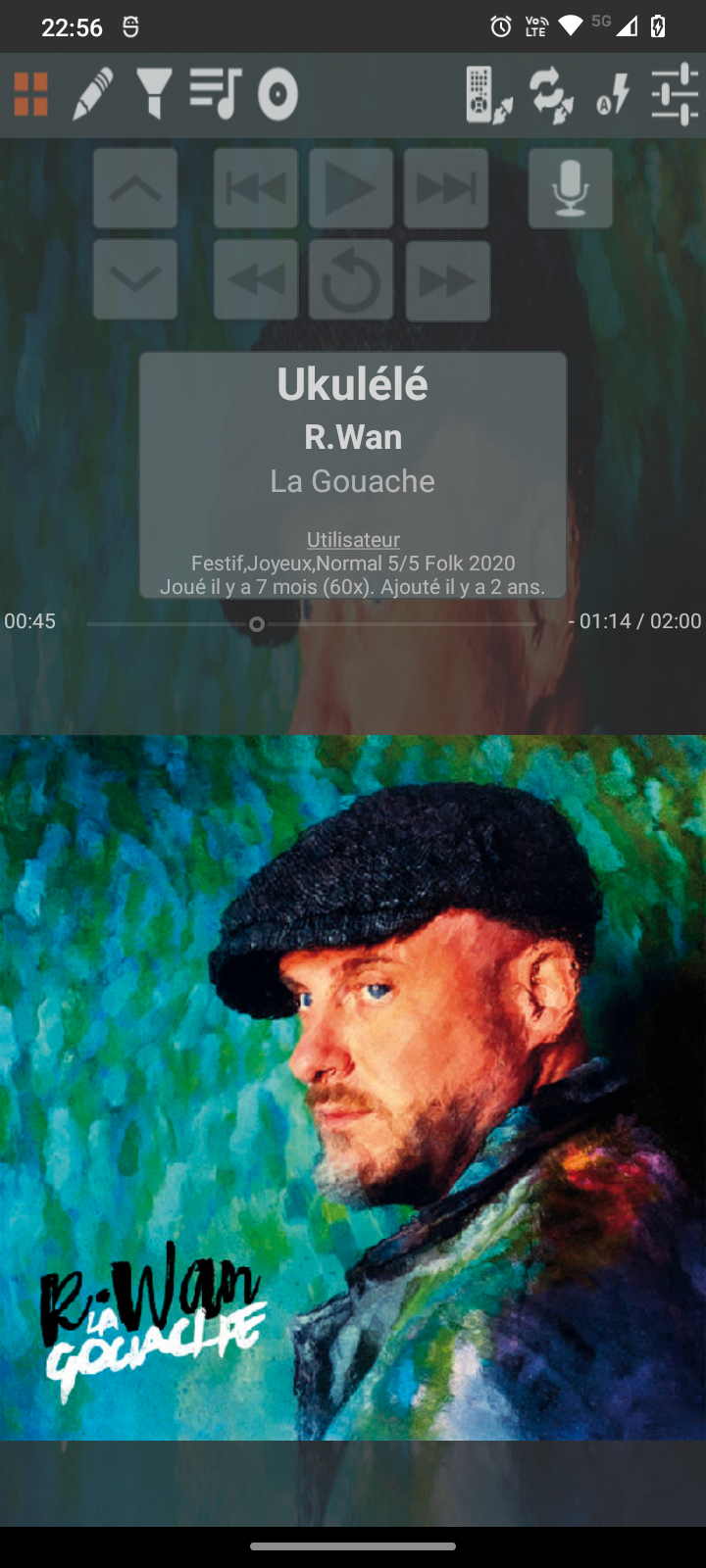
- Voice commands
Merge your statistics with JaMuz Desktop
- And so with all players JaMuz Desktop can merge with (Mixxx, Kodi, guayadeque,...)
Sync files from JaMuz Desktop over WiFi
- Select a playlist on JaMuz Desktop, connect JaMuz Android, and wait for your files.
Remote Control for JaMuz Desktop
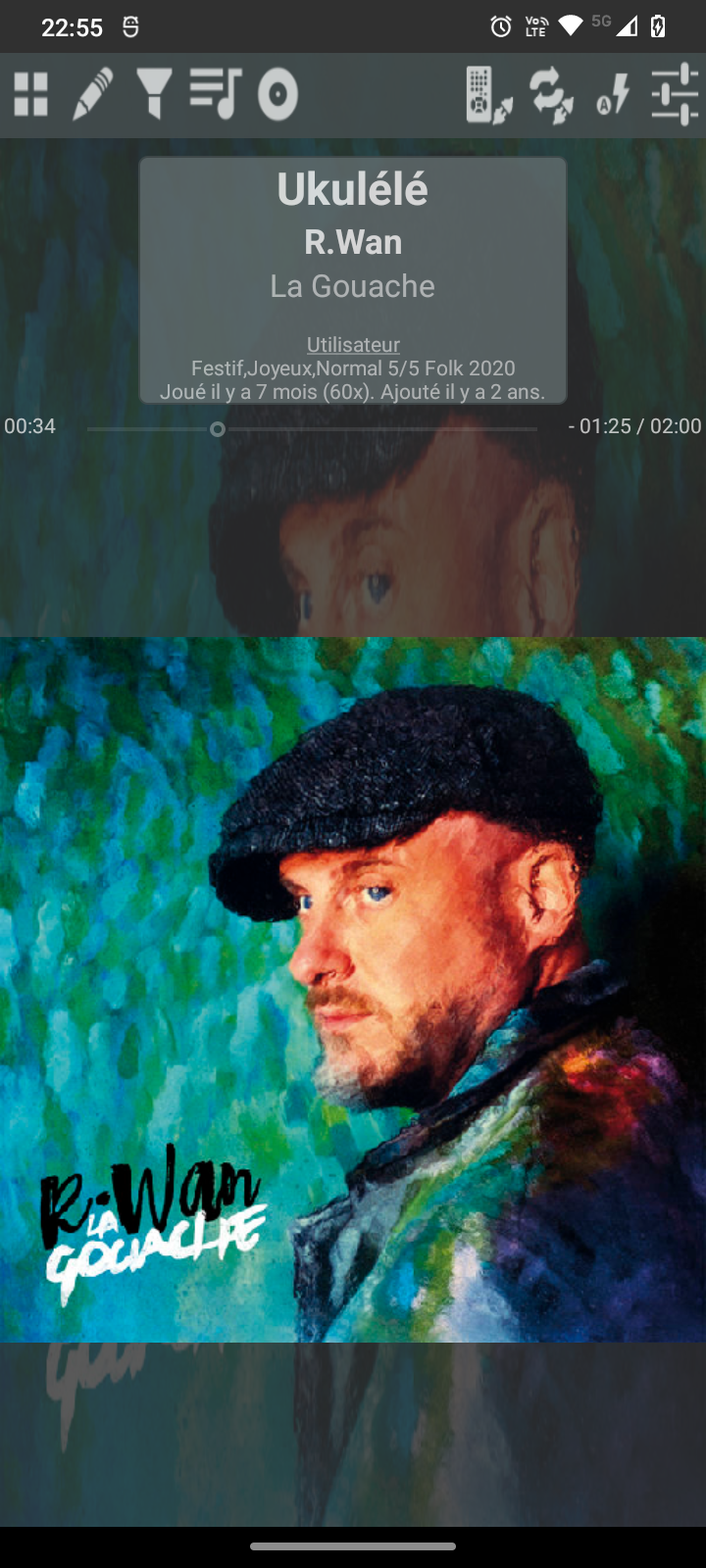
Screenshots
What’s new
v0.6.14
- Remote control: connect to JaMuz via SSE, receive playing state and position, send play/pause/next/previous/forward/rewind/volume from buttons and swipes. Correct local/remote display and rebind on resume; switch back to local on disconnect. - Build: Android API 34→36, min 21, AGP and Gradle update, Java 21, ProGuard config. - Themes: multiple themes (BlueGrey, Teal, Grey, Yellow), theme selection in settings. - Database & scan: update DB only when file modified; update only required
How to install
Download the APK from the button at the top of this page.
Allow “Install unknown apps” for your browser or file manager only, not for every app.
Open the downloaded file and confirm the installation.
If installation fails with “App not installed,” remove an earlier build of the same app first. A signature conflict is the usual cause.
Data safety
Every file is checked against its published SHA-256 before it is listed.
Files are scanned for malware on every update.
The permissions each app requests are listed on its own page.
Read the full safety policy for how we test, flag, and delist files.
Frequently asked questions
What is JaMuz?
Audio Player synced with JaMuz Desktop
Who develops JaMuz?
JaMuz is developed by phramusca.
Which Android version does JaMuz require?
JaMuz requires Android API 21 or later.
What is the current version of JaMuz?
The synchronized F-Droid version is 0.6.14.
Which license does JaMuz use?
The signed F-Droid metadata lists GPL-3.0-or-later.