
Quick answer
Inspect app and APK signing certificates, fingerprints, and public keys.
F-Droid repository metadata
Find the signing information you need for Android apps.
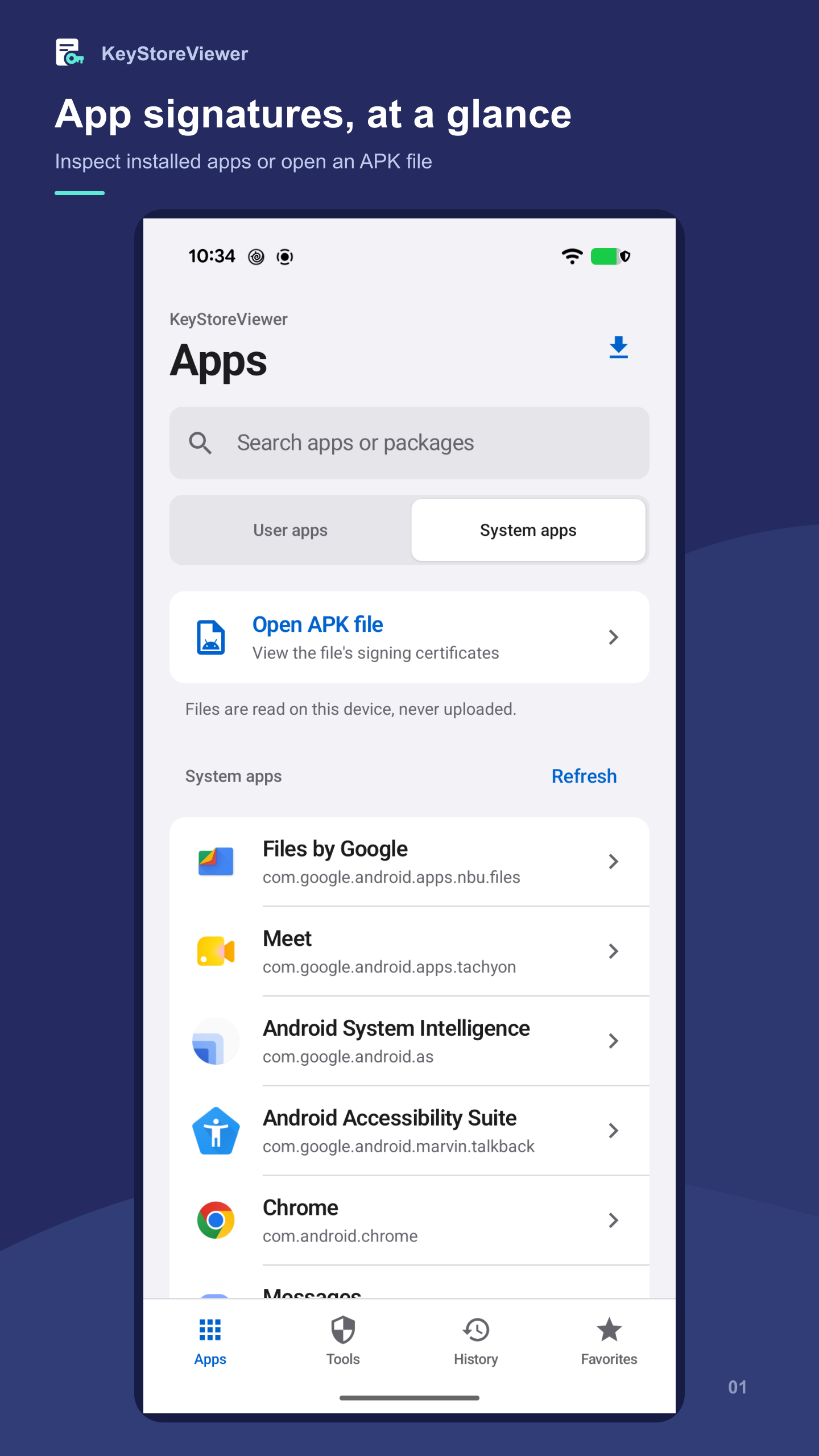
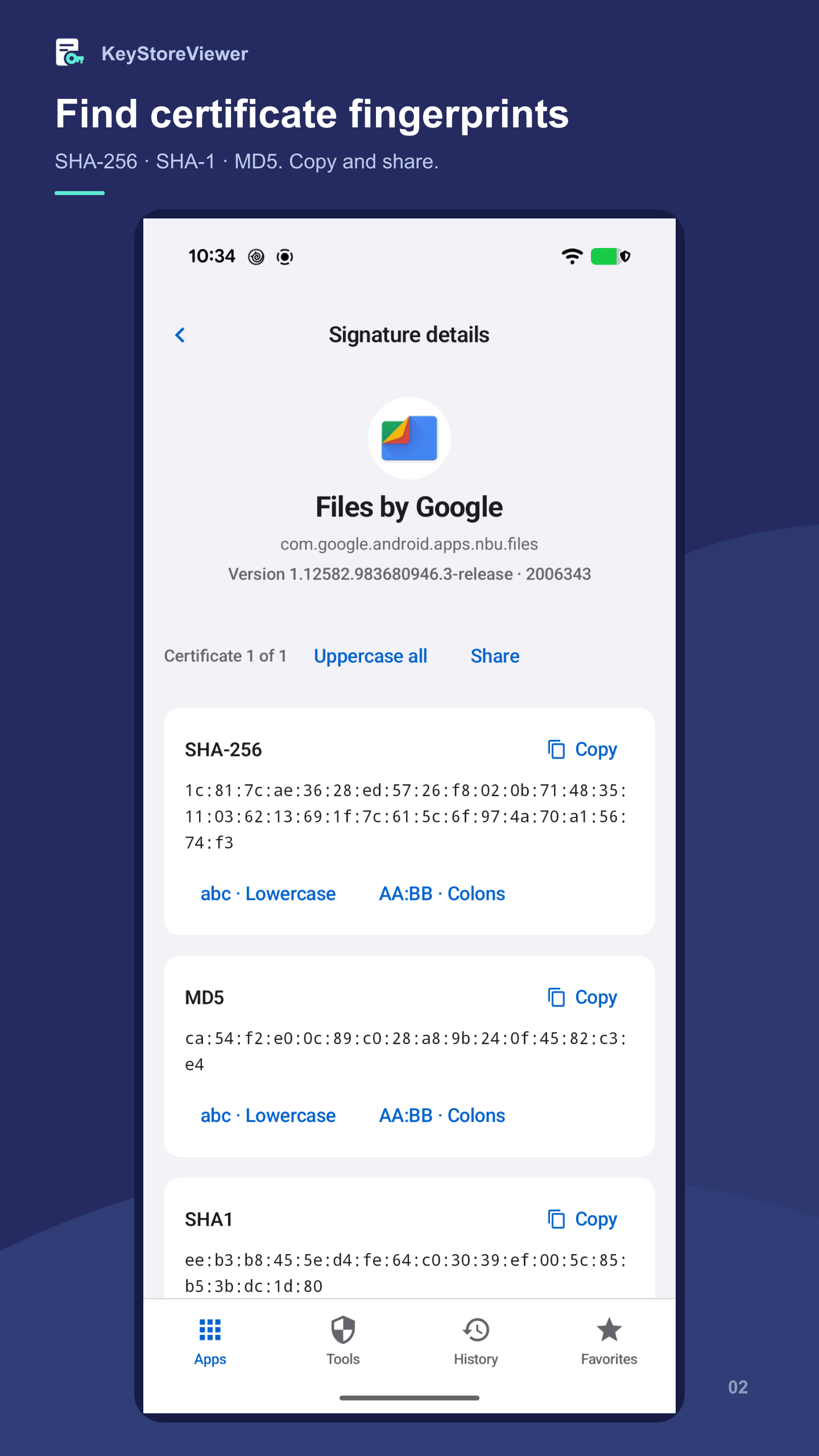
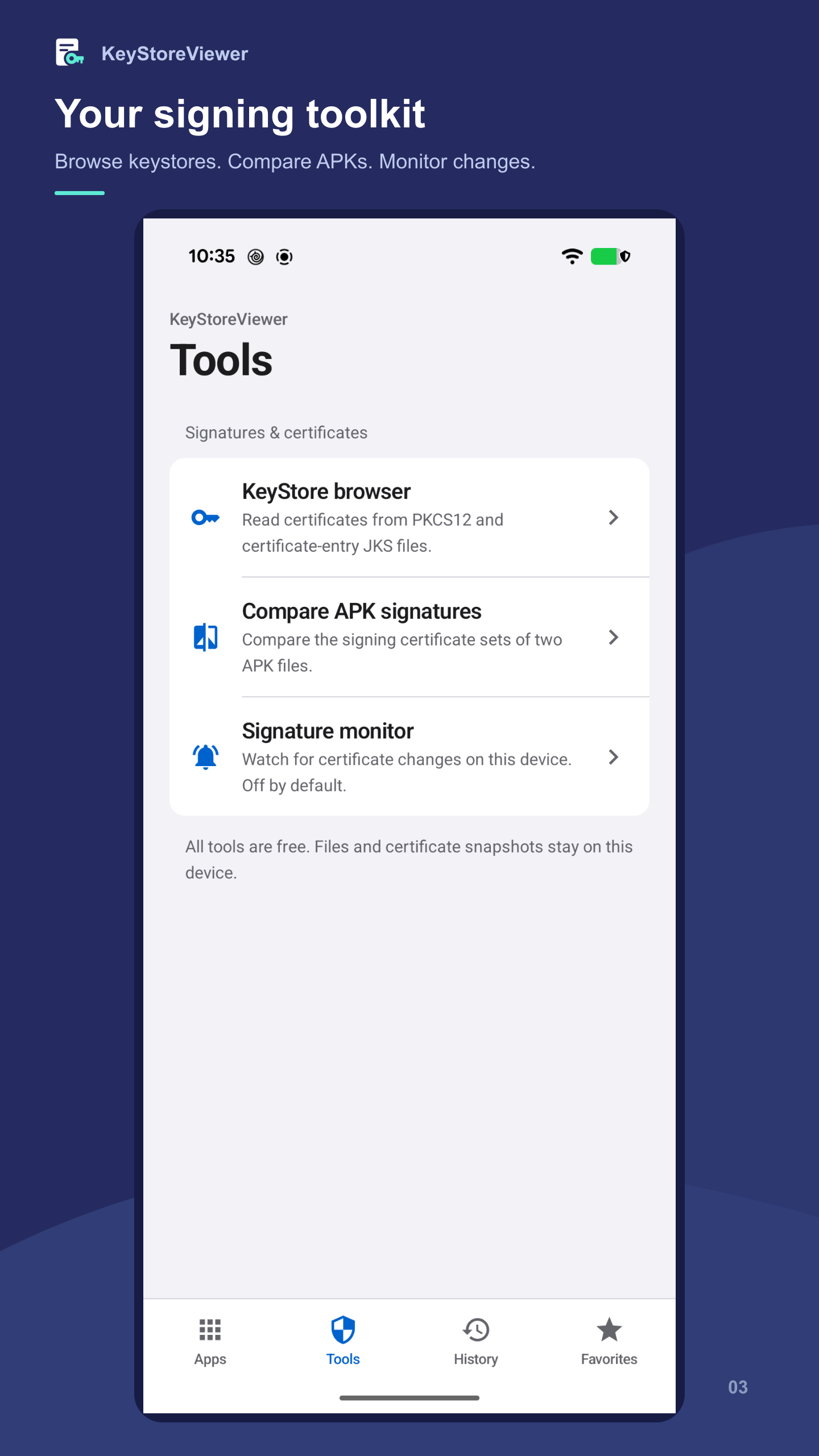
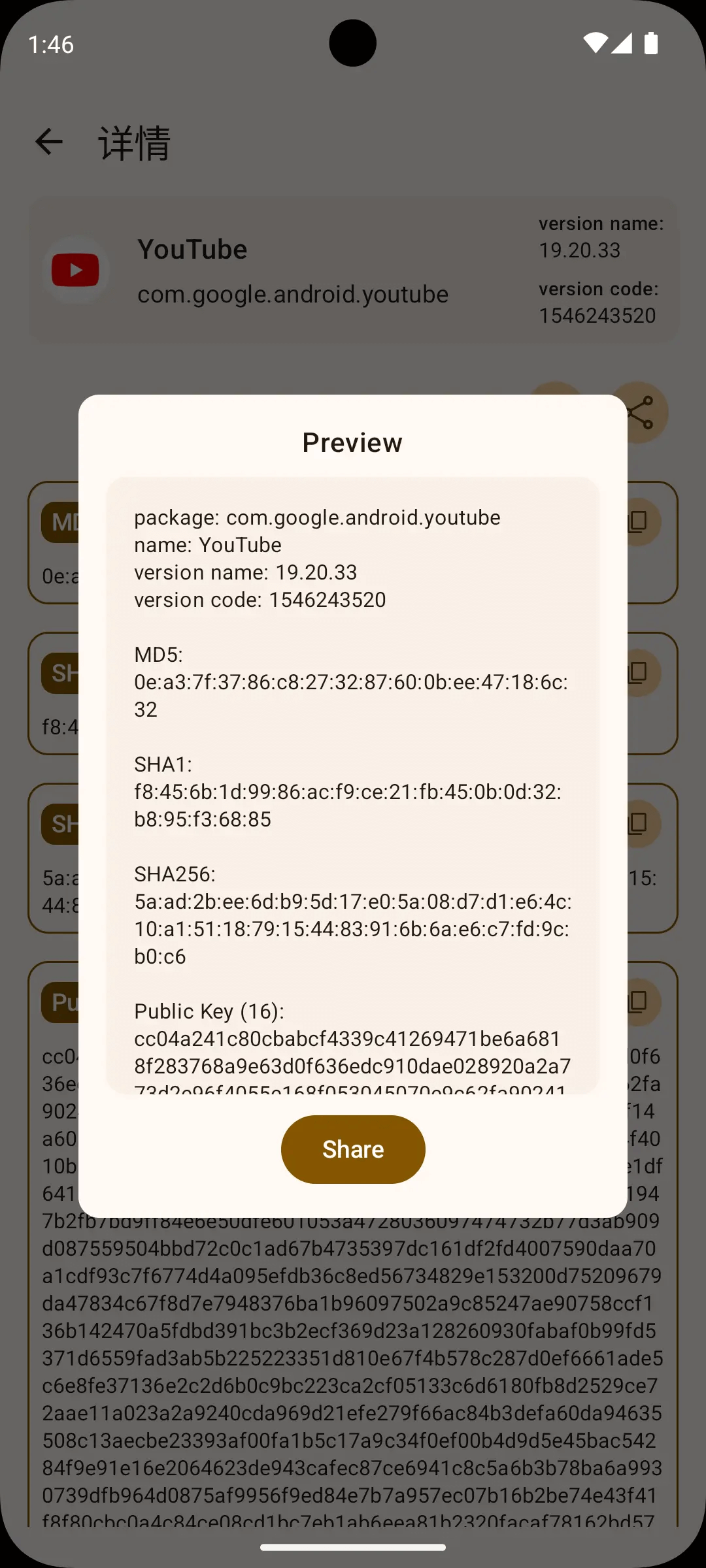
KeyStoreViewer helps developers inspect signing certificates from installed apps and APK files. View MD5, SHA-1, and SHA-256 certificate fingerprints and public key information without digging through command-line output.
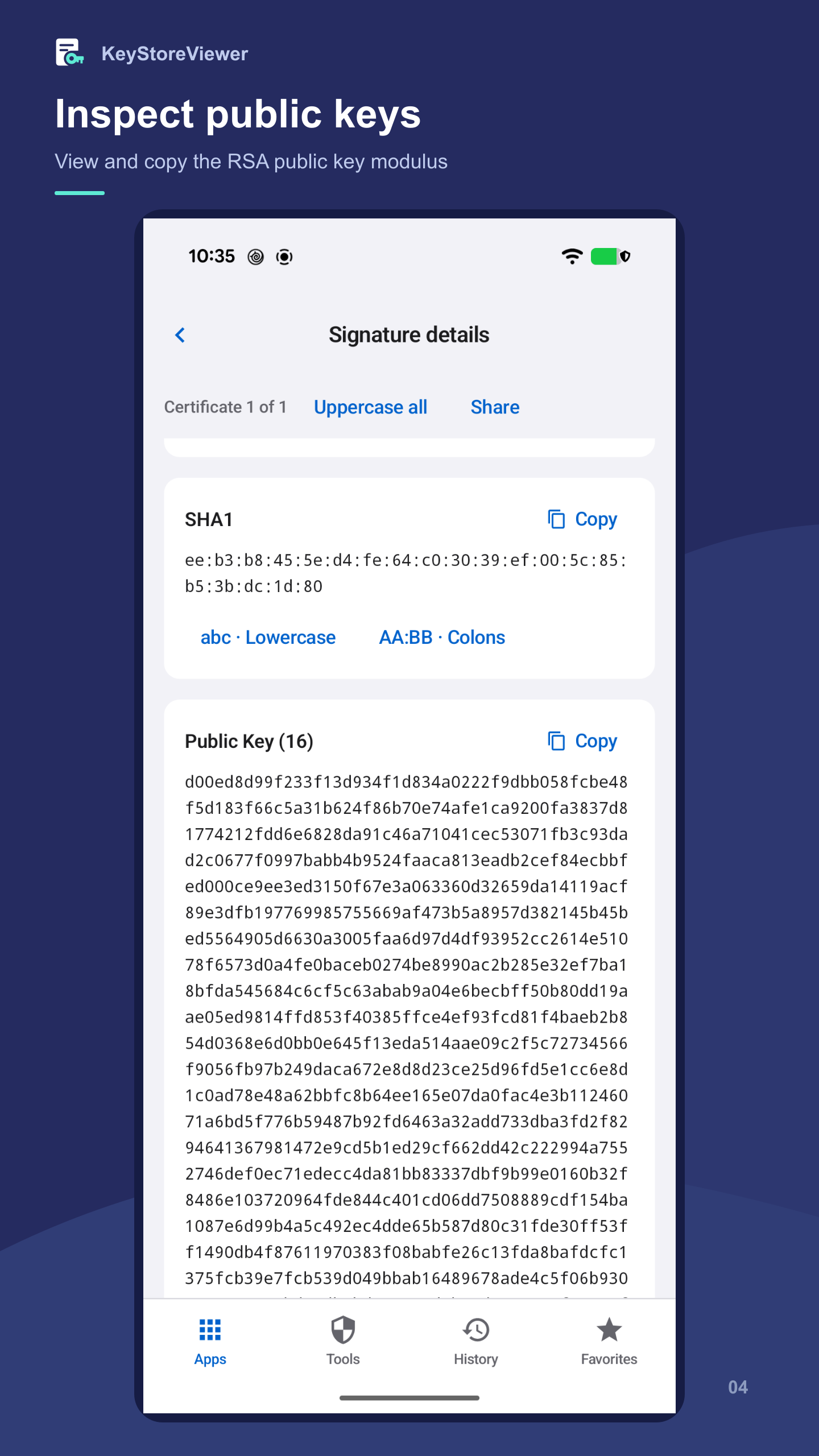
KEY FEATURES • Inspect the signing information of installed apps. • Open an APK file to view its signing certificates. • View MD5, SHA-1, and SHA-256 certificate fingerprints. • View public key information, including the modulus for RSA keys. • Copy fingerprints and public key values, or share signature details.
BUILT FOR EVERYDAY DEVELOPMENT • Find the certificate fingerprints required by APIs and third-party SDKs. • Retrieve signature and public key information for app registration. • Investigate signing differences between debug and release builds.
Certificate fingerprints identify signing certificates. They are not APK file checksums, and a matching signature alone does not guarantee that an app is safe.
Screenshots
How to install
- Download the APK from the button at the top of this page.
- Allow “Install unknown apps” for your browser or file manager only, not for every app.
- Open the downloaded file and confirm the installation.
- If installation fails with “App not installed,” remove an earlier build of the same app first. A signature conflict is the usual cause.
Data safety
- Every file is checked against its published SHA-256 before it is listed.
- Files are scanned for malware on every update.
- The permissions each app requests are listed on its own page.
- Read the full safety policy for how we test, flag, and delist files.
Comments
Recent approved comments · sorted by newest
View all comments