Remove the metadata from your pictures before sharing them
F-Droid repository metadata
Scrambled Exif (pronounced eggsif) helps you remove the metadata in your pictures before you share them.
If you feel like it.
If you don't want the big Internet companies (or whomever) to know where your pictures were taken don't forget to remove the metadata from them before you share them.
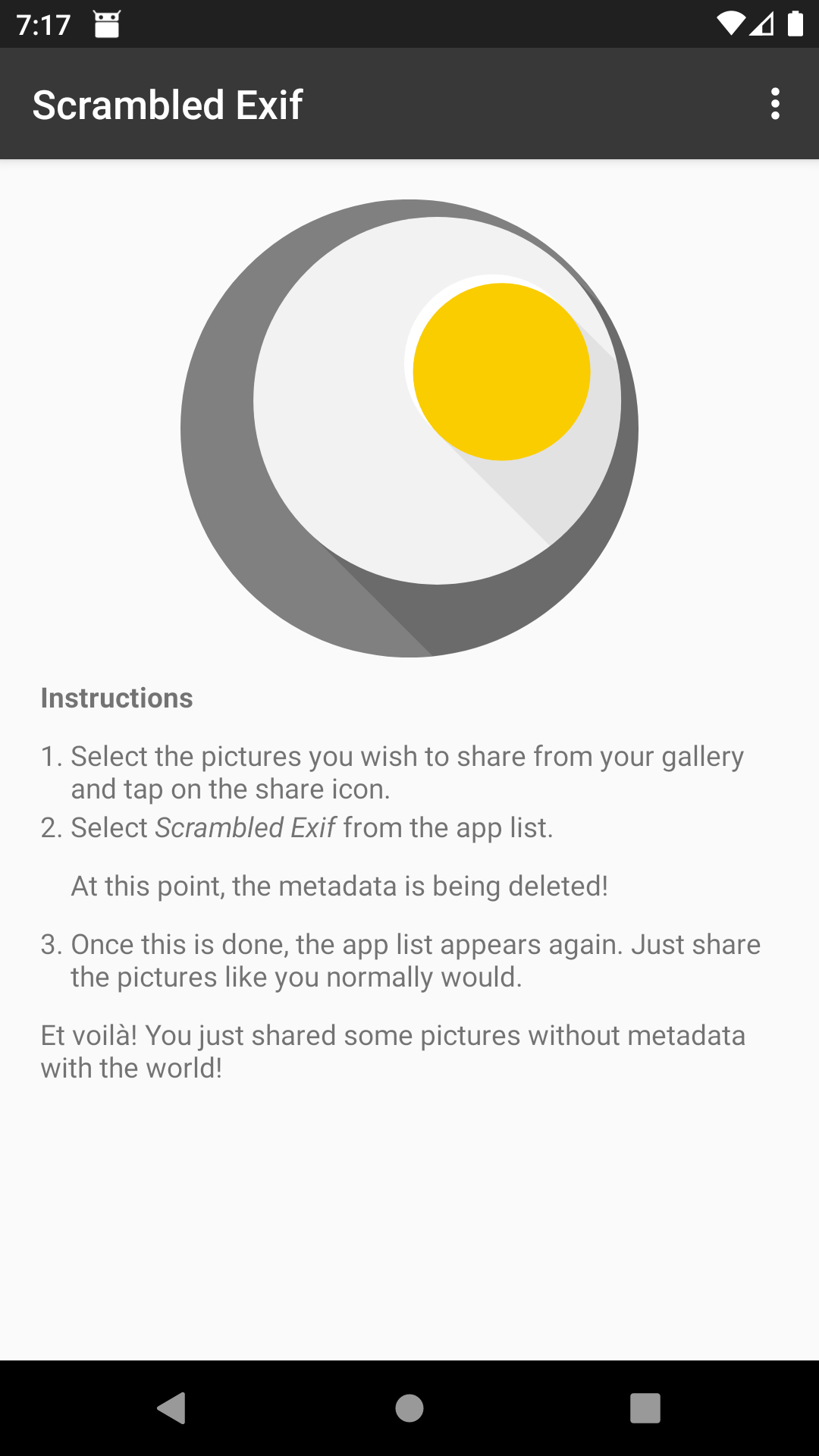
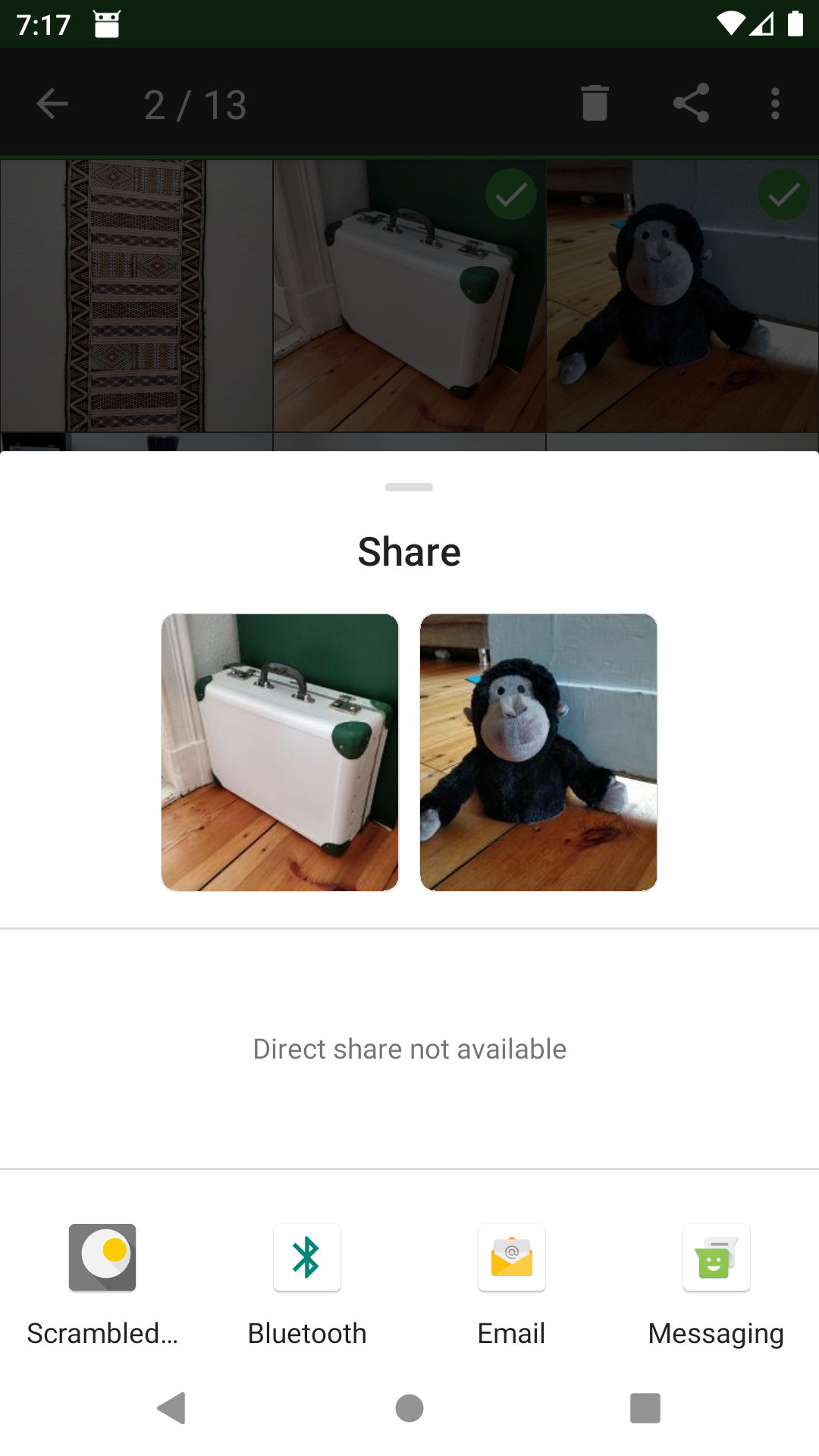
To remove the metadata from a picture, simply share it like you'd normally do and choose Scrambled Exif. A moment later, the share 'dialog' will reappear. Now just share with the app you intended to share with in the first place.
Et voilà!
Required Android Permissions:
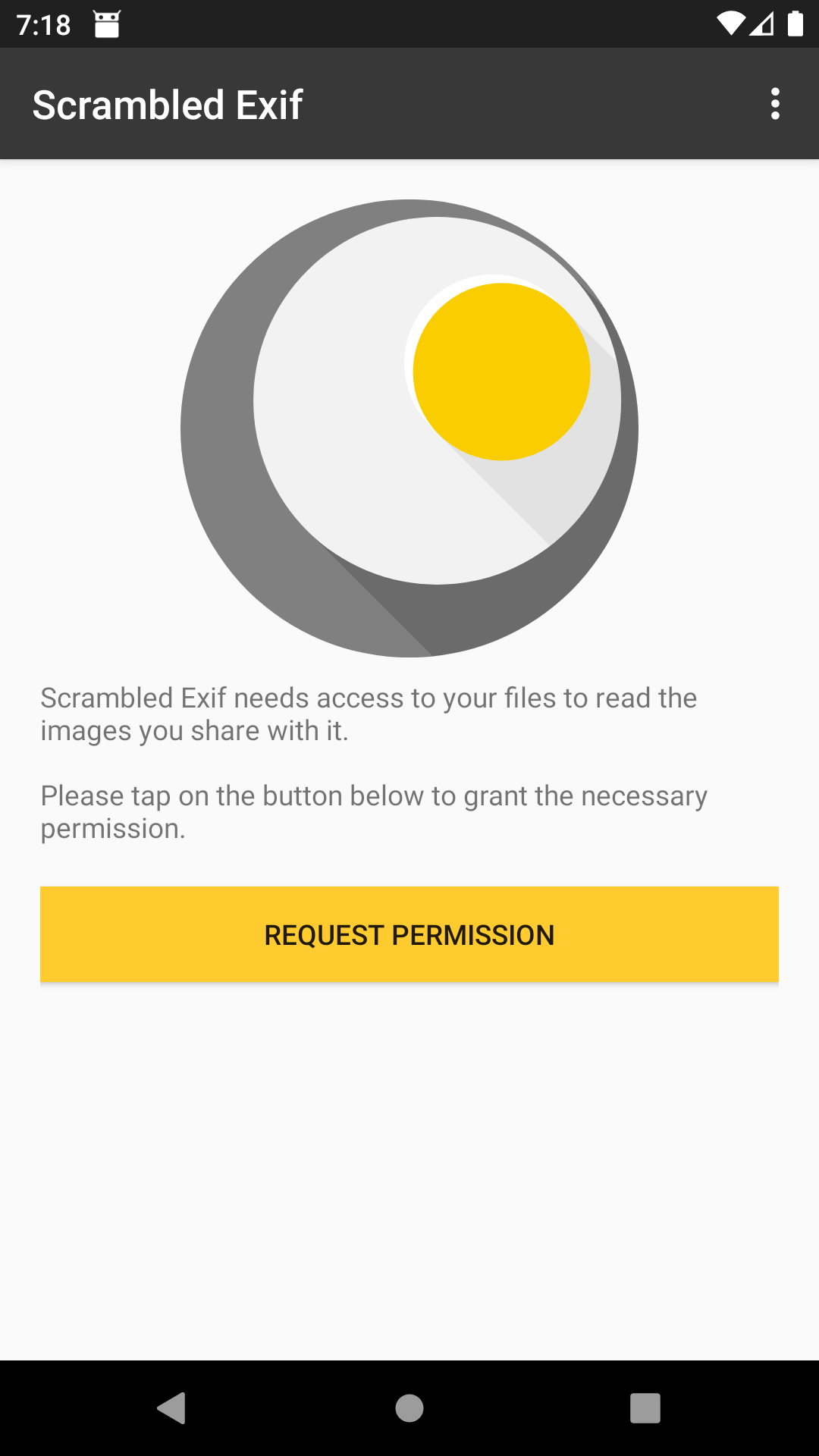
★ READ_EXTERNAL_STORAGE to read the images other apps share with it.
Source Code
★ This app is open source. You can take a look at the code (and contribute if you feel like it) here:
https://gitlab.com/juanitobananas/scrambled-exif
Translations
If you wish to help to translate this app to your own language, you can do so by translating these two projects using transifex:
https://explore.transifex.com/juanitobananas/scrambled-exif/ and https://explore.transifex.com/juanitobananas/libcommon/.
Misc Stuff and Facts
★ Basically, Exif is used by jpeg, which is the format in which your Android camera saves pictures. If you want to know more about Exif, check the Wikipedia.
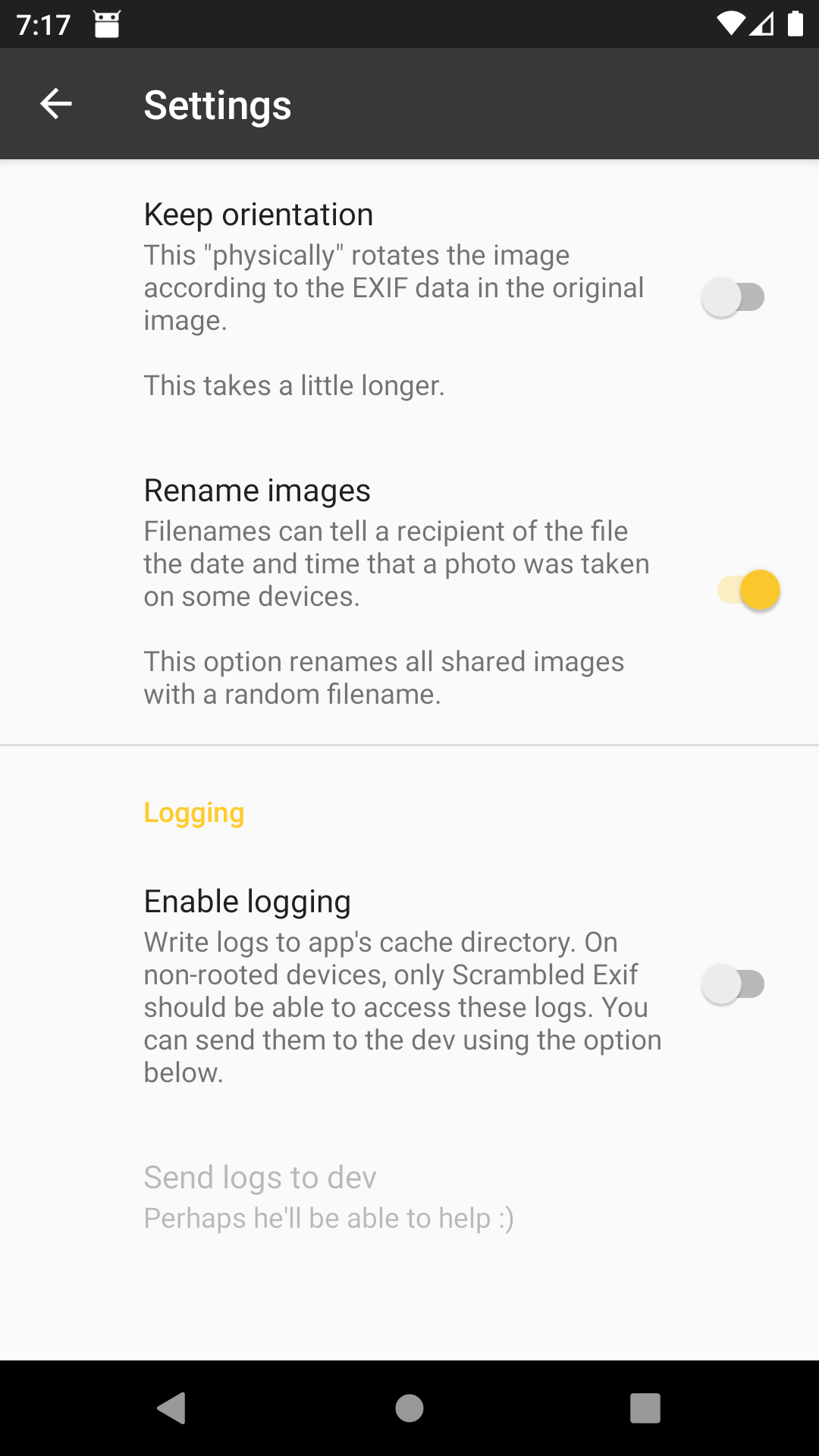
★ Scrambled Exif also renames the files (this can be disabled).
★ Please don't heavily rely on the data being deleted. Scrambled Exif does its job pretty well, but it could fail. Always double-check before you share.
★ It doesn't really scramble the Exif data, it deletes it. So the name is probably stupid. But I like it. The icon doesn't depict scrambled eggs either. So the icon is probably stupid. But I like it. And I also happen to be a huge fan of eggs. So this app doesn't only have a stupid name and an equally stupid icon, it is also my (non-stupid) tribute to eggs. Especially huevos fritos. Because I love them.
★ Have fun sharing your pics!
Screenshots
What’s new
New in 1.8.3
★ Updated translations.
New in 1.8.2
★ The Legal notice (Imprint) is now shown in English by default, with German for German-language users.
New in 1.8.1
★ Updated translations.
...
How to install
Download the APK from the button at the top of this page.
Allow “Install unknown apps” for your browser or file manager only, not for every app.
Open the downloaded file and confirm the installation.
If installation fails with “App not installed,” remove an earlier build of the same app first. A signature conflict is the usual cause.
Data safety
Every file is checked against its published SHA-256 before it is listed.
Files are scanned for malware on every update.
The permissions each app requests are listed on its own page.
Read the full safety policy for how we test, flag, and delist files.
Frequently asked questions
What is Scrambled Exif?
Remove the metadata from your pictures before sharing them
Who develops Scrambled Exif?
Scrambled Exif is developed by juanitobananas.
Which Android version does Scrambled Exif require?