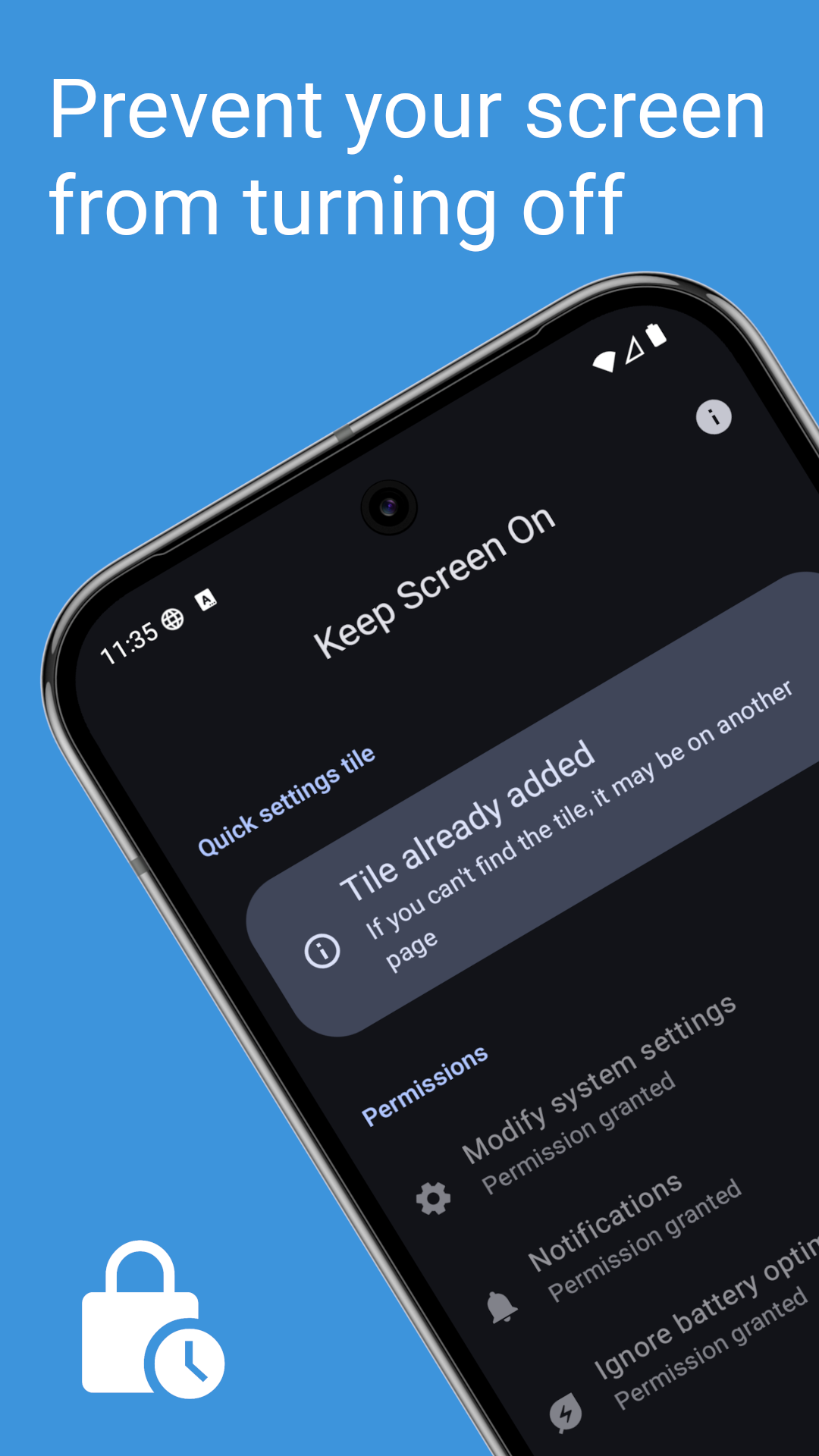
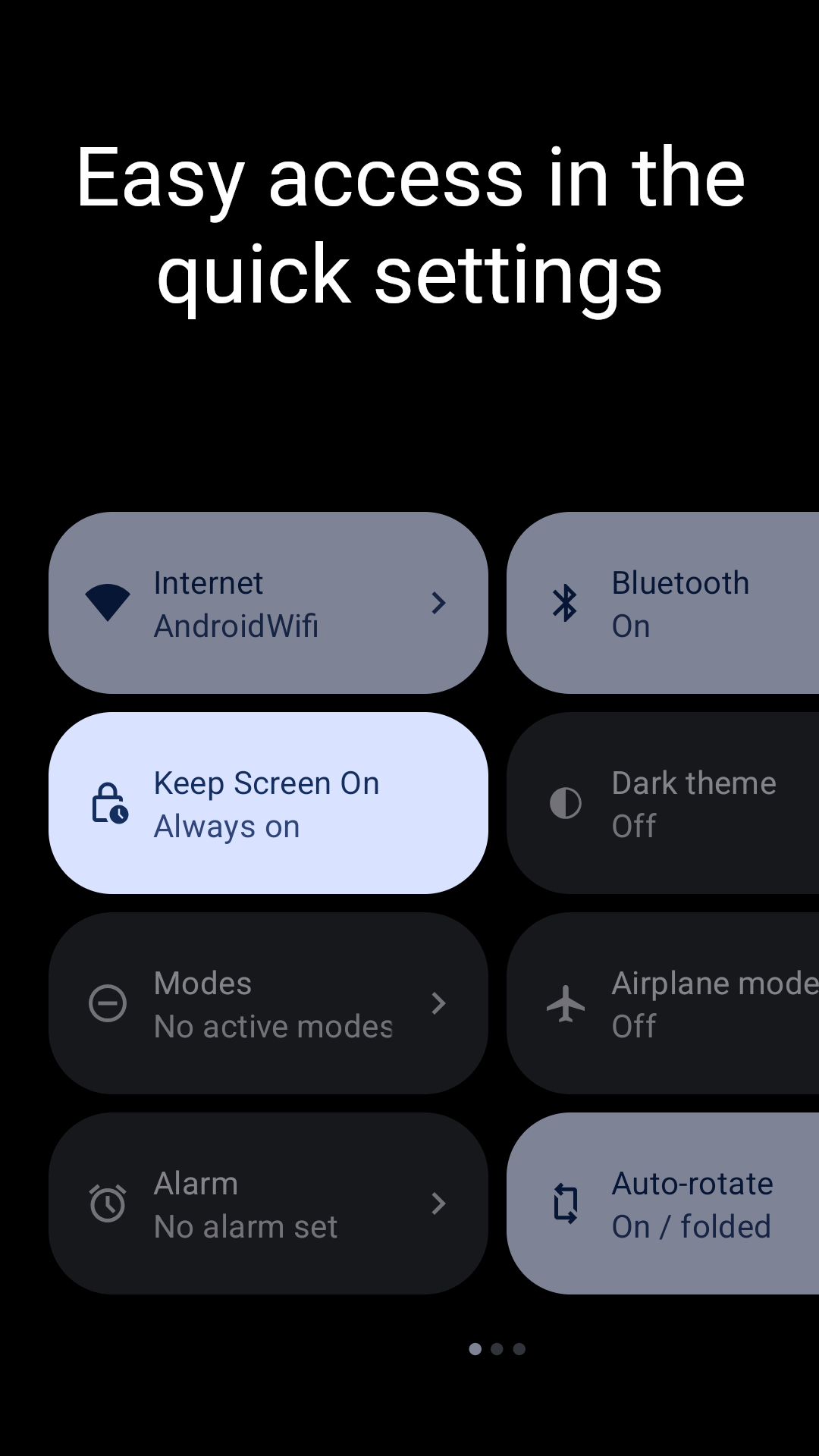
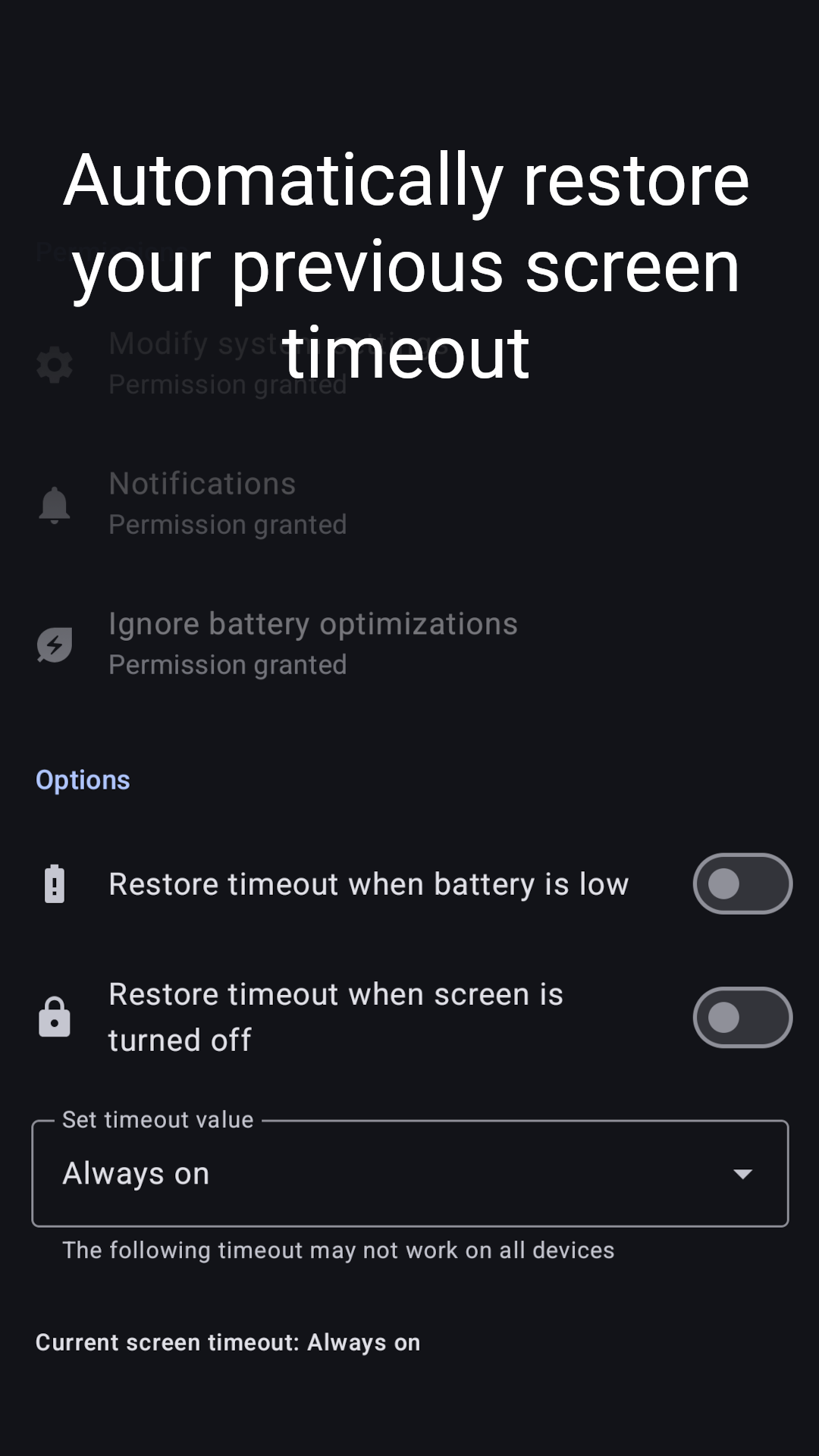
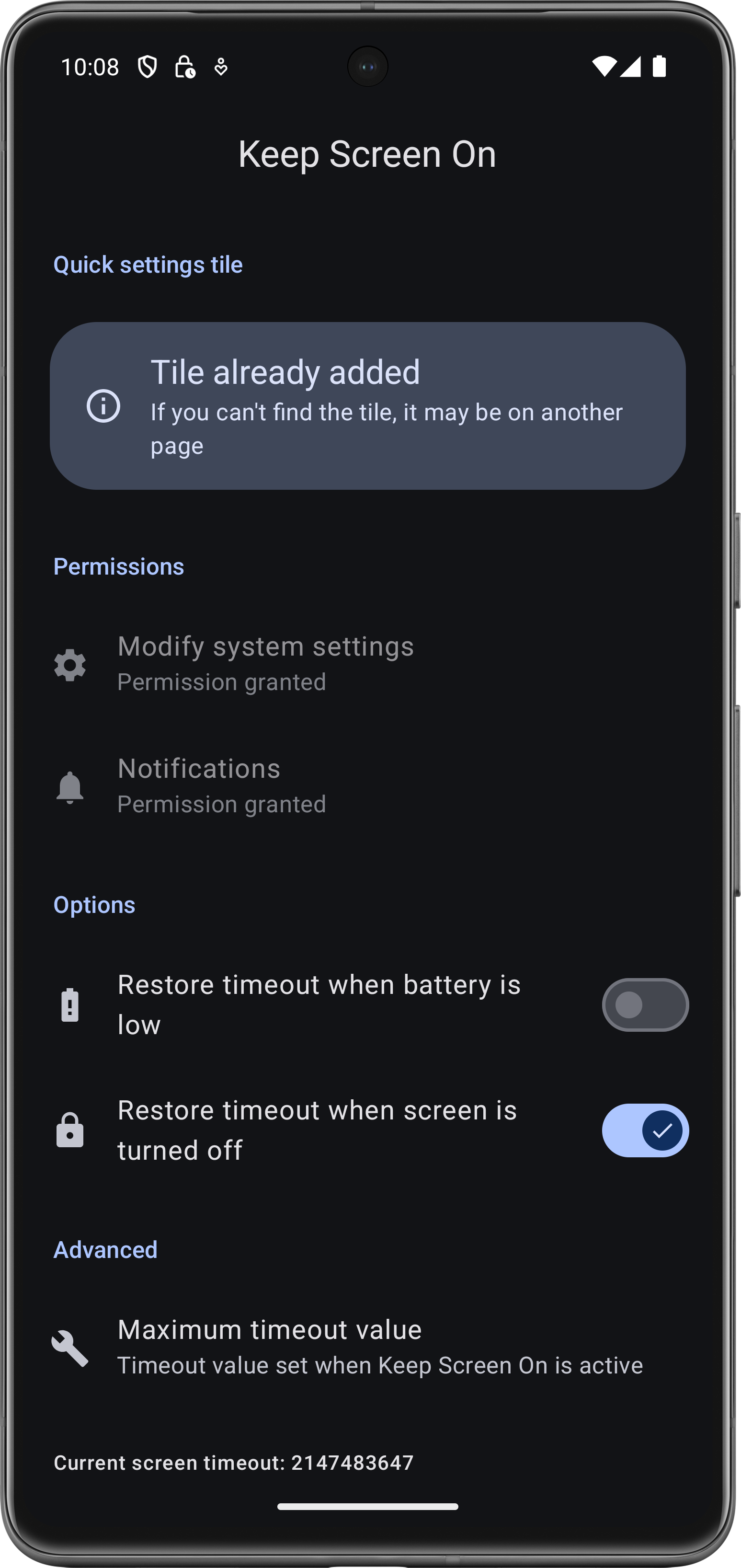
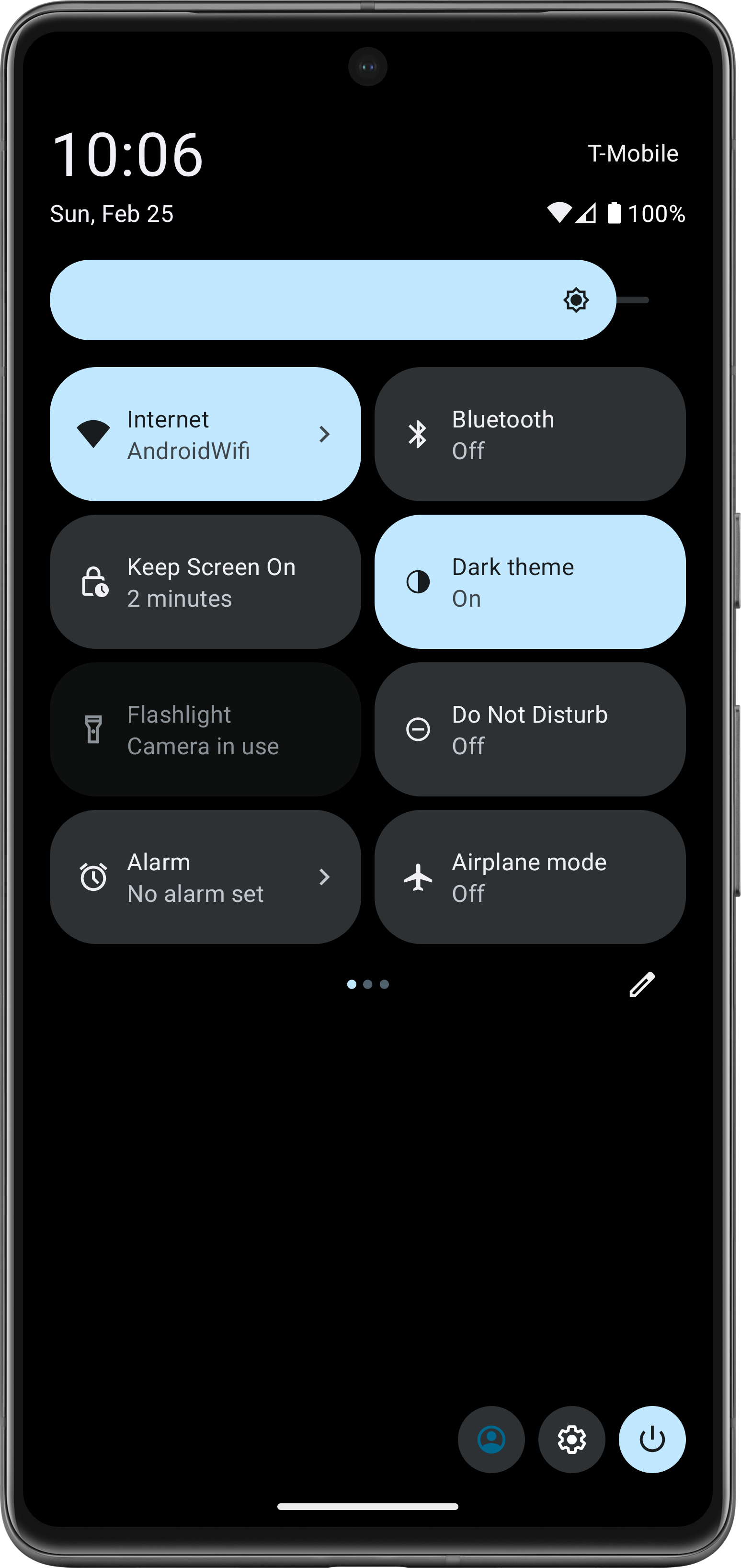
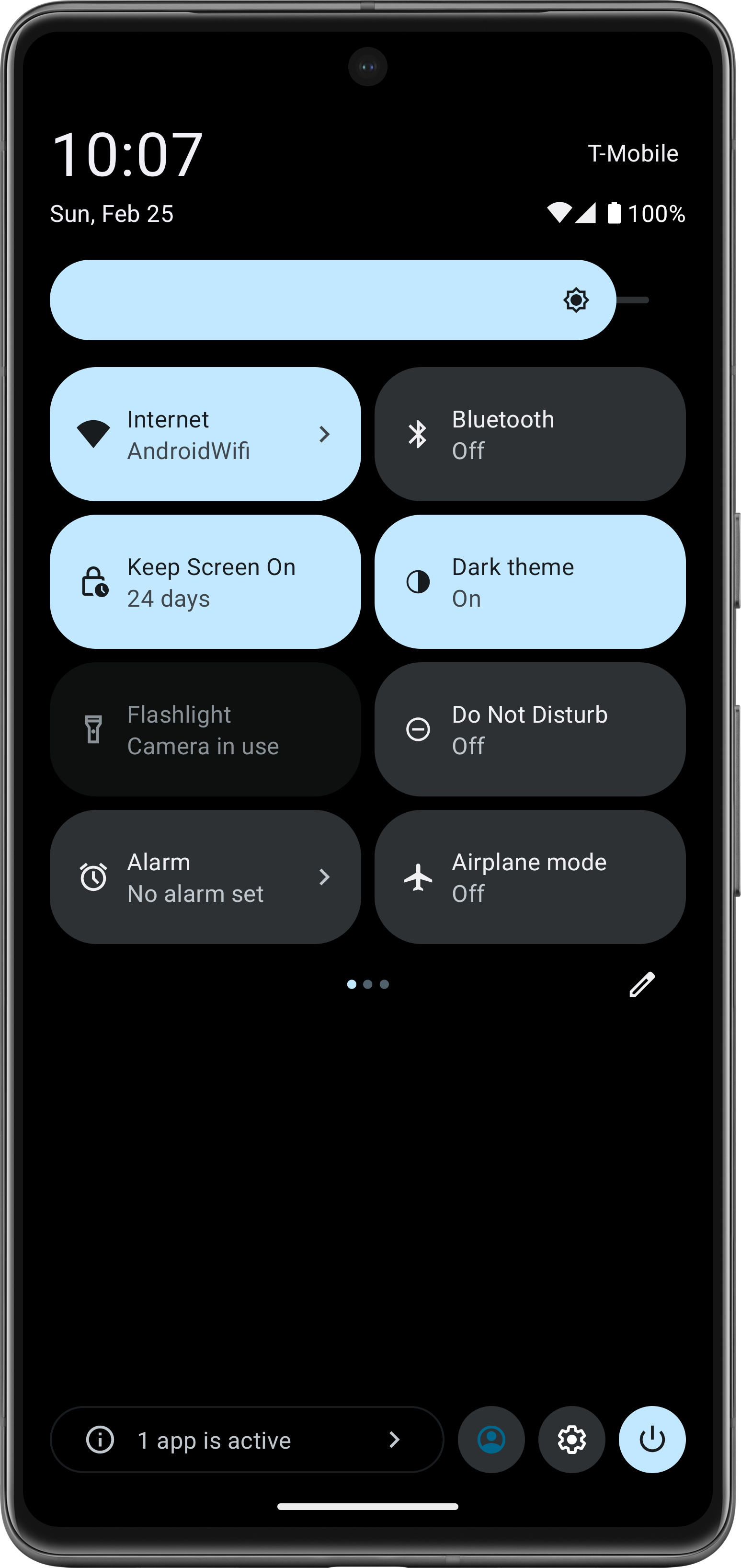
Keep Screen On allows you to add a quick settings tile, with which you can easily disable screen timeout and then restore the previous timeout value.
For example, this may be useful to you if you need the display to stay on temporarily when viewing a website or document or if your device does not have the option to set the screen timeout to never in the settings.
Features:
- Disable screen timeout or set a specific value
- Quick settings tile
- Automatically restore timeout when battery is low
- Automatically restore timeout when is screen is turned off
- Material You
- No creepy ads or trackers
- No internet permission
- Open Source
- Added functionality to restore timeout on shutdown - Changed default timeout to Always On - Streamlined notification behavior for consistency - Fixed occasionally occurring crash when adding widget from app - Updated to target API 37 - Updated dependencies - Removed donation option (I am no longer going to be accepting donations as I believe other projects deserve it more)
How to install
Download the APK from the button at the top of this page.
Allow “Install unknown apps” for your browser or file manager only, not for every app.
Open the downloaded file and confirm the installation.
If installation fails with “App not installed,” remove an earlier build of the same app first. A signature conflict is the usual cause.
Data safety
Every file is checked against its published SHA-256 before it is listed.
Files are scanned for malware on every update.
The permissions each app requests are listed on its own page.
Read the full safety policy for how we test, flag, and delist files.
Frequently asked questions
What is Keep Screen On?
A screen timeout quick settings tile
Who develops Keep Screen On?
Keep Screen On is developed by David Weis.
Which Android version does Keep Screen On require?