What’s new
The store description now mentions another use: because learning mode lets you hear a word and read it at the same time, it also works for spelling practice.
Nothing changes in the app itself.

Updated Sep 22, 2026
Hearing training for word recognition: listen, identify, repeat. Fully offline.
F-Droid repository metadata
AudioLex trains the understanding of spoken words for the case where hearing and understanding come apart: the sound arrives, but it is no longer reliably decoded as speech. That happens after one-sided hearing loss, and a hearing aid alone does not fix it — it makes things louder, not clearer. The path from sound to word has to be practised again.
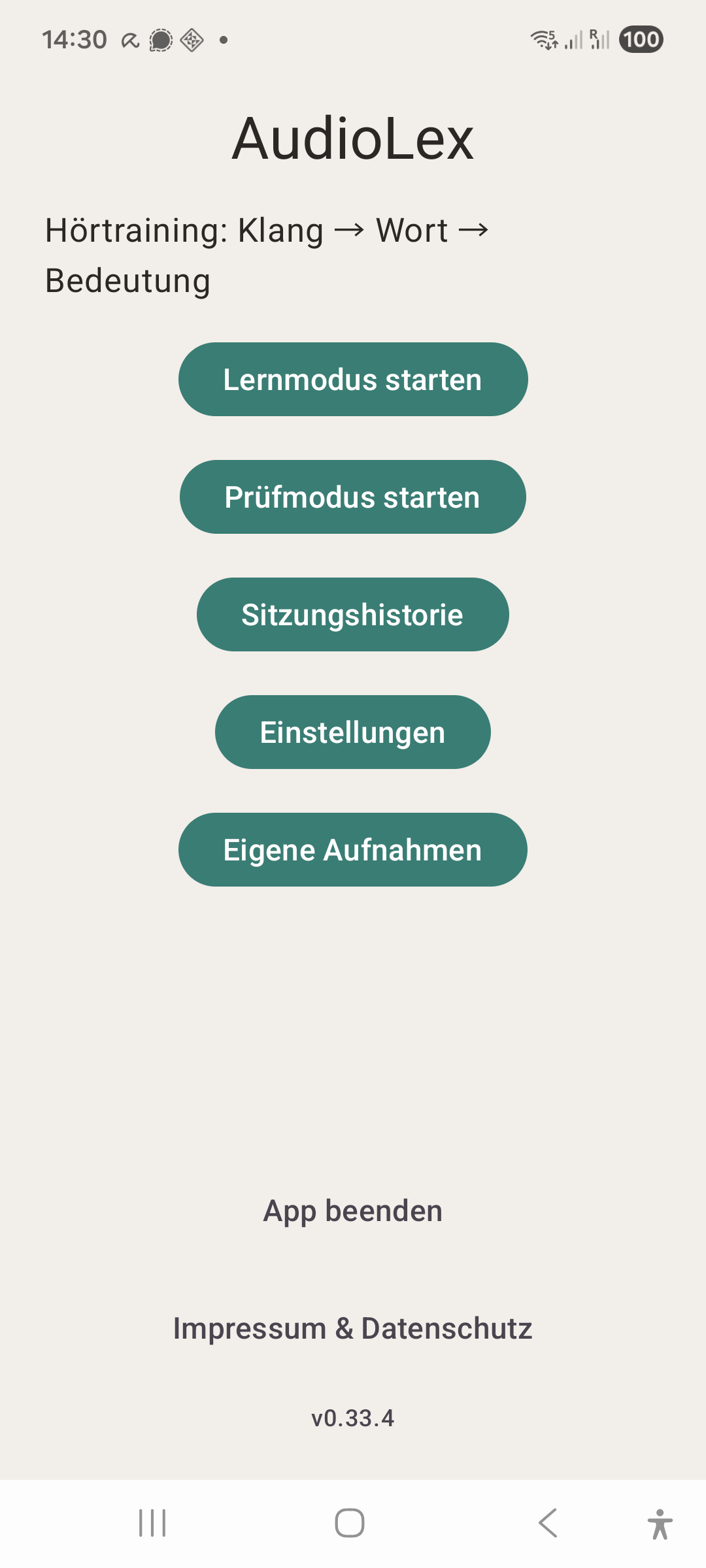
Two modes, both aimed at the same thing:
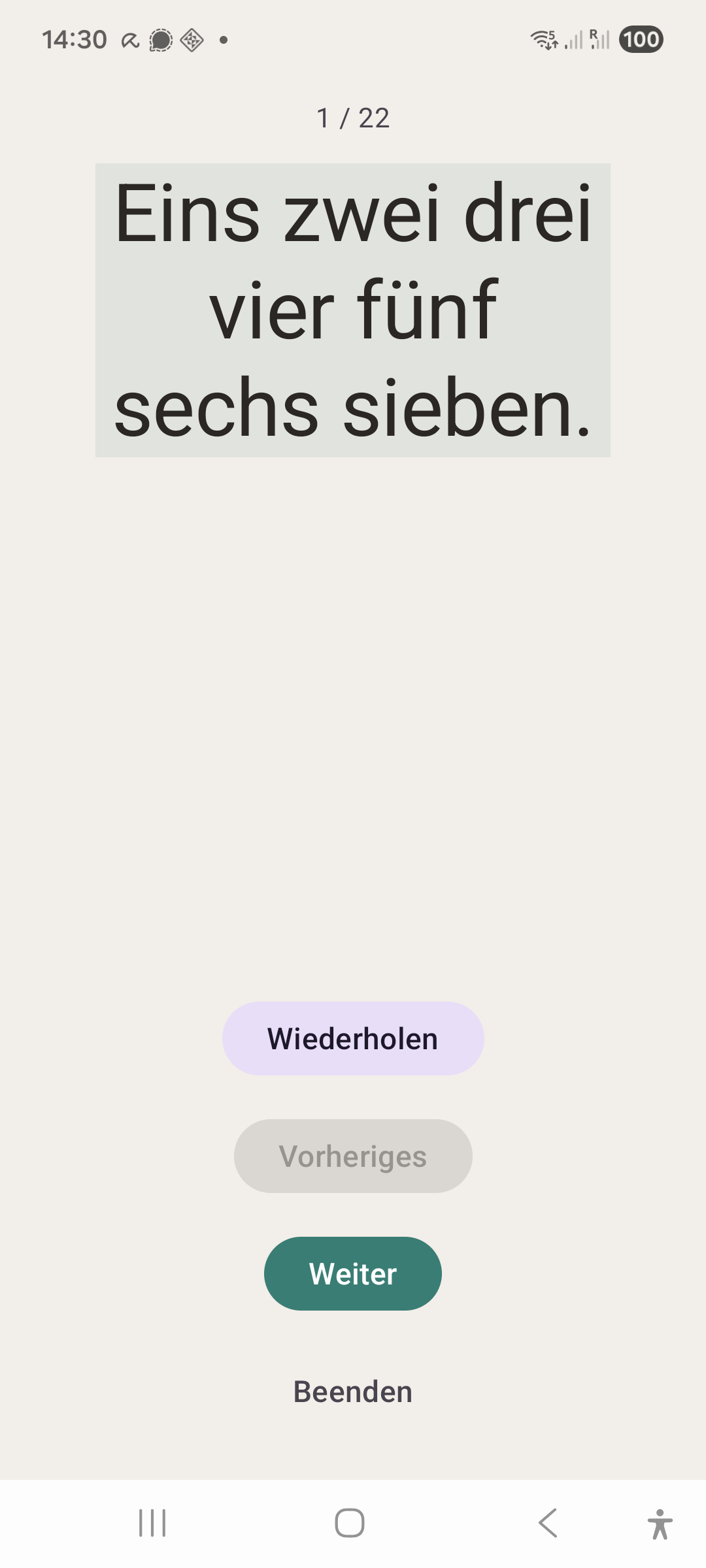
Learning mode — a word is played with its text visible. This builds the link between what arrives and what it means.
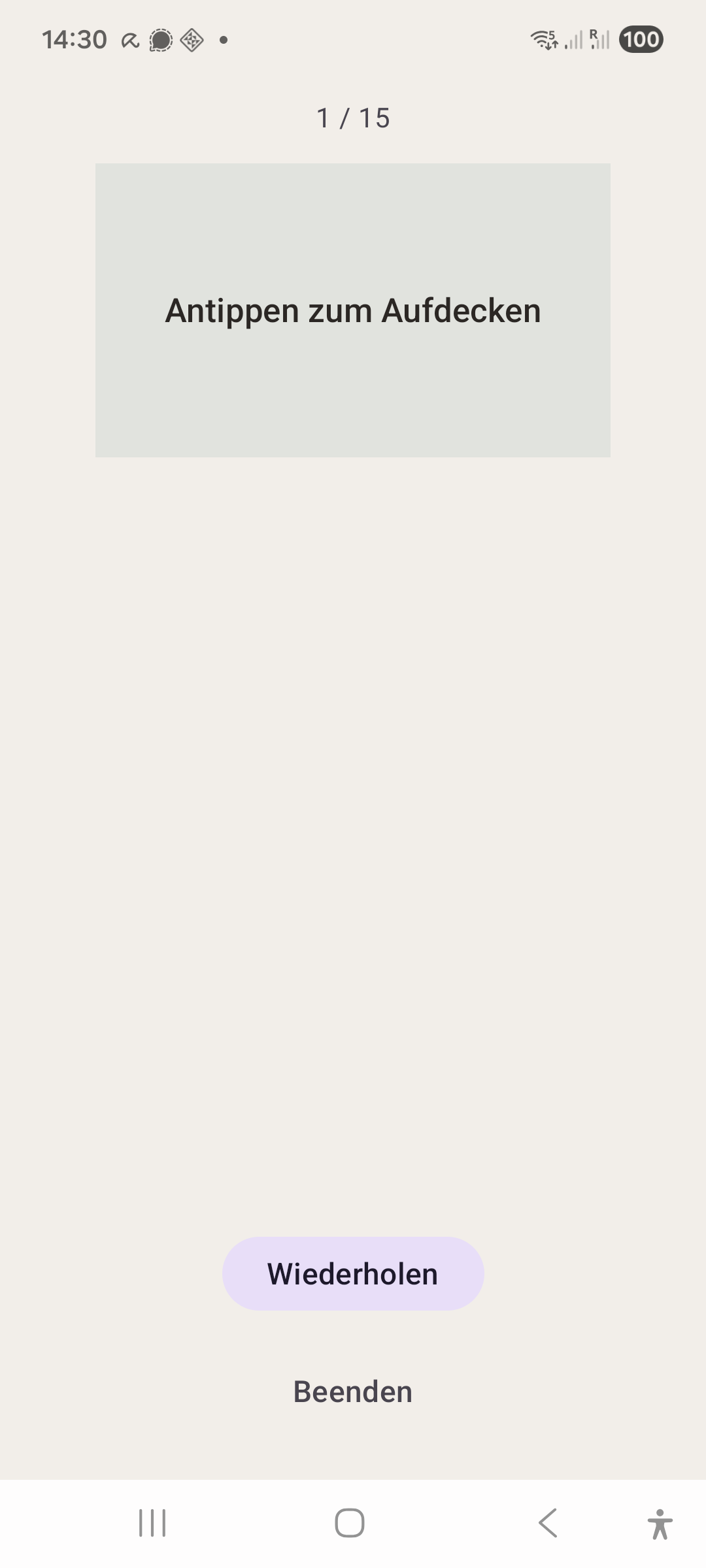
Exam mode — the word is played, the card stays covered. You rate yourself. That rating decides when the word comes back: after a minute, after ten, after a day, a week or a month.
Hearing and reading at the same time also helps with spelling: in learning mode you hear a word and see how it is written. That works for the bundled words and for your own recordings alike.
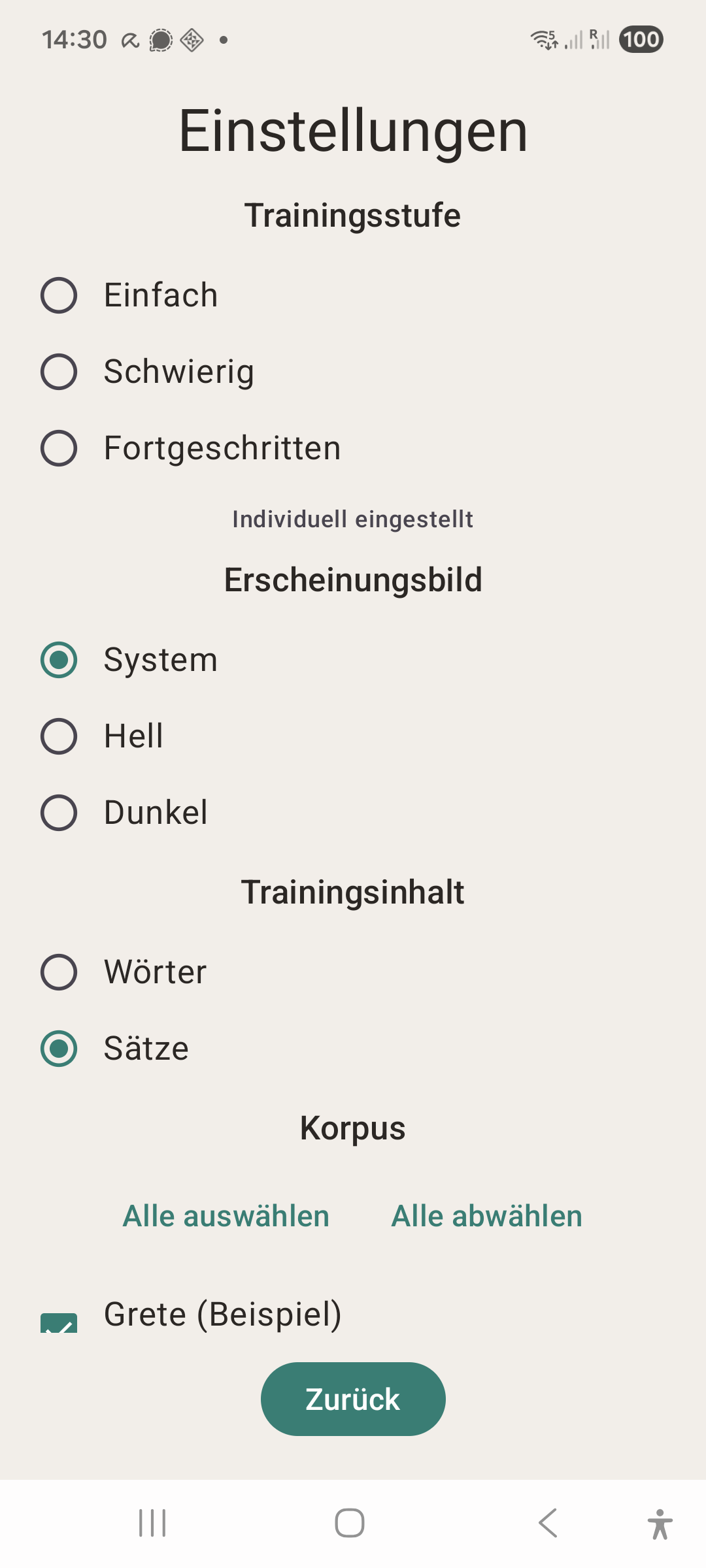
92 words and sentences are included: 72 in German — 68 from free speech synthesis, four spoken by real voices — and 20 in English. Which language you train is a setting of its own, separate from the language of the interface. Your own recordings can be added: speak a word or sentence, write it down, train it. Several speakers can be kept apart and switched on or off individually — a familiar voice is a different exercise from a stranger's.
For harder practice, put a background noise under the speech and set the distance between the two in decibels. Three levels do it in one tap: easy without noise, hard with a clear speech advantage, advanced with the noise above the speech. One noise is included, recorded inside a bus. Your own can be recorded or imported as WAV files.
For headphone training there is a channel choice — left, right or both — which helps when only one ear should be trained. Over a Bluetooth hearing aid, stereo is summed to mono; the app detects this and shows the channel choice as ineffective instead of pretending otherwise.
What AudioLex does not do: it requests no internet permission, has no account, no trackers, no ads. Vocabulary, ratings and session history stay on the device — not as a promise, but because the app has no technical way to send anything. A backup writes your own recordings, your own noises and the session history to a ZIP file in your documents when you ask it to. What happens to that file afterwards is up to you.
AudioLex is a practice tool, not a medical product. It replaces neither an audiologist's advice nor an ENT examination.
The app was built for one person with exactly this problem. It shows: it is plain, and it does not explain itself — the short guide inside is where it tries. The interface speaks German or English, switchable on the start screen.
The store description now mentions another use: because learning mode lets you hear a word and read it at the same time, it also works for spelling practice.
Nothing changes in the app itself.
Recent approved comments · sorted by newest
View all comments