PennyWise: SMS Expense Tracker icon

PennyWise: SMS Expense Tracker

Sarim
Finance Manager Internet
Version
2.24.0
Size
39.6 MB
Requires
Android API 26+
4.2 / 5 · 2,225 ratings 9 downloads

Updated Sep 22, 2026

Quick answer

Auto-track UPI & bank SMS. Private expense tracker and budget app, no sign-up.

F-Droid repository metadata

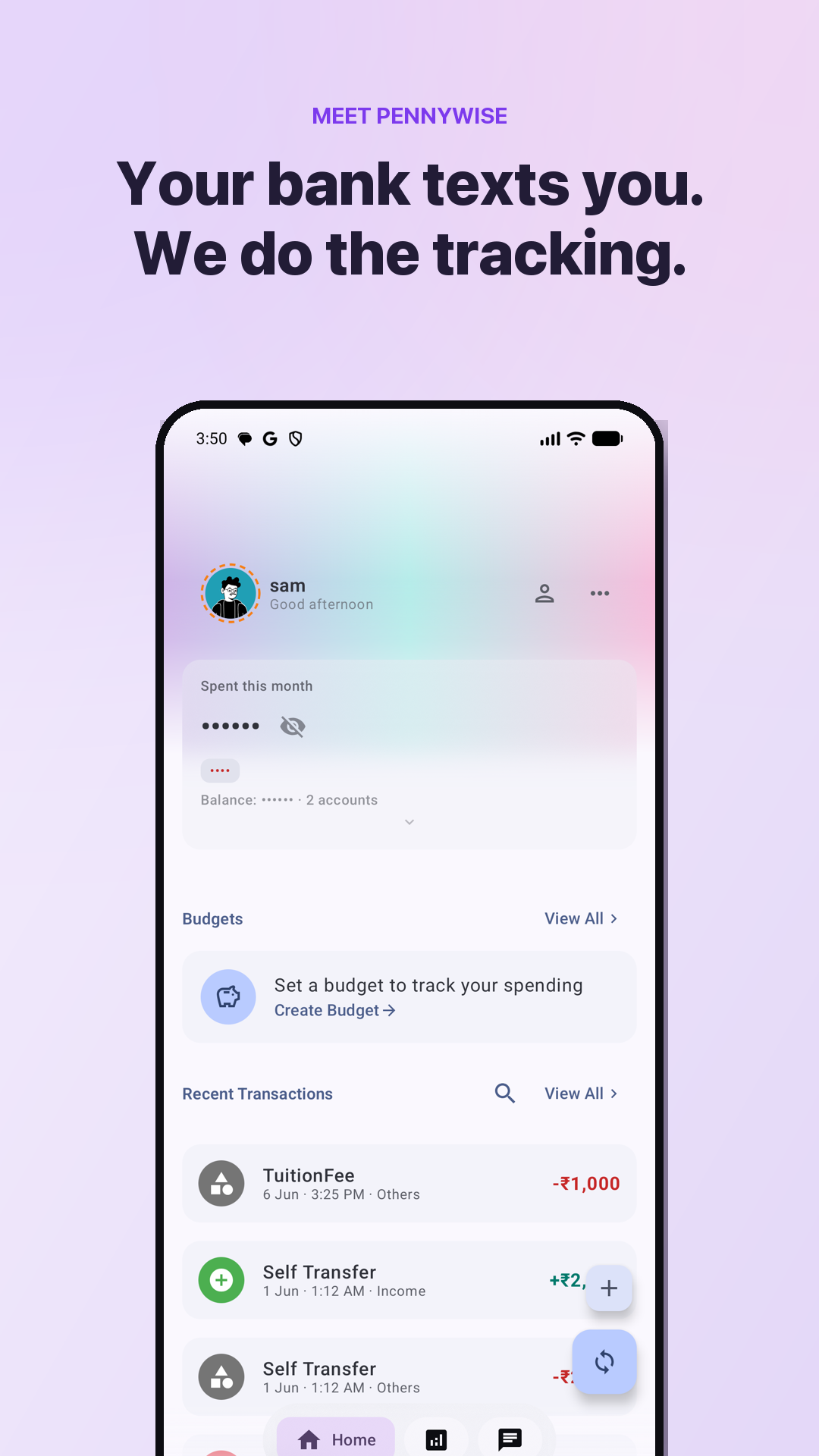
Your bank already texts you every transaction. PennyWise reads those SMS on your phone and turns them into an automatic expense tracker — no manual entry, no sign-up, nothing uploaded.

★ Why PennyWise asks for SMS permission Reading bank SMS is how the app works — it is the entire product. Everything happens on your device: no server ever receives a message, there is no account to create, and the complete source code is public (AGPL-3.0) so anyone can verify exactly what it does. Would rather not grant it? You can still add transactions by hand or import a PDF statement.

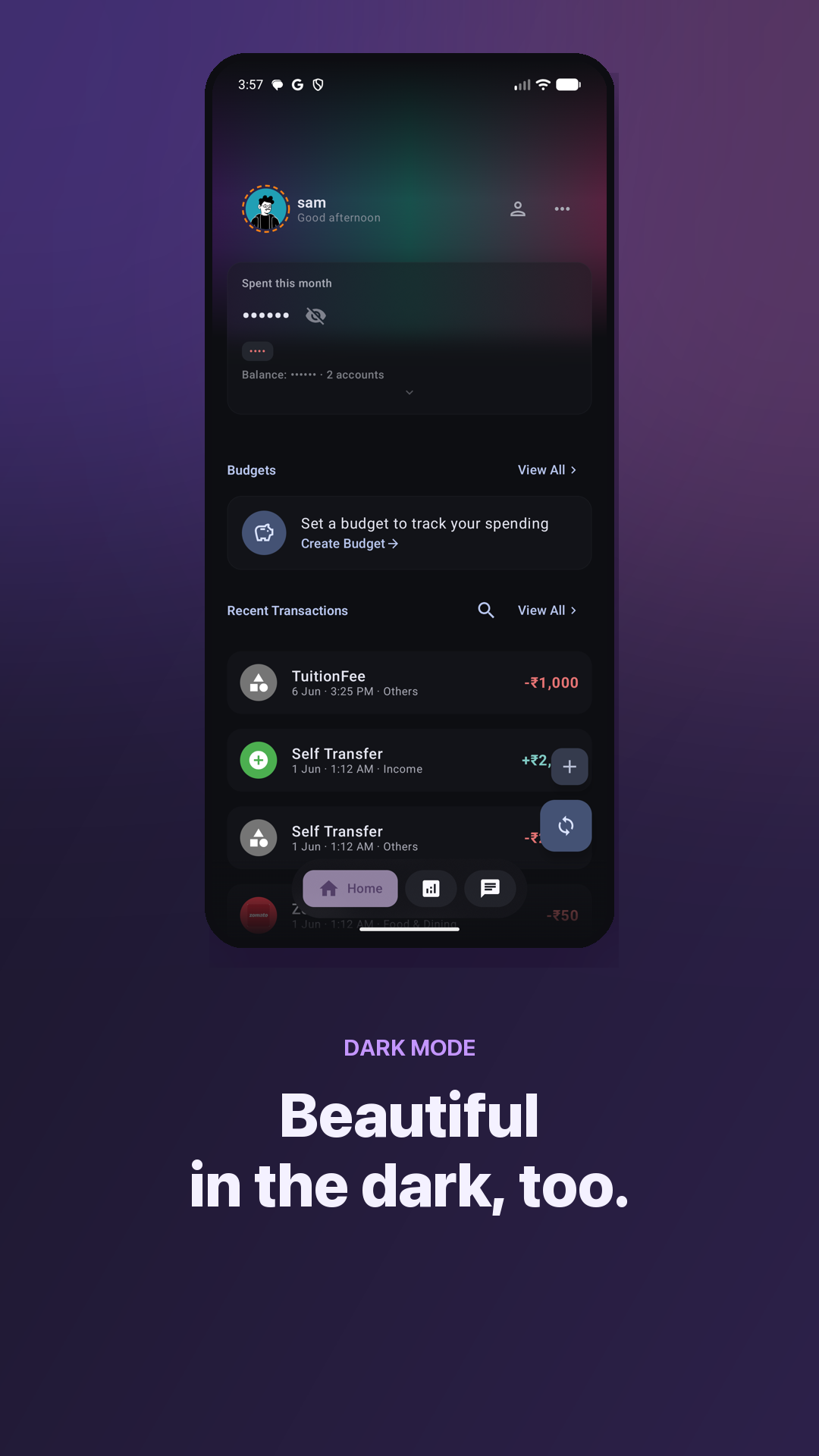
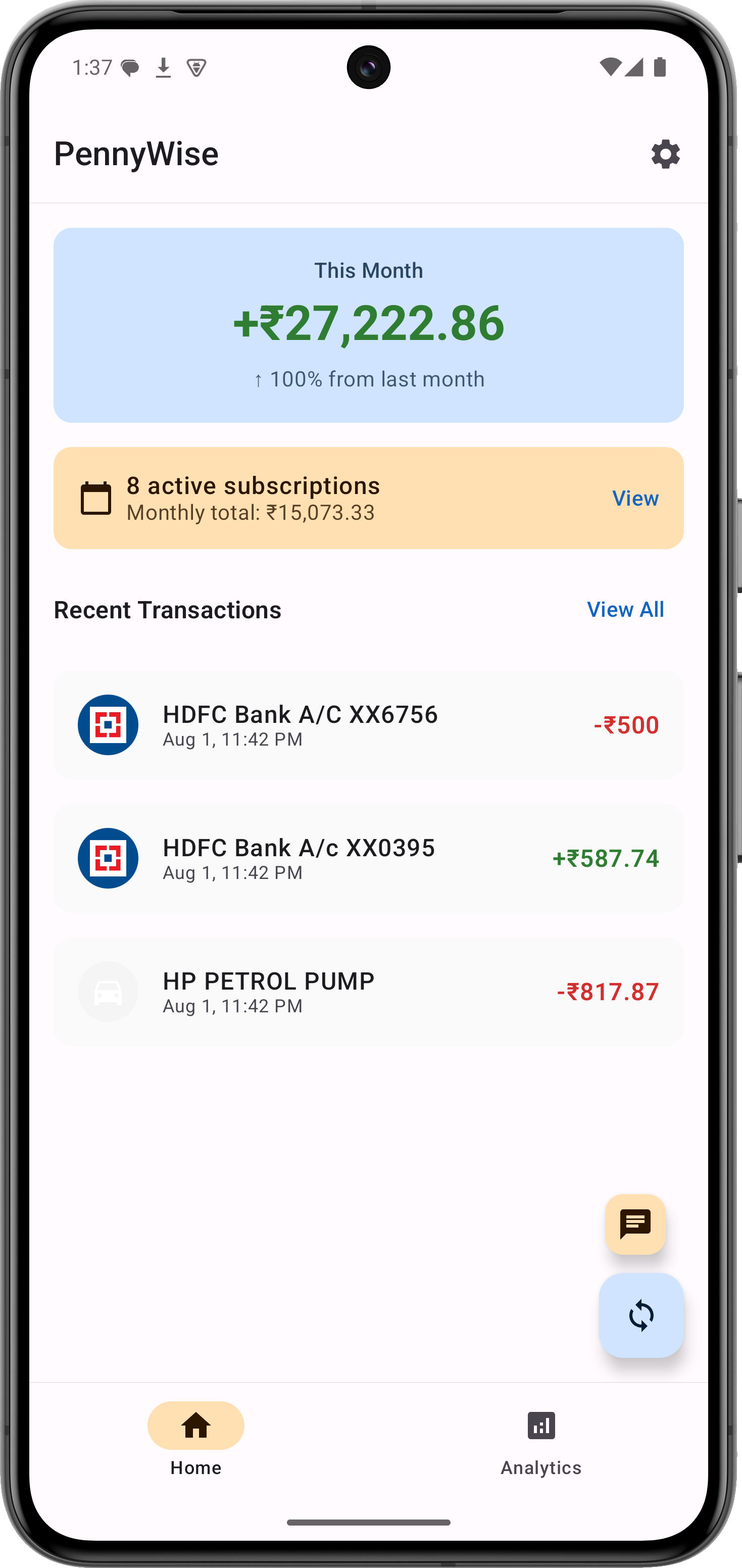
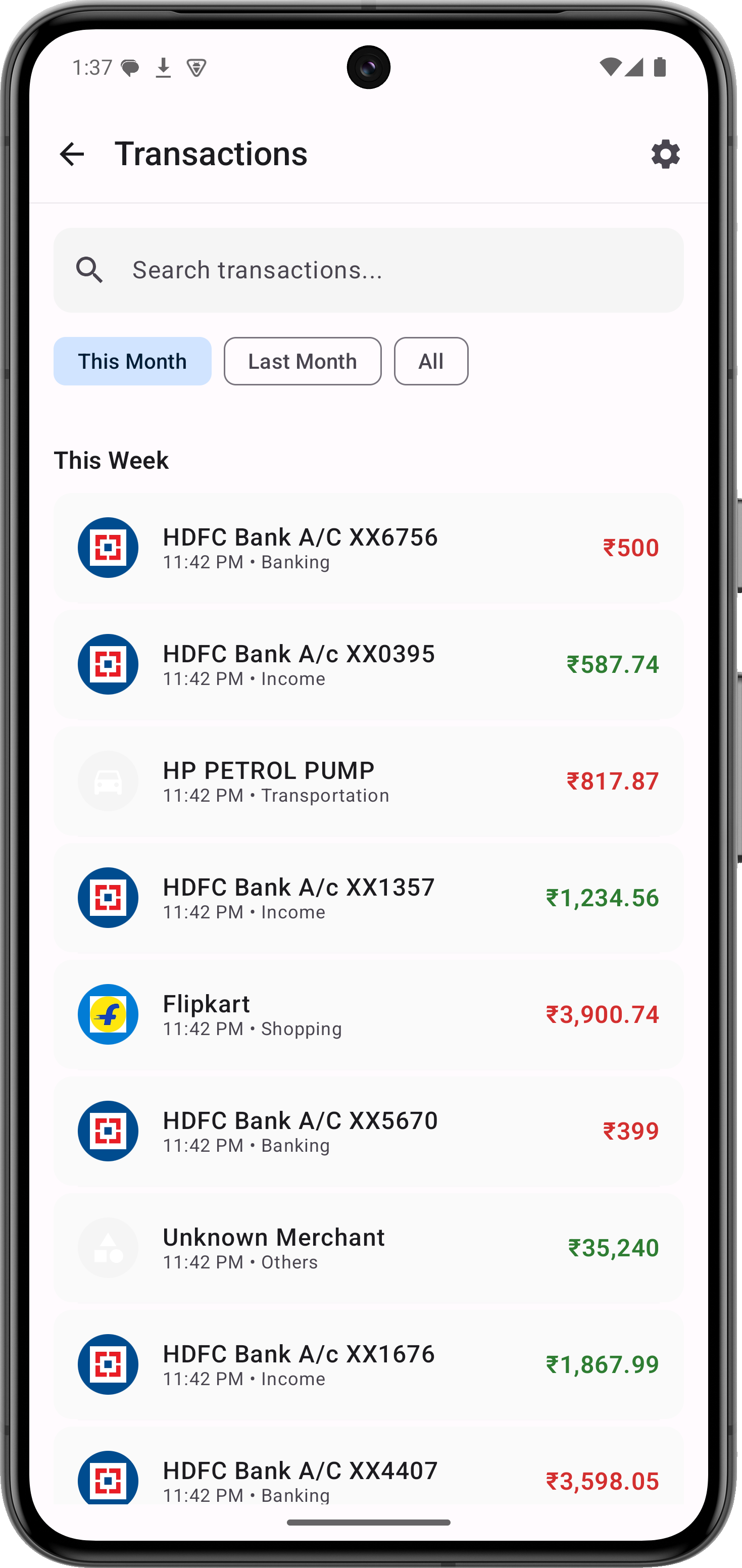
★ Automatic expense tracking • Every UPI payment, card swipe, ATM withdrawal and bank transfer becomes a categorized transaction • 169 banks and payment services across 26 countries, with multi-currency support • Works with any UPI app — it reads your bank's SMS, not the app • A clean, searchable spending timeline that stays up to date on its own

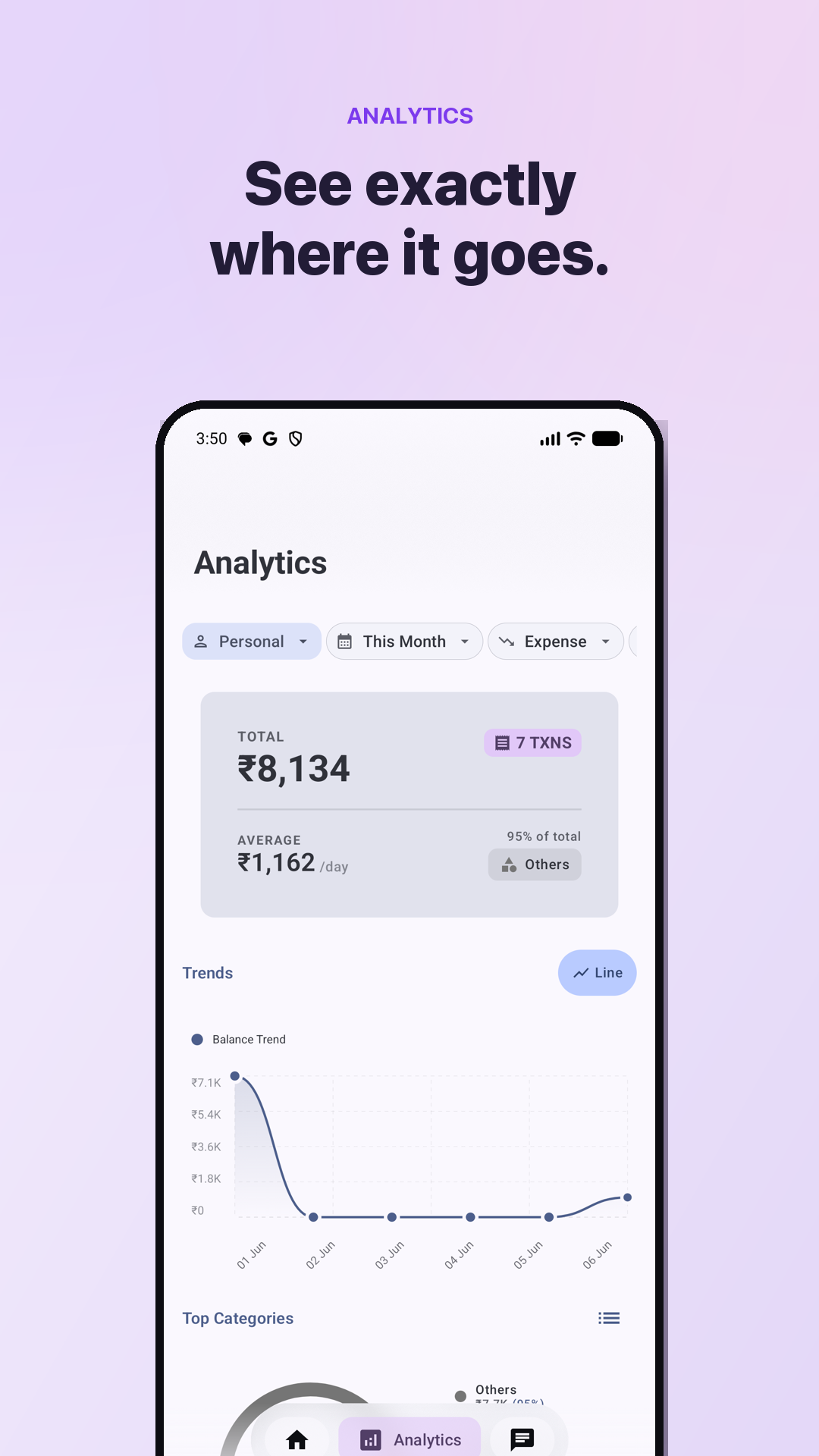
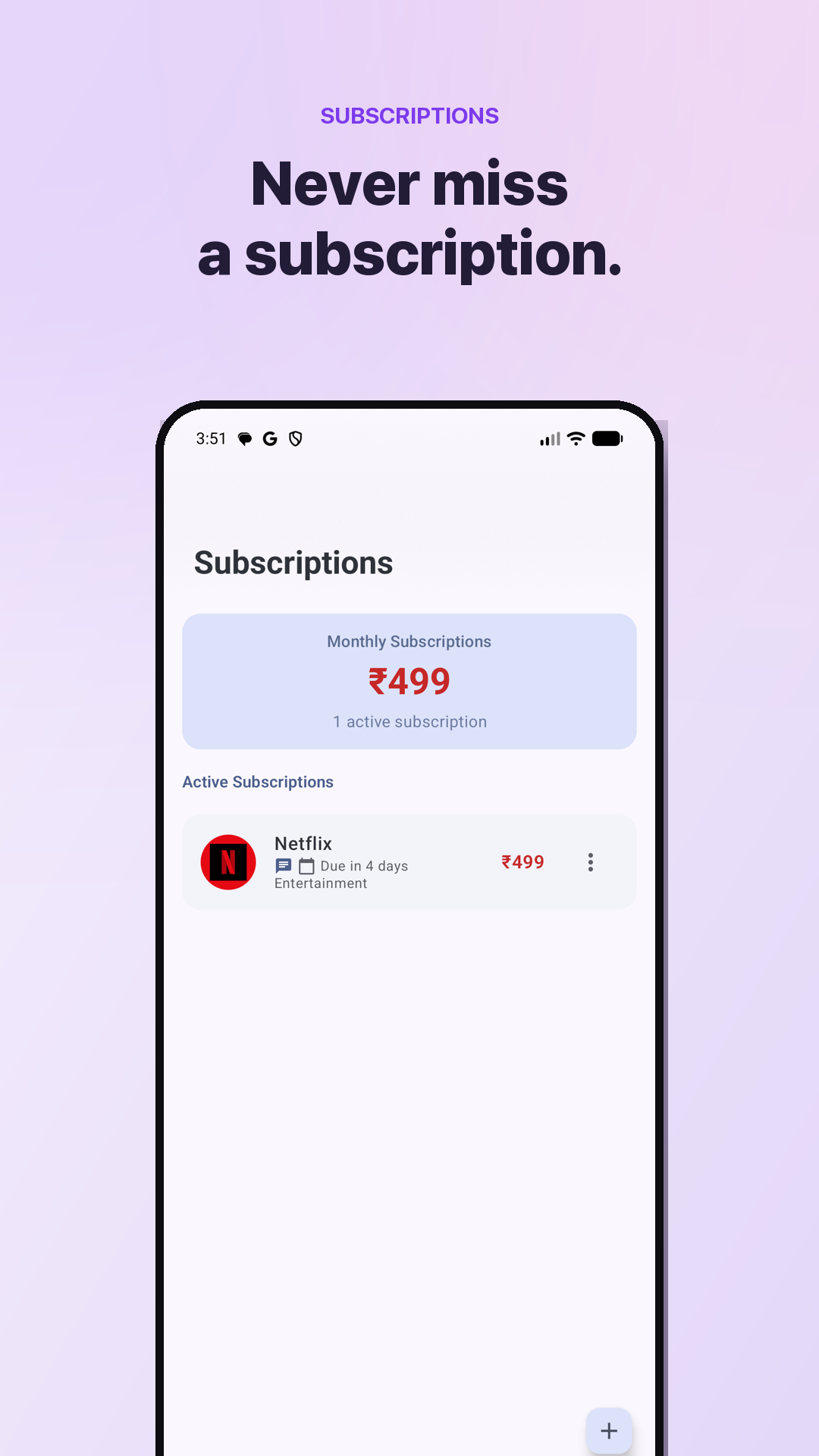
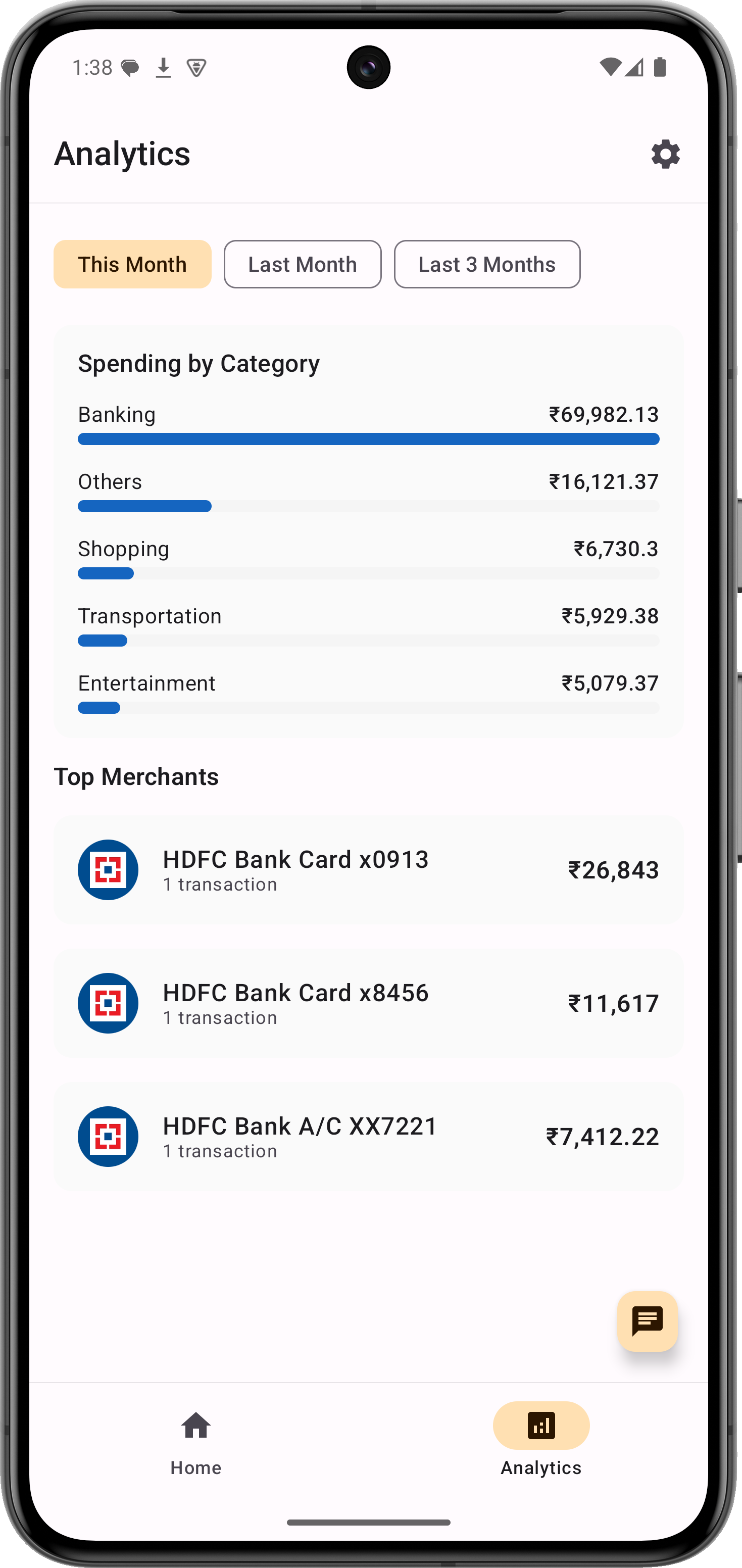
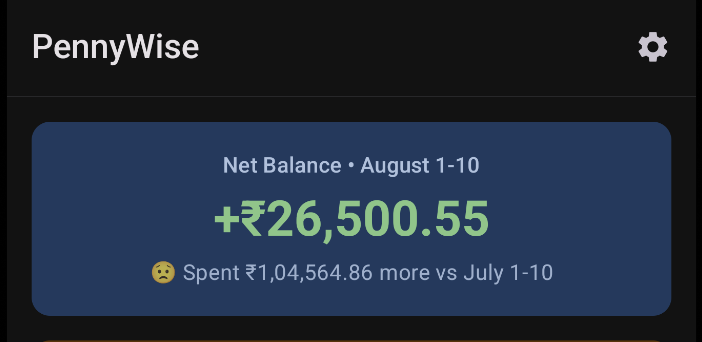
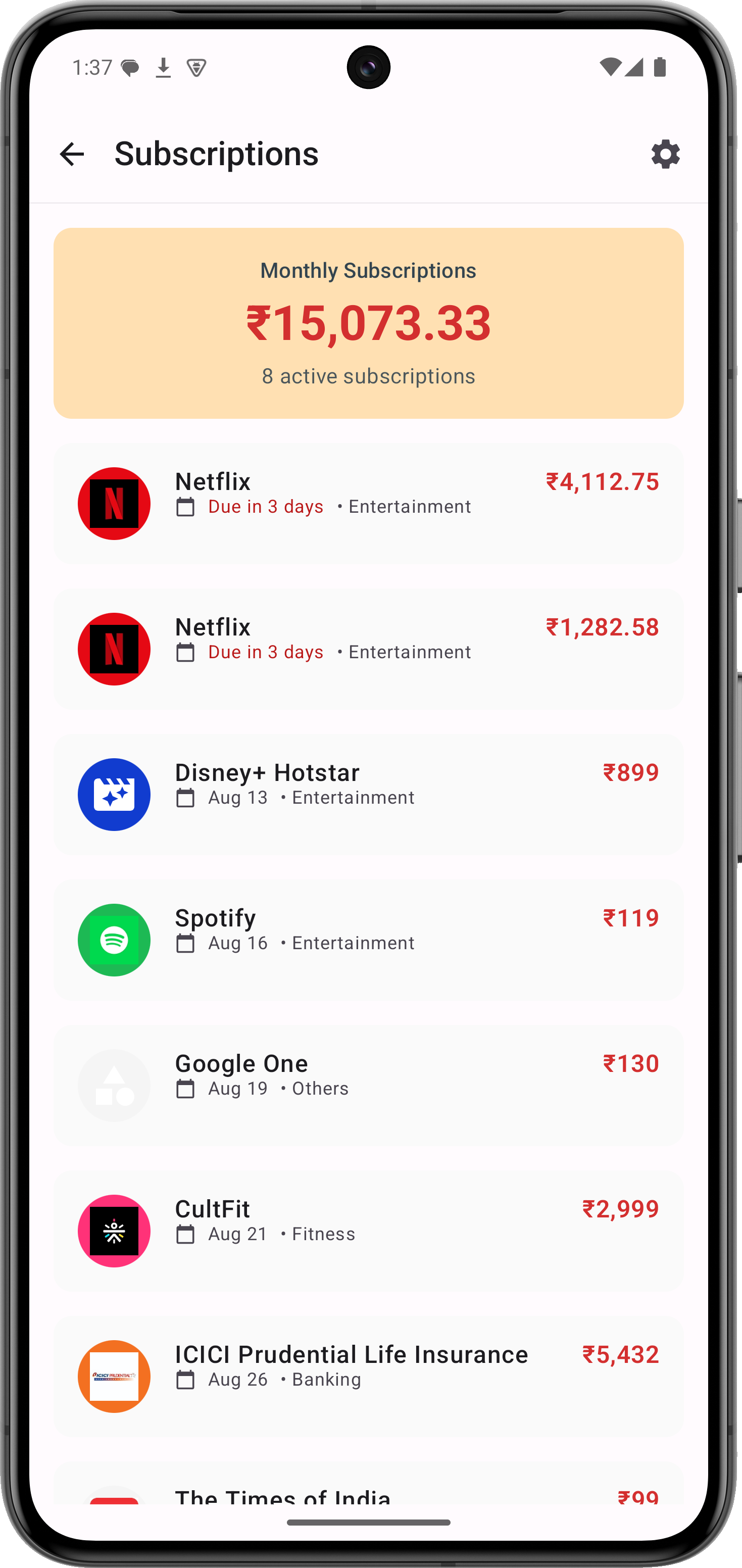
★ Budgets and insights • Set monthly budgets per category and watch progress as you spend • Spending trends, category breakdowns and month-on-month comparisons • Automatic subscription detection — finds the recurring payments you forgot about • Smart rules to auto-categorize transactions your way

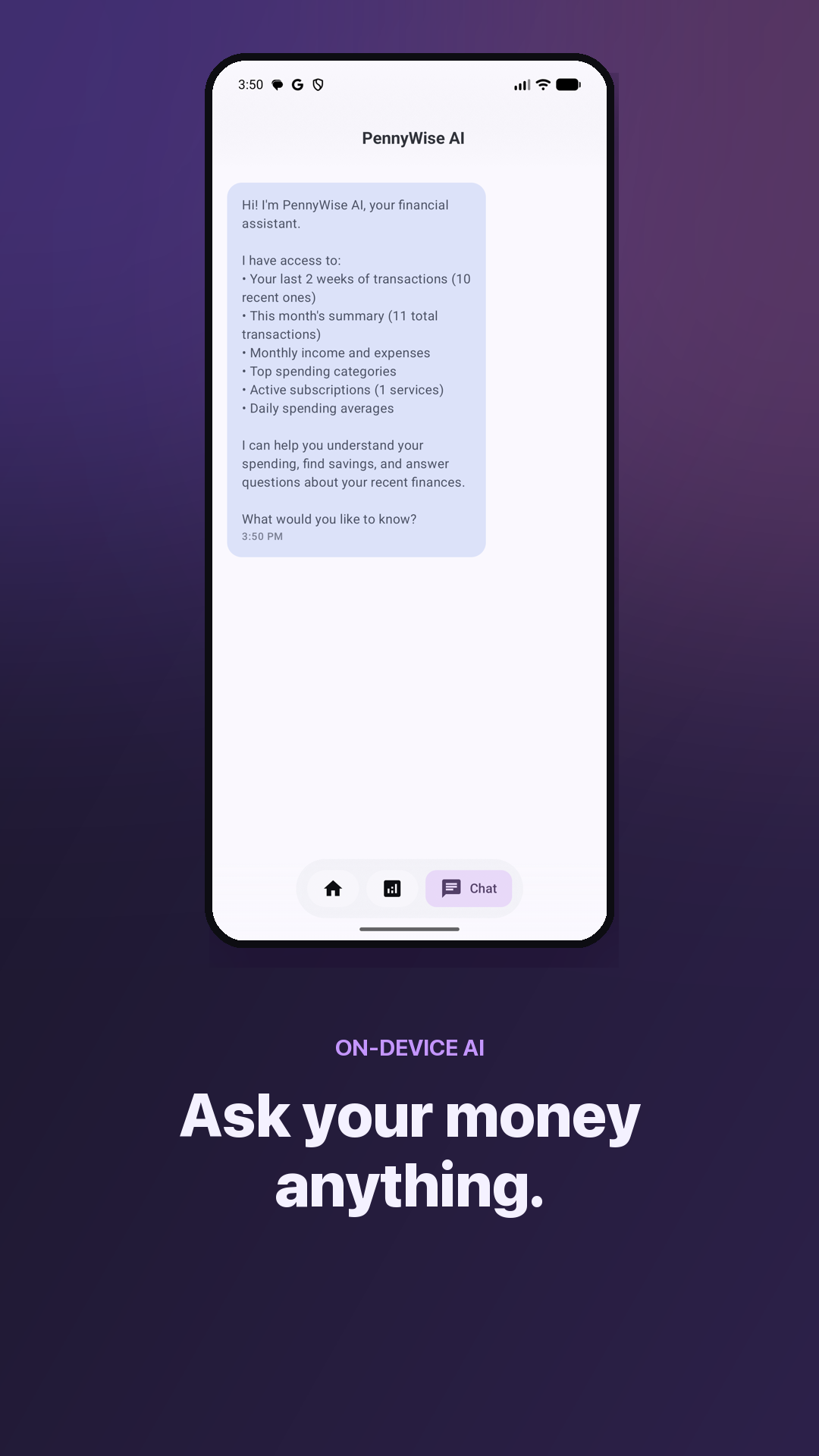
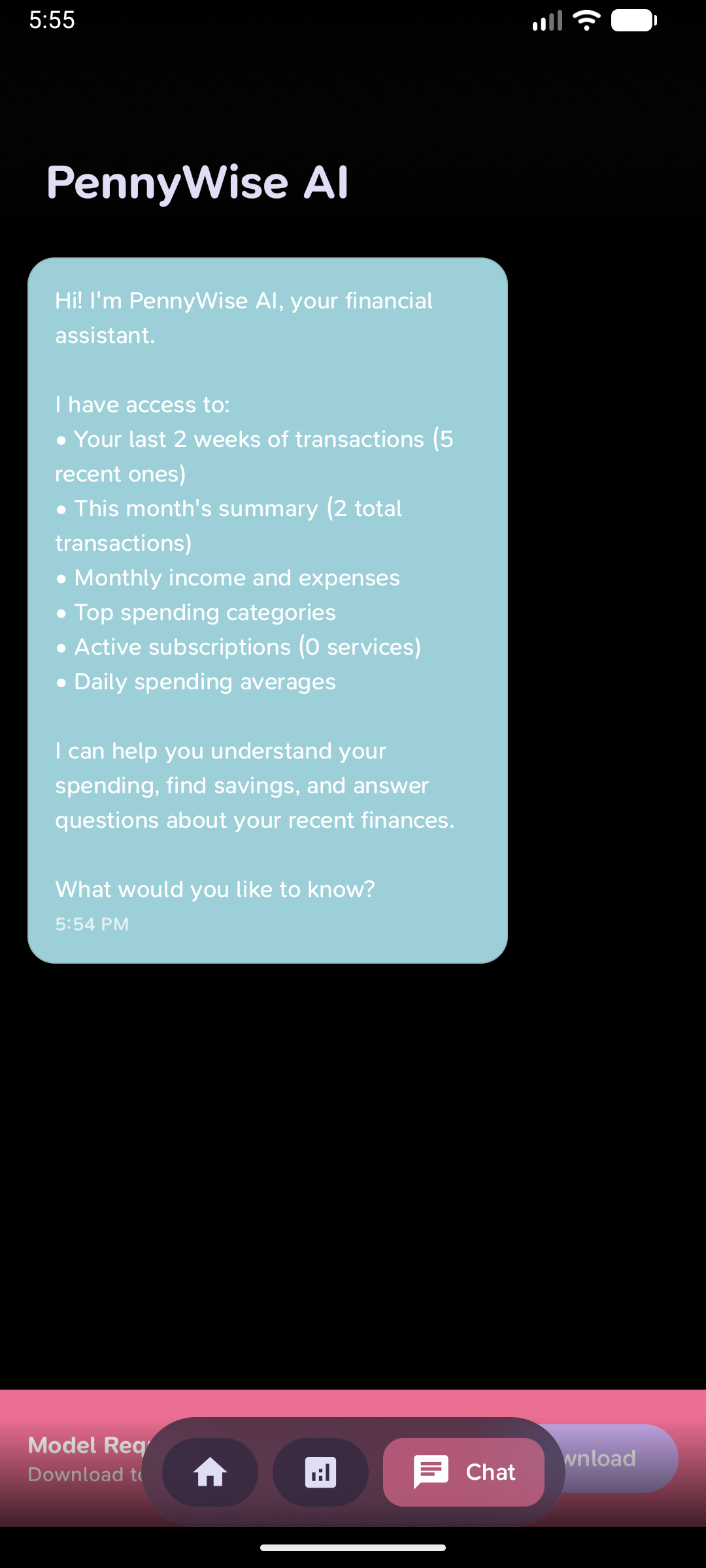
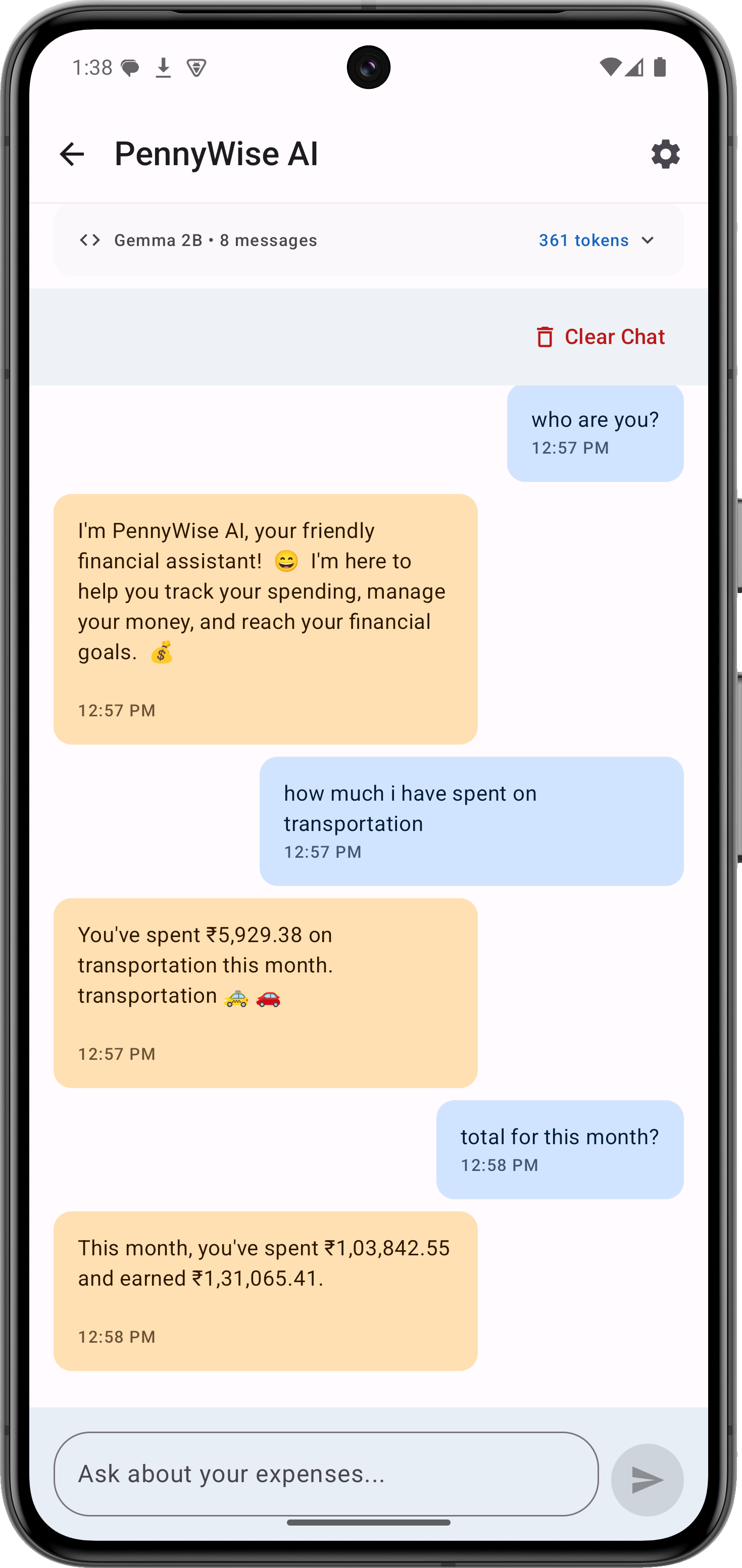
★ On-device AI assistant Ask "what did I spend on food last month?" and get a real answer. The AI model (Qwen 2.5) runs locally on your phone — no API calls, no cloud, works offline.

★ Private by design • No account, no login, no email required • No ads, no trackers, no analytics on your financial data • Nothing leaves your device • Open source (AGPL-3.0) — read the code yourself

★ Free, with an optional Pro upgrade PennyWise is free to use. An optional Pro license adds unlimited custom rules, PDF statement imports, CSV export, duplicate-account merge and scheduled daily backups — and directly supports a solo developer building PennyWise independently. Already have a license key? Enter it under Settings → PennyWise Pro.

A money manager, budget planner and spending tracker in one — for people who hate typing in expenses.

Screenshots

PennyWise: SMS Expense Tracker screenshot 1
PennyWise: SMS Expense Tracker screenshot 2
PennyWise: SMS Expense Tracker screenshot 3
PennyWise: SMS Expense Tracker screenshot 4
PennyWise: SMS Expense Tracker screenshot 5
PennyWise: SMS Expense Tracker screenshot 6
PennyWise: SMS Expense Tracker screenshot 7
PennyWise: SMS Expense Tracker screenshot 8
PennyWise: SMS Expense Tracker screenshot 9
PennyWise: SMS Expense Tracker screenshot 10
PennyWise: SMS Expense Tracker screenshot 11
PennyWise: SMS Expense Tracker screenshot 12
PennyWise: SMS Expense Tracker screenshot 13

What’s new

• Import bank statements from Excel or CSV files, with column mapping, a live preview, and a balance check to confirm everything landed correctly
• Safe-to-spend budget and month-end spending forecast now live on the Home screen
• On-device AI chat on iOS (Foundation Models) with confirm cards before any change, plus AI fallback for SMS messages from unrecognised banks
• Connect Claude or ChatGPT to your on-phone data and view a live dashboard — Pro feature

How to install

  1. Download the APK from the button at the top of this page.
  2. Allow “Install unknown apps” for your browser or file manager only, not for every app.
  3. Open the downloaded file and confirm the installation.
  4. If installation fails with “App not installed,” remove an earlier build of the same app first. A signature conflict is the usual cause.

Data safety

  • Every file is checked against its published SHA-256 before it is listed.
  • Files are scanned for malware on every update.
  • The permissions each app requests are listed on its own page.
  • Read the full safety policy for how we test, flag, and delist files.

Frequently asked questions

What is PennyWise: SMS Expense Tracker?
Auto-track UPI & bank SMS. Private expense tracker and budget app, no sign-up.
Who develops PennyWise: SMS Expense Tracker?
PennyWise: SMS Expense Tracker is developed by Sarim.
Which Android version does PennyWise: SMS Expense Tracker require?
PennyWise: SMS Expense Tracker requires Android API 26 or later.
What is the current version of PennyWise: SMS Expense Tracker?
The synchronized F-Droid version is 2.23.0.
Which license does PennyWise: SMS Expense Tracker use?
The signed F-Droid metadata lists AGPL-3.0-only.
Where is the source code for PennyWise: SMS Expense Tracker?
https://github.com/sarim2000/pennywiseai-tracker

Comments

Recent approved comments · sorted by newest

Verification code
Be specific and keep it about the app. No links. Comments are reviewed before publication. Device and Android details are recorded automatically. Privacy policy.

Loading recent comments...

View all comments