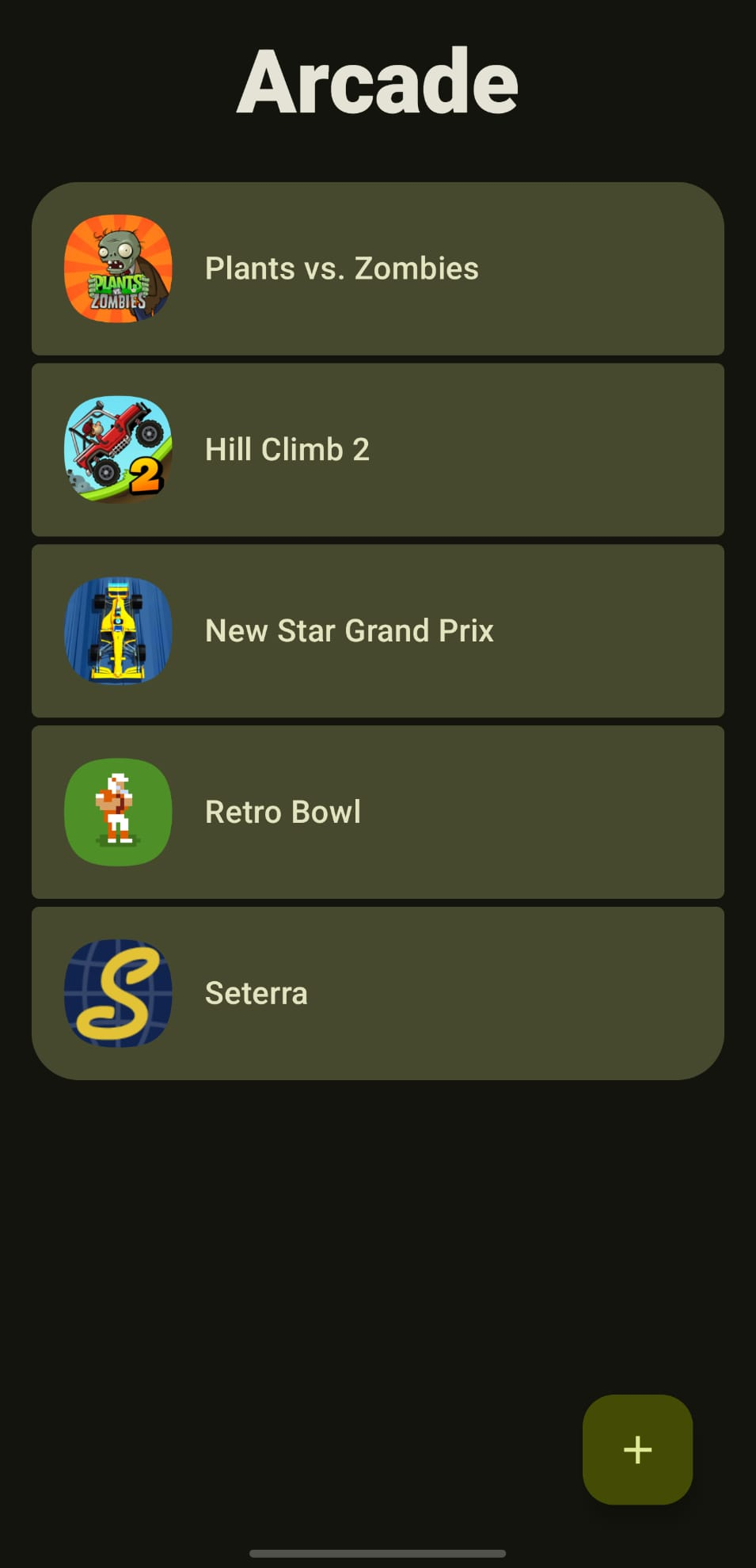
Arcade is a minimal, Material You-themed game launcher. It allows you to block offline games from accessing the internet using Shizuku or a VPN. This saves battery, blocks ads, and protects your privacy.
Features
Distraction free launcher letting you focus on your library, with clean Material design
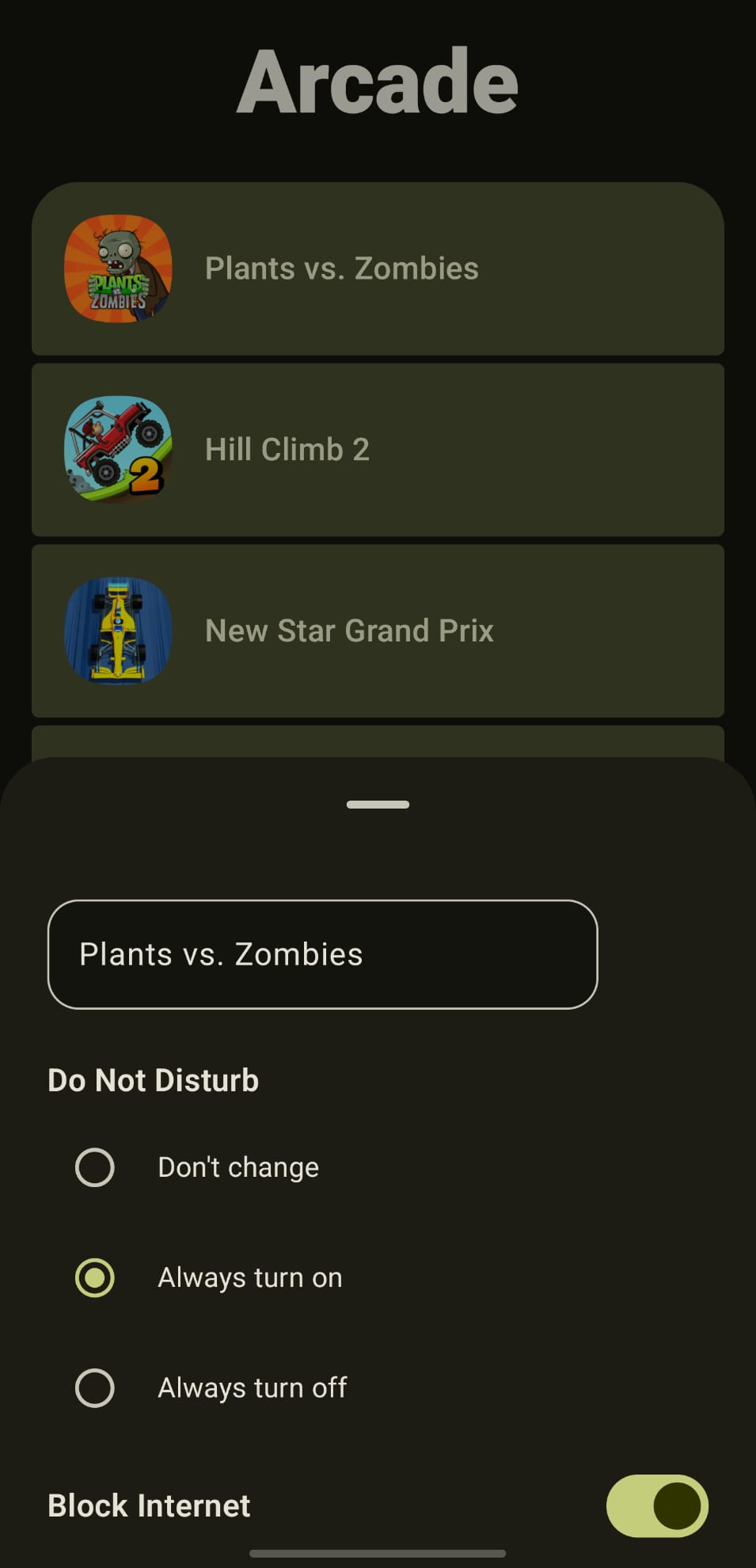
Block selected games from accessing the network
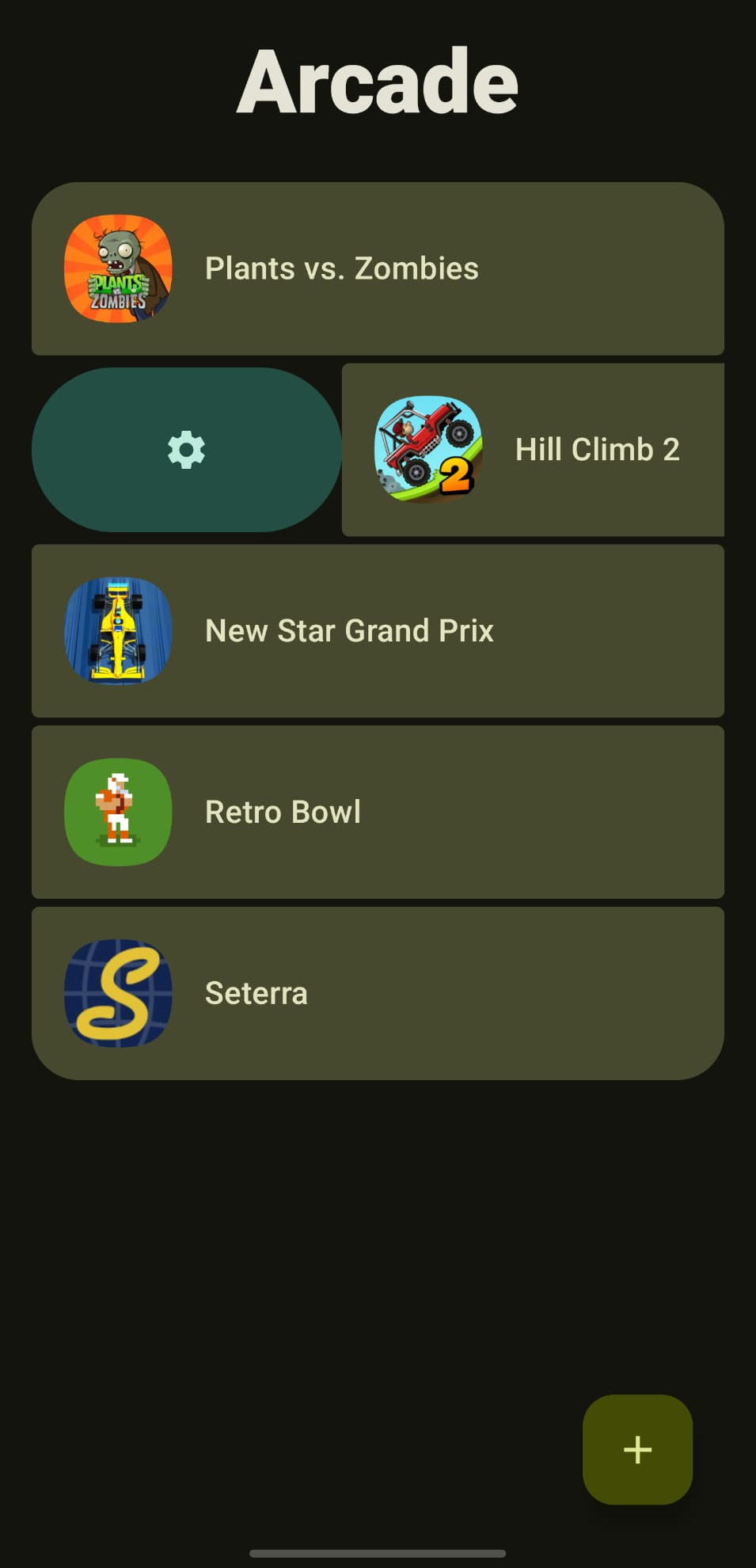
Rename games
Automatically enable or disable Do Not Disturb for selected games
Organize your library by sorting games into groups
Screenshots
What’s new
Arcade now supports Shizuku powered internet blocking. This will significantly reduce power usage to ~0%. To start using Shizuku, press the info icon that appears in a game's settings page. Permissions will only be asked for on the first launch of the app, not every time you open it if you choose to not grant the permission.
How to install
Download the APK from the button at the top of this page.
Allow “Install unknown apps” for your browser or file manager only, not for every app.
Open the downloaded file and confirm the installation.
If installation fails with “App not installed,” remove an earlier build of the same app first. A signature conflict is the usual cause.
Data safety
Every file is checked against its published SHA-256 before it is listed.
Files are scanned for malware on every update.
The permissions each app requests are listed on its own page.
Read the full safety policy for how we test, flag, and delist files.