What’s new
- Sync conflicts can now be resolved in the app: both versions of a file changed in two places at once are compared line by line, and you keep the current one, the copy, or both
Updated Oct 15, 2026
Todo, agenda, journal and notes in plain Markdown files
PlaneTxt is an opinionated, future-proof app to manage your life in plain text: todo, agenda, journal and notes.
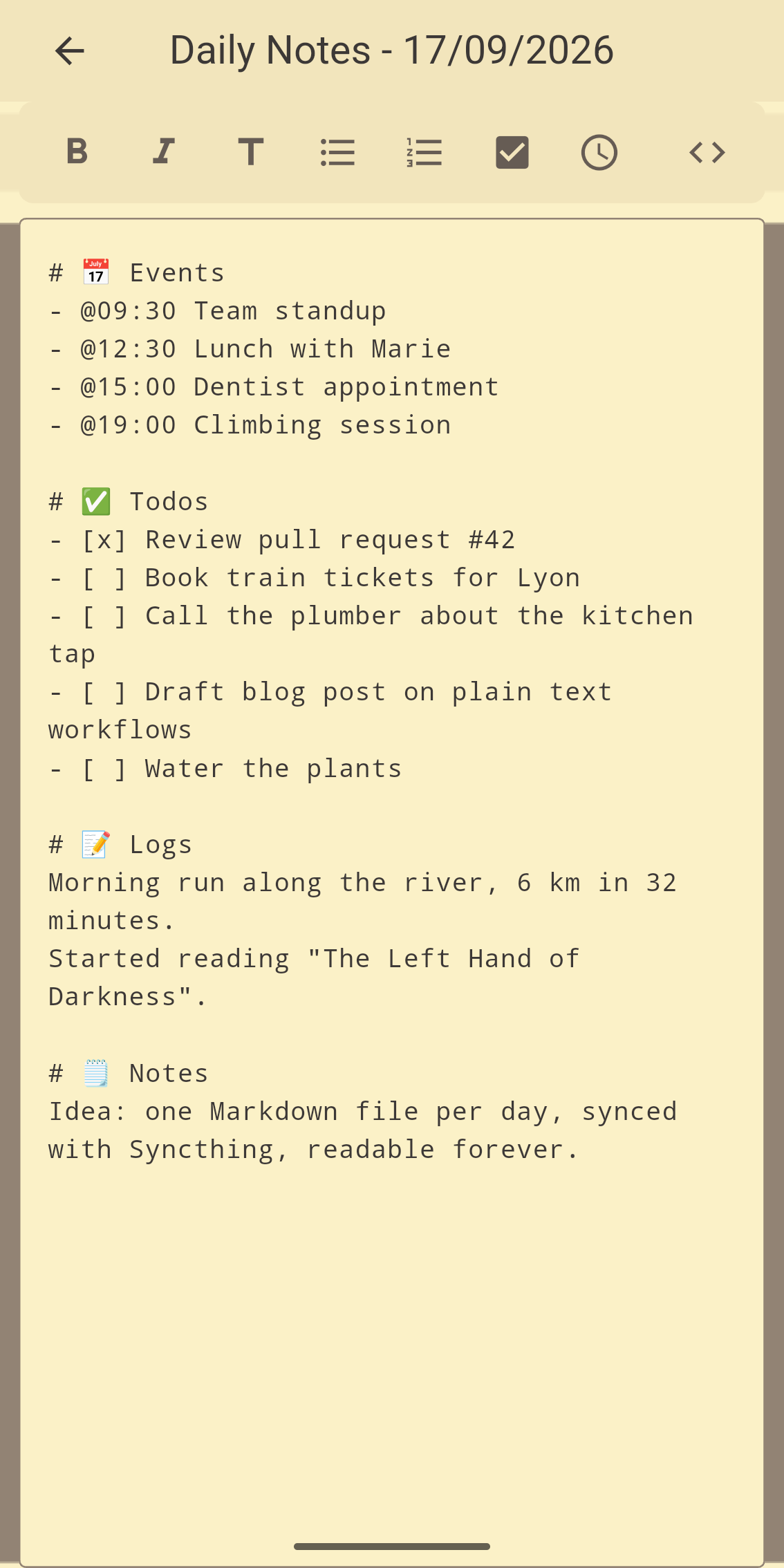
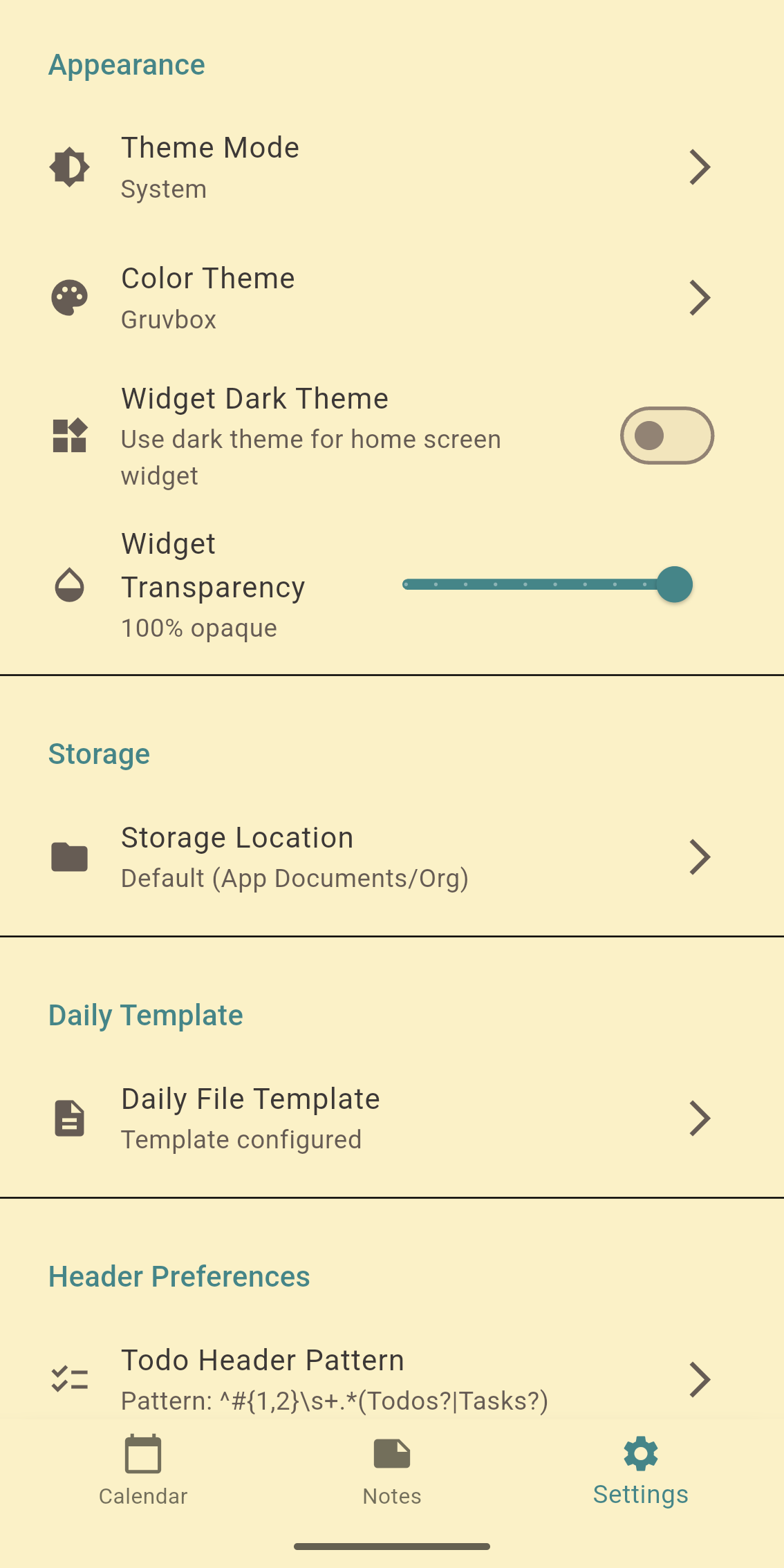
Everything is stored as Markdown files, in a folder you choose or in the app's private storage. One daily file per day holds your journal, todos and events; notes live in subfolders. There is no database and no lock-in: sync the folder with Syncthing, Dropbox or anything else, and edit the files with any text editor.
Features:
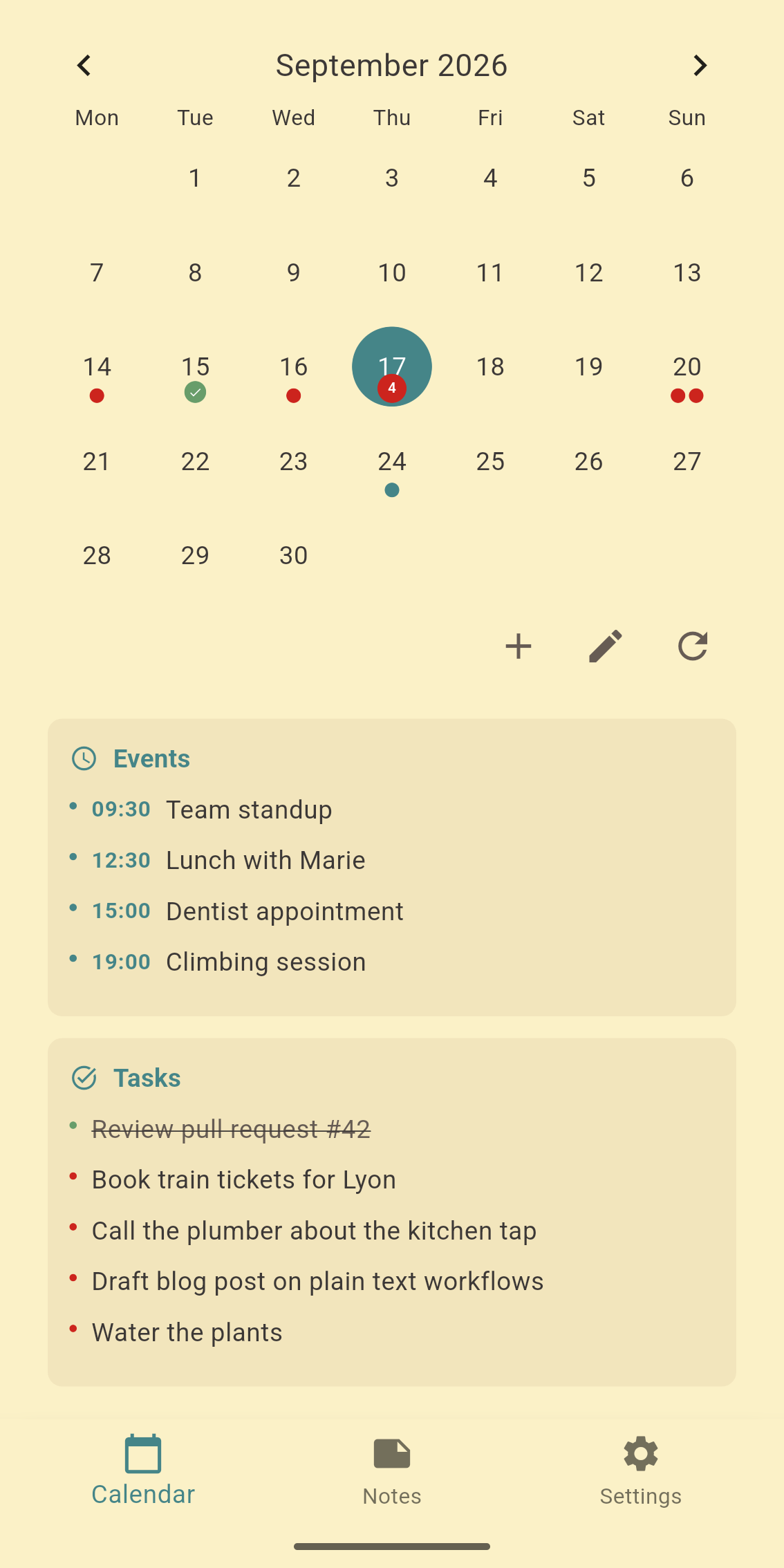
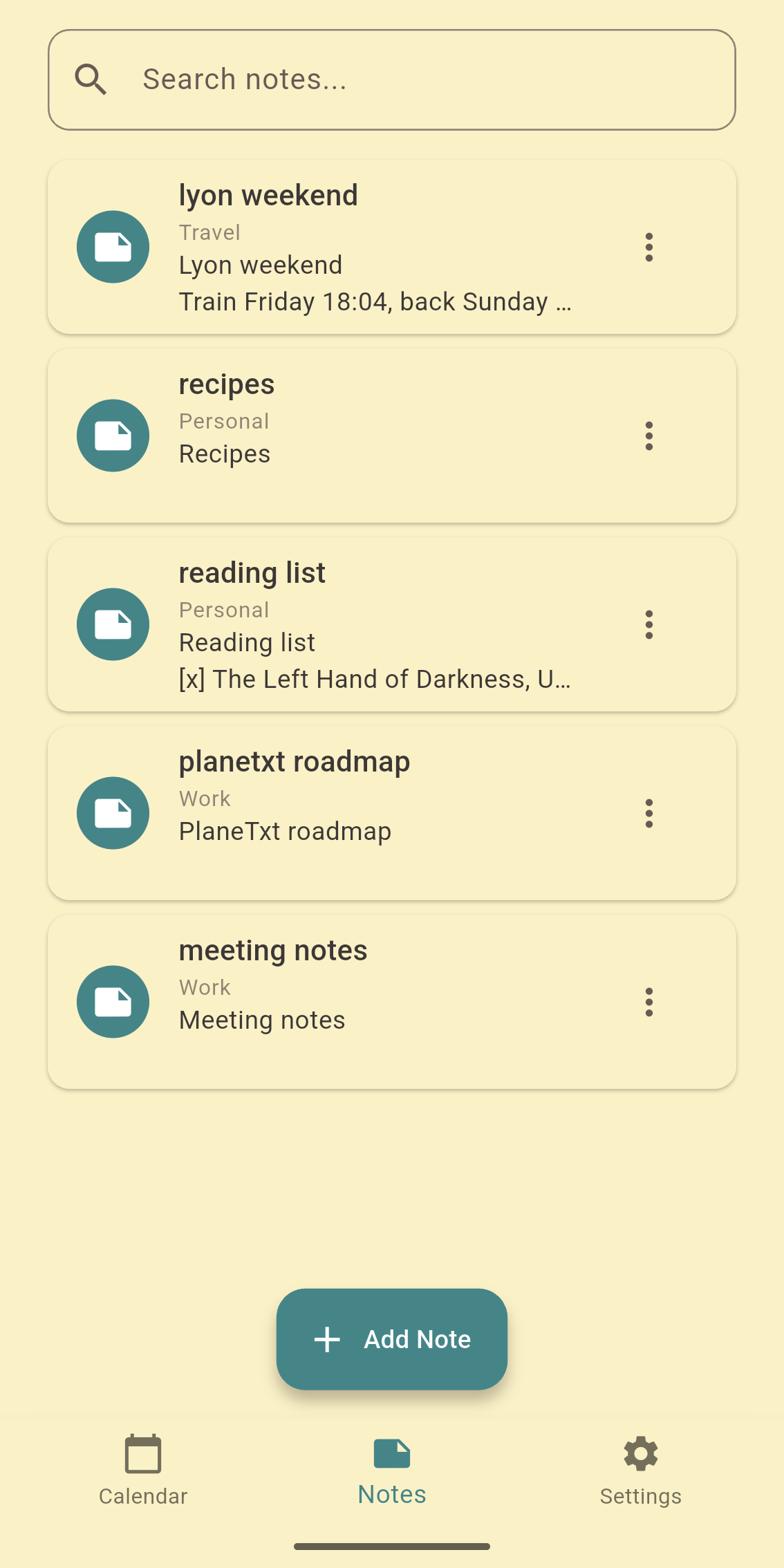
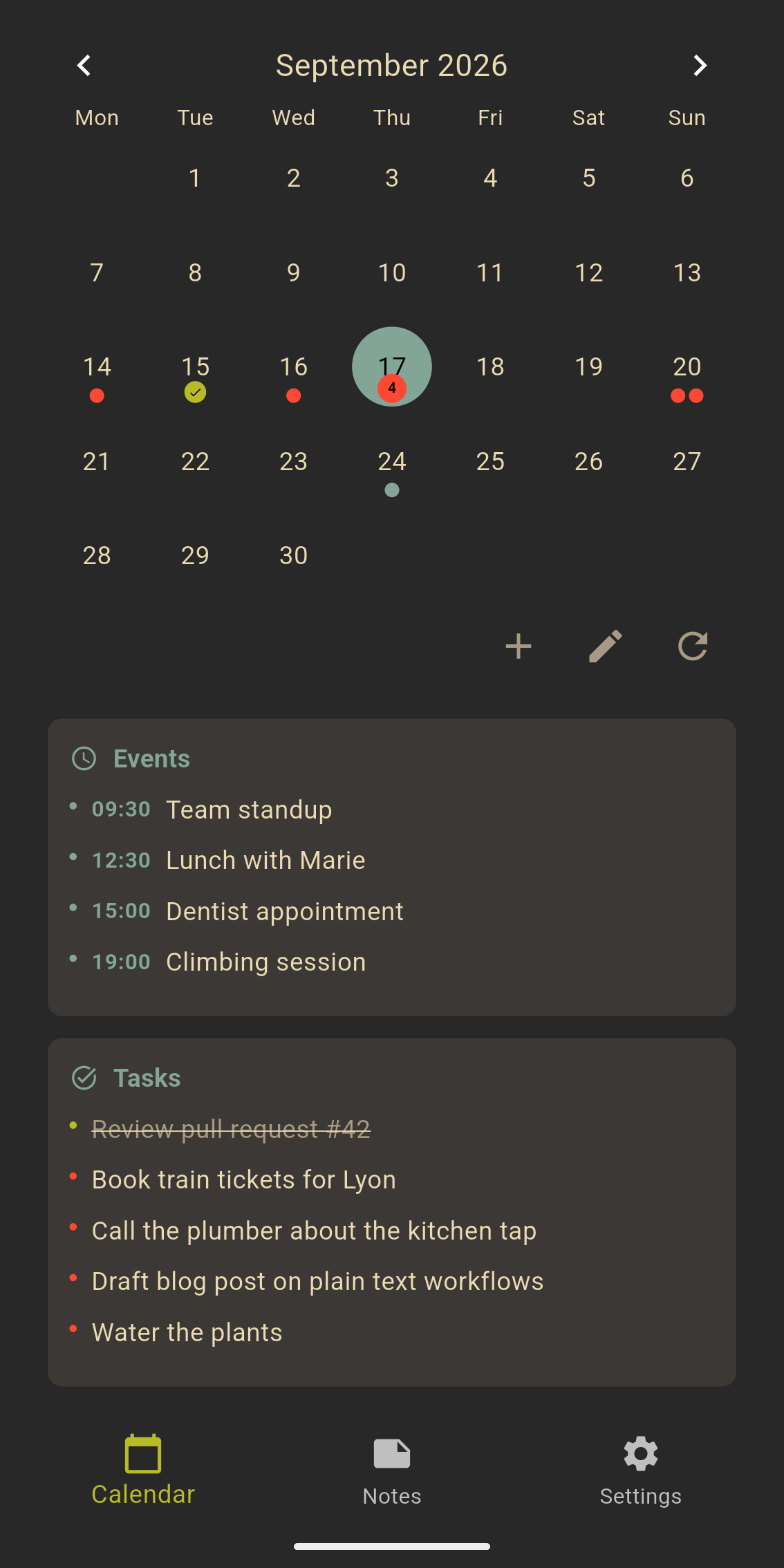
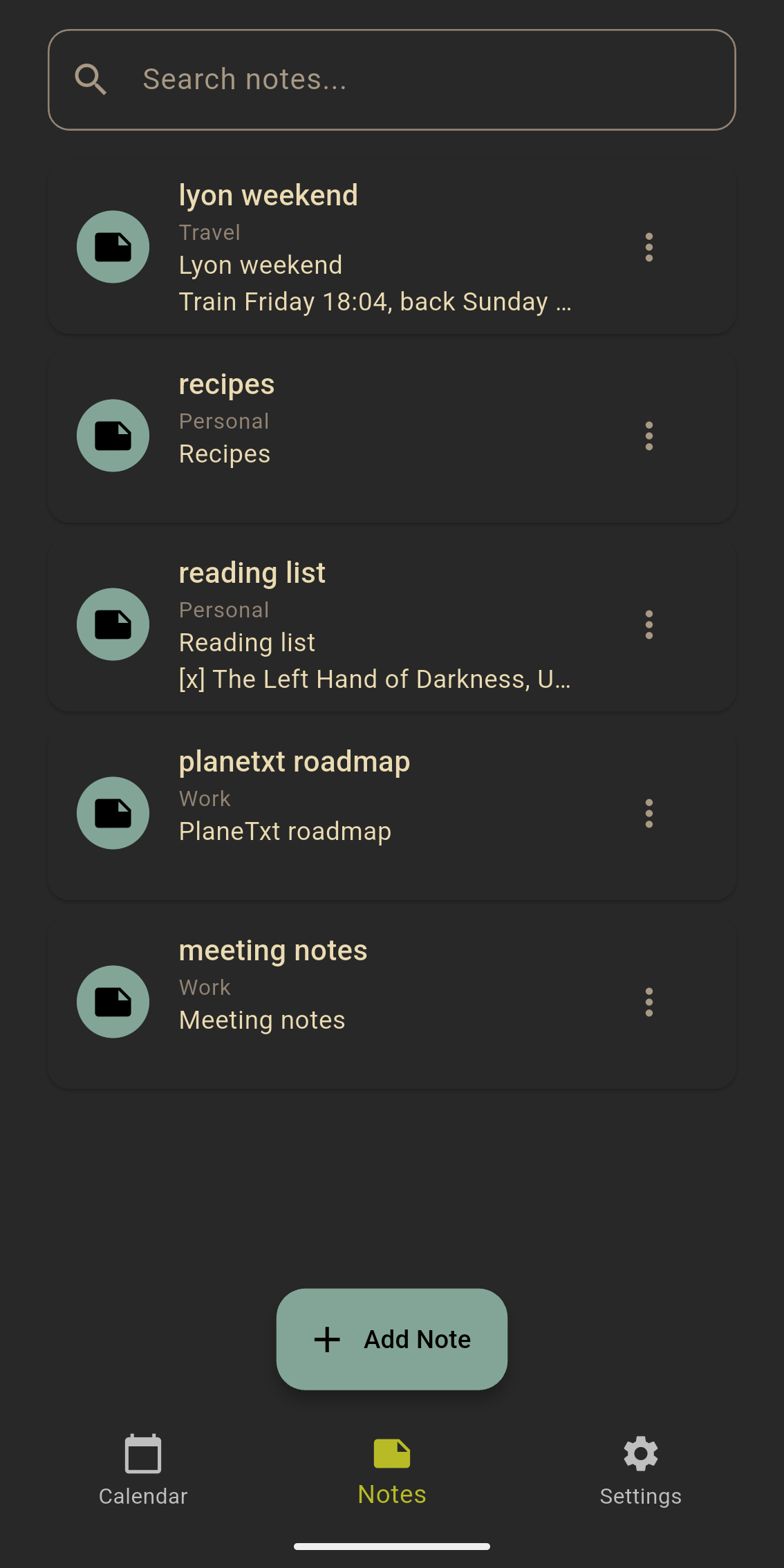
- Month calendar with the Markdown content of the selected day below it, swipe between days - Check and uncheck todos with a tap - Each morning, carry over the todos left open on previous days, moved or copied - Week review: todos done, still open or carried over, and the week's events - Search across all days and notes, accents ignored - Notes in folders, with search, rename, sharing and archiving - Events imported from a shared calendar file (.ics), shared text saved as a note - Home screen widget showing today's agenda and todos - Reminders through local notifications, with an adjustable delay - Safe with sync tools: changes made elsewhere are detected before saving, and conflict copies are reported - Light and dark themes - No account, no tracking, no network access
File layout:
- dailies/20250128.md - archives/ - notes/Work/project.md
- Sync conflicts can now be resolved in the app: both versions of a file changed in two places at once are compared line by line, and you keep the current one, the copy, or both
Recent approved comments · sorted by newest
View all comments