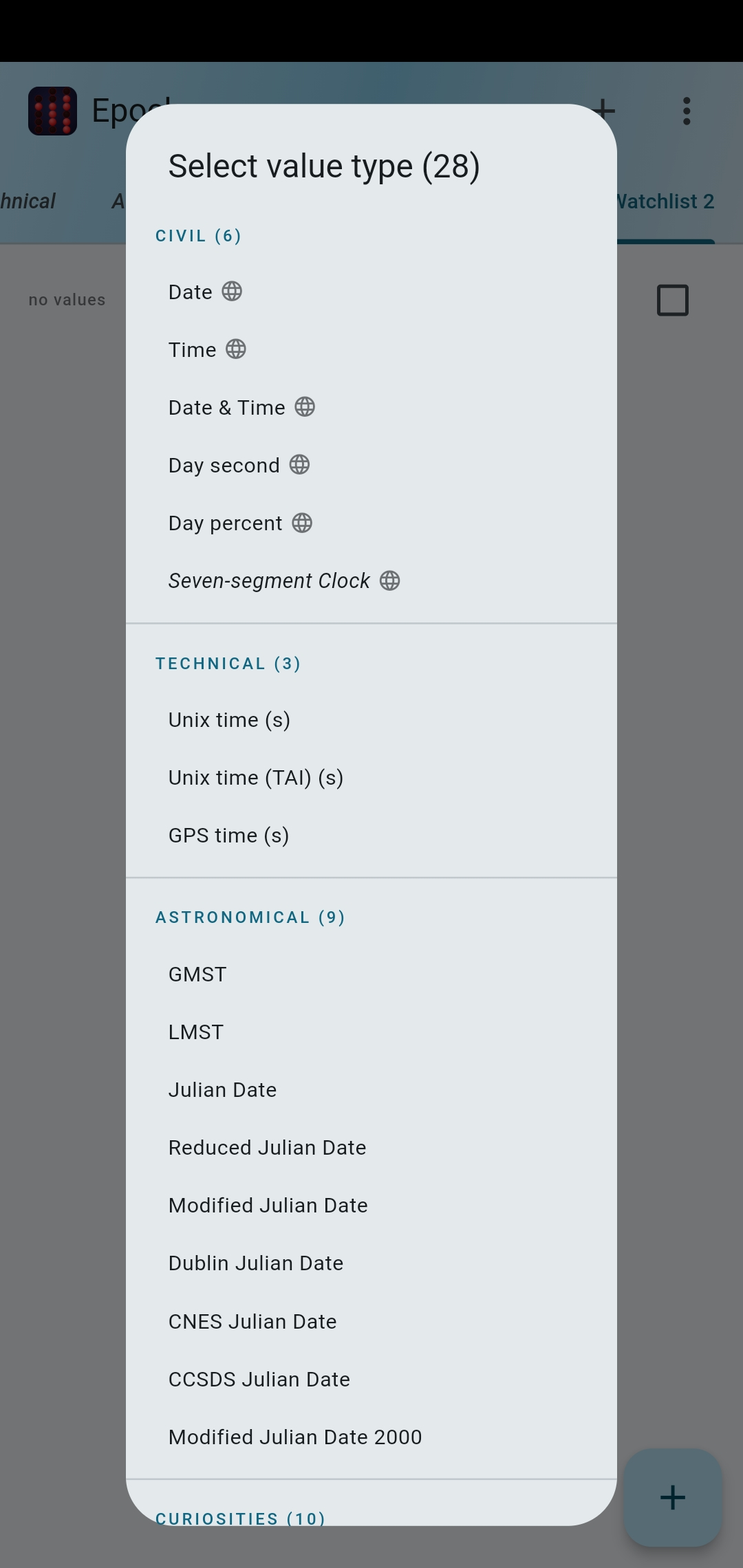
Epoch shows the current moment across a wide range of time systems — updating every second, all in one place. 28 values, from Unix time and sidereal time to Swatch Internet Time and the Doomsday Clock.
What Epoch gives you
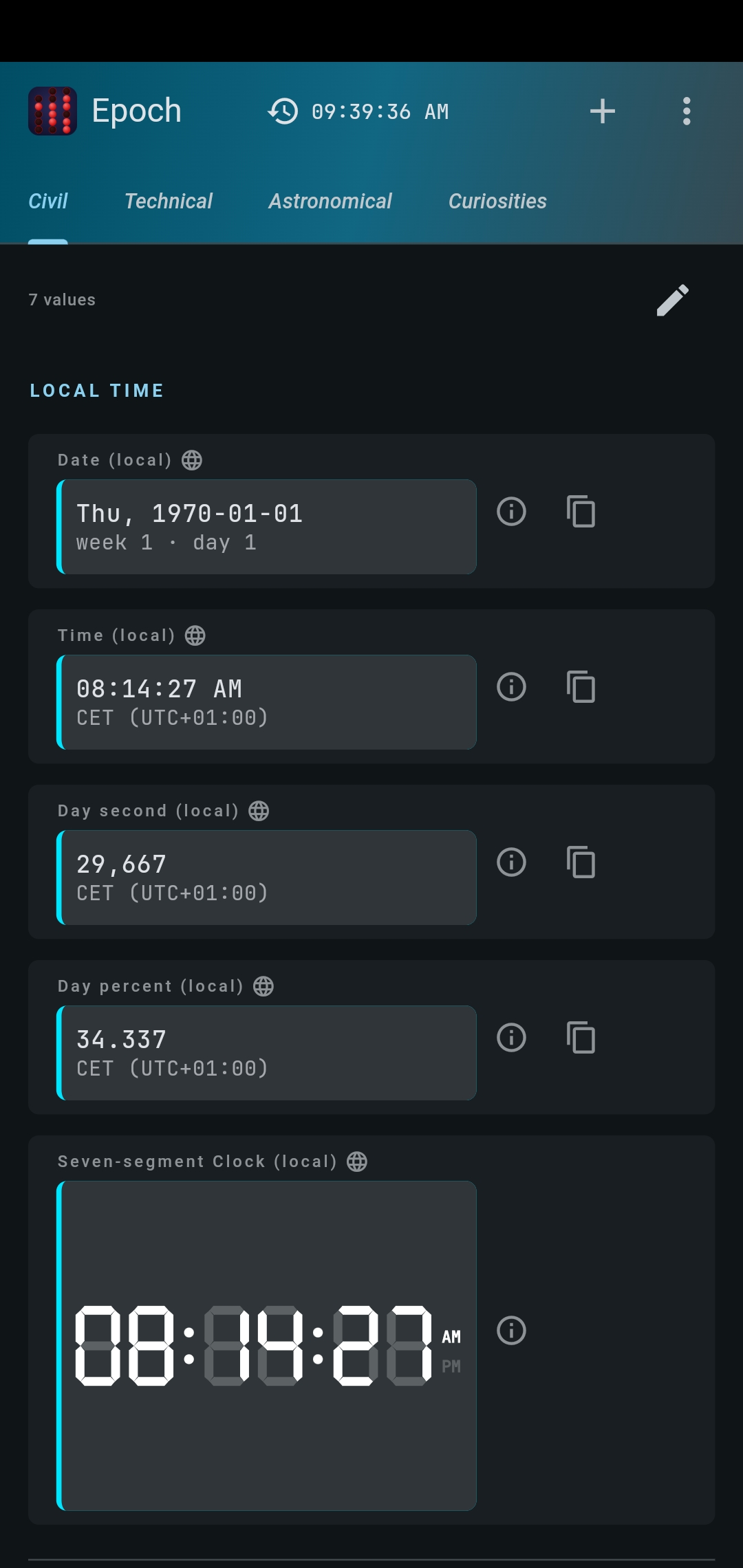
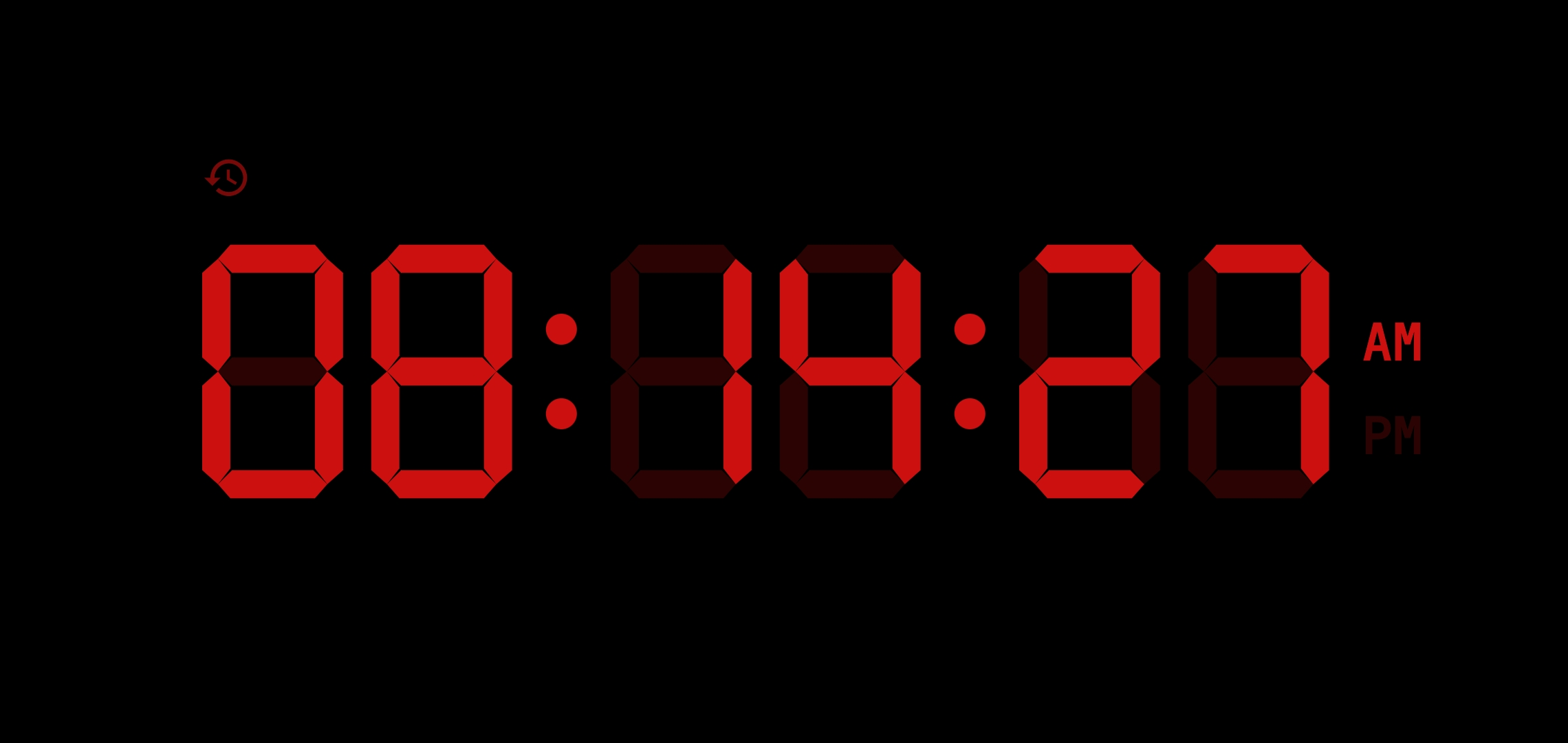
- Civil: date, time, day second, day percent, seven-segment clock — for any time zone
- Technical: Unix time, International Atomic Time (TAI), GPS time
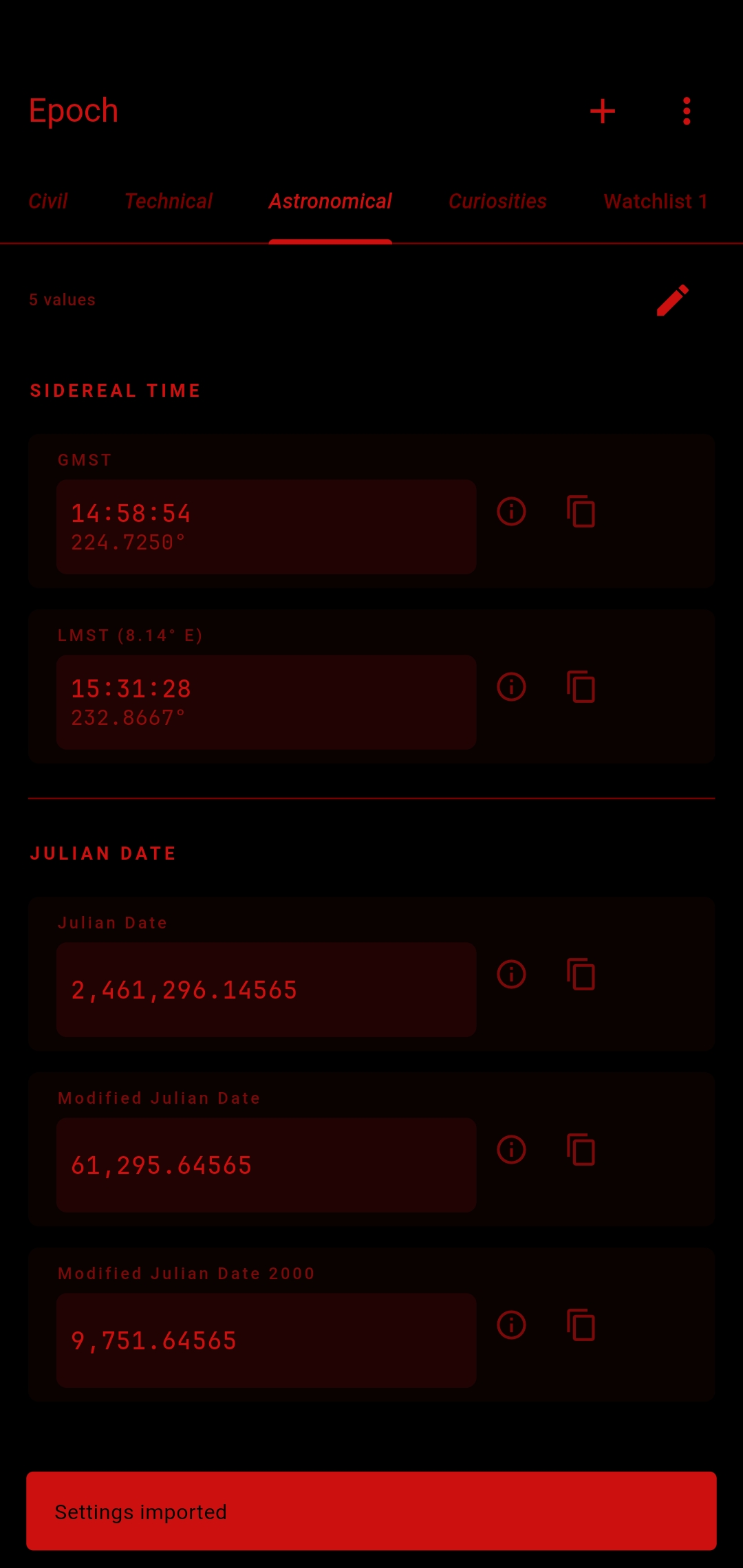
- Astronomical: Greenwich and Local Mean Sidereal Time (GMST, LMST), Julian Date and six variants
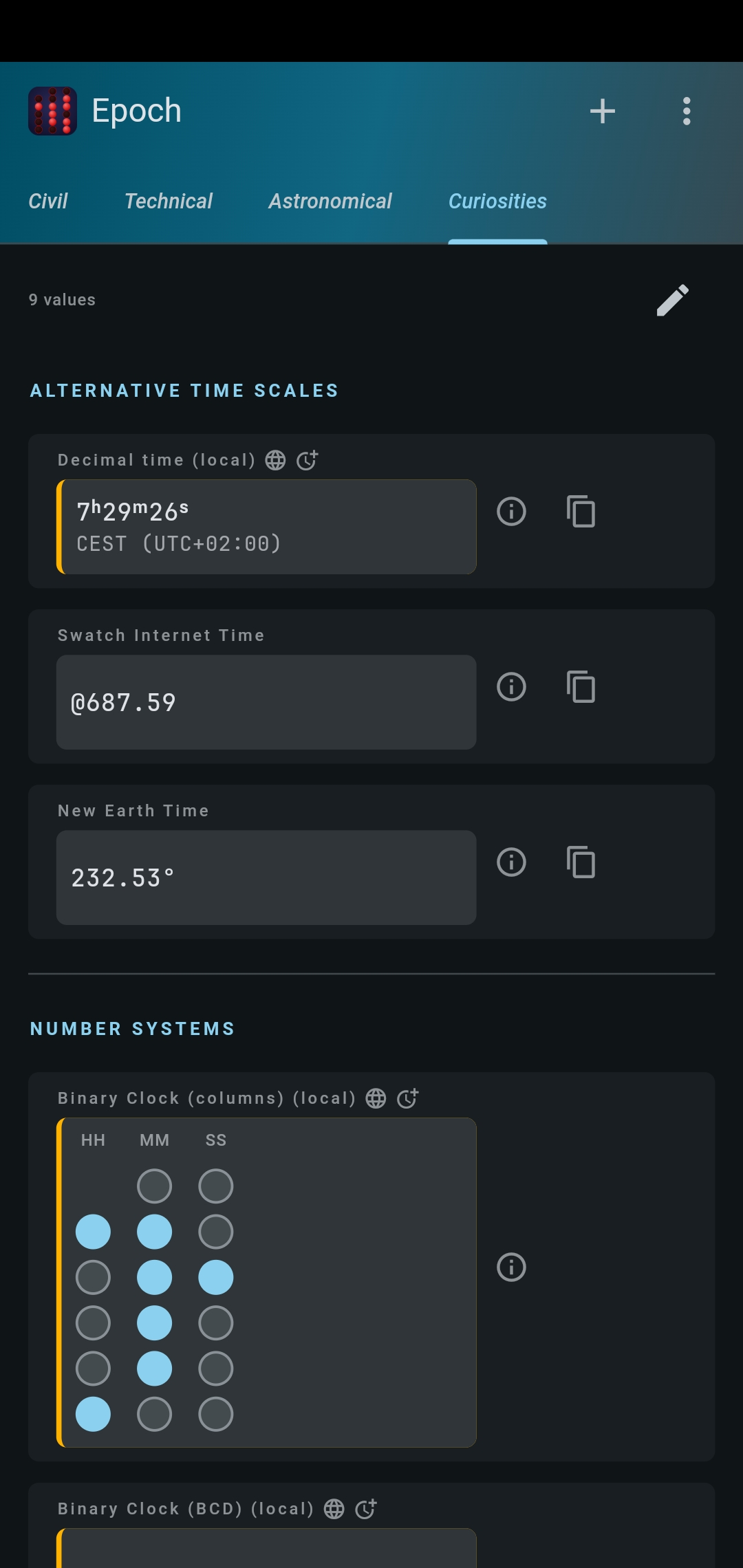
- Curiosities: decimal time, Swatch Internet Time, New Earth Time, Doomsday Clock, Roman numerals time, 3 binary clocks, octal and hexadecimal time
Copy any value to clipboard with one tap or long press.
Time zones, done thoroughly
- Every IANA time zone, found by city, country, capital, name, abbreviation or UTC offset — in English and German.
- Epoch brings its own up-to-date time zone data, so even phones that no longer get system updates show the right time and the right clock changes.
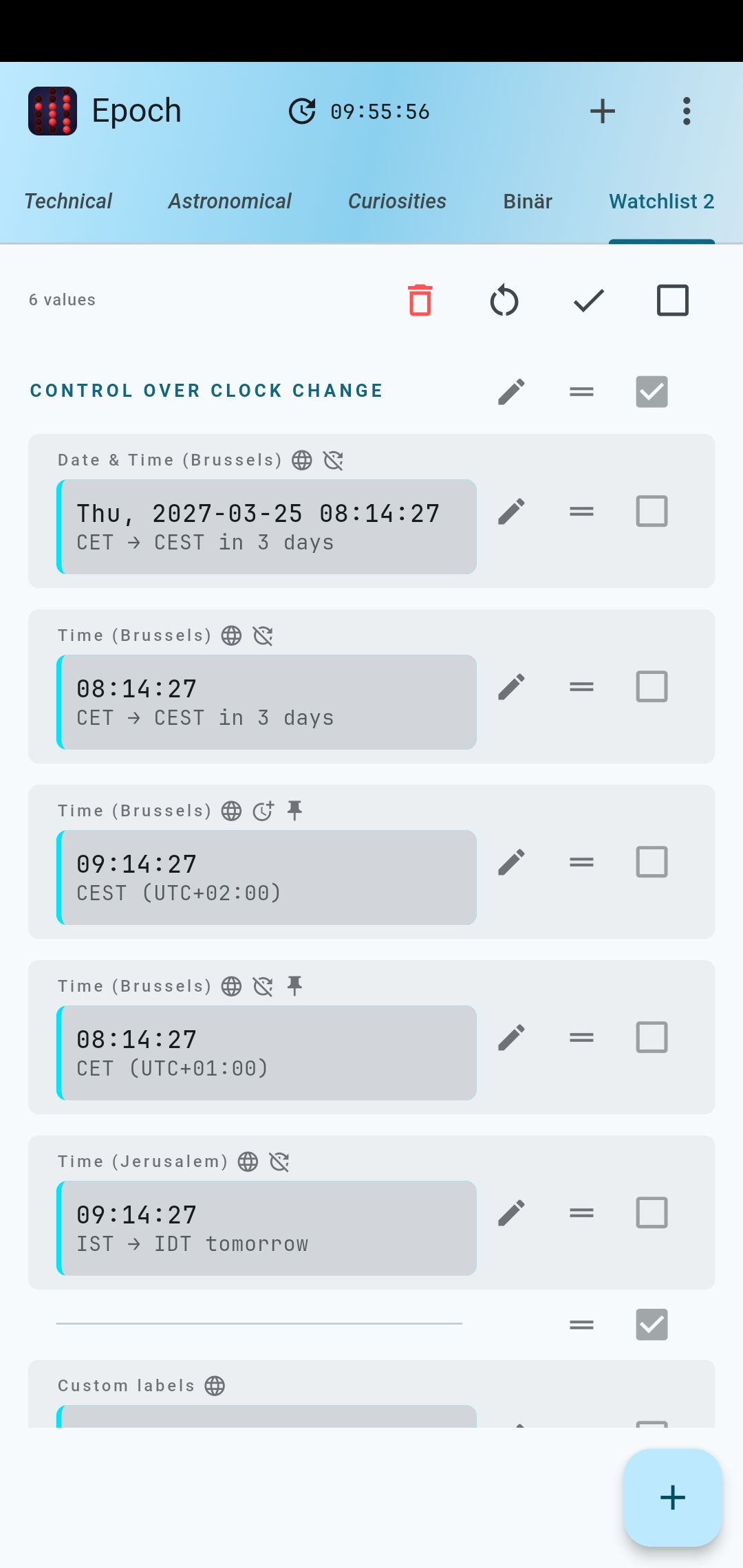
- 7-day advance notice of clock changes, with upcoming transitions in the value's info dialog.
- Optionally pin time zones to always show standard or summer time.
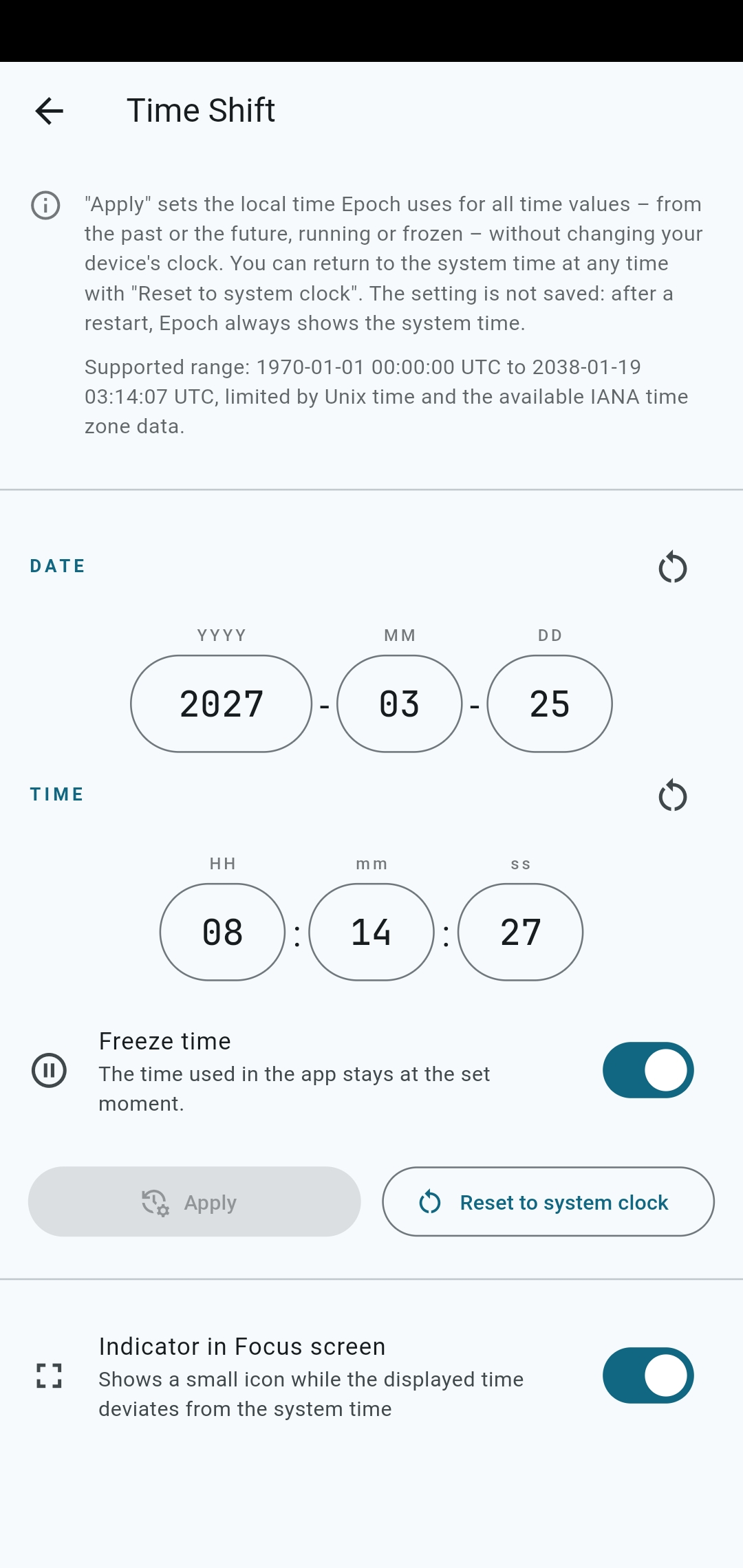
Time Shift
Show any moment between 1970 and 2038 in all time systems, running or frozen, without touching your system clock. Check past clock change rules, leap seconds or Doomsday Clock settings, or simply pause time.
Configurable
- Build your own Watchlist tabs — combine any value from any category, in any order.
- All built-in tabs (Civil, Technical, Astronomical, Curiosities) are fully customizable too, and can be hidden and restored anytime.
- Set custom labels, section headers, and dividers.
- Reorder by drag-and-drop, swipe to remove.
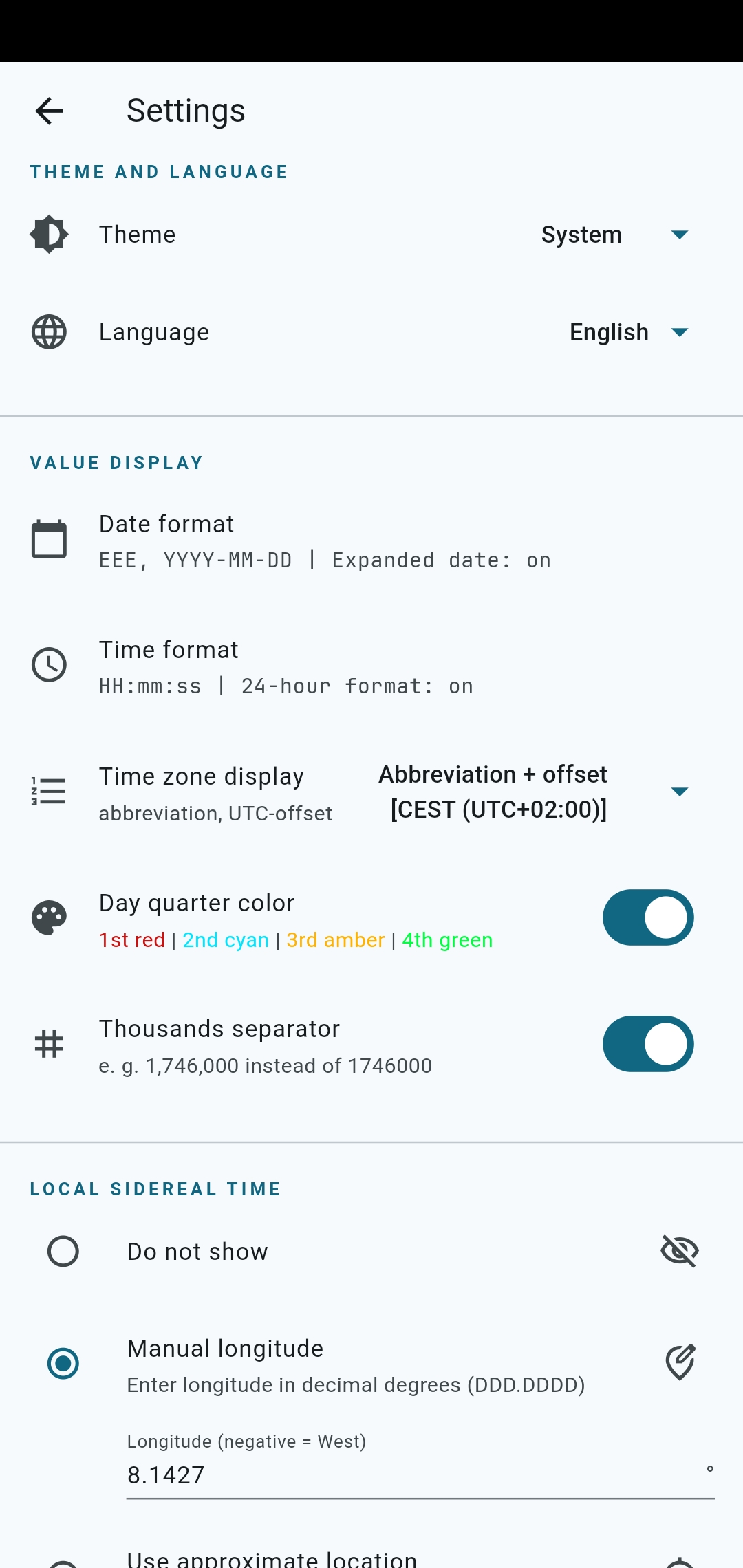
- Customize date and time formats, configure time zone information.
- Export, import, and reset all preferences.
Focus mode
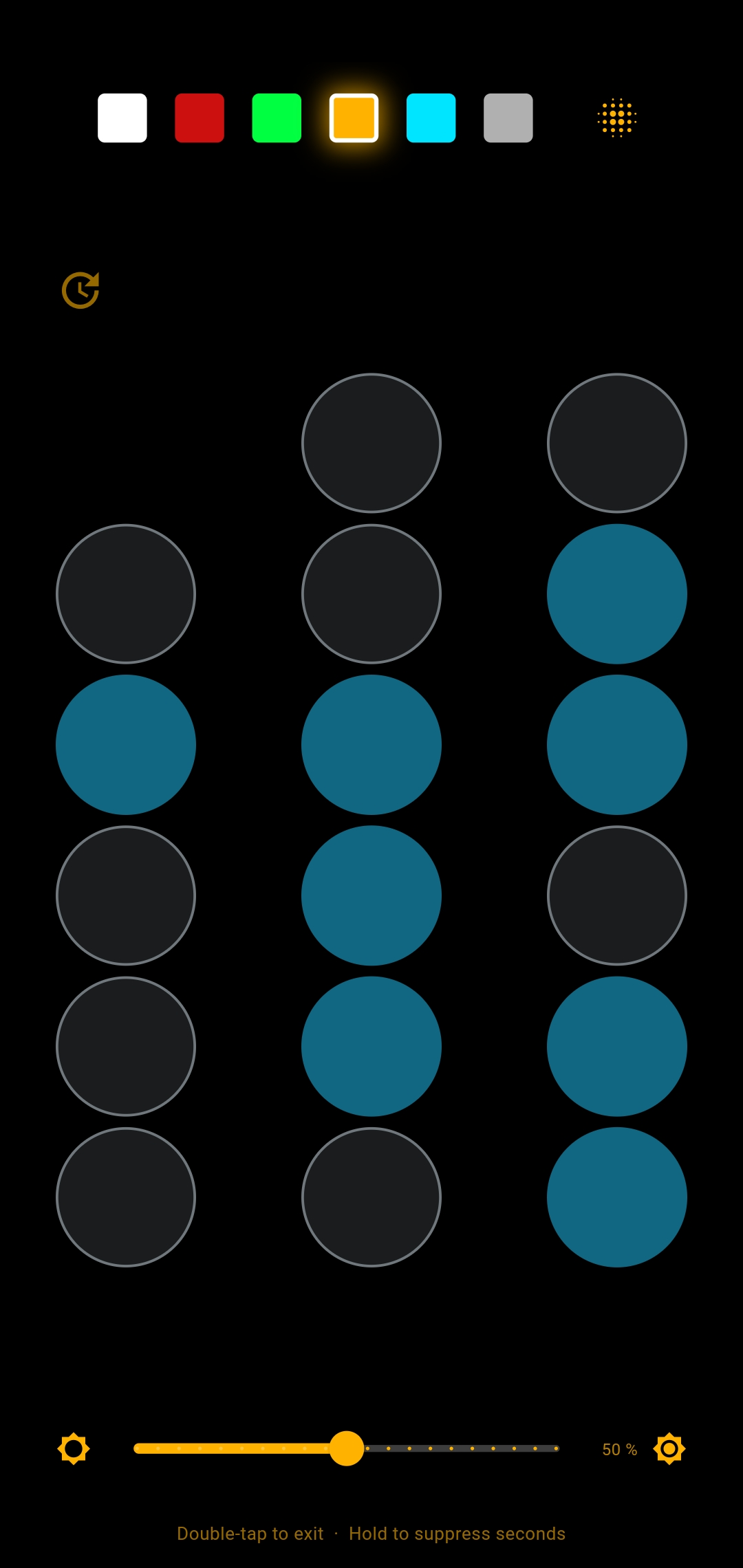
- Double-tap any value for a full-screen, always-on display — ideal as a bedside clock.
- Adjustable brightness (Android) and text color.
- Toggle details with a long press.
- Burn-in protection through gentle, periodic pixel shifting (especially useful on OLED screens).
- Optionally start the app directly in Focus mode.
Designed for night use
Night mode displays red text on black — preserving your eyes' dark adaptation for stargazing.
Example configurations and documentation
Ready-to-import
example configurations (spaceflight, world time zone explorer, ...), a config manual and the
time zone search guide are available on GitHub.
Privacy first
No ads, notifications, tracking, analytics, or network requests.
All settings stored locally on your device.
No permissions required.
For Local Mean Sidereal Time: optionally grant location access once (coarse, no GPS) or enter longitude manually.
Free software (GPL-3.0-or-later), reproducible builds.
Available in English and German.