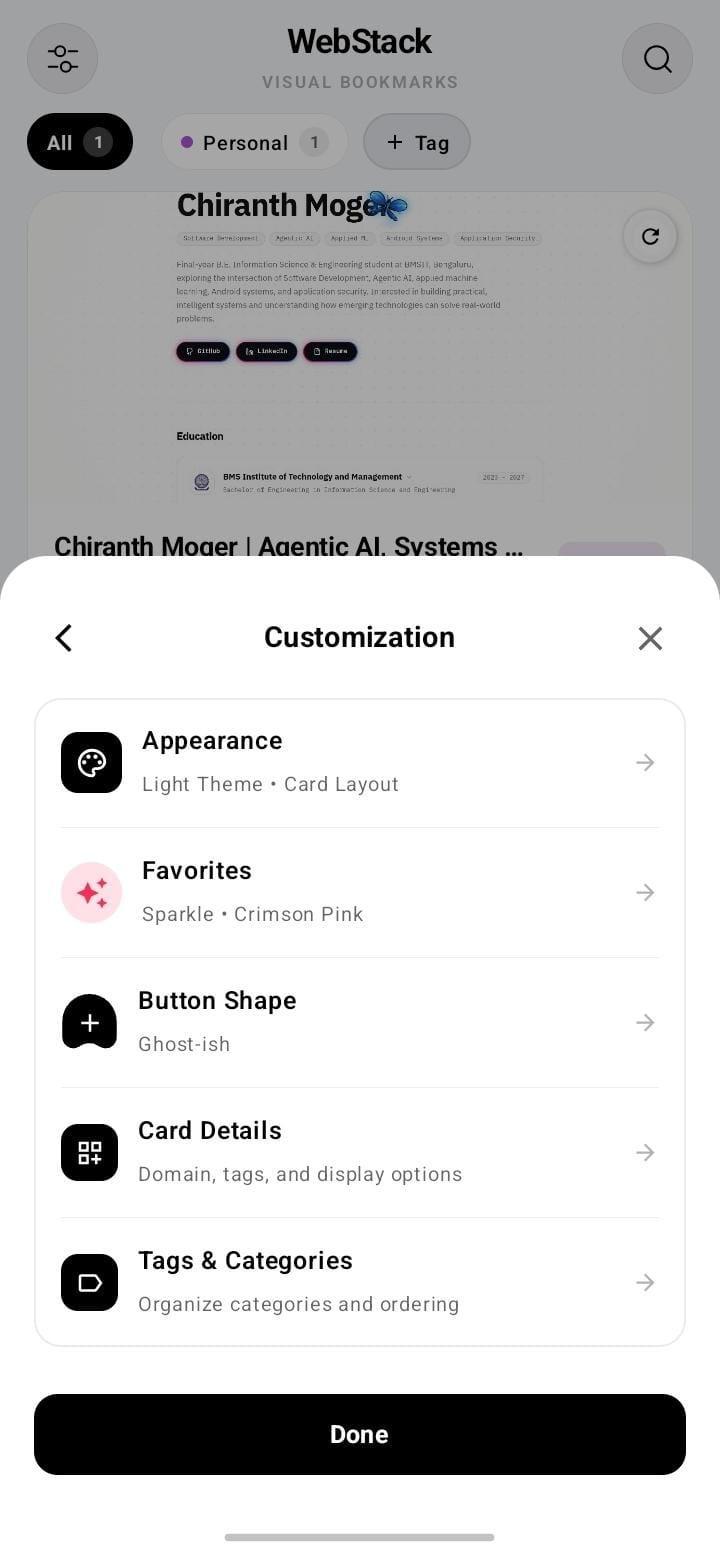
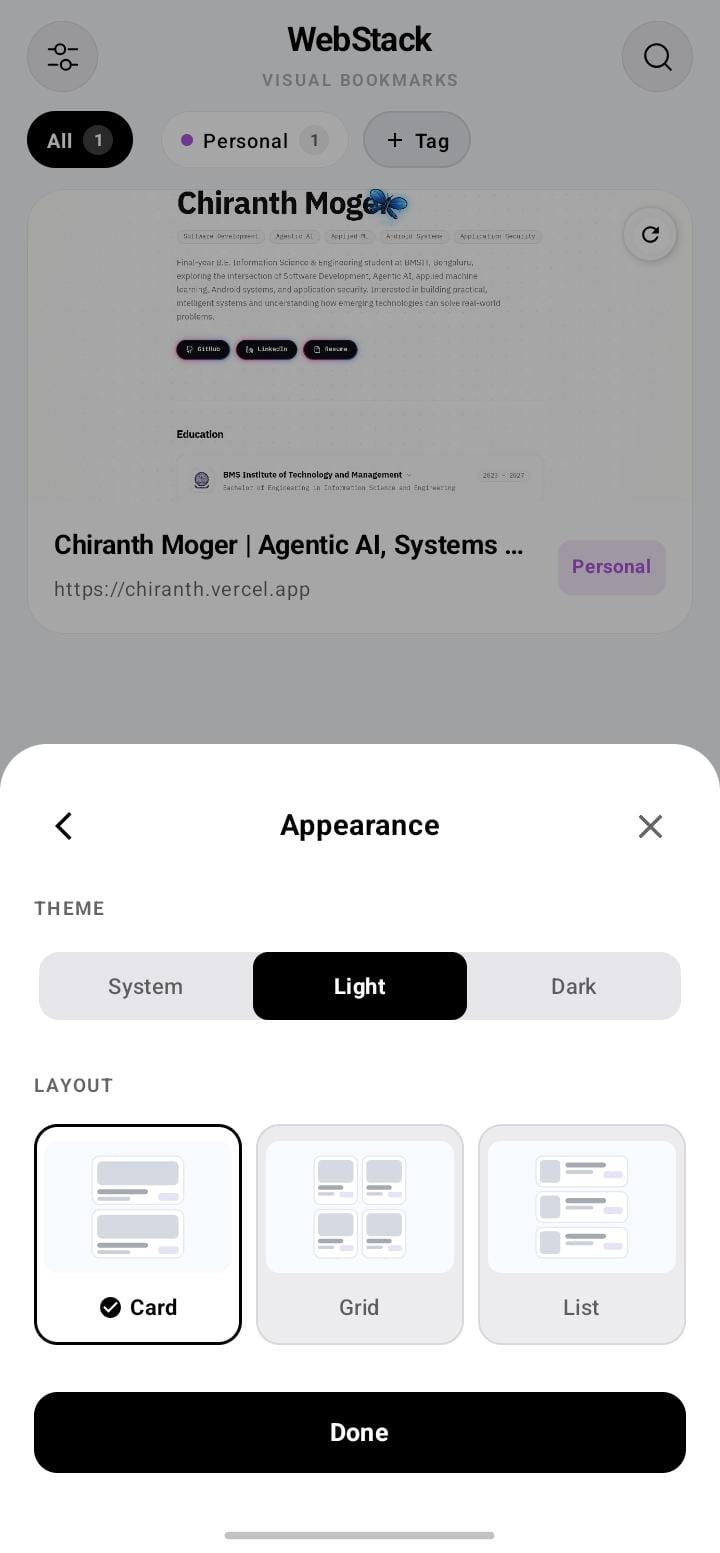
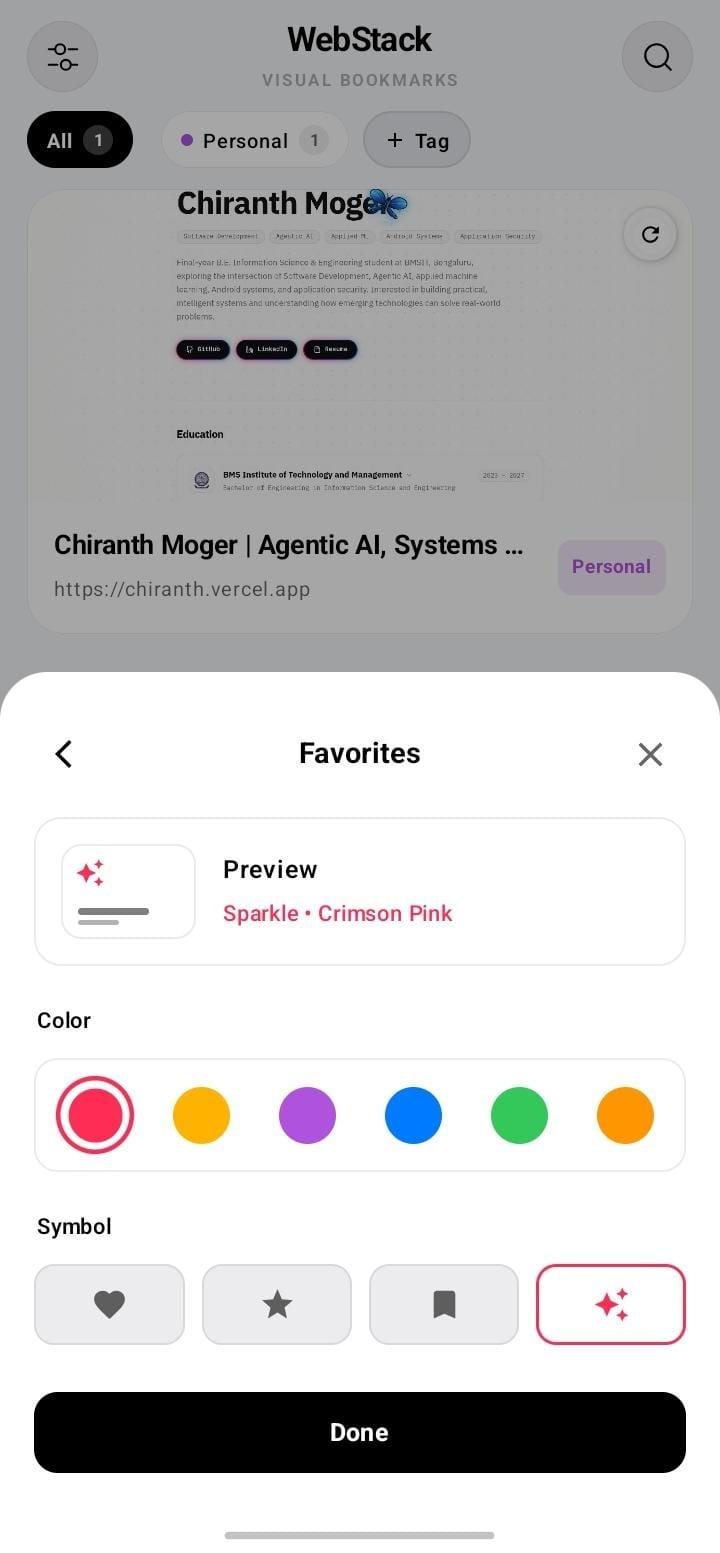
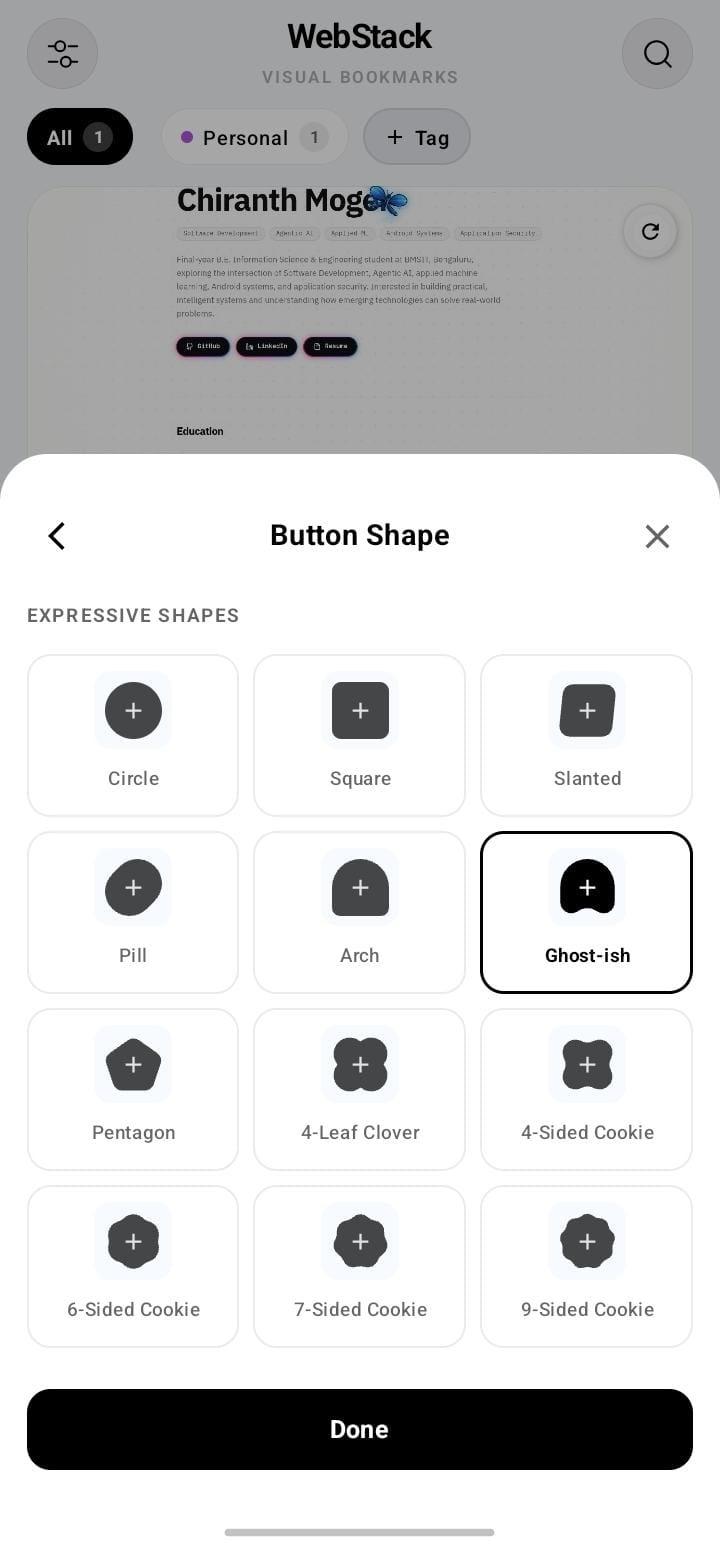
Visual bookmark manager for Android with offline snapshot saving.
WebStack is a private, offline-first visual bookmark manager for Android.
Stop keeping dozens of browser tabs open just to save articles, tools, and links. WebStack lets you save websites visually, organize them into custom tag categories, and access them instantly.
Key Features:
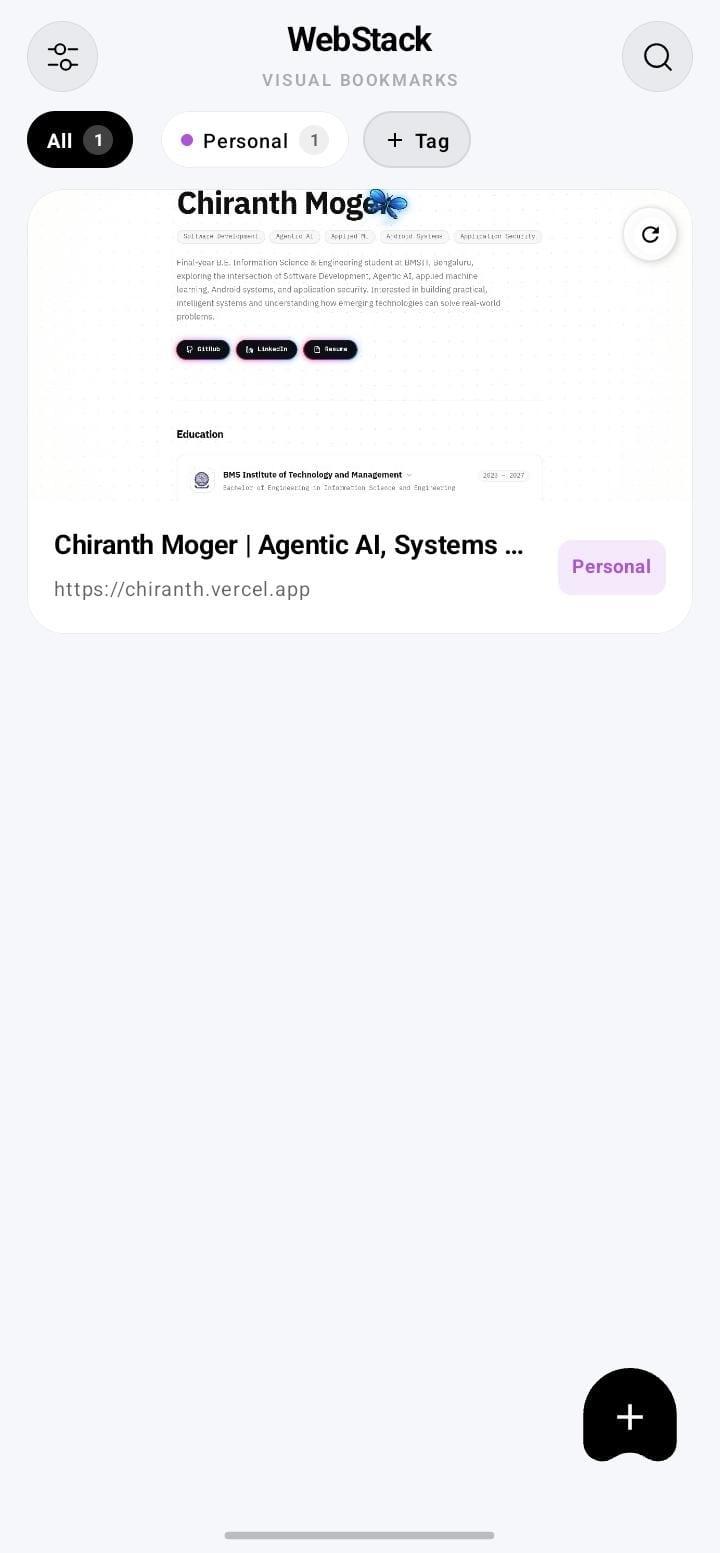
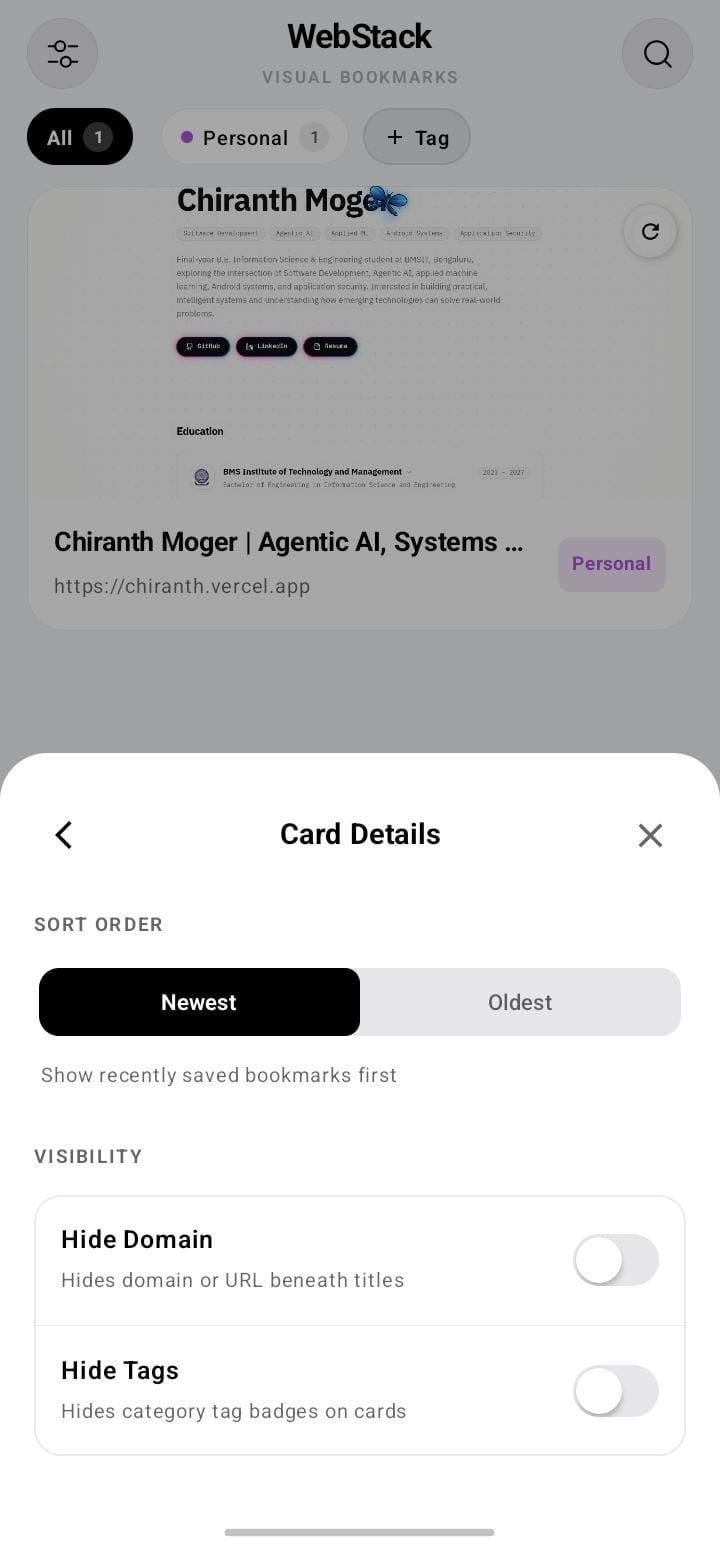
1. Visual Previews: Browse bookmarks as rich snapshot cards or clean, lightweight domain tiles.
2. Three Layout Views: Switch between large preview cards, a two-column grid, or a dense compact list.
3. Instant Search: Filter bookmarks in real time across titles, URLs, domains, and categories.
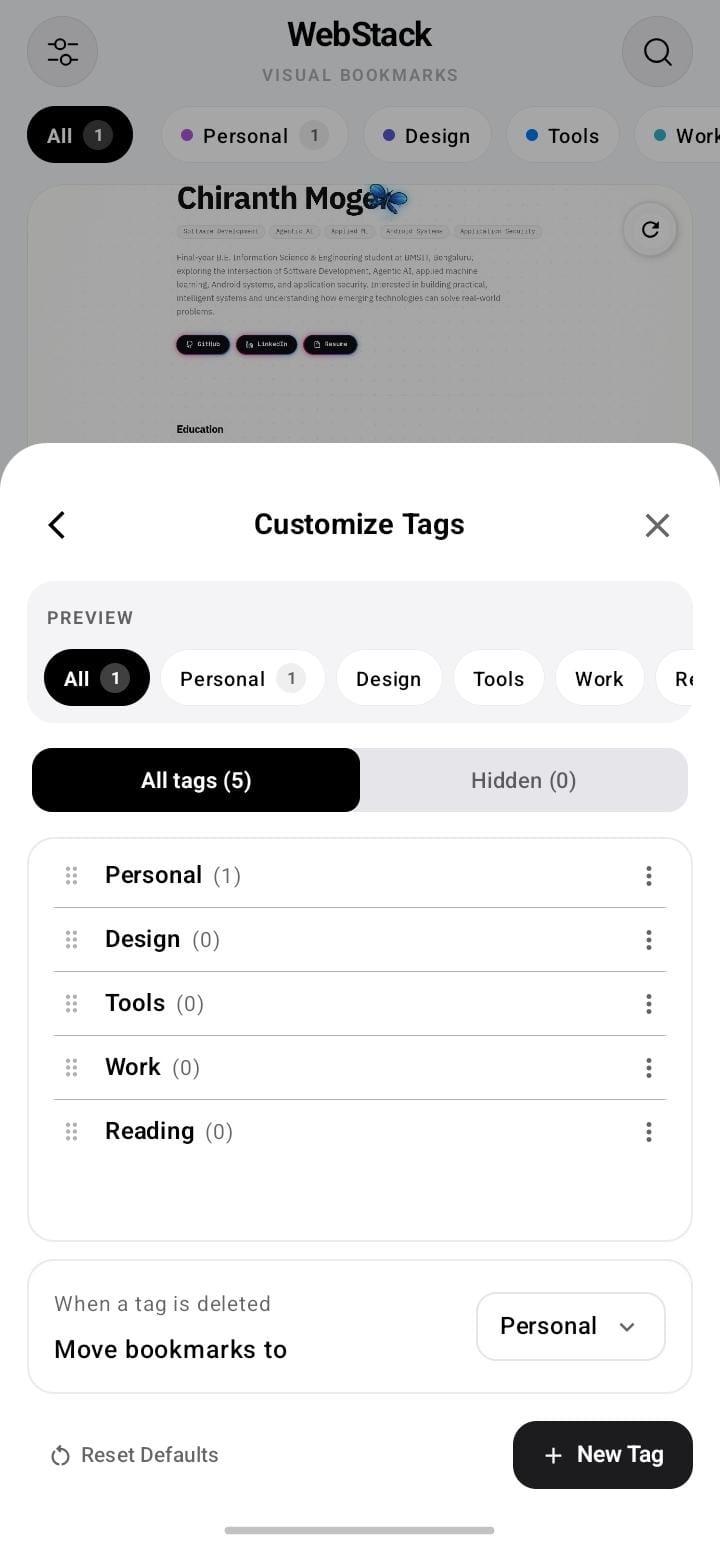
4. Smart Tag Organization: Create, rename, park, and reorder category tags to fit your workflow.
5. Multi-Select & Batch Actions: Long-press to select multiple bookmarks and delete them together in one tap.
6. One-Tap Share Sheet: Save links directly from Chrome, Firefox, Brave, or any app via the Android share menu.
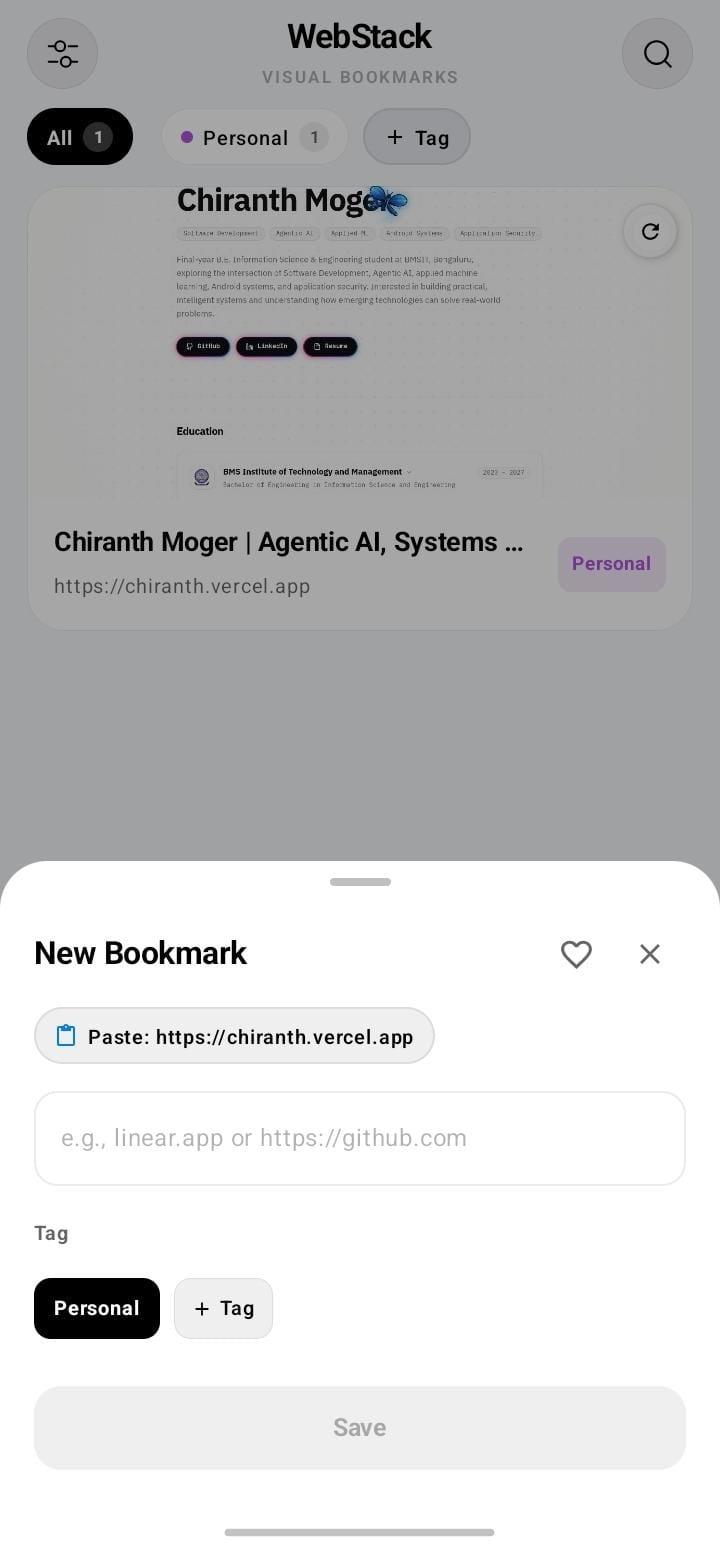
7. Quick Paste Detection: Automatically detects links on your clipboard when adding a new bookmark.
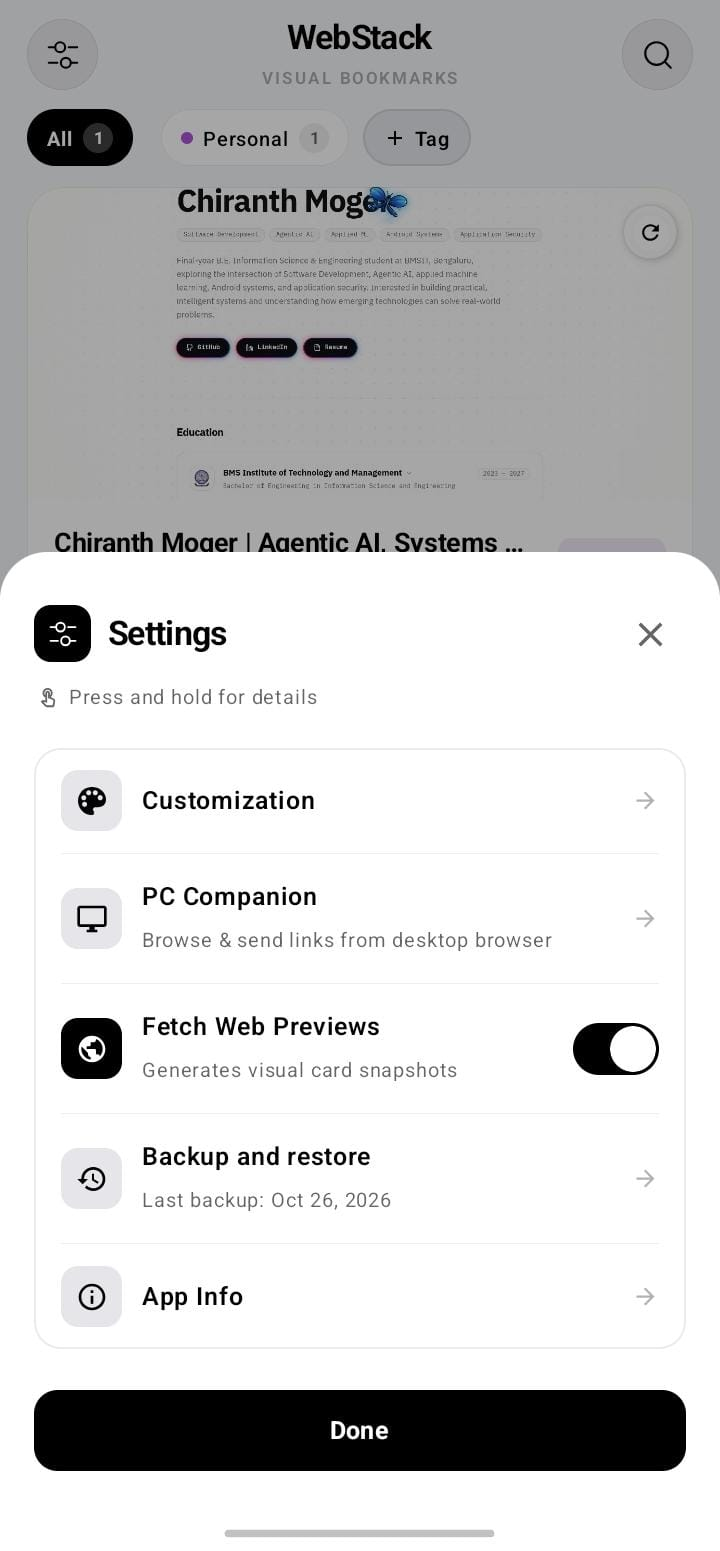
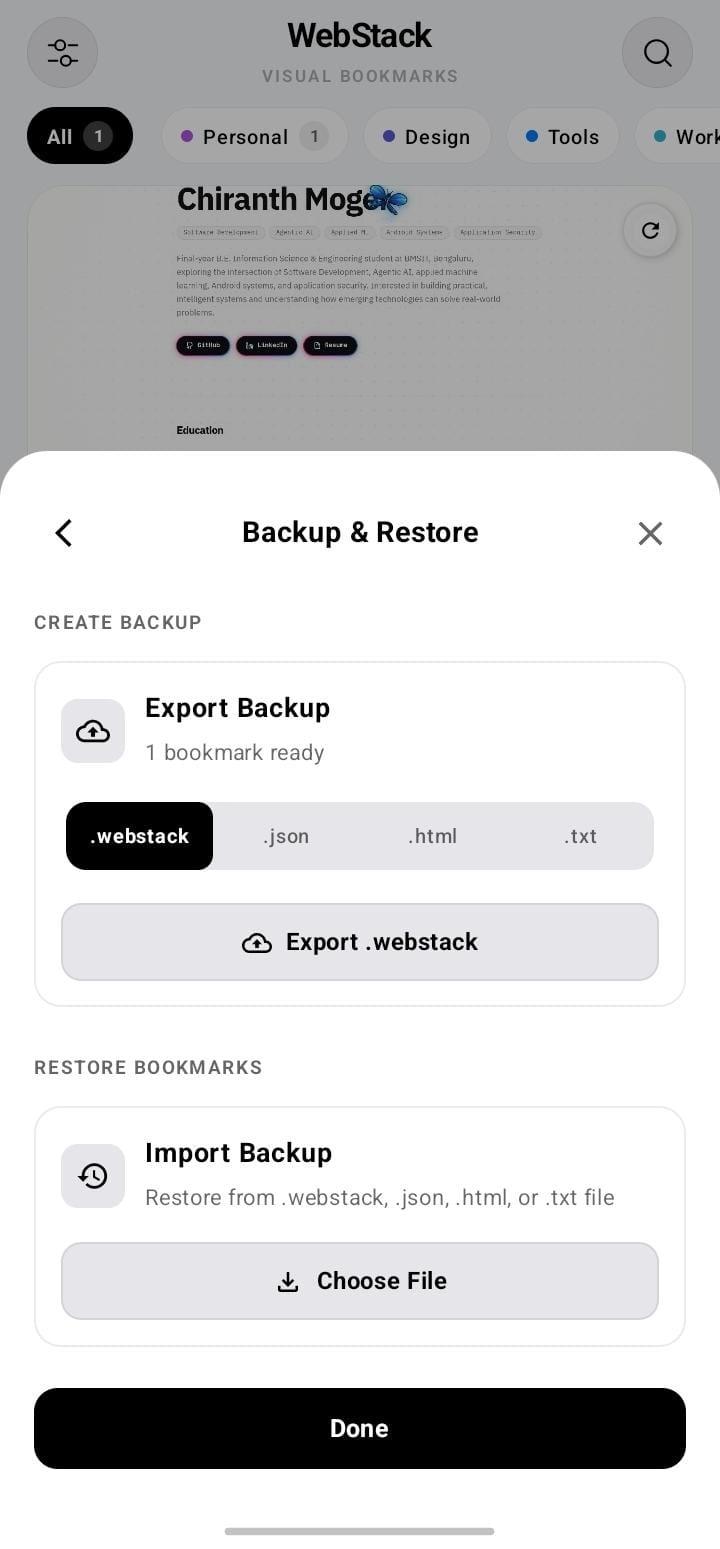
8. Standard Backup & Restore: Import and export your collection anytime using standard browser HTML bookmarks.
9. 100% Private & Open Source: No accounts, no advertising, no analytics, and no telemetry. All your data stays strictly on your device.
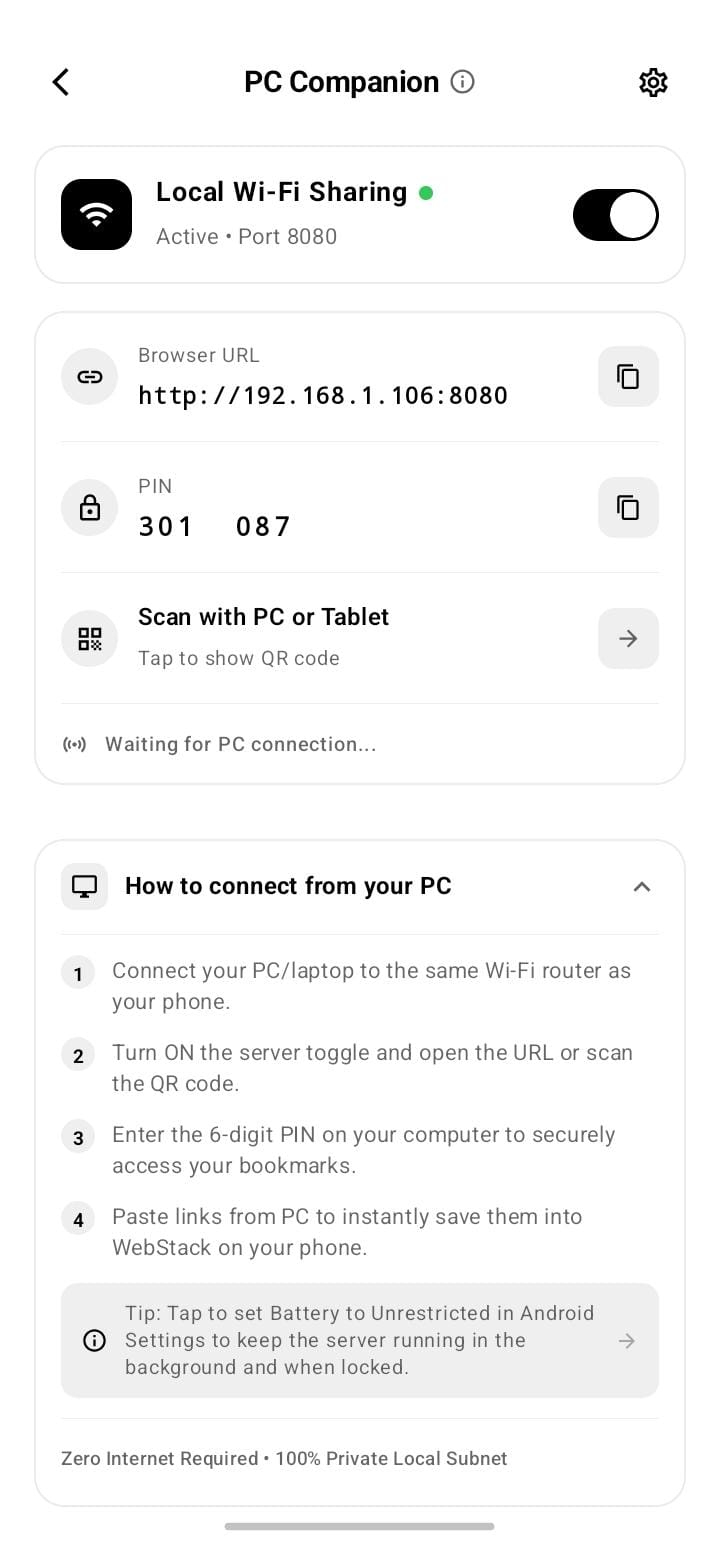
Screenshots
What’s new
- PC Companion Mode: Share and browse bookmarks on desktop browsers over local Wi-Fi - Zero PC Setup: Self-contained web app with instant PIN and QR code authentication - Push Links from PC: Send links from computer browser directly to phone Room database - Real-Time Local Sync: Instant search and category filtering directly in desktop browser - Dedicated Companion Page: Dedicated settings page with live connection QR and IP credentials - Plain Text Backup & Restore: Import and export clean URL
How to install
Download the APK from the button at the top of this page.
Allow “Install unknown apps” for your browser or file manager only, not for every app.
Open the downloaded file and confirm the installation.
If installation fails with “App not installed,” remove an earlier build of the same app first. A signature conflict is the usual cause.
Data safety
Every file is checked against its published SHA-256 before it is listed.
Files are scanned for malware on every update.
The permissions each app requests are listed on its own page.
Read the full safety policy for how we test, flag, and delist files.
Frequently asked questions
What is WebStack?
Visual bookmark manager for Android with offline snapshot saving.